
Basis Autodrive network for the HoF2021 v1.0.1 Mod
About Basis Autodrive network for the HoF2021 v1.0.1 Mod (FS19 Mod)
Complete overview, key features, and compatibility guide for Farming Simulator 19.
The Basis Autodrive network for the HoF2021 v1.0.1 Mod is an officially tested FS19 mod designed specifically for Farming Simulator 19 players. Belonging to the Other collection, this modification delivers enhanced gameplay mechanics, realistic 3D modeling, and smooth multiplayer compatible integration.
Downloaded over 0 times, this addon has been community-verified for clean performance on Windows PC & Mac systems.
Mod Details & Release Notes
Basic network for all main roads, cities and productions. No field connection
I hereby provide you with my freshly driven AD base route for the HoF2021. Please read the following lines. In this way, questions / problems can perhaps be avoided in advance.
The entry was made with AD version 1.1.0.5-RC5; Tests with the development version and the recently released RC6 did not cause any problems.
I recommend using this too. RC4 will probably work too. What will definitely not work is the Modhub version 1.1.0.4 from Autodrive (it is too old, functions are missing).
Installation: Start or create a savegame with active AD. Then replace the AutoDrive_HoT_online_F4rm_config.xml with mine in the respective savegame. The zip file does NOT belong in the mod folder. Attention, if you have already started a network, it will be overwritten! Combining is not possible.
The net was mostly retracted with a steering wheel and a GPS mod was used for longer straights. The HoT transport system or the truck was mostly used as the vehicle. The transport system is essential for the card and also fits the intended turning options. So it seemed appropriate.
In addition, it should be clear: it is not possible to drive AD routes in such a way that all vehicles / devices can drive on them without getting stuck anywhere.
If you want to let AD take the Seedhawk for a walk, you should better run away with the chainsaw in front.
Since the question came up 1-2 times … The ferries themselves CANNOT be moved with AD, waypoints were created on the north and south banks.
What was done: Essentially all main traffic routes (= roads) traveled; All production sites, sales points, rail silos and other important locations were connected and provided with various loading / unloading points.
Folders have been created, larger productions (e.g. greenhouses) have their own folder for a better overview.
General points or those that did not fit in any folder are in the standard folder.
Because of the high sidewalks, streets in towns are usually designed as one-way lanes so that thresher / forage harvesters can also drive there.
In this version, bridges can be driven over in 2 lanes. If you want to be on the safe side, change this to 1 blue line in the middle.
Blue lines or backward stretches were avoided as far as possible (existing ones were tested with different devices).
What was NOT done: 1. All loading points of productions whose end product can only be picked up with the hot transport system (Cooling WB, Non Food WB, etc.). The reason is in short … It sometimes causes problems if AD wants to load with these swap bodies. If you still want to have it … The routes in the vicinity are there, usually only 1 point has to be set or a small loop has to be added.
2. No field driveways or dirt roads were driven. The aim was / is to provide a base route. Everyone has different preferences, places fields together, etc. Since the place of the courtyard can also be freely chosen, there are no indications for an optimal route planning. It is easier to add new sections than to delete existing ones (and possibly break the whole network). That’s why I decided on this variant (thanks to Xerox for the food for thought in the Discord). Also … if you connect all dirt roads with the road network, AD will very often take shortcuts on dirt roads instead of using the road, which may not always be wanted.
3. BGA, slaughterhouse and farmer Hans Wurst only got one access point.
BGA: Everyone has their own variant of use or how the driving silos are used (with CP, without CP, etc.)
Slaughterhouse: AD cannot access the animal menu … automatic loading / unloading would not be possible anyway.
Farmer Hans Wurst: The point of sale is in a barn, the driveway and gate are very narrow, it’s best to find an individual solution.
4. Fertilizer / seed sale at the railway silos: Sometimes difficult to approach with AD. If you want, you should add the small loop according to your own wishes / vehicles.
A few things at the end. The settings in the menu are my recommendation, not a must. Due to the speed camera event on the map, it can make sense to temporarily deactivate the collision detection, as otherwise AD will often stop at the corresponding point and only continue when the collision is gone (= event ended) or collision detection is deactivated. If AD is traveling very quickly, there is the possibility that the vehicle will just come by while coasting and then continue to drive normally. But be careful! If the AD driver is flashed, a LUA error could appear in the log because the script does not know where to deduct the penalty. However, this had no further effect
Key Features & Performance Highlights
Frequently Asked Questions (Basis Autodrive network for the HoF2021 v1.0.1 Mod)
Q: Is Basis Autodrive network for the HoF2021 v1.0.1 Mod free to download?
A: Yes! All Farming Simulator 19 mods on Farming Simulator Mods are 100% free to download without subscription requirements.
Q: Which game does Basis Autodrive network for the HoF2021 v1.0.1 Mod support?
A: This mod is built and verified for Farming Simulator 19.
Q: Is Basis Autodrive network for the HoF2021 v1.0.1 Mod safe and virus-scanned?
A: Every uploaded file is verified to ensure zero malware, clean configurations, and safe execution across all supported platforms.
Unlock Download Link
To download Basis Autodrive network for the HoF2021 v1.0.1 Mod, click the Like button below to reveal the direct download URL.
Click above to unlock the download links.
Specifications & Mod Metadata
Farming Simulator 19 ModHow to Install Basis Autodrive network for the HoF2021 v1.0.1 Mod (Farming Simulator 19)
- Click the Like button above to reveal and copy the direct download link.
- Download the
.zipmod file to your computer. - Copy the downloaded
.zipfile (do NOT unpack unless instructed). - Paste it into your Farming Simulator 19 mod folder:
Documents/My Games/FarmingSimulator2019/mods/ - Launch the game and activate Basis Autodrive network for the HoF2021 v1.0.1 Mod in the mod selection menu.
Related Farming Simulator 19 Mods
Explore All FS19 Mods →
Farming Simulator 19 – Device List Update # 8
As part of the Factsheet Friday, more vehicles and device listings have been added to the official website of the Farming Simulator today! To find out what equipment you can find in the list below …

Farming Simulator 19 Vehicles Stats Book (PDF) Download
Looking for Farming Simulator 19 Vehicles Stats? Download PDF book now! What is included: Price Brands Model type Size Capacity and more

Farming Simulator 19: Device List Update #9
As part of the Factsheet Friday, more vehicles and device listings have been added to the official website of the Farming Simulator today! To find out what equipment you can find in the list below.
Farming Simulator 19 – Device List Update # 7
As part of the Factsheet Friday, more vehicles and device listings have been added to the official website of the Farming Simulator today! To find out what equipment you can find in the list below …

Locomotive v1.0
This mod replaces the standard locomotive on the map, on the Soviet. Installation: – Extract files from the archive on the way … Farming Simulator 19 \ data \ vehicles \ train \ locomotive04

Austoft A8800 Multi-Row Mod
Version erhöhtes Zugmaul MultiColor MultiColor hinzugefügt Have the purchasable Zugmaul increased for people who like to let the helper drive sometimes. In addition, there is a Farmtech TDK1600 with 35000l (quite quickly full of sugar cane, but you can still increase). Please ensure sufficient run-off, as the team is a bit longer.
Popular Trending Mods on Platform
Browse All Mods →
Get your Season Pass for FS22!
10 downloads
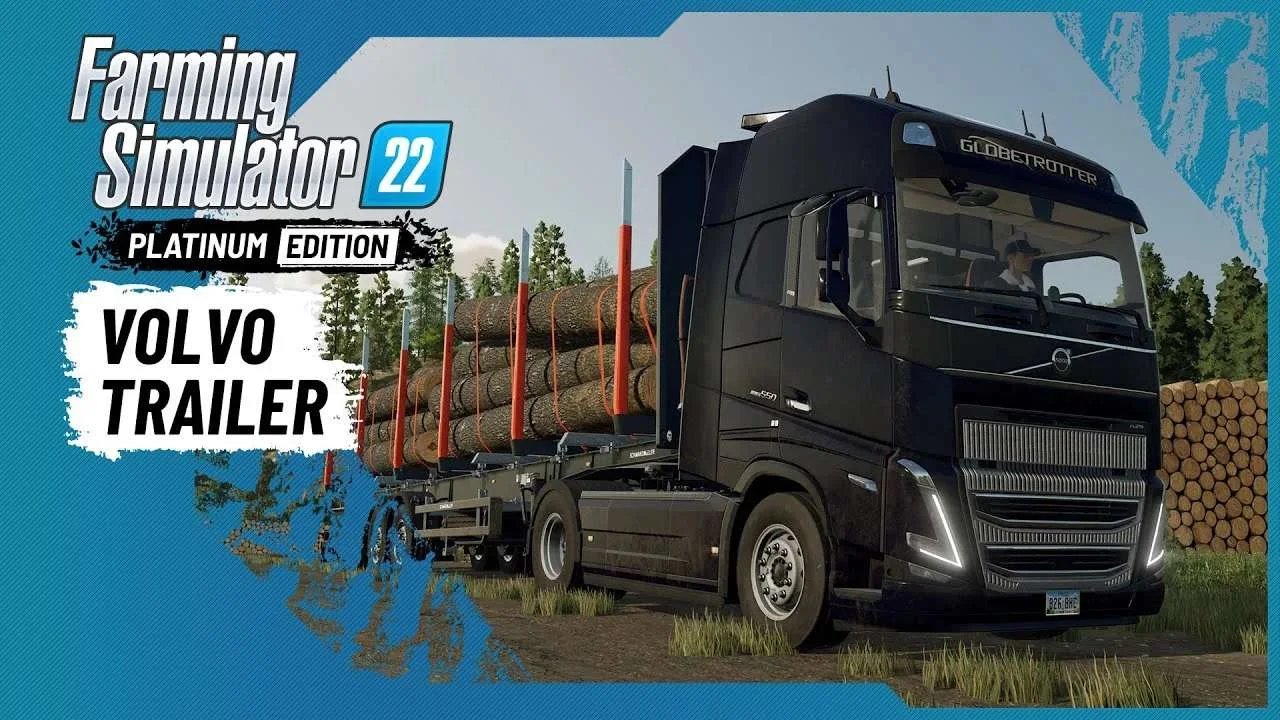
Volvo A Journey Through Time Trailer
9 downloads

F1 2023 W14c Mod v1.0 for Assetto Corsa
2 downloads

Jaguar R4 Mod v1.0 for Assetto Corsa
2 downloads

Kold Kutter Drift 23 for Assetto Corsa
2 downloads
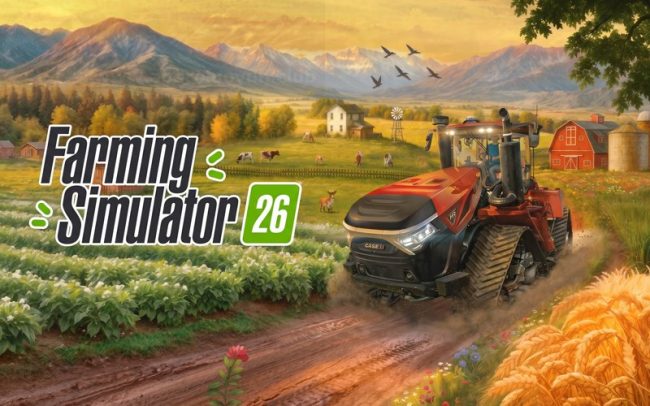
Farming Simulator 26 Mobile v0.0.0.34 MOD APK Download – Unlimited Money & New Machines
2 downloads