
Chop Shop Mods CSM ULTIMATE WORKSHOP v1.0.10 MOD
About Chop Shop Mods CSM ULTIMATE WORKSHOP v1.0.10 MOD (FS19 Mod)
Complete overview, key features, and compatibility guide for Farming Simulator 19.
The Chop Shop Mods CSM ULTIMATE WORKSHOP v1.0.10 MOD is an officially tested FS19 mod designed specifically for Farming Simulator 19 players. Belonging to the Buildings collection, this modification delivers enhanced gameplay mechanics, realistic 3D modeling, and smooth multiplayer compatible integration.
Downloaded over 0 times, this addon has been community-verified for clean performance on Windows PC & Mac systems.
Mod Details & Release Notes
This is the ONLY Workshop and/or Machine Shed that you will ever need in FS19 folks!
This COMPLETELY CUSTOMIZABLE, Hi-Tech, and MOST ADVANCED WORKSHOP to EVER come to Farming Simulator will provide you with a an experience that you will only get from a Chop Shops Mods creation!!!! This CSM ULTIMATE Workshop allows you to customize your shop while IN-GAME to have (0,1, 2, 3, 4, or even 5) Hydraulic Vehicle Lifts, (2) specifically configured for Tractor + Trailer Combos, CUSTOM CSM Lighting by Chop Shop Mods, Hydraulically raising platforms for Two-Story vehicle storage access, and MUCH MORE!!!
Initial vFAITHv Outer Structure – vFAITHv, OUTLAWGAMING for FS19.
CSM ULTIMATE Workshop was EXTENSIVELY modified by over a 95% edit and compelete rework from-the-ground-up by Chop Shop Mods (CSM Modding) for FS19.
FS19_Changelog (v1.0.10): – Extensively reworked over 95% of the original vFAITHv mod structure, cleanup, and conversion of the ‘.i3d and ‘.xml files for CSM ULTIMATE Workshop v1.0.10 initial release into FS19 – Completely reworked ALL staticLights including 100% CUSTOM NEW “CSM Lighting” commercial grade lighting fixtures and CUSTOM CSM blue accent roof lighting throughout the entire Main and Secondary Workshop areas – Added tons of various shop decor/tools to the internal visuals of the Workshop – Added CSM Custom Two-Story, walk-around, balcony for additional access/storage capability within the Main Shop area – Added CSM Custom Two-Story parking garage structure for additional access/storage capability within the Secondary Shop area – Added (2) hydraulically operated, flush-with-floor, hidden lifting platforms within the Workshop which allows for Two-Story Workshop access for several additional vehicles/trailers – Added capability of (5) vehicle lifts to be added within the Workshop…(3) standard length vehicle lifts and (2) extra-long semi + tractor trailer length vehicle lifts – Added ability to show/hide all (5) vehicle lifts from directly within the Workshop via onTrigger activations from within the in-game placeable itself! – Replaced all old vFAITHv doors and windows with fully see-through tinted glass and added double-pane glass to the inside of each of the large hanger style font Main and Secondary shop acces doors – Completely replaced all realLights within the entire placeable mod including both inside and outside realLights for increased visibility both inside and outside of the placeable during night time – Added a complete concrete sub-floor beneath the entire Workshop structure itself…both Main and Secondary Workshop areas – Added all the neon signs and front large hanger door CSM Decals – Added additional wall hanging picture frames throughout the inside of the Main and Secondary Workshop areas
Proper Installation and setup prep BEFORE using the CSM_ULTIMATE_Workshop_v1_0_10 Mod:
1.) Downlaod the Mod “CSM_ULTIMATE_WORKSHOP_v1.0.10.zip” and place the “CSM_ULTIMATE_WORKSHOP_v1.0.10.zip” directly into the following directory for standard FS19 in-game use…DO NOT UNZIP THIS FILE OR YOU ARE ON YOUR OWN FOR ANY SUPPORT ISSUE(S)!!!: …/Documents/My Games/FarmingSimulator2019/mods/
2.) Navigate to the following location on your computer and delete the “shader_cache” folder to remove all unnecessary cache storage from FS19 that may be present…this may also/likely speed up your FPS (frames per second) speed in-game as well! …/Documents/My Games/FarmingSimulator2019/shader_cache
4.) Open FS19 and select the “CSM ULTIMATE Workshop v1.0.10” Mod from the Mods list for use in-game and open your saved/new game.
5.) Next you MUST first use the in-game GIANTS Terrain/Landscaping Editor in order to “flatten” a level pad big enough to place this Mod on and put down your desired ground texture prior to placing the Workshop….the physical Mod size x/z is 40×84…so it is NOT small and it is going to need a pretty large pad to sit on! If you do NOT do this, on any in-game map the CSM ULTIMATE Workshop will likely NOT be leveled properly by the in-game “clear area” command and you will almost be guaranteed to end up with weeds/grass/crops inside your NEW shed after placement…so DO NOT SKIP THIS STEP!!! If you choose to skip this step…don’t bitch to me about it in the comments because YOU WERE WARNED!!!
6.) Once you have finished leveling and texturing the pad/area for your NEW “CSM_ULTIMATE_WORKSHOP_v1.0.10.zip” to be placed on….GO SAVE YOUR GAME 3x BEFORE YOU EVEN GO INTO THE STORE AND BUY THE SHED! This shed is so massive, that if you try to move the placeable shed around on the map too rapidly or pan + osciallte simultaneously too rapidly, it may cause the GIANTS engine to crash, especially on Low Graphics settings machines…so DO NOT SKIP THIS STEP!!! If you choose to skip this step…again, don’t bitch to me about it in the comments because YOU WERE WARNED!!!
7.) Once you have your leveled pad and saved your game 3x, then go a place your brand NEW “CSM_ULTIMATE_WORKSHOP_v1.0.10” onto your map and ENJOY! Note: if you are trying to place the “CSM_ULTIMATE_WORKSHOP_v1.0.10” and FS19 keeps telling you it can’t be placed here…lower the placement height of the shed (LB + Right stick…using XB1 controller).
8.) Once you have the “CSM_ULTIMATE_WORKSHOP_v1.0.10” Mod in-game, there is just one last and VERY important step to complete in order to get the Mod in-snyc with the Map. Please enter into the “CSM_ULTIMATE_WORKSHOP_v1.0.10” in-game and REMOVE all (5) of the hydraulic vehicle lifts from the shop using the “DO NOT PUSH” trigger buttons found on the East, West, and back walls of the Workshop. AFTER you have removed them all, go press the “DO NOT PUSH” trigger buttons once again to show all or just the lifts you wish to have present inside the Workshop. If you do NOT perform this “syncing” process to initiate the Workshop with the map, none of the controls on any of the lifts in the Workshop will be displayed/activated until AFTER performing the “syncing” process! AFTER completing this final syncing step, your brand NEW “CSM_ULTIMATE_WORKSHOP_v1.0.10” Mod is now ready for use and will blow your mind with the number of features, functions, and storage capabilities this FRANKENSHED holds for you!
Please Note: this Mod was optimized strictly for High and Very High Graphics setting users ONLY and may not appear in-game on Low/Medium settings machines as pictured here! Additionally, this Mod was rigorously tested on several different in-game and third-party mod Maps to ensure the error log was completely cleansed in order to have (0) ERRORS IN THE LOG upon loading or use of this Mod while in-game!!
Key Features & Performance Highlights
Frequently Asked Questions (Chop Shop Mods CSM ULTIMATE WORKSHOP v1.0.10 MOD)
Q: Is Chop Shop Mods CSM ULTIMATE WORKSHOP v1.0.10 MOD free to download?
A: Yes! All Farming Simulator 19 mods on Farming Simulator Mods are 100% free to download without subscription requirements.
Q: Which game does Chop Shop Mods CSM ULTIMATE WORKSHOP v1.0.10 MOD support?
A: This mod is built and verified for Farming Simulator 19.
Q: Is Chop Shop Mods CSM ULTIMATE WORKSHOP v1.0.10 MOD safe and virus-scanned?
A: Every uploaded file is verified to ensure zero malware, clean configurations, and safe execution across all supported platforms.
Unlock Download Link
To download Chop Shop Mods CSM ULTIMATE WORKSHOP v1.0.10 MOD, click the Like button below to reveal the direct download URL.
Click above to unlock the download links.
Specifications & Mod Metadata
Farming Simulator 19 ModHow to Install Chop Shop Mods CSM ULTIMATE WORKSHOP v1.0.10 MOD (Farming Simulator 19)
- Click the Like button above to reveal and copy the direct download link.
- Download the
.zipmod file to your computer. - Copy the downloaded
.zipfile (do NOT unpack unless instructed). - Paste it into your Farming Simulator 19 mod folder:
Documents/My Games/FarmingSimulator2019/mods/ - Launch the game and activate Chop Shop Mods CSM ULTIMATE WORKSHOP v1.0.10 MOD in the mod selection menu.
Related Farming Simulator 19 Mods
Explore All FS19 Mods →
Farming Simulator 19 – Device List Update # 8
As part of the Factsheet Friday, more vehicles and device listings have been added to the official website of the Farming Simulator today! To find out what equipment you can find in the list below …

Farming Simulator 19 Vehicles Stats Book (PDF) Download
Looking for Farming Simulator 19 Vehicles Stats? Download PDF book now! What is included: Price Brands Model type Size Capacity and more

Farming Simulator 19: Device List Update #9
As part of the Factsheet Friday, more vehicles and device listings have been added to the official website of the Farming Simulator today! To find out what equipment you can find in the list below.
Farming Simulator 19 – Device List Update # 7
As part of the Factsheet Friday, more vehicles and device listings have been added to the official website of the Farming Simulator today! To find out what equipment you can find in the list below …

Locomotive v1.0
This mod replaces the standard locomotive on the map, on the Soviet. Installation: – Extract files from the archive on the way … Farming Simulator 19 \ data \ vehicles \ train \ locomotive04

Austoft A8800 Multi-Row Mod
Version erhöhtes Zugmaul MultiColor MultiColor hinzugefügt Have the purchasable Zugmaul increased for people who like to let the helper drive sometimes. In addition, there is a Farmtech TDK1600 with 35000l (quite quickly full of sugar cane, but you can still increase). Please ensure sufficient run-off, as the team is a bit longer.
Popular Trending Mods on Platform
Browse All Mods →
Get your Season Pass for FS22!
10 downloads
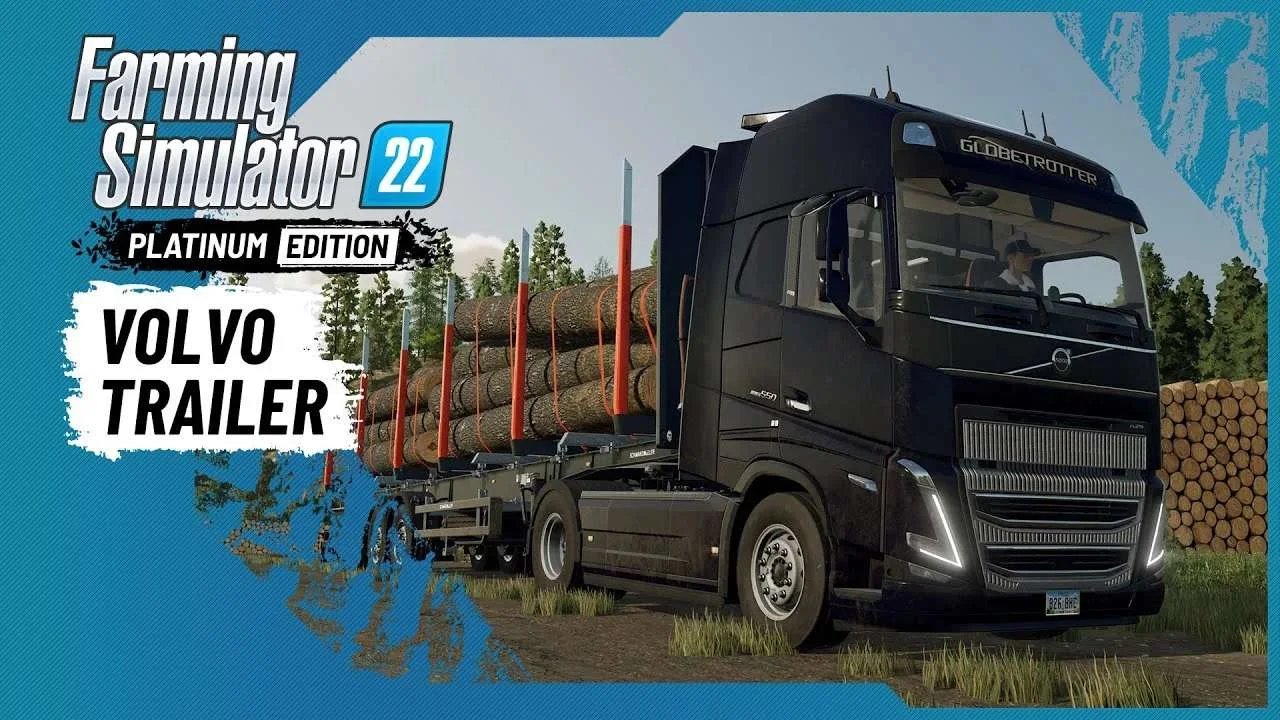
Volvo A Journey Through Time Trailer
9 downloads

F1 2023 W14c Mod v1.0 for Assetto Corsa
2 downloads

Jaguar R4 Mod v1.0 for Assetto Corsa
2 downloads

Kold Kutter Drift 23 for Assetto Corsa
2 downloads

Farming Simulator 26 Mobile v0.0.0.34 MOD APK Download – Unlimited Money & New Machines
2 downloads