
EnhancedVehicle v1.6.1.0 Mod
About EnhancedVehicle v1.6.1.0 Mod (FS19 Mod)
Complete overview, key features, and compatibility guide for Farming Simulator 19.
The EnhancedVehicle v1.6.1.0 Mod is an officially tested FS19 mod designed specifically for Farming Simulator 19 players. Belonging to the Other collection, this modification delivers enhanced gameplay mechanics, realistic 3D modeling, and smooth multiplayer compatible integration.
Downloaded over 0 times, this addon has been community-verified for clean performance on Windows PC & Mac systems.
Mod Details & Release Notes
This mod extends (engine-based) vehicles with differential locks and drive modes (four-wheel-drive, rear/front wheel drive).
2019-01-14 – V1.6.1.0 + added functionality to turn on/off both differentials the same time (no default keybinding)
2019-01-14 – V1.6.0.2 * adapt KS integration to new version
2019-01-13 – V1.6.0.1 + added french translation (thanks boloss) * changed the way the hydraulic stuff works. should now work on most machinery * changed how we setup actionEvents and InputBindungs * another change in integration of KS camera stuff
2019-01-12 – V1.6.0.0 + implemented four new keybindings for hydraulic front+rear up/down and on/off (default: lAlt+1 to 4)
2019-01-11 – V1.5.1.2 * (shuttle shift) better integration with keyboardSteer. backward looking camera should work again * (shuttle shift) changed behavior: when vehicle moves (without throttle) and opposite direction is selected it will brake * (shuttle shift) bugfix for those damn vehicles with build-in reverse driving mechanism
2019-01-08 – V1.5.0.0 + implemented shuttle shift functionality (per vehicle). press assigned key (default: Space) to change driving direction and (default: LCTRL+Space) to turn shuttle shift on/off + shuttle shift status per vehicle is stored in savegame + added shuttle shift status display left of speedMeter. The green arrow shows the selected driving direction. If shuttle shift is disabled the display turns gray-transparent. + added global option “shuttleDefaultIsOn” to choose whether shuttle shift is ON per default when entering “new” vehicles (default: OFF) * moved differential status display to right-bottom corner of speedMeter
Version 1.4.1.0 * reworked HUD elements positioning. should fix positions once and for all regardless of screen resolutions and GUI scaling (press “KeyPad /” to adept) * workaround (it displays “0”) for attachments without a damage model (no spec_wearable) * changed the differential behavior for 2WD. this may cause some wobbly side effects on most vehicles but it’s more correct now
Version 1.4.1.0 * reworked HUD elements positioning. should fix positions once and for all regardless of screen resolutions and GUI scaling (press “KeyPad /” to adept) * workaround (it displays “0”) for attachments without a damage model (no spec_wearable) * changed the differential behavior for 2WD. this may cause some wobbly side effects on most vehicles but it’s more correct now
Version 1.4.0.0 * fixed warning about the background overlay image (png -> dds) + config is now stored in XML file + position of HUD elements can be moved or enabled/disabled in XML file * rewrote the key binding/key press stuff + key bindings can now be changed in the options menu + added config reset functionality and keybinding. use this if you messed up the XML or changed the GUI scale + if mod ‘keyboardSteerMogli’ is detected we move some HUD elements to let them not overlap * moved the rpm and temperature HUD elements inside the speedmeter * don’t display not working HUD elements as a multiplayer (and not being host) client
In addition, the HUD will be upgraded with some more detailed damage report, fuel tank level, fuel consumption, engine speed and temperature, and a weight/total weight display.
keyboard mapping (can be changed in the game options menu) KeyPad 7 – enable/disable front axle differential lock KeyPad 8 – enable/disable back axle differential lock KeyPad 9 – switch wheel drive mode between 4WD (four wheel drive) or 2WD (two wheel drive) KeyPad / – reset HUD positions. use this if you messed up the XML config, changed the GUI scale or installed keyboardSteer from Mogli afterwards. (version 1.4.0.0+ required)
If the mod “keyboardSteer” from Mogli is detected, some HUD elements are moved a bit to avoid overlapping. Press “KeyPad /” to reset their positions. (version 1.4.0.0+ required)
Please note: Due to limitations and bugs in the game engine, the HUD data for fuel consumption, engine temperature and weight are not available or incorrect for all multiplayer players – with the exception of the host.
Key Features & Performance Highlights
Frequently Asked Questions (EnhancedVehicle v1.6.1.0 Mod)
Q: Is EnhancedVehicle v1.6.1.0 Mod free to download?
A: Yes! All Farming Simulator 19 mods on Farming Simulator Mods are 100% free to download without subscription requirements.
Q: Which game does EnhancedVehicle v1.6.1.0 Mod support?
A: This mod is built and verified for Farming Simulator 19.
Q: Is EnhancedVehicle v1.6.1.0 Mod safe and virus-scanned?
A: Every uploaded file is verified to ensure zero malware, clean configurations, and safe execution across all supported platforms.
Unlock Download Link
To download EnhancedVehicle v1.6.1.0 Mod, click the Like button below to reveal the direct download URL.
Click above to unlock the download links.
Specifications & Mod Metadata
Farming Simulator 19 ModHow to Install EnhancedVehicle v1.6.1.0 Mod (Farming Simulator 19)
- Click the Like button above to reveal and copy the direct download link.
- Download the
.zipmod file to your computer. - Copy the downloaded
.zipfile (do NOT unpack unless instructed). - Paste it into your Farming Simulator 19 mod folder:
Documents/My Games/FarmingSimulator2019/mods/ - Launch the game and activate EnhancedVehicle v1.6.1.0 Mod in the mod selection menu.
Mod Specifications
Related Farming Simulator 19 Mods
Explore All FS19 Mods →
Farming Simulator 19 – Device List Update # 8
As part of the Factsheet Friday, more vehicles and device listings have been added to the official website of the Farming Simulator today! To find out what equipment you can find in the list below …

Farming Simulator 19 Vehicles Stats Book (PDF) Download
Looking for Farming Simulator 19 Vehicles Stats? Download PDF book now! What is included: Price Brands Model type Size Capacity and more

Farming Simulator 19: Device List Update #9
As part of the Factsheet Friday, more vehicles and device listings have been added to the official website of the Farming Simulator today! To find out what equipment you can find in the list below.
Farming Simulator 19 – Device List Update # 7
As part of the Factsheet Friday, more vehicles and device listings have been added to the official website of the Farming Simulator today! To find out what equipment you can find in the list below …

Locomotive v1.0
This mod replaces the standard locomotive on the map, on the Soviet. Installation: – Extract files from the archive on the way … Farming Simulator 19 \ data \ vehicles \ train \ locomotive04

Austoft A8800 Multi-Row Mod
Version erhöhtes Zugmaul MultiColor MultiColor hinzugefügt Have the purchasable Zugmaul increased for people who like to let the helper drive sometimes. In addition, there is a Farmtech TDK1600 with 35000l (quite quickly full of sugar cane, but you can still increase). Please ensure sufficient run-off, as the team is a bit longer.
Popular Trending Mods on Platform
Browse All Mods →
Get your Season Pass for FS22!
10 downloads
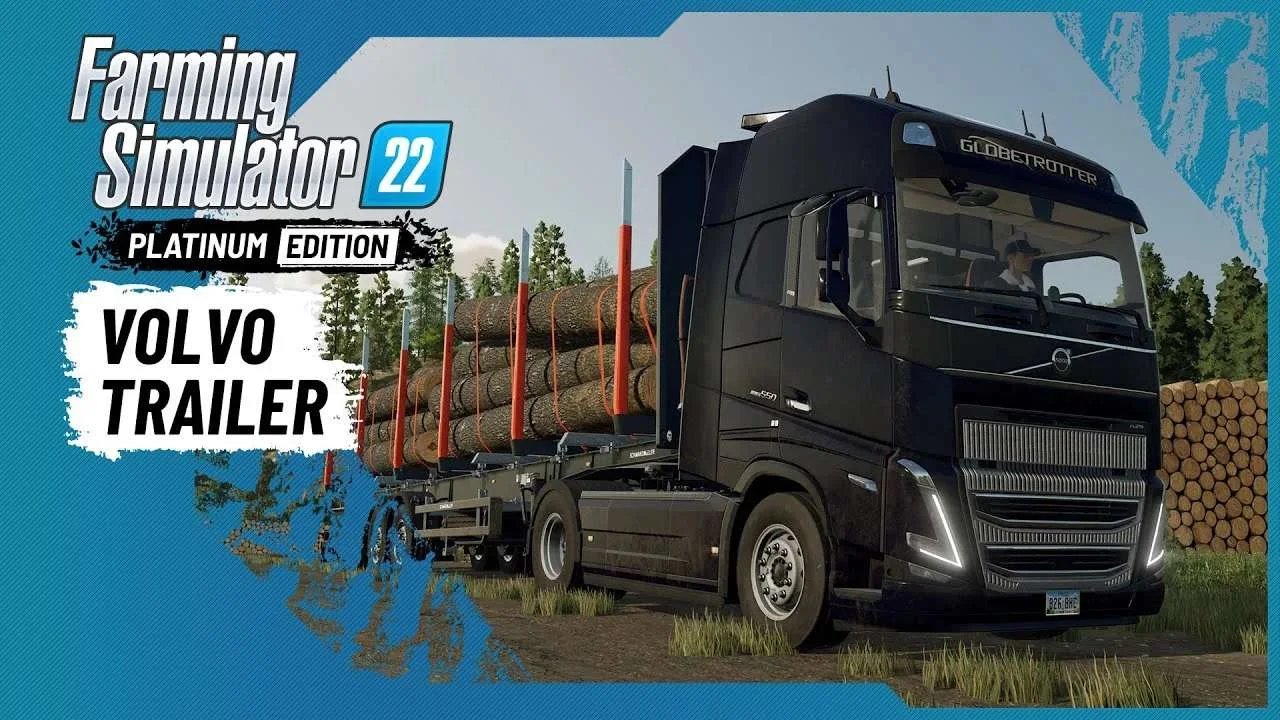
Volvo A Journey Through Time Trailer
9 downloads

F1 2023 W14c Mod v1.0 for Assetto Corsa
2 downloads

Jaguar R4 Mod v1.0 for Assetto Corsa
2 downloads

Kold Kutter Drift 23 for Assetto Corsa
2 downloads

Farming Simulator 26 Mobile v0.0.0.34 MOD APK Download – Unlimited Money & New Machines
2 downloads