
Farming Studio 20 v0.3 BETA Mod
About Farming Studio 20 v0.3 BETA Mod (FS19 Mod)
Complete overview, key features, and compatibility guide for Farming Simulator 19.
The Farming Studio 20 v0.3 BETA Mod is an officially tested FS19 mod designed specifically for Farming Simulator 19 players. Belonging to the Other collection, this modification delivers enhanced gameplay mechanics, realistic 3D modeling, and smooth multiplayer compatible integration.
Downloaded over 0 times, this addon has been community-verified for clean performance on Windows PC & Mac systems.
Mod Details & Release Notes
If you like our work, please leave a rating with Yes or No if you like it.
Version 0.3 BETA
NEW: – Language can now be changed – Mod path can now be set to manual (own mod paths with labeling) – Own translations can now be added. Examples are included in the installation. In the “Locale” folder – StudioLog can now show suggested solutions to log errors (if these are available).
Others: – Fixed display bug. – Code optimizations carried out.
We are also happy about a star rating this page will be updated with every update!
Welcome to FarmingStudio20. Our masterpiece is finished and we would like to share the first version with you
What is FarmingStudio20? FarmingStudio20 is an editor to read and edit XML files of mods. You can also edit your savegame and check the log file. It is easy to use and stylishly designed. FarmingStudio20 is designed to relieve users of the tedious XML work. We are constantly striving to expand and improve FS20. if you have any feedback please let us know. Below you can see what we are currently planning.
How does it work? ModStudio: Select Zip, enter values (Press Apply for Miscellaneous, Done) SavegameStudio: Select savegame, enter values (Press Apply when filling levels are reached) Done LogStudio: Log Readout Press , Done
What is new? We brought new features for you. SavegameStudio can now edit the savegame more dynamically. ModStudio can now edit the mods more dynamically FarmControl (For managing and starting the game (currently only startup)
How do I install it? Quite simple, select desired version (with or without updater) start the installation wizard, Ready
What is planned for the future? Script Installer ( It should install scripts (almost completely by itself. (Work with the GE must be done separately) game management (Addon from FarmControl) Should contain functions like game background change, music management, mod folder management, backup system (savegames) etc. etc.
If you have further suggestions for us let us know known bugs none known at present Ps: This version is currently only available in German. The other translations are still in progress (no translator currently available)
INFO ON CHANGING MODS Please remember, you are changing mods for YOU! uploading the changed mods is not allowed without permission of the modder!. The program should allow you to make private changes and nothing more.
From FarmingStudio20 Required data / accesses
FarmingStudio20 Needs the following to work properly: For the home page and the update notice an internet connection. (Homepage updated every 45sec) The Farming Simulator folder (default in the documents) the Mods-folder path The log path The Farming-Simulator.exe (Just select the link) access to create folders (Documents/FarmingStudio20) Creation of a settings file (%appdata%/local/FarmingStudio20) (only for the updater) Delete and master download of files and extended rights to act in the installation directory.
A little hint for the people who think I have nothing better to do than to put a virus on your pc… The VirusTotal report says there is nothing… (You can find it at the bottom) (Except for 1. which you can ignore because the engine is crazy ^^) I have better things to do than to do this ^^ Will I help LS-Com and not make it worse than it already is…
Key Features & Performance Highlights
Frequently Asked Questions (Farming Studio 20 v0.3 BETA Mod)
Q: Is Farming Studio 20 v0.3 BETA Mod free to download?
A: Yes! All Farming Simulator 19 mods on Farming Simulator Mods are 100% free to download without subscription requirements.
Q: Which game does Farming Studio 20 v0.3 BETA Mod support?
A: This mod is built and verified for Farming Simulator 19.
Q: Is Farming Studio 20 v0.3 BETA Mod safe and virus-scanned?
A: Every uploaded file is verified to ensure zero malware, clean configurations, and safe execution across all supported platforms.
Unlock Download Link
To download Farming Studio 20 v0.3 BETA Mod, click the Like button below to reveal the direct download URL.
Click above to unlock the download links.
Specifications & Mod Metadata
Farming Simulator 19 ModHow to Install Farming Studio 20 v0.3 BETA Mod (Farming Simulator 19)
- Click the Like button above to reveal and copy the direct download link.
- Download the
.zipmod file to your computer. - Copy the downloaded
.zipfile (do NOT unpack unless instructed). - Paste it into your Farming Simulator 19 mod folder:
Documents/My Games/FarmingSimulator2019/mods/ - Launch the game and activate Farming Studio 20 v0.3 BETA Mod in the mod selection menu.
Mod Specifications
Related Farming Simulator 19 Mods
Explore All FS19 Mods →
Farming Simulator 19 – Device List Update # 8
As part of the Factsheet Friday, more vehicles and device listings have been added to the official website of the Farming Simulator today! To find out what equipment you can find in the list below …

Farming Simulator 19 Vehicles Stats Book (PDF) Download
Looking for Farming Simulator 19 Vehicles Stats? Download PDF book now! What is included: Price Brands Model type Size Capacity and more

Farming Simulator 19: Device List Update #9
As part of the Factsheet Friday, more vehicles and device listings have been added to the official website of the Farming Simulator today! To find out what equipment you can find in the list below.
Farming Simulator 19 – Device List Update # 7
As part of the Factsheet Friday, more vehicles and device listings have been added to the official website of the Farming Simulator today! To find out what equipment you can find in the list below …

Locomotive v1.0
This mod replaces the standard locomotive on the map, on the Soviet. Installation: – Extract files from the archive on the way … Farming Simulator 19 \ data \ vehicles \ train \ locomotive04

Austoft A8800 Multi-Row Mod
Version erhöhtes Zugmaul MultiColor MultiColor hinzugefügt Have the purchasable Zugmaul increased for people who like to let the helper drive sometimes. In addition, there is a Farmtech TDK1600 with 35000l (quite quickly full of sugar cane, but you can still increase). Please ensure sufficient run-off, as the team is a bit longer.
Popular Trending Mods on Platform
Browse All Mods →
Get your Season Pass for FS22!
10 downloads
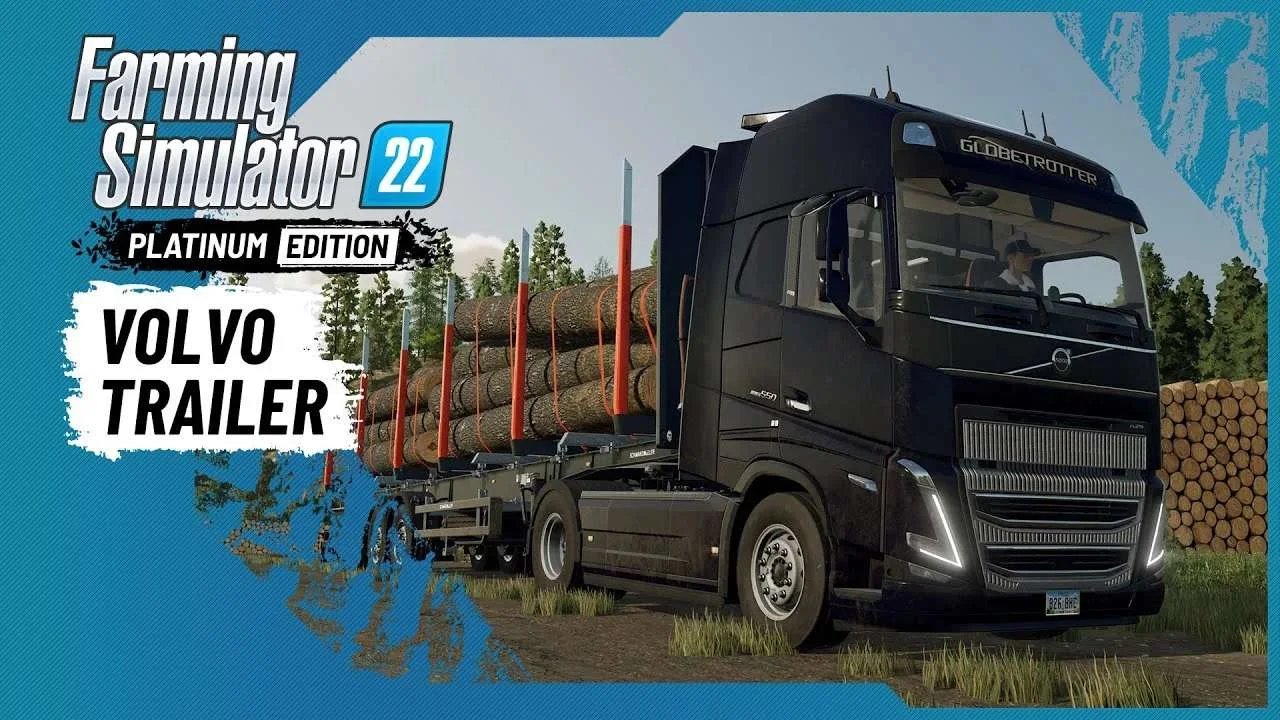
Volvo A Journey Through Time Trailer
9 downloads

F1 2023 W14c Mod v1.0 for Assetto Corsa
2 downloads

Jaguar R4 Mod v1.0 for Assetto Corsa
2 downloads

Kold Kutter Drift 23 for Assetto Corsa
2 downloads
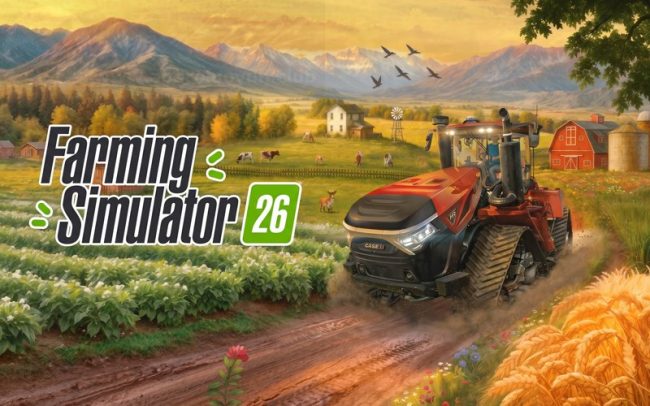
Farming Simulator 26 Mobile v0.0.0.34 MOD APK Download – Unlimited Money & New Machines
2 downloads