
Giants Editor v8.1.0 for FS19
About Giants Editor v8.1.0 for FS19 (FS19 Mod)
Complete overview, key features, and compatibility guide for Farming Simulator.
The Giants Editor v8.1.0 for FS19 is an officially tested FS19 mod designed specifically for Farming Simulator players. Belonging to the Other collection, this modification delivers enhanced gameplay mechanics, realistic 3D modeling, and smooth dedicated server multiplayer integration.
Downloaded over 0 times, this addon has been community-verified for log-clean performance on Windows PC and Mac systems.
Mod Details & Release Notes
The program for creating mods for FS19. Giants Editor FS19 – Program for creating and editing mods / maps. With the help of this software (of course, if you already have ready-made textures) you can “drive” or edit equipment, objects and even full-fledged maps.
Also, this tool is used to add to the map ready-made objects that require placement only through the Giants Editor Farming Simulator 19 / Farming Simulator 19 Map Editor.
The program interface is user friendly, so if you want to try your hand at modding, this program will suit you. Moreover, this program is from official developers and it has no analogues.
Now, with this program you are ready to create maps and mods for the game.
8.1.0 (09.02.2019) – Added basic convertion of mod maps from Farming Simulator 17 to Farming Simulator 19 + Converts terrain painting to new format with combined layers + Converts foliage layers + Converts terrain detail layers + Adds light scattering flag to sun + Adjusts map xml and creates items xml + Add farmland info layer + Replaces custom shaders + Converts vehicle xml with new elements – Improved foliage paint panel – Improved info layer paint panel – Added preview option for terrain detail texture paint mode – Added option to navigate in scenegraph panel with arrow keys – Fixed memory leak when applying terrain operations after undo operations – Added new toggle options for interactive placement mode: + ‘S’ Scale new objects randomly (range according to preferences) + ‘C’ Don’t place new objects on objects created during the current session + ‘T’ Only place new objects on terrain
Key Features & Performance Highlights
/mods/ folder.Frequently Asked Questions (Giants Editor v8.1.0 for FS19)
Q: Is Giants Editor v8.1.0 for FS19 free to download?
A: Yes! All Farming Simulator 19 mods on Farming Simulator Mods are 100% free to download without subscription requirements.
Q: Which game does Giants Editor v8.1.0 for FS19 support?
A: This mod is built and verified for Farming Simulator 19.
Q: Is Giants Editor v8.1.0 for FS19 safe and virus-scanned?
A: Every uploaded file is verified to ensure zero malware, clean XML configurations, and safe execution in multiplayer servers.
Unlock Download Link
To download Giants Editor v8.1.0 for FS19, click the Like button below to reveal the direct download URL.
Click above to unlock the download links.
Specifications & Mod Metadata
Farming Simulator 19 ModHow to Install Giants Editor v8.1.0 for FS19 (Farming Simulator 19)
- Click the Like button above to reveal and copy the direct download link.
- Download the
.zipmod file to your computer. - Copy the downloaded
.zipfile (do NOT unpack unless instructed). - Paste it into your Farming Simulator 19 mod folder:
Documents / My Games / FarmingSimulator2019 / mods / - Launch the game and activate Giants Editor v8.1.0 for FS19 in the mod selection menu.
Related Farming Simulator 19 Mods
Explore All FS19 Mods →
Farming Simulator 19 – Device List Update # 8
As part of the Factsheet Friday, more vehicles and device listings have been added to the official website of the Farming Simulator today! To find out what equipment you can find in the list below …

Farming Simulator 19 Vehicles Stats Book (PDF) Download
Looking for Farming Simulator 19 Vehicles Stats? Download PDF book now! What is included: Price Brands Model type Size Capacity and more

Farming Simulator 19: Device List Update #9
As part of the Factsheet Friday, more vehicles and device listings have been added to the official website of the Farming Simulator today! To find out what equipment you can find in the list below.
Farming Simulator 19 – Device List Update # 7
As part of the Factsheet Friday, more vehicles and device listings have been added to the official website of the Farming Simulator today! To find out what equipment you can find in the list below …

Locomotive v1.0
This mod replaces the standard locomotive on the map, on the Soviet. Installation: – Extract files from the archive on the way … Farming Simulator 19 \ data \ vehicles \ train \ locomotive04

Austoft A8800 Multi-Row Mod
Version erhöhtes Zugmaul MultiColor MultiColor hinzugefügt Have the purchasable Zugmaul increased for people who like to let the helper drive sometimes. In addition, there is a Farmtech TDK1600 with 35000l (quite quickly full of sugar cane, but you can still increase). Please ensure sufficient run-off, as the team is a bit longer.
Popular Trending Mods on Platform
Browse All Mods →
Get your Season Pass for FS22!
10 downloads
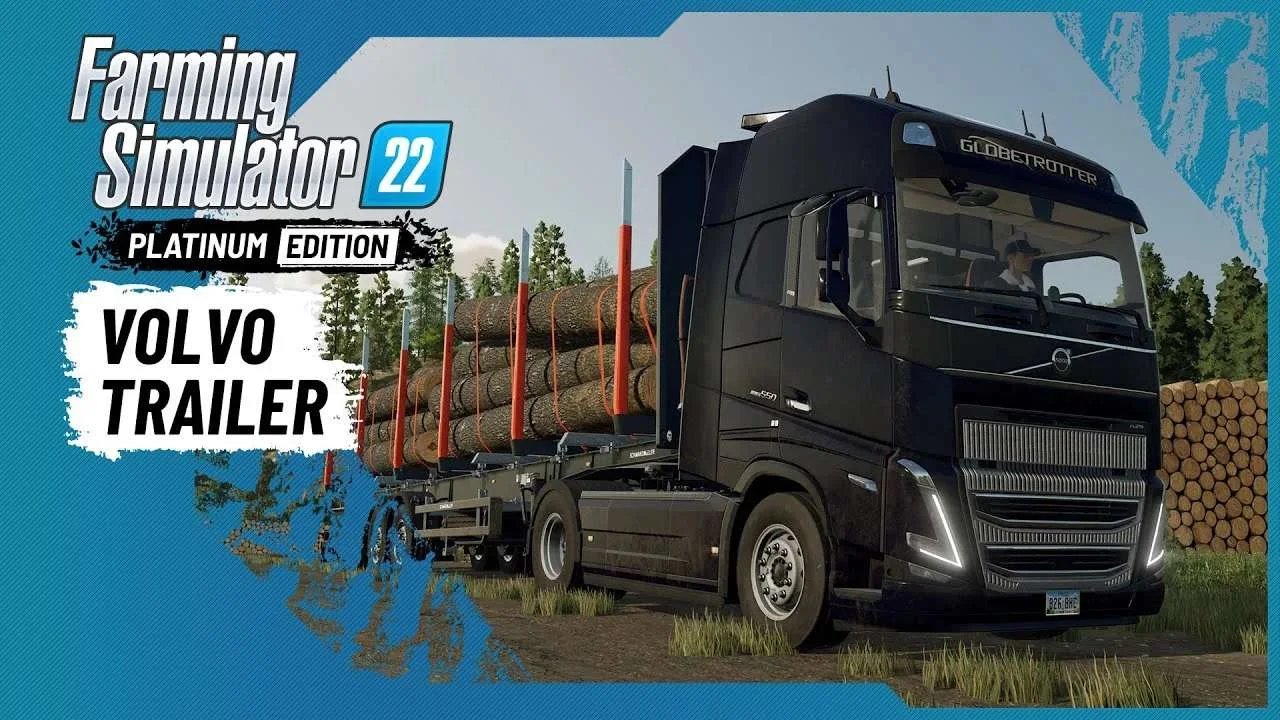
Volvo A Journey Through Time Trailer
9 downloads
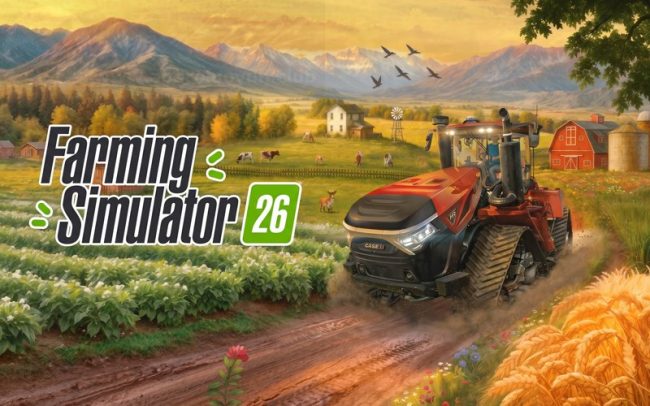
Farming Simulator 26 Mobile v0.0.0.34 MOD APK Download – Unlimited Money & New Machines
2 downloads
Farming Simulator 19 – Device List Update # 8
2 downloads

KamAZ 43253 Crane version 1.0 for Farming Simulator 20 (v0.0.0.49+)
1 downloads

Fendt 1000 Vario Black Beauty Tractor
1 downloads