
KRONE BIG X 580 PACK v1.0.1.0 Mod
About KRONE BIG X 580 PACK v1.0.1.0 Mod (FS19 Mod)
Complete overview, key features, and compatibility guide for Farming Simulator 19.
The KRONE BIG X 580 PACK v1.0.1.0 Mod is an officially tested FS19 mod designed specifically for Farming Simulator 19 players. Belonging to the Harvesters collection, this modification delivers enhanced gameplay mechanics, realistic 3D modeling, and smooth multiplayer compatible integration.
Downloaded over 0 times, this addon has been community-verified for clean performance on Windows PC & Mac systems.
Mod Details & Release Notes
Changes: – Installation of the threshingFlowIndicator.lua, thereby the utilization of the cutting unit is displayed and controlled. – The engine stalls if you drive into the fruit too quickly with the cutting unit switched on – Cruise control is automatically set to the respective maximum speed – Different fruits have different maximum harvesting speeds – the whole thing now depends on the width of the cutting unit (narrower cutting unit as specified in the standard -> chop faster / larger -> chop slower) – Display of symbols of the fruit that is being harvested – there is a problem with one fruit: with oats, barley is displayed as a symbol – unfortunately could not be solved (it is displayed correctly in the F1 window)
This is all configurable via the utilization indicators: – Everything like the standard chopper – no speed limit, no engine stalling – load display in front above the steering wheel – further monitor on the side, with utilization display and symbol of the fruit (which is being harvested) – both displays – that is, load display in front and monitor – XDisc and cutting unit carriage configuration added -> Attachment of the cutting unit as in the Claas DLC – Edited shop pictures of XDiscs, pickup and header trailer – Added color options for the support wheel of the Kemper Plus 375 – Co-driver inserted – the following mod is required Universal Passenger | ModHub | Agriculture simulator – A few more ads inserted in the roof above and in the monitors – in the roof above it is now indicated which lights (work lights) are switched on – The current fruit and the utilization of the cutting unit are displayed in the configurable monitor – extra monitor built in for the start check – then in the montor of the armrest (large): – Start picture of the BIG X – Speed in numbers and via analog display – Speed in numbers and via analog display – Icon for cruise control – status and speed in numbers for setting – Temperature display in bar form, numbers + icon which, depending on the temperature, turns green (everything is OK) and red (too warm) – Icon for rotating beacon lights up when it is switched on – Fill level display for diesel in bar form, numbers in%, number display for hours consumption as well as an icon (petrol pump) lights up red when the tank is empty – Icons for start – top row from the left – light up red / orange at start and then go out or turn green – AdBlue display in bar form, numbers in% and icon (blue fuel pump) – Air display in bar form, numbers in% and as an icon – at the bottom – if there is not enough air, it lights up red – Current InGame time of day in the top left corner – Hectare display of the worked area in numbers – Operating hours display – Display by image whether the cutting unit is coupled or not (images created) – Display by image whether the pipe is extended or retracted – Odometer and trip meter installed – The odometer Mod from BPG is required for display [MOD] Kilometer display 1.9.0.4 – Black Panther Group Forum – New sounds for chopper, hydrostatic sound added and cutting units (also working sounds for XDisc and Pickup) – Increased steering angle when the trailer hangs on the ball head (increased angle from the trailer to the chopper) – All warning lights come on when reversing – Fix turnOnVehicle entry at Krone Easy Collect 600 – Shield for speed installed and configurable – Sound built into XDisc cutterbars when you open them – Weight configuration added 500 kg, 1000 kg and 1500 kg on the BIG X – Displays in the monitors completely rebuilt – Crown logo added to the seat of the BIG X. – Added covers on the wheelhouses when tape drives are installed (self-built) – Tape drives revised (blocked immediately when taking off the gas) – MB number reduced – 4 different configurable horns – Kemper cutting units revised with regard to ConnectionHoses and supports when coupling and uncoupling – Krone BIGX mount for connections at the rear (self-built) – Added header trailer speed sign
Key Features & Performance Highlights
Frequently Asked Questions (KRONE BIG X 580 PACK v1.0.1.0 Mod)
Q: Is KRONE BIG X 580 PACK v1.0.1.0 Mod free to download?
A: Yes! All Farming Simulator 19 mods on Farming Simulator Mods are 100% free to download without subscription requirements.
Q: Which game does KRONE BIG X 580 PACK v1.0.1.0 Mod support?
A: This mod is built and verified for Farming Simulator 19.
Q: Is KRONE BIG X 580 PACK v1.0.1.0 Mod safe and virus-scanned?
A: Every uploaded file is verified to ensure zero malware, clean configurations, and safe execution across all supported platforms.
Unlock Download Link
To download KRONE BIG X 580 PACK v1.0.1.0 Mod, click the Like button below to reveal the direct download URL.
Click above to unlock the download links.
Specifications & Mod Metadata
Farming Simulator 19 ModHow to Install KRONE BIG X 580 PACK v1.0.1.0 Mod (Farming Simulator 19)
- Click the Like button above to reveal and copy the direct download link.
- Download the
.zipmod file to your computer. - Copy the downloaded
.zipfile (do NOT unpack unless instructed). - Paste it into your Farming Simulator 19 mod folder:
Documents/My Games/FarmingSimulator2019/mods/ - Launch the game and activate KRONE BIG X 580 PACK v1.0.1.0 Mod in the mod selection menu.
Mod Specifications
Related Farming Simulator 19 Mods
Explore All FS19 Mods →
Farming Simulator 19 – Device List Update # 8
As part of the Factsheet Friday, more vehicles and device listings have been added to the official website of the Farming Simulator today! To find out what equipment you can find in the list below …

Farming Simulator 19 Vehicles Stats Book (PDF) Download
Looking for Farming Simulator 19 Vehicles Stats? Download PDF book now! What is included: Price Brands Model type Size Capacity and more

Farming Simulator 19: Device List Update #9
As part of the Factsheet Friday, more vehicles and device listings have been added to the official website of the Farming Simulator today! To find out what equipment you can find in the list below.
Farming Simulator 19 – Device List Update # 7
As part of the Factsheet Friday, more vehicles and device listings have been added to the official website of the Farming Simulator today! To find out what equipment you can find in the list below …

Locomotive v1.0
This mod replaces the standard locomotive on the map, on the Soviet. Installation: – Extract files from the archive on the way … Farming Simulator 19 \ data \ vehicles \ train \ locomotive04

Austoft A8800 Multi-Row Mod
Version erhöhtes Zugmaul MultiColor MultiColor hinzugefügt Have the purchasable Zugmaul increased for people who like to let the helper drive sometimes. In addition, there is a Farmtech TDK1600 with 35000l (quite quickly full of sugar cane, but you can still increase). Please ensure sufficient run-off, as the team is a bit longer.
Popular Trending Mods on Platform
Browse All Mods →
Get your Season Pass for FS22!
10 downloads
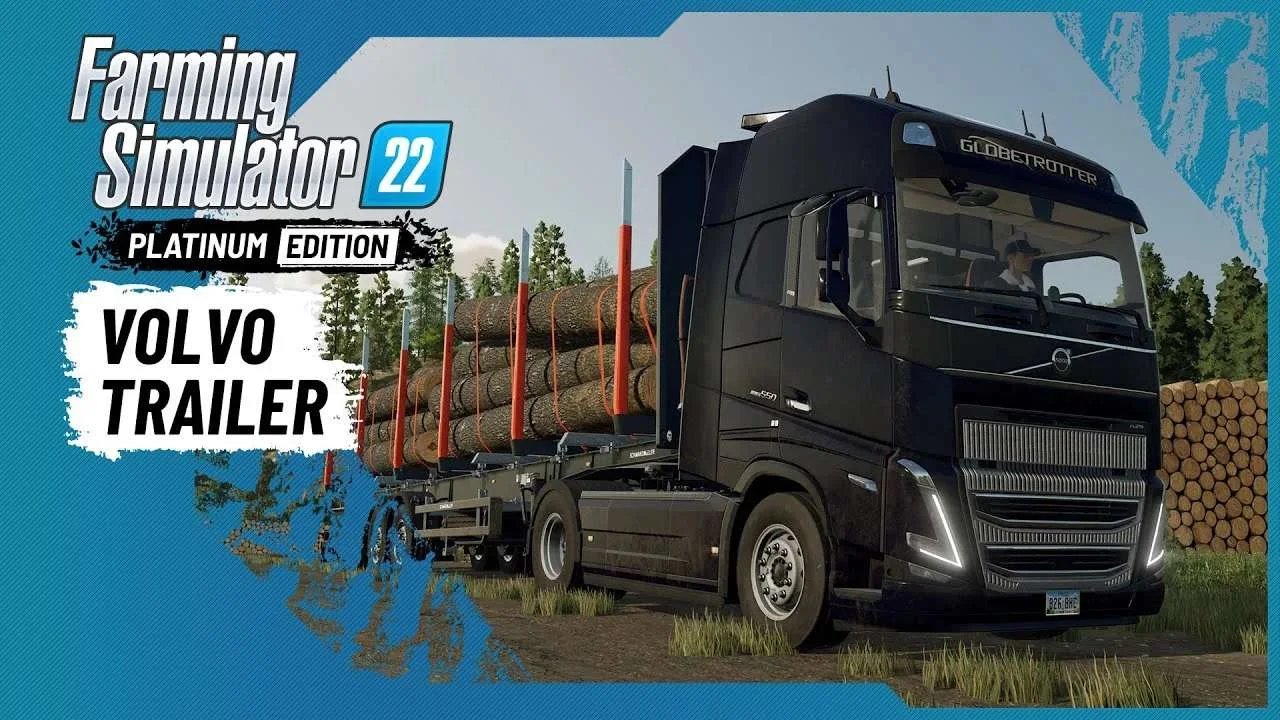
Volvo A Journey Through Time Trailer
9 downloads

F1 2023 W14c Mod v1.0 for Assetto Corsa
2 downloads

Jaguar R4 Mod v1.0 for Assetto Corsa
2 downloads

Kold Kutter Drift 23 for Assetto Corsa
2 downloads

Farming Simulator 26 Mobile v0.0.0.34 MOD APK Download – Unlimited Money & New Machines
2 downloads