
Vehicle Explorer v0.9.4.8 Mod
About Vehicle Explorer v0.9.4.8 Mod (FS19 Mod)
Complete overview, key features, and compatibility guide for Farming Simulator 19.
The Vehicle Explorer v0.9.4.8 Mod is an officially tested FS19 mod designed specifically for Farming Simulator 19 players. Belonging to the Other collection, this modification delivers enhanced gameplay mechanics, realistic 3D modeling, and smooth multiplayer compatible integration.
Downloaded over 0 times, this addon has been community-verified for clean performance on Windows PC & Mac systems.
Mod Details & Release Notes
This is a revamp of the good old VehicleSort from FS17. For beginners: VehicleExplorer helps you organize your vehicles, by showing you a list which can be organized, well, sorted by you. Besides that it has a couple of additional functionality. See below.
Features List of all steerable vehicles (Specialization: Enterable) Set a customer order for your vehicles Your order is saved in the default vehicles.xml, so no additional clutter Enter your vehicles directly with a click of a (mouse) button This is meant literally, see known issues 😉 EasyTab: Switch between the last two selected vehicles Park your vehicles, so that a switch of vehicles via Tab ignores them Repair vehicles and its implements Let your vehicle and implements get cleaned on a repair from your friendly VeEx staff 😉 If Seasons is enabled, you can also let the vehicle and implements get repainted Displaying a store image next to the list Info box with additional informations Motor on/off, turned on/off (for e.g. harvester) and light status is saved and restored Different colors in the list if a vehicle is selected, or currently used by a helper/Courseplay Config Menu Config is saved per savegame within modsSettings/VehicleExplorer/savegameX Show/hide trains in the list Show/hide station cranes in the list (No idea if that actually works, would need a map with a crane to test) Show/hide steerable implements/trailers (e.g. forwarder trailer with crane) Show/hide brand names in the list Show/hide your own name when you enter a vehicle Show/hide horse power in the list Show/hide fill levels in the list Show/hide implements in the list Show/hide store images Show/hide infobox Move infobox up/down Show/hide a background for the infobox/store image Change text size Change text alignment Change list background transparency Enable/disable saving of the additional vehicle status (motor, turnedOn, lights) Show/hide keybindings in the game F1 help menu (needs a game restart to take affect) Clean vehicle & implements on a repair Tardis integration With Tardis (https://github.com/sperrgebiet/FS19_Tardis) you can teleport yourself AND your vehicles to any position on the map With VehicleExplorer & Tardis you can select a vehicle on the list, and teleport that to any location without entering it. You can also configure if you want to enter the vehicle after teleportation or just drop the vehicle to another location With Tardis Map Hotspots you can again, select a vehicle and quickly teleport that to one of those hotspots
Known issues Although you can change all the keyboard bindings, the mouse actions are hardcoded for now Left mouse click: Enter vehicle Right mouse click: Select vehicle (to e.g. move it) Right mouse click: Change value in the config menu Mouse wheel: Selection up/down in list Max of three columns. If you’ve more vehicles (which would be insane anyways 😉 , just disable the display of brand name etc
Incompatible Mods SpeedControl Actually both work fine side by side. There is just a keybinding overlap. So you’ve to set new keybindings through the game menu for Key 1, Key 2, Key NumPad Plus, Key NumPad Minus Changed the default keybinding. So there is no overlap anymore.
Key Features & Performance Highlights
Frequently Asked Questions (Vehicle Explorer v0.9.4.8 Mod)
Q: Is Vehicle Explorer v0.9.4.8 Mod free to download?
A: Yes! All Farming Simulator 19 mods on Farming Simulator Mods are 100% free to download without subscription requirements.
Q: Which game does Vehicle Explorer v0.9.4.8 Mod support?
A: This mod is built and verified for Farming Simulator 19.
Q: Is Vehicle Explorer v0.9.4.8 Mod safe and virus-scanned?
A: Every uploaded file is verified to ensure zero malware, clean configurations, and safe execution across all supported platforms.
Unlock Download Link
To download Vehicle Explorer v0.9.4.8 Mod, click the Like button below to reveal the direct download URL.
Click above to unlock the download links.
Specifications & Mod Metadata
Farming Simulator 19 ModHow to Install Vehicle Explorer v0.9.4.8 Mod (Farming Simulator 19)
- Click the Like button above to reveal and copy the direct download link.
- Download the
.zipmod file to your computer. - Copy the downloaded
.zipfile (do NOT unpack unless instructed). - Paste it into your Farming Simulator 19 mod folder:
Documents/My Games/FarmingSimulator2019/mods/ - Launch the game and activate Vehicle Explorer v0.9.4.8 Mod in the mod selection menu.
Mod Specifications
Related Farming Simulator 19 Mods
Explore All FS19 Mods →
Farming Simulator 19 – Device List Update # 8
As part of the Factsheet Friday, more vehicles and device listings have been added to the official website of the Farming Simulator today! To find out what equipment you can find in the list below …

Farming Simulator 19 Vehicles Stats Book (PDF) Download
Looking for Farming Simulator 19 Vehicles Stats? Download PDF book now! What is included: Price Brands Model type Size Capacity and more

Farming Simulator 19: Device List Update #9
As part of the Factsheet Friday, more vehicles and device listings have been added to the official website of the Farming Simulator today! To find out what equipment you can find in the list below.
Farming Simulator 19 – Device List Update # 7
As part of the Factsheet Friday, more vehicles and device listings have been added to the official website of the Farming Simulator today! To find out what equipment you can find in the list below …

Locomotive v1.0
This mod replaces the standard locomotive on the map, on the Soviet. Installation: – Extract files from the archive on the way … Farming Simulator 19 \ data \ vehicles \ train \ locomotive04

Austoft A8800 Multi-Row Mod
Version erhöhtes Zugmaul MultiColor MultiColor hinzugefügt Have the purchasable Zugmaul increased for people who like to let the helper drive sometimes. In addition, there is a Farmtech TDK1600 with 35000l (quite quickly full of sugar cane, but you can still increase). Please ensure sufficient run-off, as the team is a bit longer.
Popular Trending Mods on Platform
Browse All Mods →
Get your Season Pass for FS22!
10 downloads
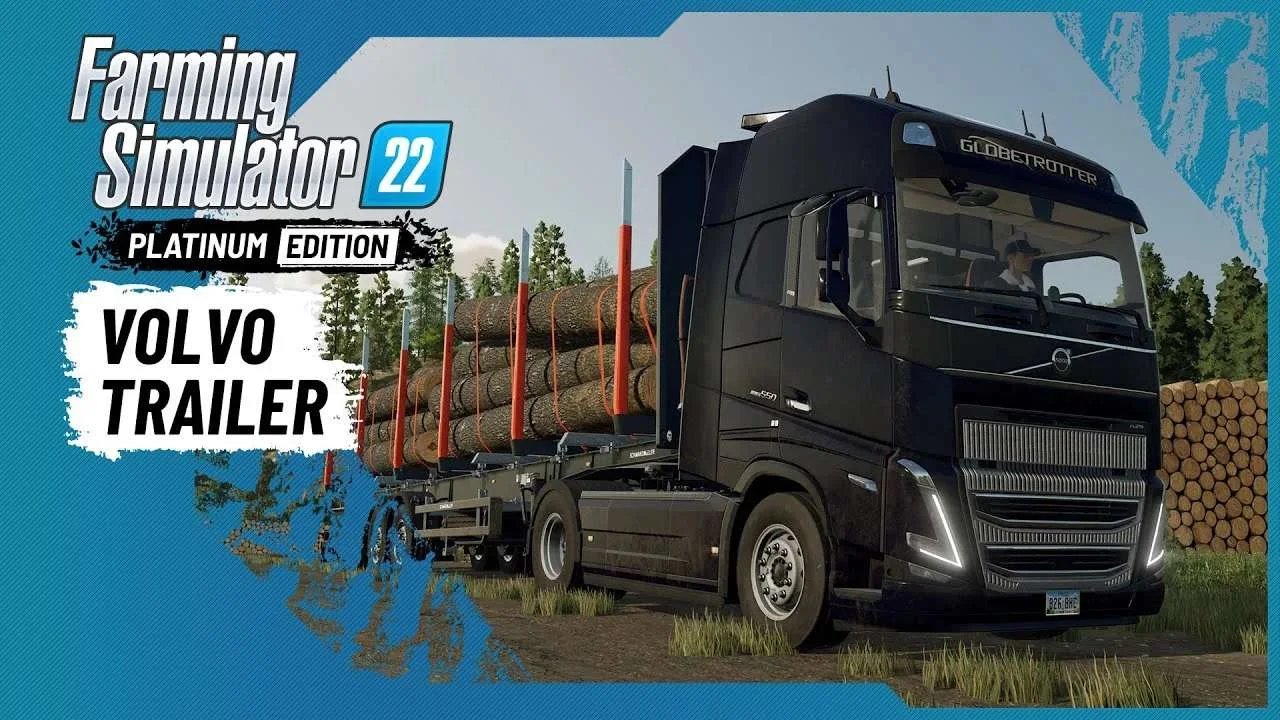
Volvo A Journey Through Time Trailer
9 downloads

F1 2023 W14c Mod v1.0 for Assetto Corsa
2 downloads

Jaguar R4 Mod v1.0 for Assetto Corsa
2 downloads

Kold Kutter Drift 23 for Assetto Corsa
2 downloads

Farming Simulator 26 Mobile v0.0.0.34 MOD APK Download – Unlimited Money & New Machines
2 downloads