AutoDrive v2.0.0.6 FS22
The AutoDrive v2.0.0.6 FS22 is a custom FS22 mod designed for Farming Simulator enthusiasts. Downloaded over 0 times, this mod offers enhanced gameplay, clean installation, and dedicated server support for multiplayer games.
About AutoDrive v2.0.0.6 FS22 (FS22 Mod)
Complete overview, key features, and compatibility guide for Farming Simulator.
The AutoDrive v2.0.0.6 FS22 is an officially tested FS22 mod designed specifically for Farming Simulator players. Belonging to the Other collection, this modification delivers enhanced gameplay mechanics, realistic 3D modeling, and smooth dedicated server multiplayer integration.
Downloaded over 0 times, this addon has been community-verified for log-clean performance on Windows PC and Mac systems.
Mod Details & Release Notes
Bugfixes and improvements: Hhelper does not delete itself #441 ateering axles (e.g. on loader wagons) are not locked when reversing #435 AutoLoad caused several problems #437, #451, #453 & #539 as of FS22_aPalletAutoLoader 1.7.1.1 “unloading behind” is supported waiting time also when loading pallets via AutoLoad at loading point #431 error TensionBelts.lua #477 unloader gets stuck during harvester unloading unloader follows harvester without unloading #391 “Fold implements” folds harvester even if it is not empty #506 fill level detection on seed drills with fertilizer function when seed or fertilizer is empty fill type detection reworked (display and selection depending on fill types of vehicles, trailers, etc.) #233 when re-/loading a supported fill type it happened that a wrong fill animation was started loader wagon can not be filled at purchase silo #429 instead of herbicide, fertilizer was loaded at multi-crop purchase stations and vice versa #490 notifications always show the vehicle name, also in the message history unloading in drive-through silo optimized error Specialization.lua:1566 #442 debug marker 4_ shows “dead” ends even if there are target points (blue line) #259 automatic refueling only where manual refueling is possible (no AIO silos) #485 When refueling, all supported fuels should be filled up, f.e. DEF characters “,;” in folder names are converted to “_” #516 new trailer variants “semitrailerCar” can not drive backwards #510 added translations for color selection, list in FS22 blue vehicle flashes when reversing (warning lights, can be set in options) #236
Not fixed or currently not solvable: Dedi-Server problems with vanilla ball cart #538
New: menu controllable with controller and keyboard #292 debug marker 9_ shows possible errors, but may actually be none CP can hand over the stone collector to AD (pickup&delivery) #421 separation of map and user settings (different files in the savegame folder) #524 improvement collision boxes (new vehicle measurement) #536
In FS22, vehicles are mostly defined larger (in XML) than they actually are. With AD, this leads to vehicles on roads with a small (lateral) distance being recognized as a collision even though there would still be sufficient space between them. To avoid this, the collision to the front, rear, left and right is determined for all parts belonging to the vehicle. For this purpose, all attachments of the complete combination are measured when entering a vehicle, starting AD or after being folded by AD (mixtures of unmeasured and measured vehicles are normal and not a fault). Only vehicles, trailers and attachments that do not have parts with rotation around the vertical axis are measured. For example, trailers with turntable have the movable bogie with rotation around the vertical axis and this can also stand “twisted”. If a measurement were to be made now, the external collision would be the turned bogie with drawbar, which is much “wider” compared to the trailer just being towed. Here may now come the objection “But you can also measure when the trailer is at some point straight”, save, load etc.. -> more complicated always goes…! Currently, 20 cm of “safety clearance” is still added around the outside.
CP uses AD for refueling, repair and parking. AD drives refueling and repair if requested by CP, but settings of CP have priority. Attention: harvesters are also sent for repair and refueling incl. the current attachments! In the “Pickup / Delivery” mode with CP field work, the vehicle combination is unloaded at the end of work before parking, if “Park at end” is activated in AD. AD is only activated in sensible modes, if wrong mode is selected -> notification. Example: Driving is not useful for e.g. seed drills, but can be used for “ready message”.
Tags: AD CP Example Driving FS22
Key Features & Performance Highlights
/mods/ folder.Frequently Asked Questions (AutoDrive v2.0.0.6 FS22)
Q: Is AutoDrive v2.0.0.6 FS22 free to download?
A: Yes! All Farming Simulator mods on Farming Simulator Mods are 100% free to download without subscription requirements.
Q: Which game version does AutoDrive v2.0.0.6 FS22 support?
A: This mod is built for FS22 (Farming Simulator 22).
Q: Is AutoDrive v2.0.0.6 FS22 safe and virus-scanned?
A: Yes, every file undergoes automated virus and integrity checks before publishing.
Unlock Download Link
To download AutoDrive v2.0.0.6 FS22, click the Like button below to reveal the direct download URL.
Click above to unlock the download link.
Specifications & Mod Metadata
FS22 ModHow to Install AutoDrive v2.0.0.6 FS22 (FS22)
- Click the Like button above to reveal and copy the direct download link.
- Download the
.zipmod file to your computer. - Copy the downloaded
.zipfile (do NOT unpack unless instructed). - Paste it into your Farming Simulator mod folder:
Documents / My Games / FarmingSimulator2022 / mods / - Launch the game and activate AutoDrive v2.0.0.6 FS22 in the mod selection menu.
Related FS22 Mods You May Like
Explore All fs22-mods →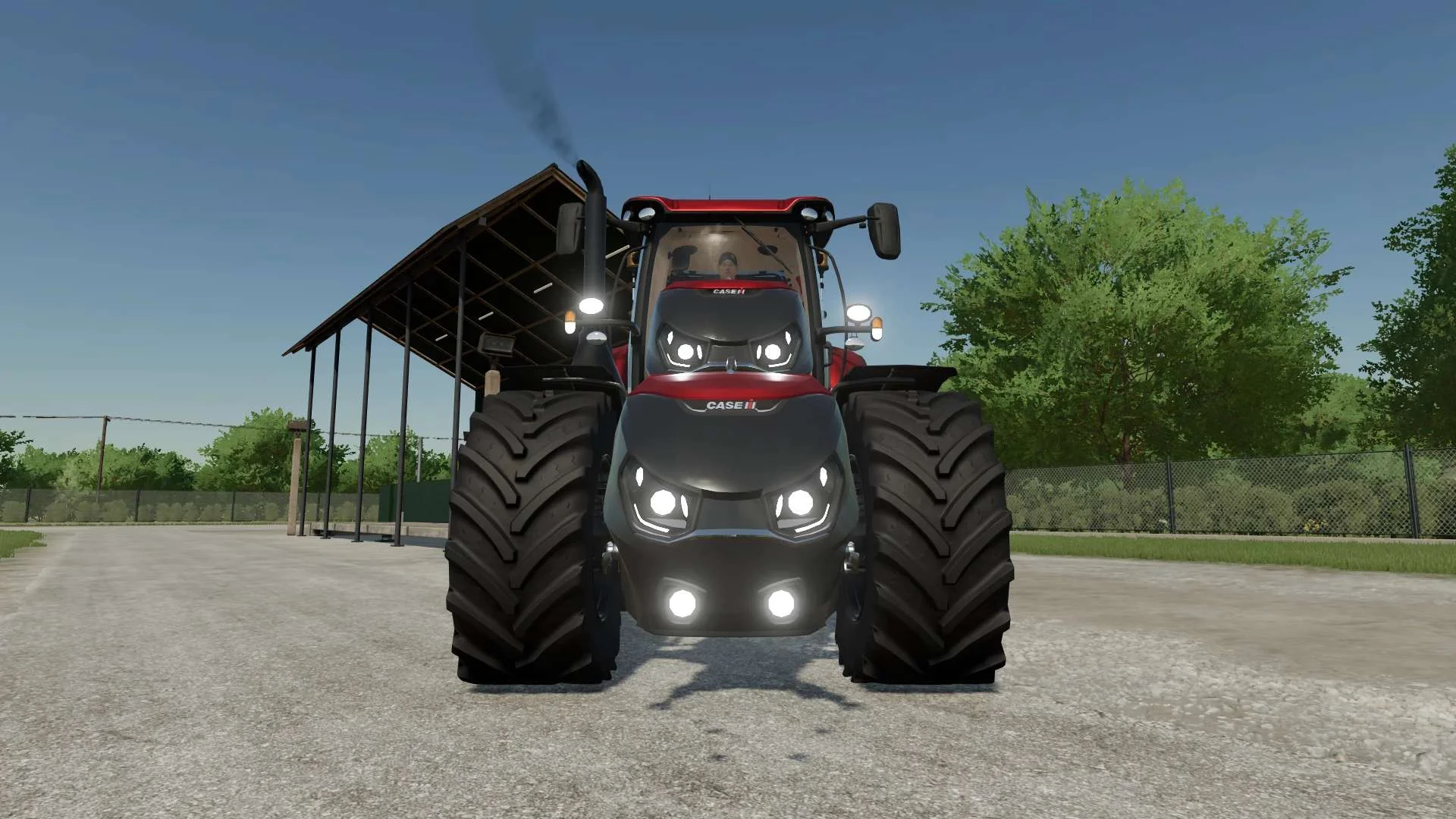
Case IH Optum Nose Weight v1.0 FS22
Front Weight for Optum Lights, color choice, 2300Kg By White_Lutin
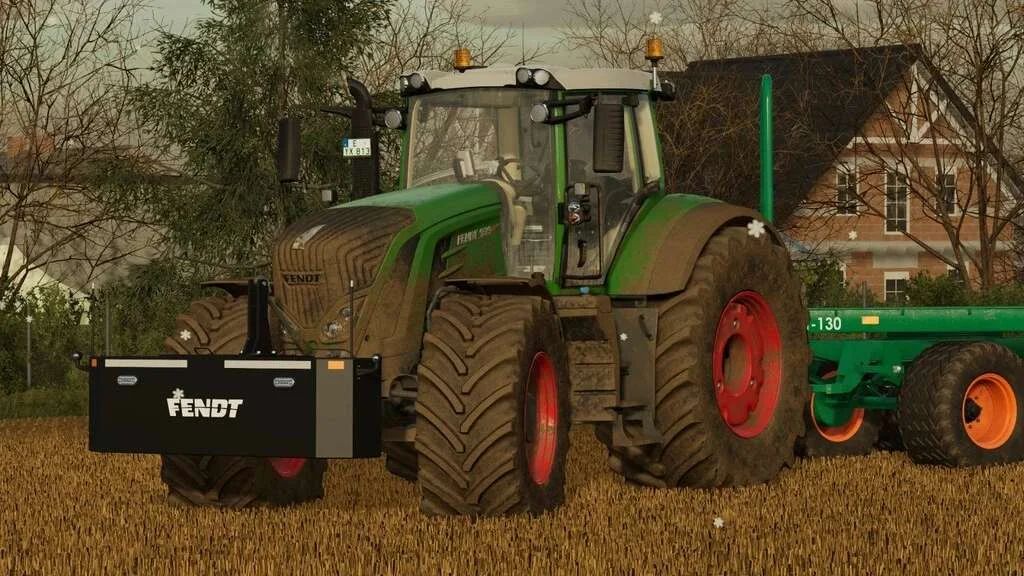
Weight 2500kg, 1800kg, 1200kg v1.0 FS22
Lizard Weight 2500kg, 1800kg, 1200kg The pack containts 3 weights with different colors, different lights and different brands. Weigth 1200kg: – Price: $1.200 Weight 1800kg: – Price: $1.800 Weight 2500kg: – Price: $2.500
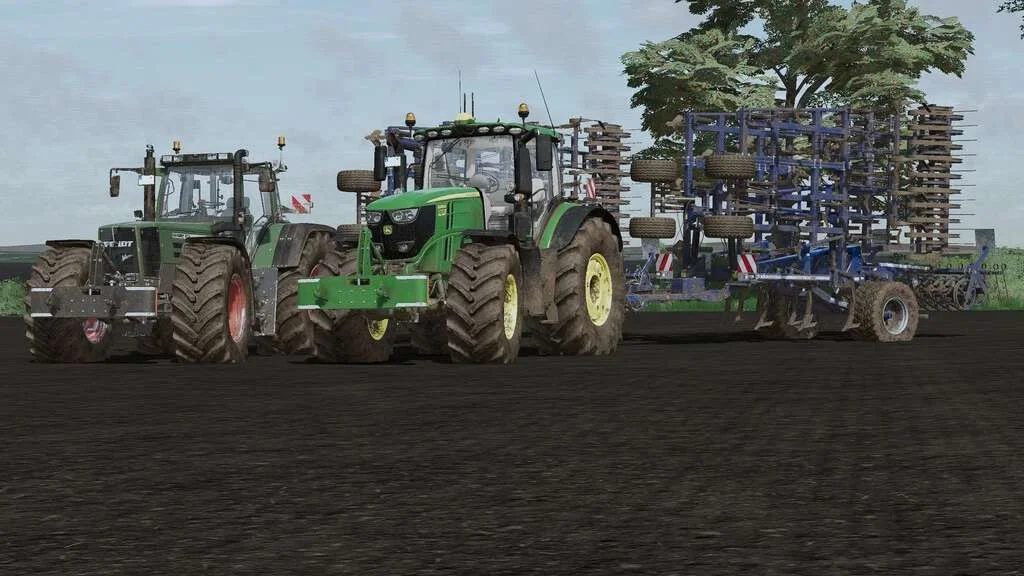
Lizard Weight v1.0 FS22
Weight: 500kg Three Point Linkage Price: 1200$ Tags: Game Farming Simulator PS5
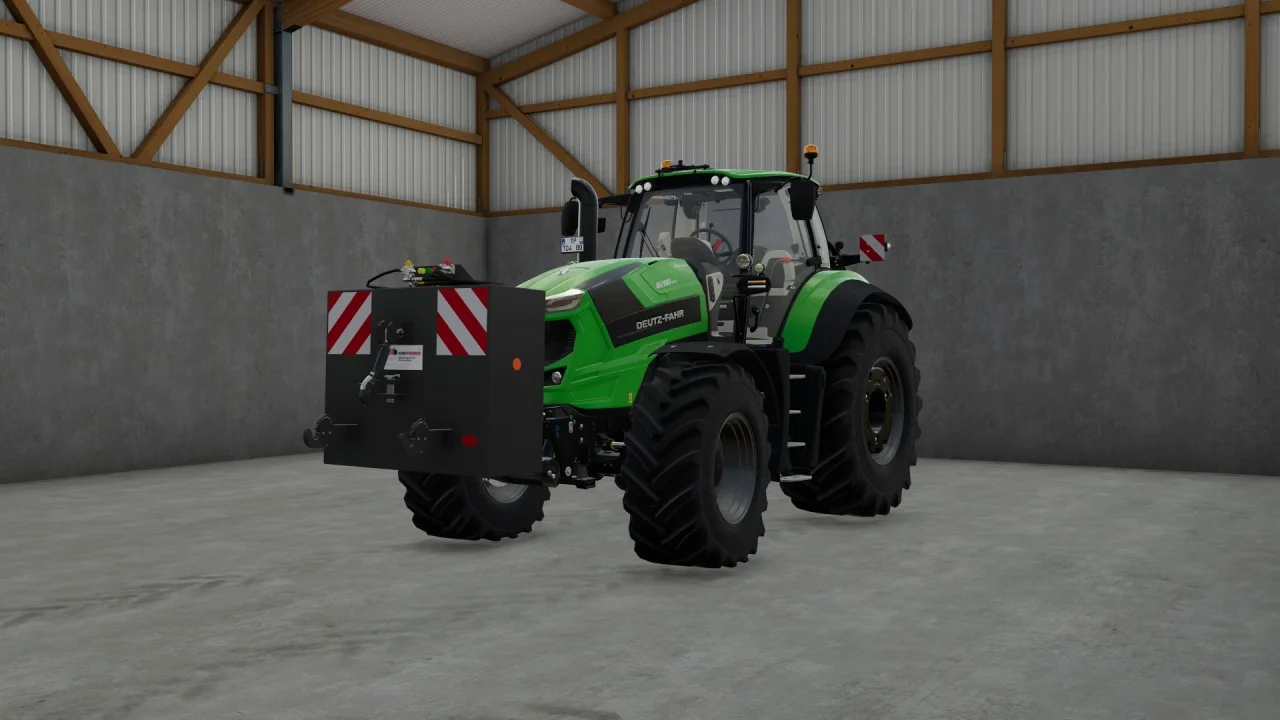
Rear mass 3000KG V1.2 FS22
Black tiger offers us here a mass of 3 tons. The guarantee of constant wheeling on a small tractor! Price: 4.500 €
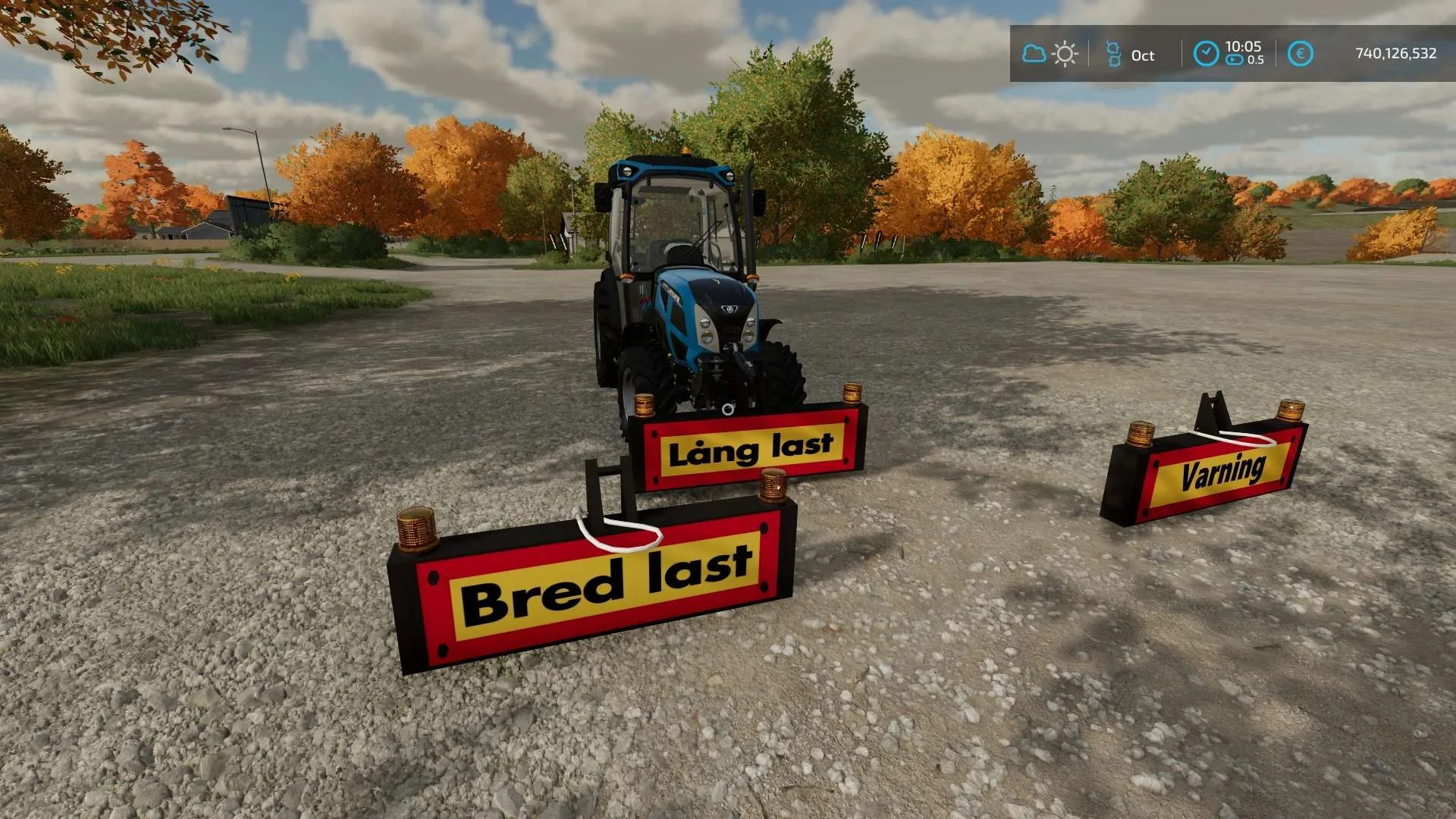
Equipment to tractor v1.0 FS22
Game: Farming simulator 22 Title: Bred/Lång/Varnings Skylt Price: 1000 Brand: LIZARD Category: weights Tags: Game Farming
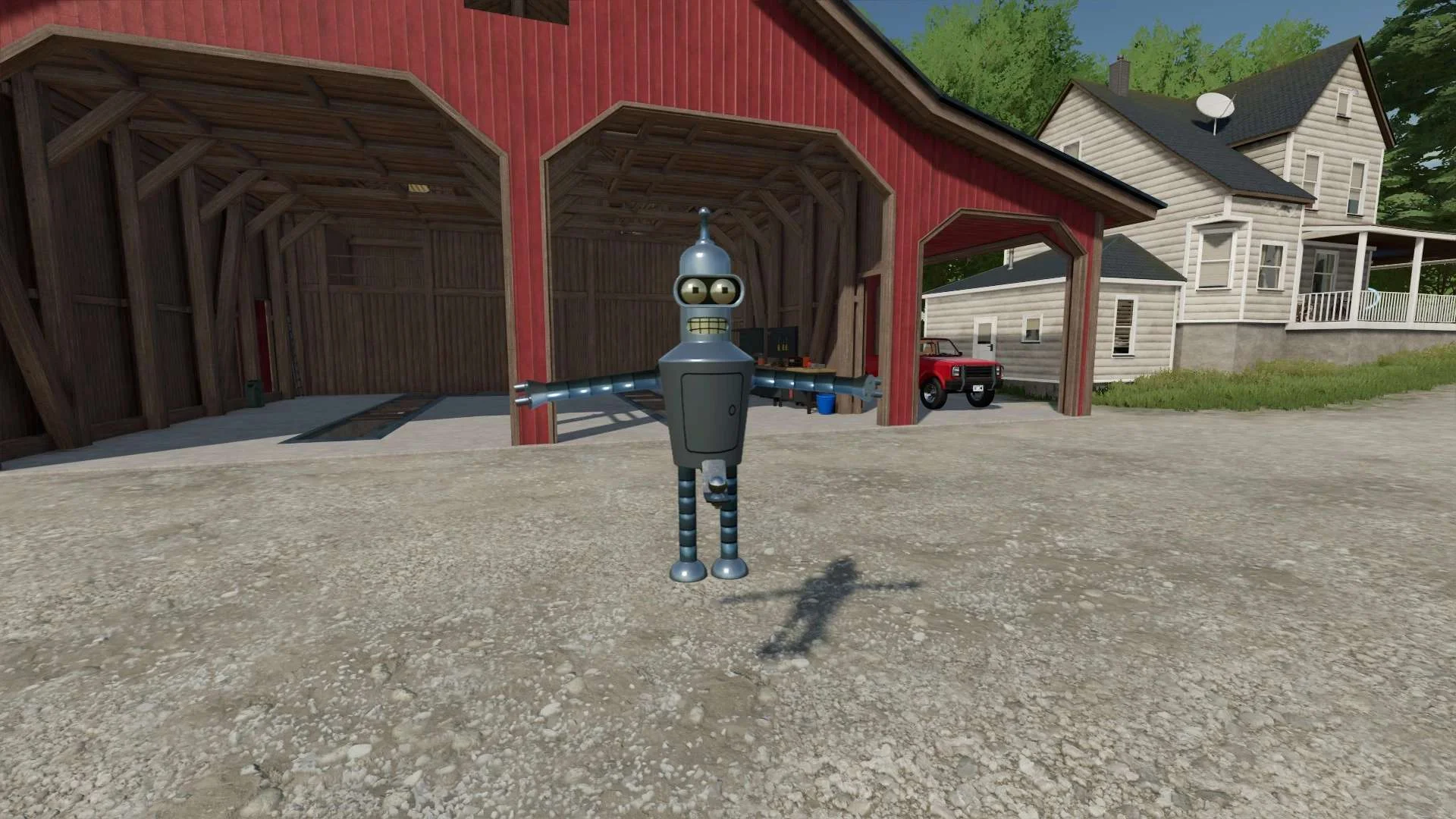
Bender Weight v1.0 FS22
8 selectable weight amounts from 420 – 4200 3 point attachment to bender Dynamic legs that disappear when attaching to Bender Front hardened steel heavy duty trailer hitch to connect trailers and low trailers Price: Varies by weight Location: Vehicle Menu > Weights Get your favorite Futurama character today! Tags: Bender Front Direct Donations Join Farming Simulator Price Varies