
AutoDrive V2.0.1.2 + AutoDrive Course Editor FS22
The AutoDrive V2.0.1.2 + AutoDrive Course Editor FS22 is a custom FS22 mod designed for Farming Simulator enthusiasts. Downloaded over 0 times, this mod offers enhanced gameplay, clean installation, and dedicated server support for multiplayer games.
About AutoDrive V2.0.1.2 + AutoDrive Course Editor FS22 (FS22 Mod)
Complete overview, key features, and compatibility guide for Farming Simulator.
The AutoDrive V2.0.1.2 + AutoDrive Course Editor FS22 is an officially tested FS22 mod designed specifically for Farming Simulator players. Belonging to the Other collection, this modification delivers enhanced gameplay mechanics, realistic 3D modeling, and smooth dedicated server multiplayer integration.
Downloaded over 0 times, this addon has been community-verified for log-clean performance on Windows PC and Mac systems.
Mod Details & Release Notes
This mod can be used to create a network of routes for vehicles to drive autonomously. Once setup you can tell a tractor that is standing anywhere close to the network to drive to any point, such as the shop, field 1 or to a sell point.
Release 2.0.1.2 Latest Bugfixes and improvements: wrong status message after finishing a tour (distributed unloading) #853 “Fold Implements” setting is not displayed correctly in MP #850 after unloading in the bunker silo, AD waits for the hangers to close HUD settings are not saved correctly in hosted MP #869 Reverse driving with several devices does not work #255, 897 during distributed loading/unloading the counter is reset in case of repair or refueling #693 consider seed/fertilizer tanks for loading recognition of grass/grass swath as fruit (fruit bypass) improvements in path finding/calculation on the field
UniversalAutoLoad (UAL): Fruit/goods selection is not available in the AD-HUD pull-down list charge and discharge fill level in % are not really determinable, because different sizes of charge objects lead to an unpredictable number of objects which can be charged (95/99/100% to charge completely, 0/10% to charge a little bit) a full trailer is detected by UAL only if no other object in the loading area can be loaded onto the trailer in the loading/unloading area both curtains will be open/closed (e.g. Krone Profi Liner) does not work with trains (manual loading/unloading required) requires at least UAL 1.3.1.16
Multiselect of fruits/goods: multiple selection = hold CTRL + left click on desired list entries delete entry from multiple selection = hold CTRL + left click on list entry to be deleted deselection = left click on any unselected/not marked list entry select all = hold ALT + left click on any list entry deselect all = hold ALT + left click on any list entry the icon in front of the list selection shows the status and you can change it by left-clicking (only when multiselect is active):
single fruit (white): only one fruit is selected one small and one large fruit (blue): several fruits are selected and the fruit that is most present, e.g. in a silo, is always selected first 3 large fruits (blue): several fruits are selected and the fruits are rotated during each loading process
AutoDrive Course Editor Changelog:
Update to V1.0.6 Added: Preview while multi selecting, can see what nodes are selected while dragging the mouse
Fixed – Fixed inverted selection on grid snapping button. – Fixed Cut/Copy/Paste not working due to non updated menu items. – Fixed Cut/Copy/Paste buttons deselecting the current button. – Fixed Rotation centre offset changing/control node jumping on Undo/Redo. – Fixed crash due to missing entries in key (EditorConfig.xml)
Localization – Removed redundant entries – Added new entries
AutoDrive Course Editor
Java Java version greater than 13 is required. JRE or JDK are both possible.
Compatibility The Editor works with configs generated by the FS19 + FS22 versions of the mod.
Start AutoDrive Course Editor The editor can be started using the supplied CMD file: “Open Editor with Console to see errors.cmd”. The editor can also be started from the command line: java -jar -Xms1024m -Xmx1024m .\AutoDriveEditor.Jar
The editor will create the log file autoDriveEditor.log, which is used for later troubleshooting. This file has a maximum size of 20MB. A maximum of 3 version files are then created.
Tags: ALT CTRL Fold Implements UAL
Key Features & Performance Highlights
/mods/ folder.Frequently Asked Questions (AutoDrive V2.0.1.2 + AutoDrive Course Editor FS22)
Q: Is AutoDrive V2.0.1.2 + AutoDrive Course Editor FS22 free to download?
A: Yes! All Farming Simulator mods on Farming Simulator Mods are 100% free to download without subscription requirements.
Q: Which game version does AutoDrive V2.0.1.2 + AutoDrive Course Editor FS22 support?
A: This mod is built for FS22 (Farming Simulator 22).
Q: Is AutoDrive V2.0.1.2 + AutoDrive Course Editor FS22 safe and virus-scanned?
A: Yes, every file undergoes automated virus and integrity checks before publishing.
Unlock Download Link
To download AutoDrive V2.0.1.2 + AutoDrive Course Editor FS22, click the Like button below to reveal the direct download URL.
Click above to unlock the download link.
Specifications & Mod Metadata
FS22 ModHow to Install AutoDrive V2.0.1.2 + AutoDrive Course Editor FS22 (FS22)
- Click the Like button above to reveal and copy the direct download link.
- Download the
.zipmod file to your computer. - Copy the downloaded
.zipfile (do NOT unpack unless instructed). - Paste it into your Farming Simulator mod folder:
Documents / My Games / FarmingSimulator2022 / mods / - Launch the game and activate AutoDrive V2.0.1.2 + AutoDrive Course Editor FS22 in the mod selection menu.
Related FS22 Mods You May Like
Explore All fs22-mods →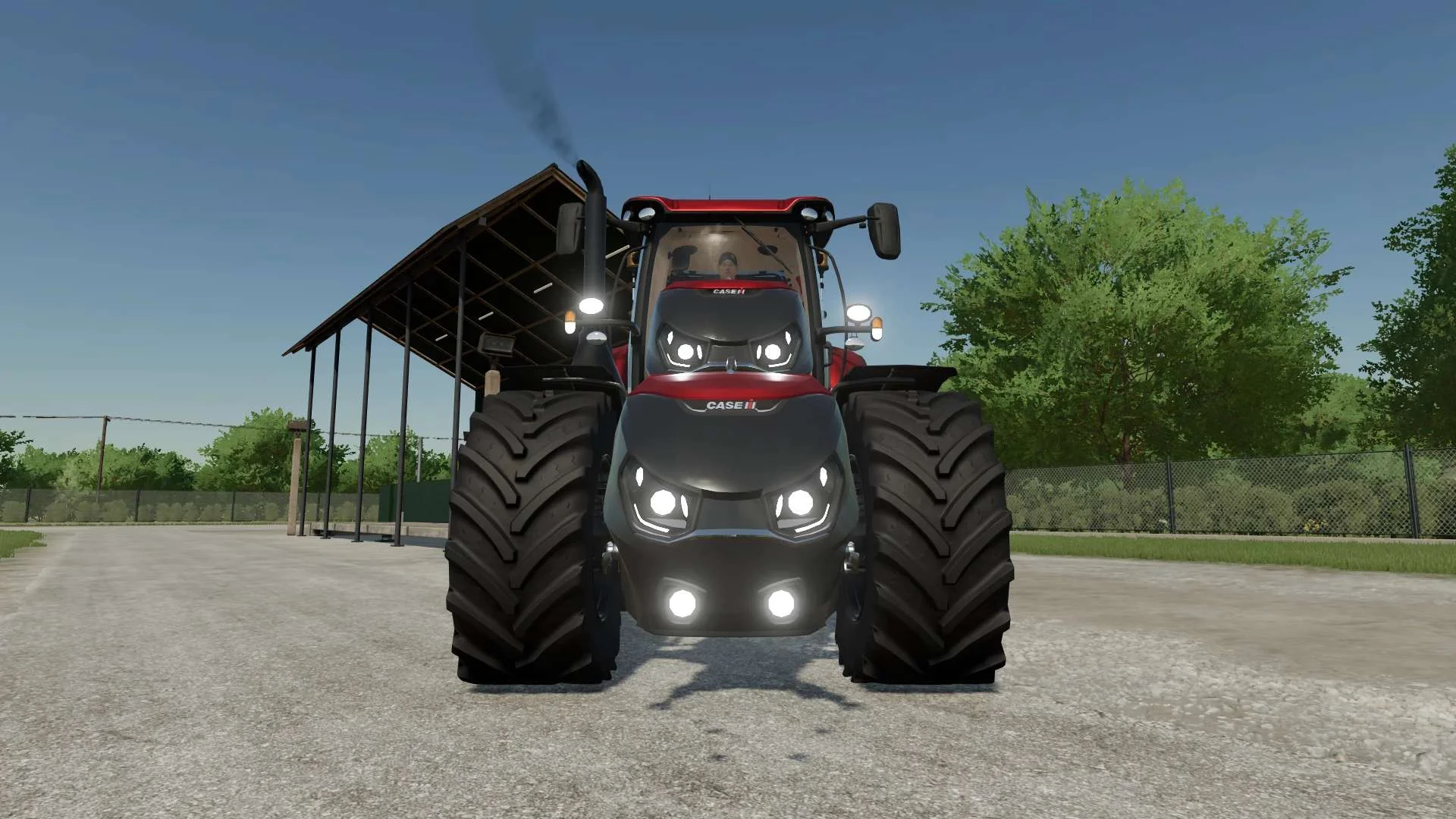
Case IH Optum Nose Weight v1.0 FS22
Front Weight for Optum Lights, color choice, 2300Kg By White_Lutin
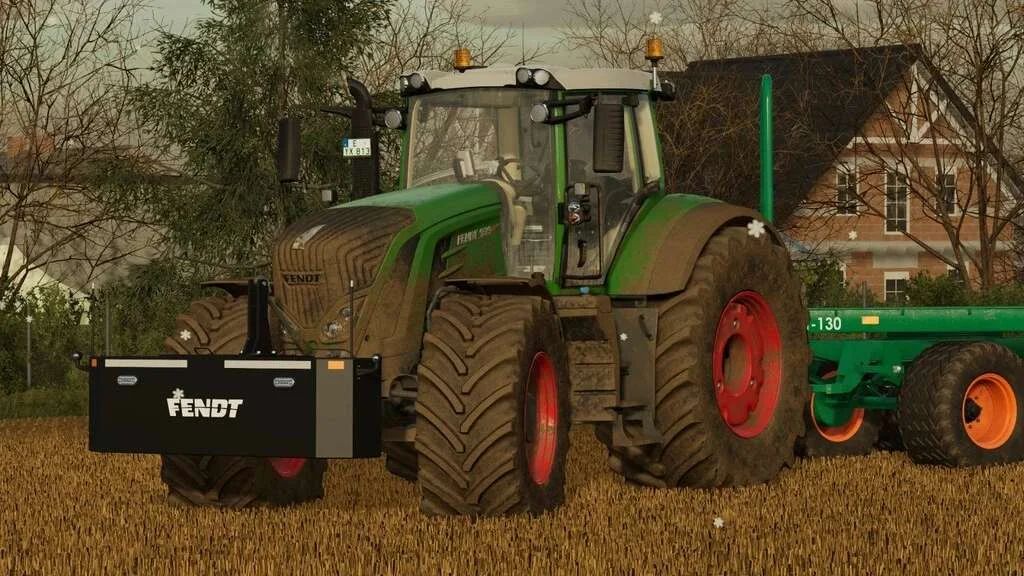
Weight 2500kg, 1800kg, 1200kg v1.0 FS22
Lizard Weight 2500kg, 1800kg, 1200kg The pack containts 3 weights with different colors, different lights and different brands. Weigth 1200kg: – Price: $1.200 Weight 1800kg: – Price: $1.800 Weight 2500kg: – Price: $2.500
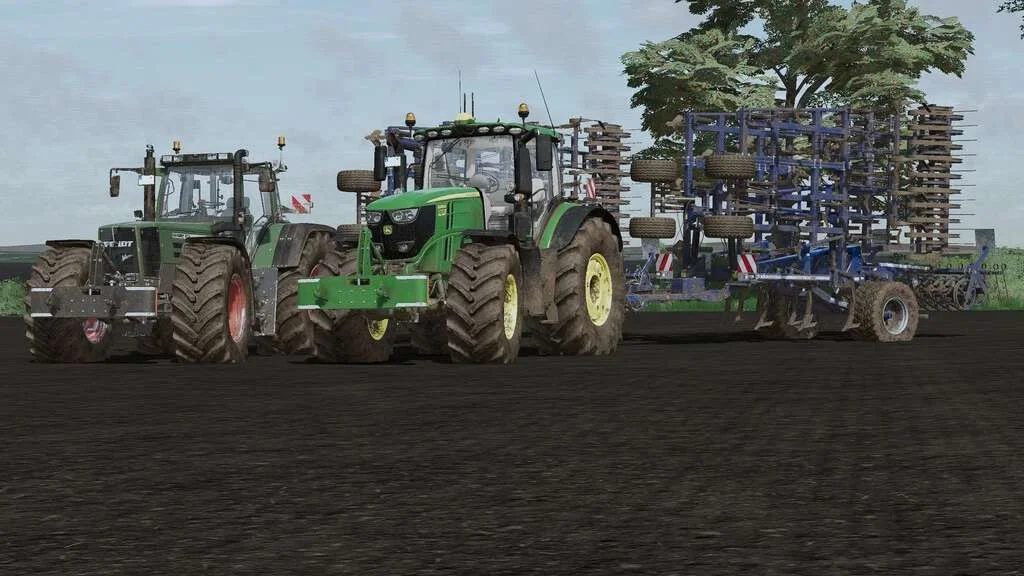
Lizard Weight v1.0 FS22
Weight: 500kg Three Point Linkage Price: 1200$ Tags: Game Farming Simulator PS5
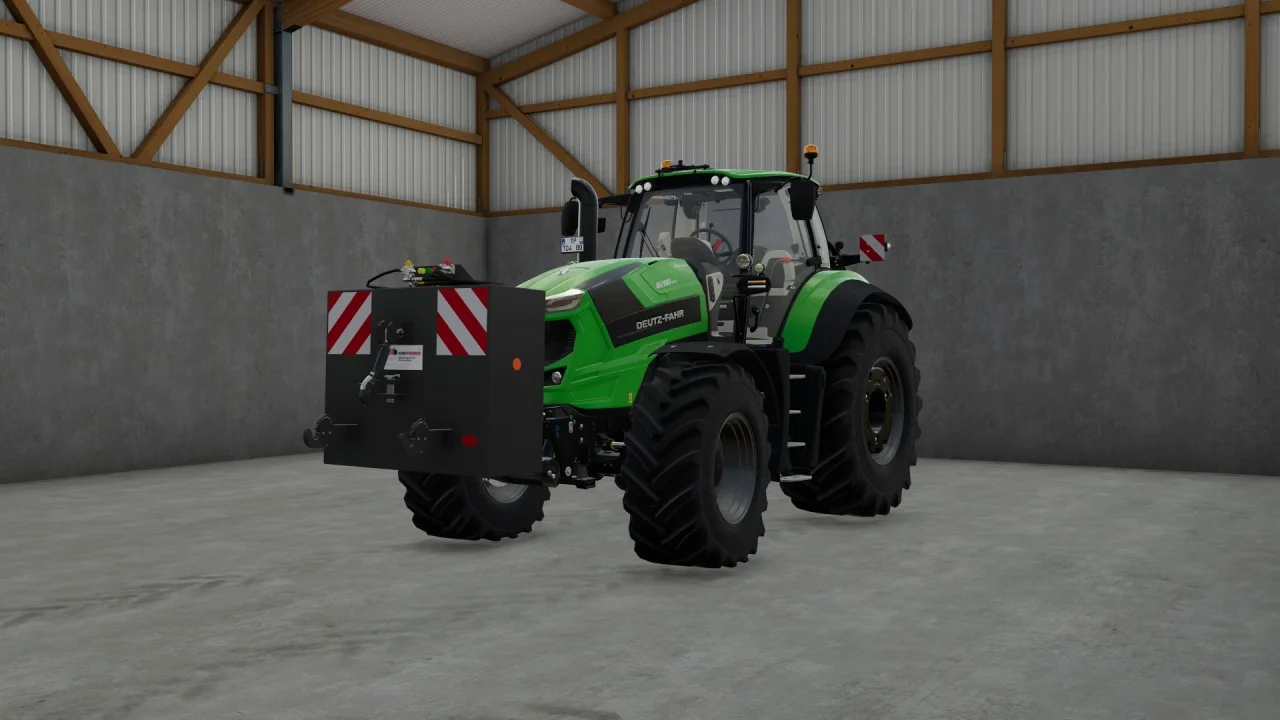
Rear mass 3000KG V1.2 FS22
Black tiger offers us here a mass of 3 tons. The guarantee of constant wheeling on a small tractor! Price: 4.500 €
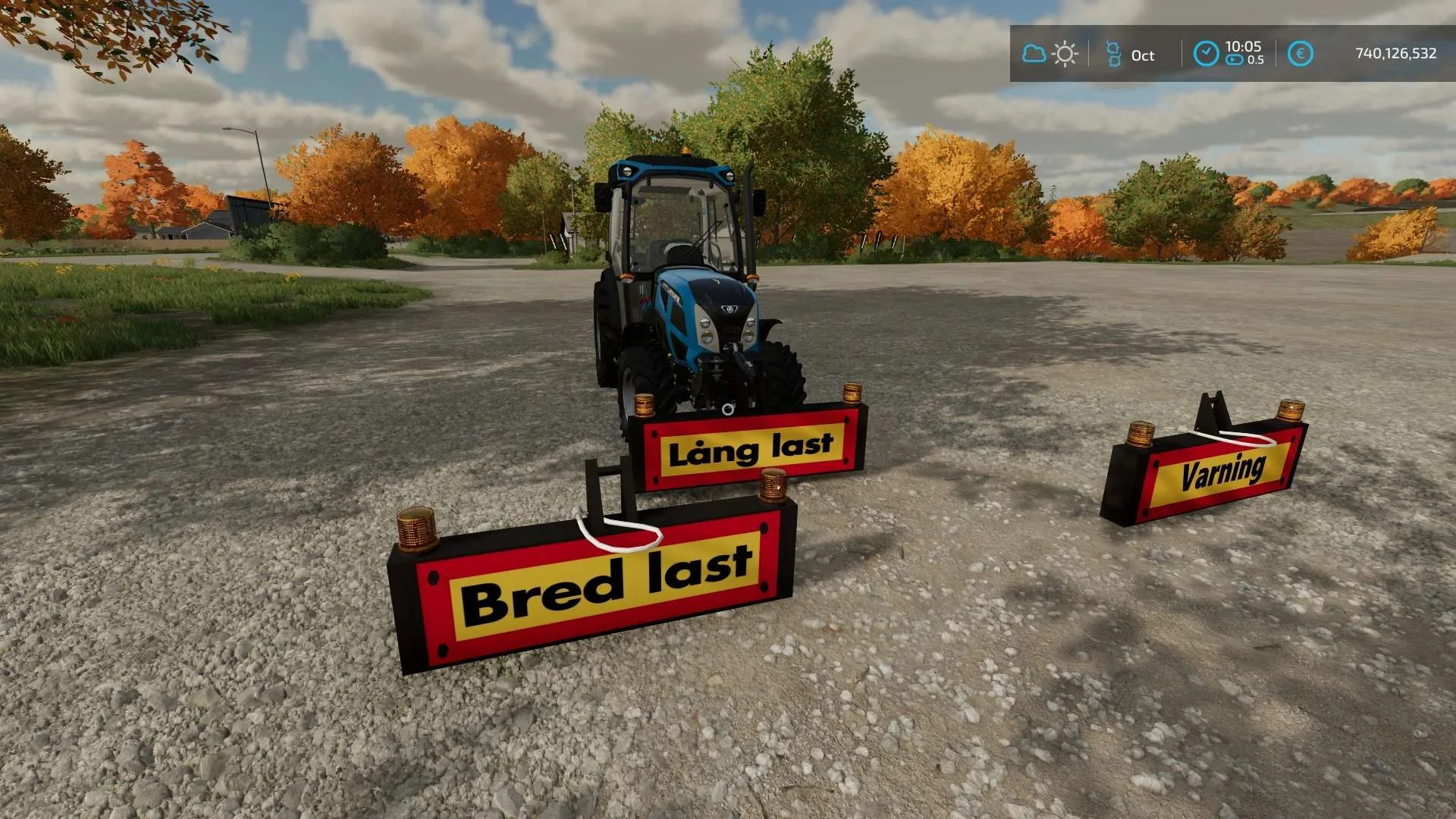
Equipment to tractor v1.0 FS22
Game: Farming simulator 22 Title: Bred/Lång/Varnings Skylt Price: 1000 Brand: LIZARD Category: weights Tags: Game Farming
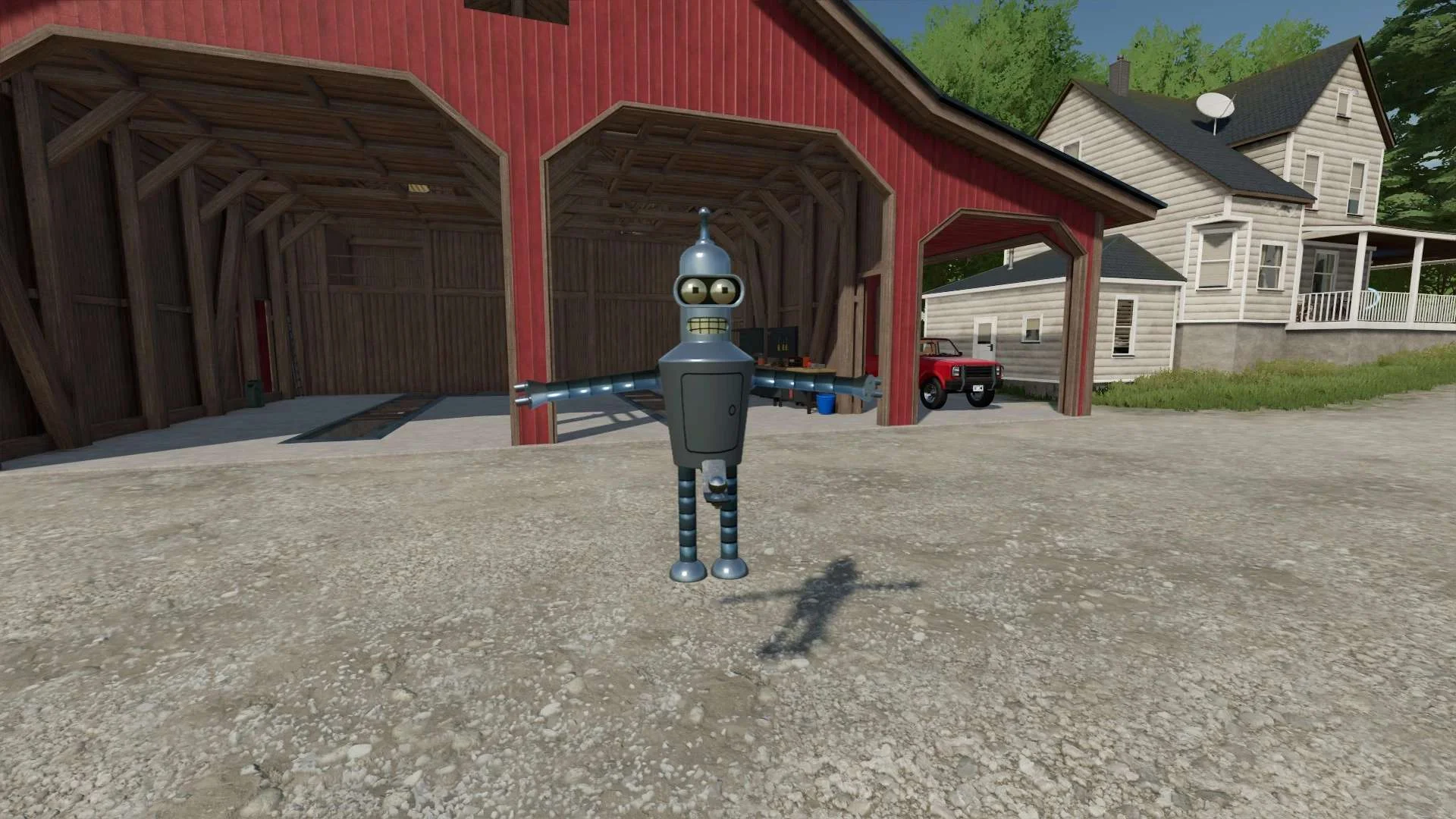
Bender Weight v1.0 FS22
8 selectable weight amounts from 420 – 4200 3 point attachment to bender Dynamic legs that disappear when attaching to Bender Front hardened steel heavy duty trailer hitch to connect trailers and low trailers Price: Varies by weight Location: Vehicle Menu > Weights Get your favorite Futurama character today! Tags: Bender Front Direct Donations Join Farming Simulator Price Varies