COURSEPLAY V7.1.0.2 FS22
The COURSEPLAY V7.1.0.2 FS22 is a custom FS22 mod designed for Farming Simulator enthusiasts. Downloaded over 0 times, this mod offers enhanced gameplay, clean installation, and dedicated server support for multiplayer games.
About COURSEPLAY V7.1.0.2 FS22 (FS22 Mod)
Complete overview, key features, and compatibility guide for Farming Simulator.
The COURSEPLAY V7.1.0.2 FS22 is an officially tested FS22 mod designed specifically for Farming Simulator players. Belonging to the Other collection, this modification delivers enhanced gameplay mechanics, realistic 3D modeling, and smooth dedicated server multiplayer integration.
Downloaded over 0 times, this addon has been community-verified for log-clean performance on Windows PC and Mac systems.
Mod Details & Release Notes
Push Release 7.1.0.2 Debug parameter added fix for drawbar #1654 Pathfinder fix for #1804 Bale wrapper fix #1789
Multiplayer support with Version 7.0.1.0 or higher!
What Works Course generation Field work with generated courses Refill or unload with AutoDrive Combine self unload Wrap and collect bales with or without a course Save/load/rename/move courses Create custom fields with recording or drawing on the AI Map Vehicle Convoy
Usage There is now a CP Fieldwork job available on the AI helper screen. Just with the built in helper, you can select a target position. When you start the job, the helper will drive to this position before starting the fieldwork. Use the Field position to tell the helper which field you want them to work on. Once you selected a valid Field position, you can click on the CP Open/Close Course Generator button on the bottom of the screen to open the course generator and generate a course. If your vehicle is already near or on the field, you can use the HUD or a keyboard shortcut to start the CP helper at the first, nearest or last waypoint of the fieldwork course.
Turning on Debug Channels When there’s an issue, you can turn on debug logging on the Courseplay vehicle settings page for each vehicle. This will enable loggin debug information for that vehicle only. Devs need those logs when troubleshooting and fixing bugs.
What information is logged when you activated the debug logging for the vehicle depends on the active debug channels. This are similar to those we had in CP 19, but the way to turn them on/off is different: you can bring up the debug channel menu by pressing Shift+4, then use Shift+1 and Shift+3 to select a channel, and then Shift+2 to toggle the selected debug channel (green is on).
Remember, you have to activate debug mode for the vehicle in the vehicle settings page, otherwise nothing is logged, even if the channel is active.
Developer version Please be aware you’re using a developer version, which may and will contain errors, bugs, mistakes and unfinished code. Chances are you computer will explode when using it. Twice. If you have no idea what “beta”, “alpha”, or “developer” means and entails, steer clear. The Courseplay team will not take any responsibility for crop destroyed, savegames deleted or baby pandas killed.
We work long, hard, in our own free time at developing and improving Courseplay. If you like the project, show us your undying love: PayPal donate
We removed the H key binding to start Courseplay, H will now start the built-in helper (or bring up the helper screen) as in the vanilla game. To start the Courseplay helper, there is a new Action (CP Start driver) you can now assign to any key combination in the Keyboard Controls screen, we recommend using Ctrl+H.
Tags: AI CP Debug Channels Push Release
Key Features & Performance Highlights
/mods/ folder.Frequently Asked Questions (COURSEPLAY V7.1.0.2 FS22)
Q: Is COURSEPLAY V7.1.0.2 FS22 free to download?
A: Yes! All Farming Simulator mods on Farming Simulator Mods are 100% free to download without subscription requirements.
Q: Which game version does COURSEPLAY V7.1.0.2 FS22 support?
A: This mod is built for FS22 (Farming Simulator 22).
Q: Is COURSEPLAY V7.1.0.2 FS22 safe and virus-scanned?
A: Yes, every file undergoes automated virus and integrity checks before publishing.
Unlock Download Link
To download COURSEPLAY V7.1.0.2 FS22, click the Like button below to reveal the direct download URL.
Click above to unlock the download link.
Specifications & Mod Metadata
FS22 ModHow to Install COURSEPLAY V7.1.0.2 FS22 (FS22)
- Click the Like button above to reveal and copy the direct download link.
- Download the
.zipmod file to your computer. - Copy the downloaded
.zipfile (do NOT unpack unless instructed). - Paste it into your Farming Simulator mod folder:
Documents / My Games / FarmingSimulator2022 / mods / - Launch the game and activate COURSEPLAY V7.1.0.2 FS22 in the mod selection menu.
Related FS22 Mods You May Like
Explore All fs22-mods →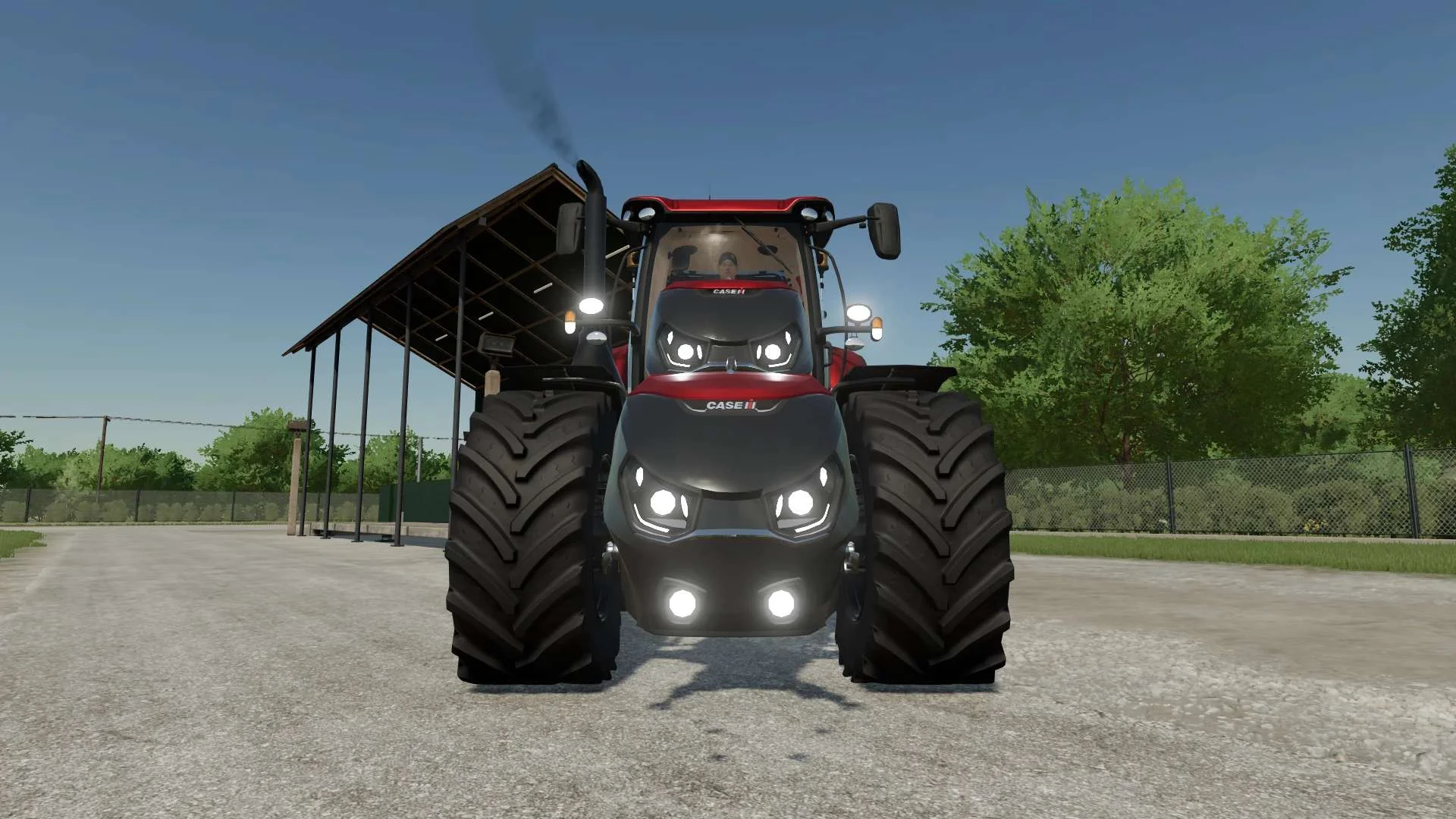
Case IH Optum Nose Weight v1.0 FS22
Front Weight for Optum Lights, color choice, 2300Kg By White_Lutin
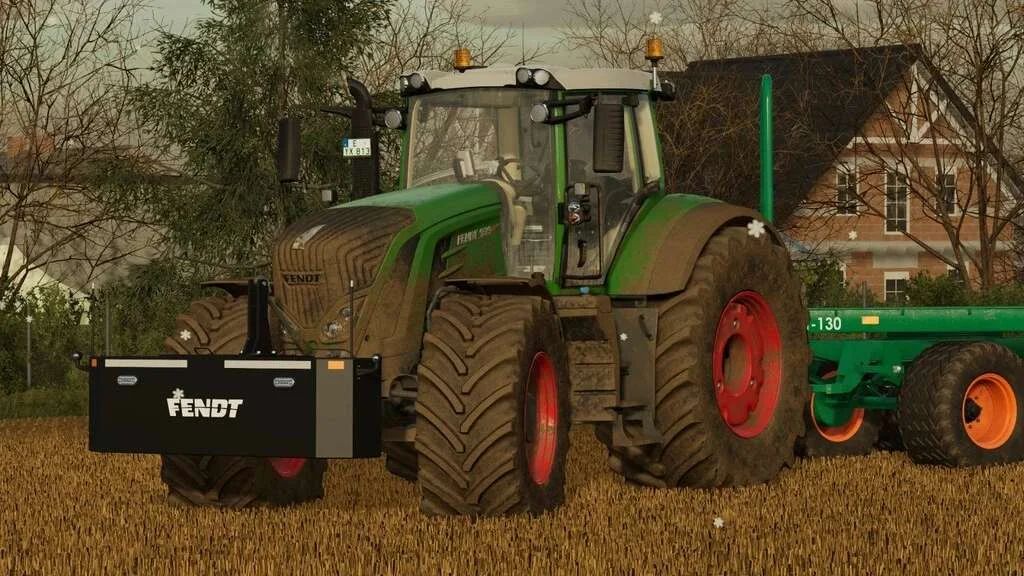
Weight 2500kg, 1800kg, 1200kg v1.0 FS22
Lizard Weight 2500kg, 1800kg, 1200kg The pack containts 3 weights with different colors, different lights and different brands. Weigth 1200kg: – Price: $1.200 Weight 1800kg: – Price: $1.800 Weight 2500kg: – Price: $2.500
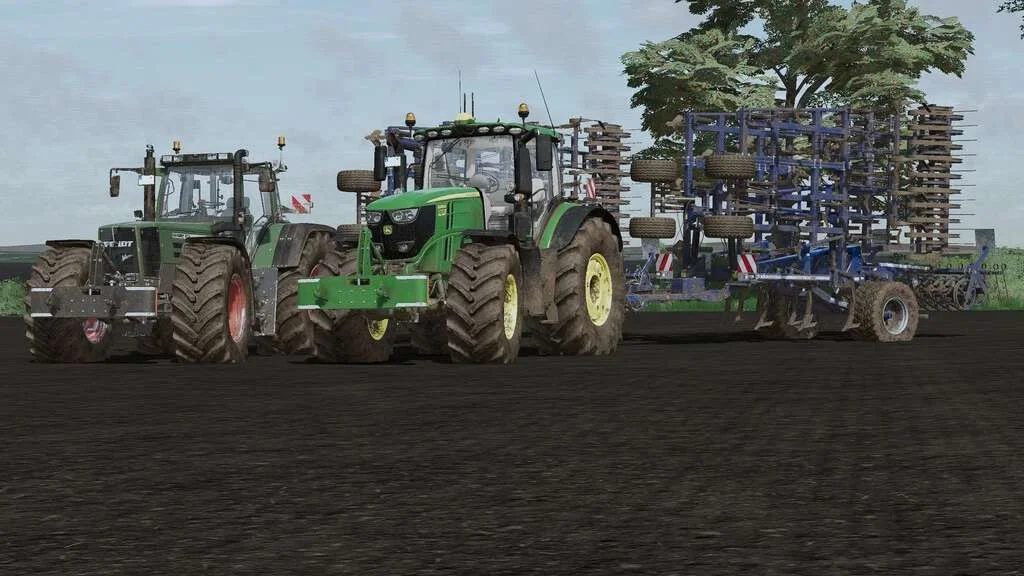
Lizard Weight v1.0 FS22
Weight: 500kg Three Point Linkage Price: 1200$ Tags: Game Farming Simulator PS5
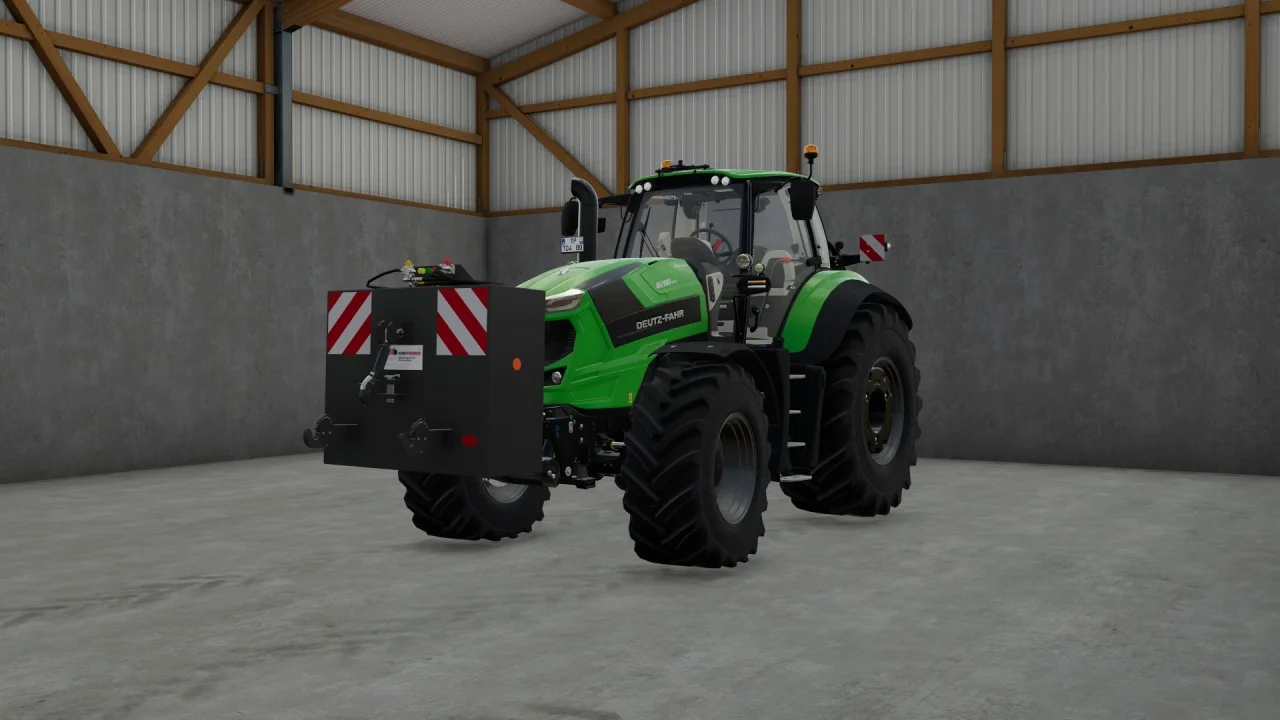
Rear mass 3000KG V1.2 FS22
Black tiger offers us here a mass of 3 tons. The guarantee of constant wheeling on a small tractor! Price: 4.500 €
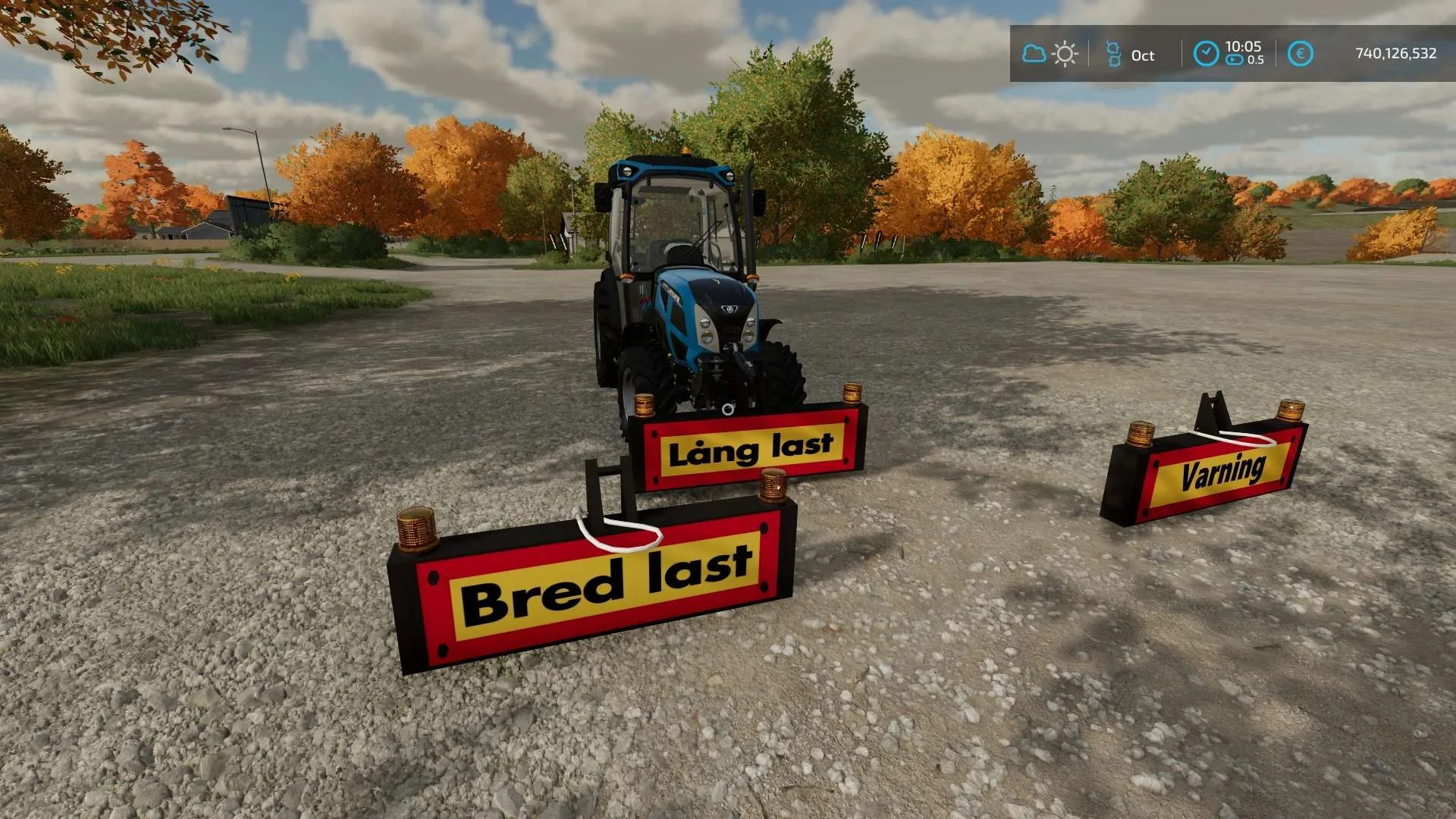
Equipment to tractor v1.0 FS22
Game: Farming simulator 22 Title: Bred/Lång/Varnings Skylt Price: 1000 Brand: LIZARD Category: weights Tags: Game Farming
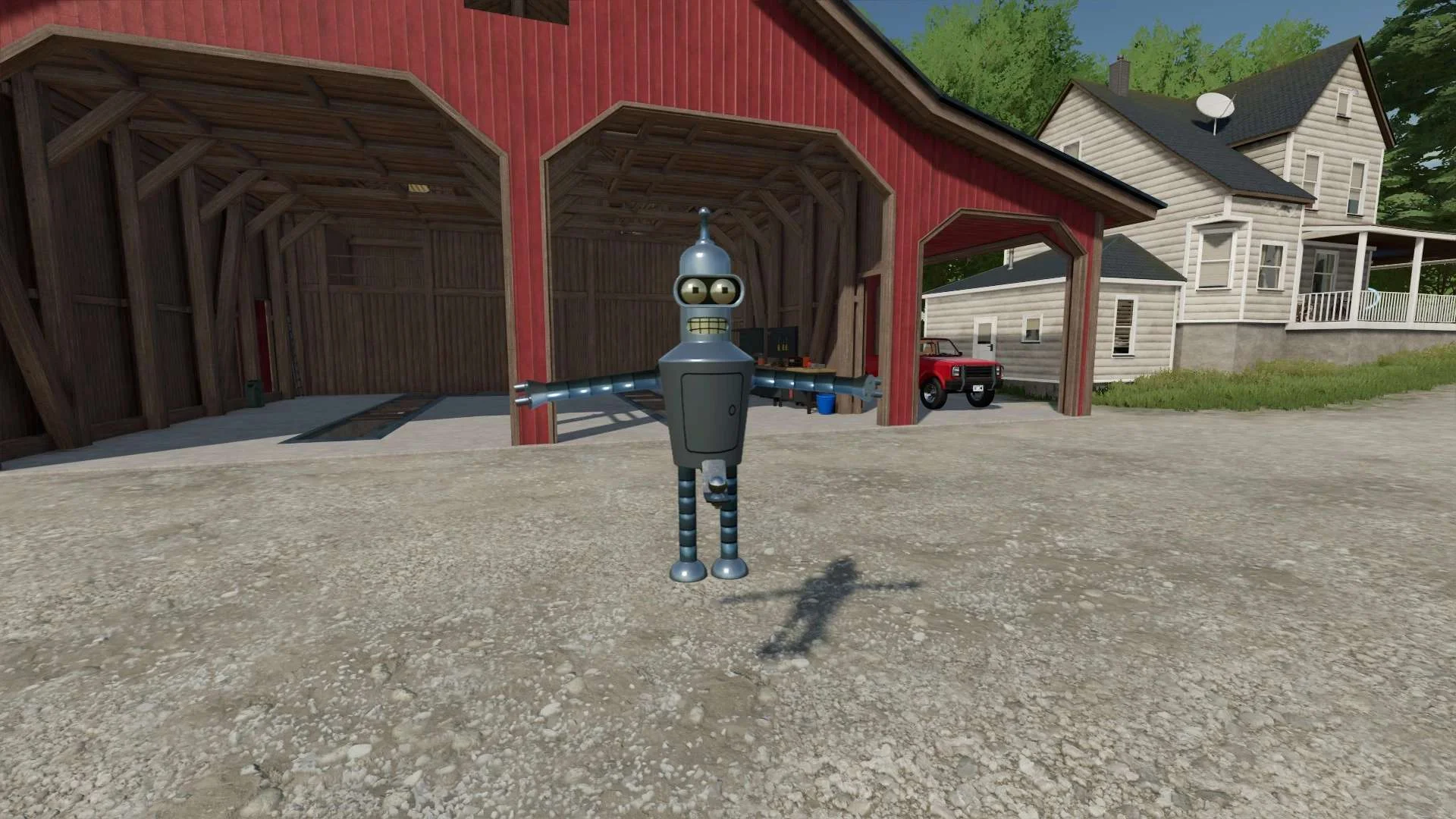
Bender Weight v1.0 FS22
8 selectable weight amounts from 420 – 4200 3 point attachment to bender Dynamic legs that disappear when attaching to Bender Front hardened steel heavy duty trailer hitch to connect trailers and low trailers Price: Varies by weight Location: Vehicle Menu > Weights Get your favorite Futurama character today! Tags: Bender Front Direct Donations Join Farming Simulator Price Varies