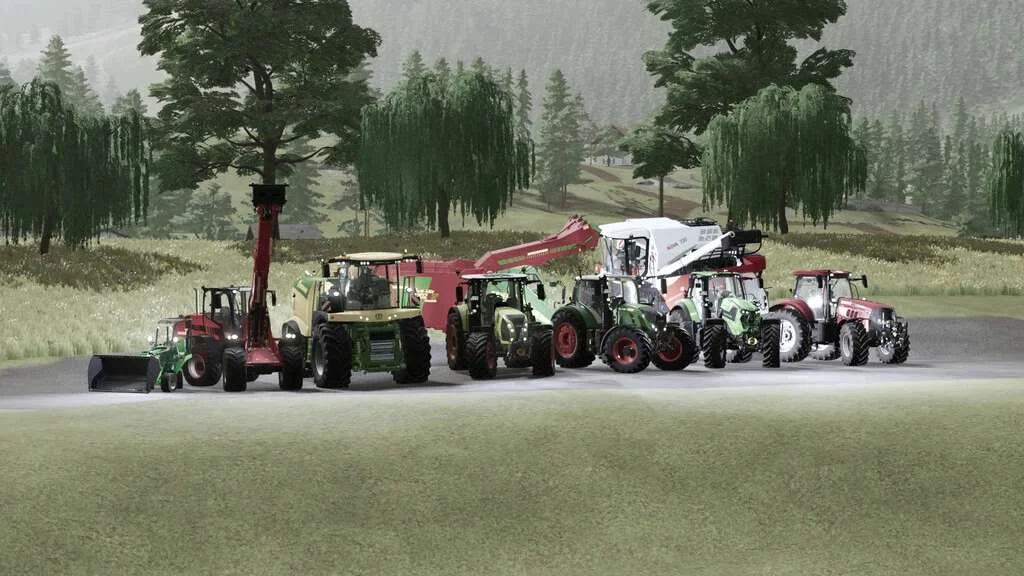
CVT Addon v1.0 FS22
The CVT Addon v1.0 FS22 is a custom FS22 mod designed for Farming Simulator enthusiasts. Downloaded over 0 times, this mod offers enhanced gameplay, clean installation, and dedicated server support for multiplayer games.
About CVT Addon v1.0 FS22 (FS22 Mod)
Complete overview, key features, and compatibility guide for Farming Simulator.
The CVT Addon v1.0 FS22 is an officially tested FS22 mod designed specifically for Farming Simulator players. Belonging to the Other collection, this modification delivers enhanced gameplay mechanics, realistic 3D modeling, and smooth dedicated server multiplayer integration.
Downloaded over 0 times, this addon has been community-verified for log-clean performance on Windows PC and Mac systems.
Mod Details & Release Notes
This script adds all vehicles with continuously variable transmissions a genuine CVT transmission or hydrostatic transmission. This can be configured in the shop. You can also choose between a classic or modern variant. Realistically, it is always selected to match the vehicle.
Important: The key bindings for the CVT add-on must first be assigned. All settings in the LS should be set to manual. Manual shifting and clutch. No automatic control systems may be active. If you want to drive realistically, you will do this anyway. The CVT addon should be actively used and not just an “it runs in the background” mod (customise for the respective application)
Setting options: General CVT: – 4 acceleration ramps can be set. – Braking ramps can also be set. – TMS pedal mode can be activated. – Automatic differential lock can be activated or preselected. This requires the mod FS22_VehicleControlAddon or FS22_EnhancedVehicle is required. – Efficient working with the machine at maximum power. – To be able to start the engine, the clutch must be actuated a button or a clutch pedal must be assigned for this purpose. This may also be the same clutch that is used for manual transmissions.
Classic CVT: – 2 driving ranges can be shifted here.
Modern CVT: – The driving ranges shift automatically. – The parking brake is activated as soon as you move away from the driver’s seat. FS22_VehicleControlAddon or FS22_EnhancedVehicle required. – Low-speed concept, enables even more eficient working. – Convenient operation thanks to fewer required setting parameters.
Hydrostat and HST drive: – The 2 basic variants are selected by switching the drive ranges. – In this configuration, the single acceleration ramps are declared as speed levels. – Both hydraulic drive types can be set in motion by a percentage accelerator pedal. With the hydrostat (the older or simple variant), the hand throttle must be used to A. reach the final speed, B. increase the hydraulic pump capacity, e.g. to increase the speed and lifting power of the frontloader on the yard or wheelloader to achieve more speed and lifting power. – In the newer version, this is largely regulated automatically, but the hand throttle can still be used to to carry out front loader work more agilely. – If FS22_VehicleControlAddon is active, the parking brake must be applied to start the engine.
Heat, overheating and wear: -Engines must first run warm enough to avoid generating increased wear under load. -Improper use and incorrect adjustment when driving, especially under load, can cause the gearbox to wear out more quickly. -If the pressure is too high, the gearbox can overheat and thus cause wear. -The engine temperatures are only synchronised with FS22_DashboardLive in Multiplayer! DBL must be active at least with .
Influence on the functions and functions that create influence: The engine braking effect: – Is calculated dynamically by various factors. Among other things, weight, speed, wind, incline or decline play a role, engine power (unfortunately not cubic capacity), engine speed range and speed, etc. play a role. Also, depending on which acceleration ramp is selected.
Starting the engine: For continuously variable vehicles, the clutch must be depressed, which must be assigned separately – i.e. the same input, which is also the normal clutch. In hydrostatic configuration, if VCA is active the handbrake must be applied in order to start the engine. In addition, the hand throttle must not be pulled up, it must be set to 0.
Driving ranges: There are 2 driving ranges, II. is intended for road travel, transport and light work. Stage I is more for heavy field work and heavy transport. Here the maximum speed is also reduced and the torque provides more thrust, especially when starting off. A button assignment must be assigned for each level. The driving ranges should be changed when the machine is stationary, as this can also cause damage. *A little tip, if you use the group shift buttons for up/down, you can use the same buttons for the speed steps. A special feature of the “modern” configuration is that the driving ranges are regulated.
Acceleration ramps: Furthermore, there is now an acceleration ramp in 4 stages, which can be switched through with one button. This influences the acceleration behaviour when accelerating and reducing the driving speed. Smooth and with feeling or full power and rough. With heavy implements or trailers, can cause high pressure in the planetary gearbox and damage it! In this case, the acceleration ramp should be set to 3 or less. Level 4 is more suitable for empty runs. For light field work, you can easily pull at speed level 1 in acceleration ramp 4 – for example, disc harrow, flat cultivator.
Further detailed explanations of the details can be found in the Escape help menu.
Almost all values and settings can be used with FS22_DashboardLive.
Tags: CVT example HST LS
Key Features & Performance Highlights
/mods/ folder.Frequently Asked Questions (CVT Addon v1.0 FS22)
Q: Is CVT Addon v1.0 FS22 free to download?
A: Yes! All Farming Simulator mods on Farming Simulator Mods are 100% free to download without subscription requirements.
Q: Which game version does CVT Addon v1.0 FS22 support?
A: This mod is built for FS22 (Farming Simulator 22).
Q: Is CVT Addon v1.0 FS22 safe and virus-scanned?
A: Yes, every file undergoes automated virus and integrity checks before publishing.
Unlock Download Link
To download CVT Addon v1.0 FS22, click the Like button below to reveal the direct download URL.
Click above to unlock the download link.
Specifications & Mod Metadata
FS22 ModHow to Install CVT Addon v1.0 FS22 (FS22)
- Click the Like button above to reveal and copy the direct download link.
- Download the
.zipmod file to your computer. - Copy the downloaded
.zipfile (do NOT unpack unless instructed). - Paste it into your Farming Simulator mod folder:
Documents / My Games / FarmingSimulator2022 / mods / - Launch the game and activate CVT Addon v1.0 FS22 in the mod selection menu.
Related FS22 Mods You May Like
Explore All fs22-mods →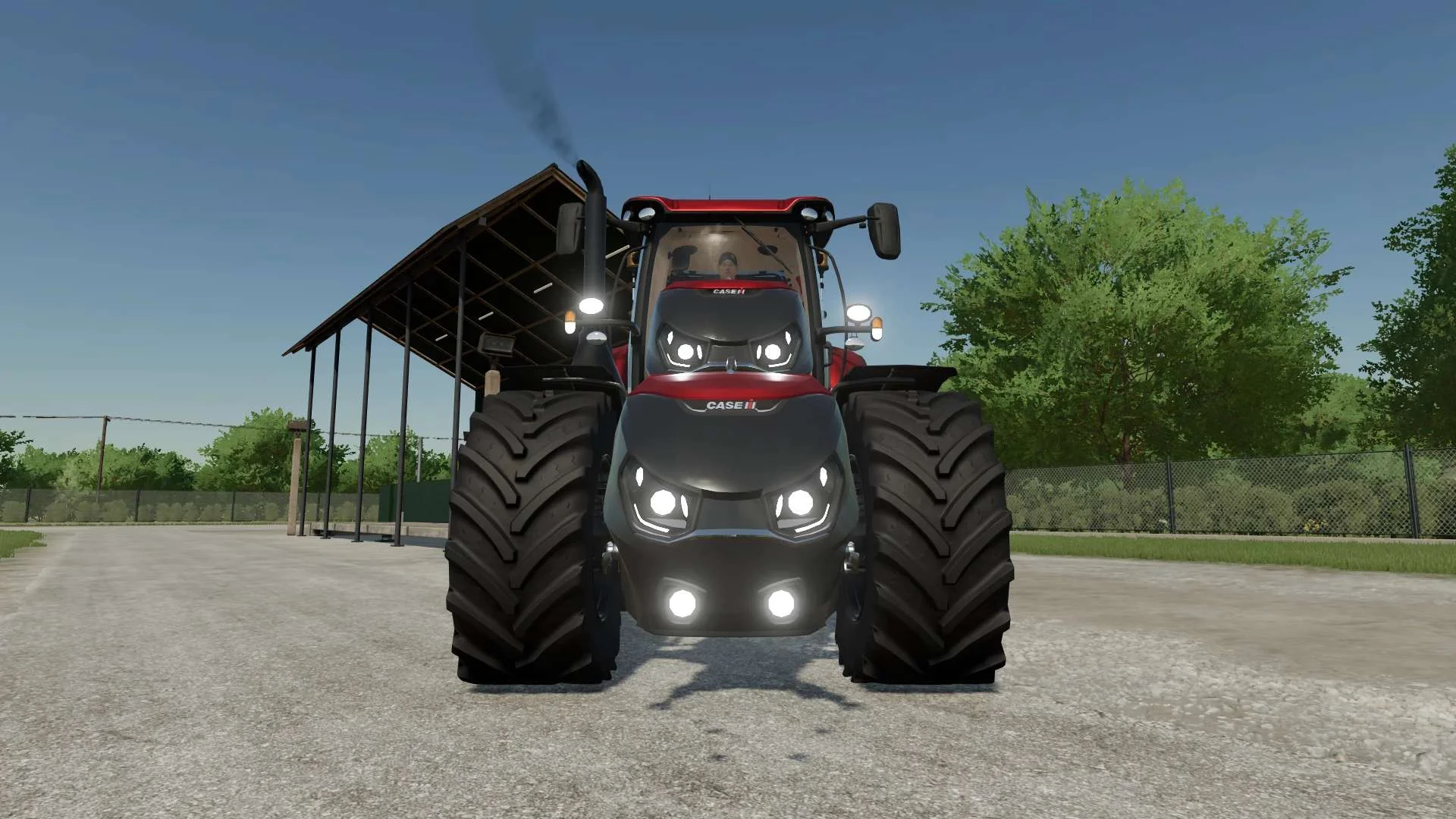
Case IH Optum Nose Weight v1.0 FS22
Front Weight for Optum Lights, color choice, 2300Kg By White_Lutin
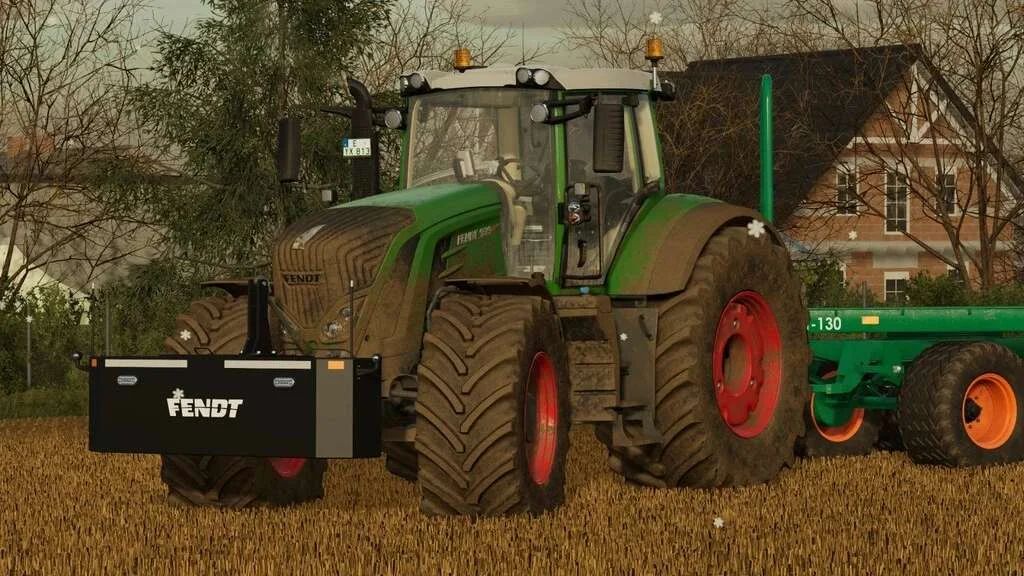
Weight 2500kg, 1800kg, 1200kg v1.0 FS22
Lizard Weight 2500kg, 1800kg, 1200kg The pack containts 3 weights with different colors, different lights and different brands. Weigth 1200kg: – Price: $1.200 Weight 1800kg: – Price: $1.800 Weight 2500kg: – Price: $2.500
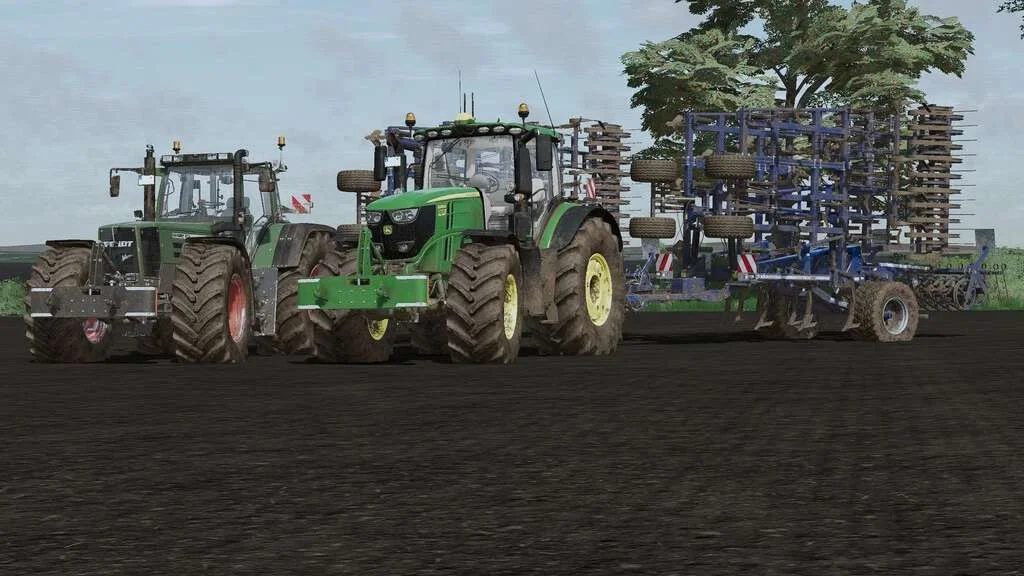
Lizard Weight v1.0 FS22
Weight: 500kg Three Point Linkage Price: 1200$ Tags: Game Farming Simulator PS5
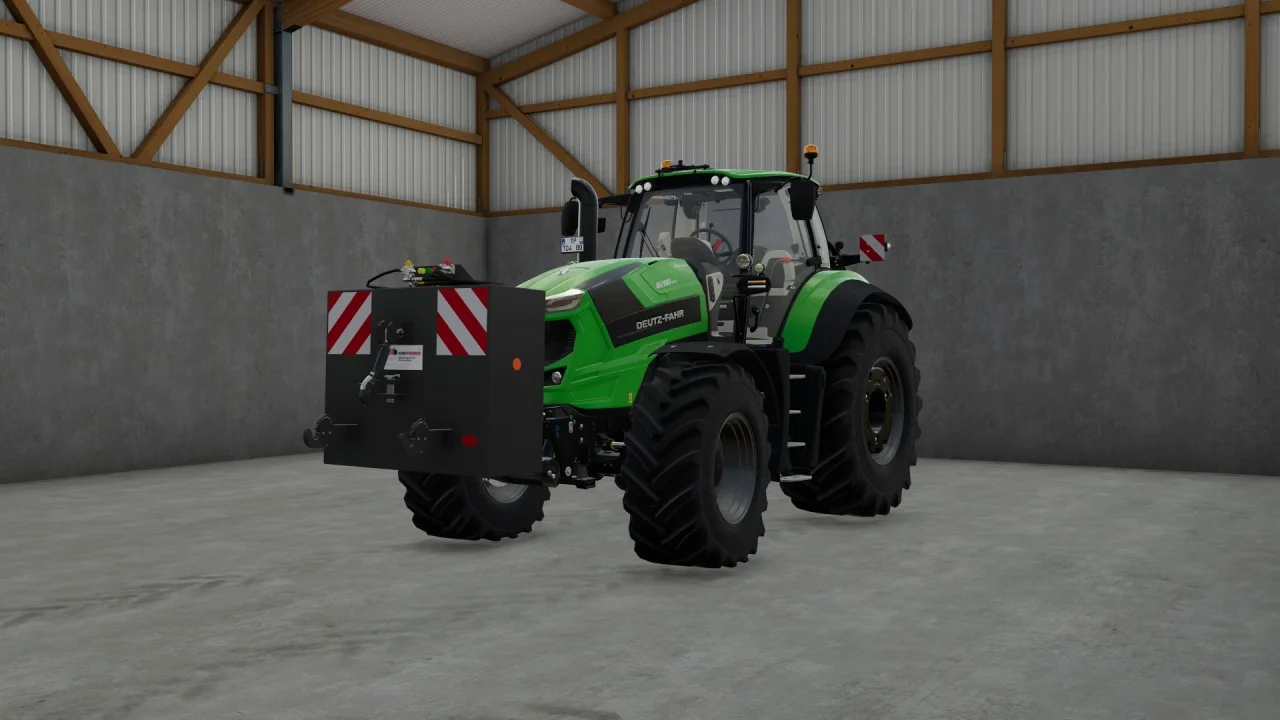
Rear mass 3000KG V1.2 FS22
Black tiger offers us here a mass of 3 tons. The guarantee of constant wheeling on a small tractor! Price: 4.500 €
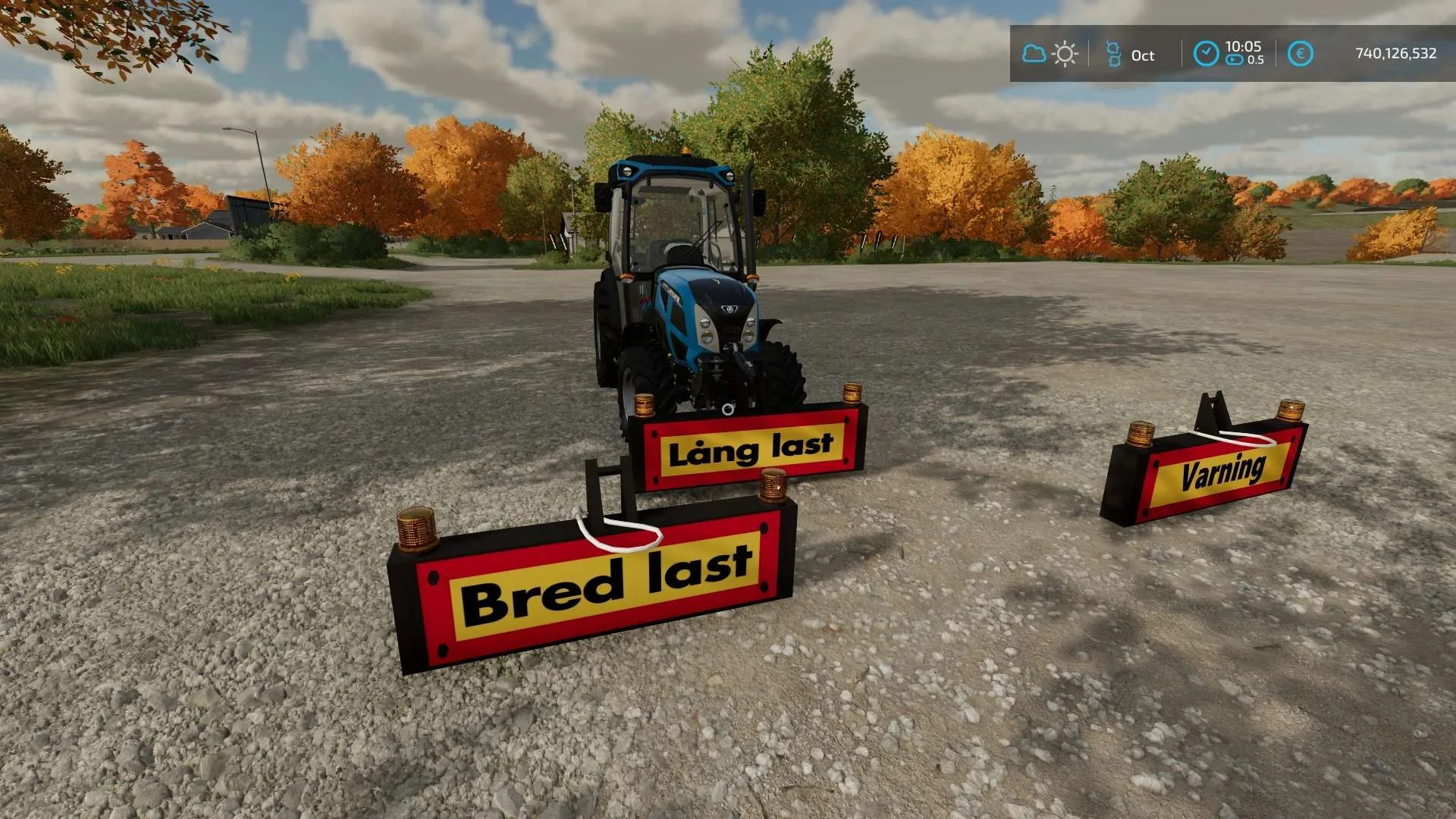
Equipment to tractor v1.0 FS22
Game: Farming simulator 22 Title: Bred/Lång/Varnings Skylt Price: 1000 Brand: LIZARD Category: weights Tags: Game Farming

Bender Weight v1.0 FS22
8 selectable weight amounts from 420 – 4200 3 point attachment to bender Dynamic legs that disappear when attaching to Bender Front hardened steel heavy duty trailer hitch to connect trailers and low trailers Price: Varies by weight Location: Vehicle Menu > Weights Get your favorite Futurama character today! Tags: Bender Front Direct Donations Join Farming Simulator Price Varies