EnhancedVehicle v1.0.0.0 FS22
The EnhancedVehicle v1.0.0.0 FS22 is a custom FS22 mod designed for Farming Simulator enthusiasts. Downloaded over 0 times, this mod offers enhanced gameplay, clean installation, and dedicated server support for multiplayer games.
About EnhancedVehicle v1.0.0.0 FS22 (FS22 Mod)
Complete overview, key features, and compatibility guide for Farming Simulator.
The EnhancedVehicle v1.0.0.0 FS22 is an officially tested FS22 mod designed specifically for Farming Simulator players. Belonging to the Other collection, this modification delivers enhanced gameplay mechanics, realistic 3D modeling, and smooth dedicated server multiplayer integration.
Downloaded over 0 times, this addon has been community-verified for log-clean performance on Windows PC and Mac systems.
Mod Details & Release Notes
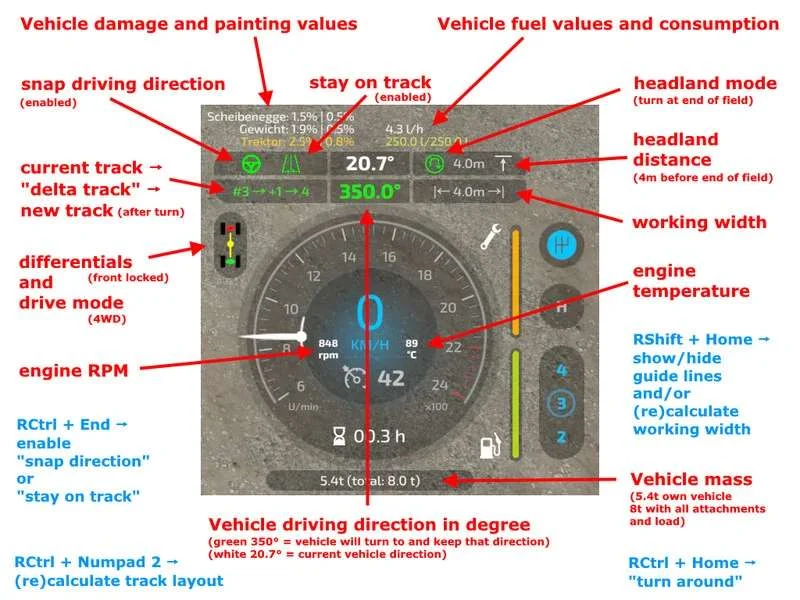
What does EnhancedVehicle do? This mod adds a track assistant, differential locks, drive modes (all-wheel, RWD/FWD) and direct control of front/rear hydraulics and equipment to (motorized) vehicles. Additionally, the HUD gets a bit of an upgrade with a more detailed damage indicator, fuel tank level, fuel consumption, engine RPM and temperature, and weight/total weight.
Version 1.0.0.0 2021-12-30 – V1.0.0.0 + re-added option to move track and diff HUD elements via config XML * bugfix for flickering HUD on dedi server when someone switches through vehicles
2021-12-27 – V1.0.0.0-rc5 * bugfix for the HUD being shown in vehicles where it should not be visible
2021-12-27 – V1.0.0.0-rc4 * fixed a rare bug for snap feature not working as expected on dedicated servers (thx “a Bit Brutal”)
2021-12-26 – V1.0.0.0-rc3 + added configuration menu option for “number of visible tracks” + added key binding to quickly change headland distance (RShift+Numpad / or RShift+Numpad *) * bugfix for not being able to steer when globally disabling track assistant when snap to track is enabled * minor change in calculation of workwidth. should now also work if vehicle and attachments are not aligned in a straight line * changed default width of “virtual tracks” from 4m to 6m
2021-12-25 – V1.0.0.0-rc2 + added option to show dmg/fuel above the speedmeter (classic) or on the top-right below the gameinfo panel * disable follow track when resetting track * minor modifications on key bindings and actionEvent code
2021-12-23 – V1.0.0.0-rc1 * another bugfix for multiplayer
2021-12-23 – V0.9.9.9 * HUD bugfix for dedicated server
2021-12-23 – V0.9.9.8 * rewritten the complete HUD code. looks better, fits GUI scaling. + added key binding to quickly cycle through headland modes – removed key binding for “resume previous snap direction”
2021-12-20 – V0.9.9.7 + support to increase/decrease width of calculated tracks + added support for “fake” tracks. use this if you have no attachment but want tracks. press rctrl+numpad2 twice. * bugfix for attachments on attachments * minor fixes
2021-12-19 – V0.9.9.6 * fixed some logic code bugs * modified track display above speedometer a bit
2021-12-18 – V0.9.9.5 + added headland behavior. open configuration menu to configure headland behavior for each vehicle.
2021-12-16 – V0.9.9.4 * display track number even when guide lines are turned off * changed appearance of track display a bit: #actualtrack -> turnover -> nexttrack * next track number in game world is rendered in green
Note I recommend to open the configuration menu once after each new mod version via “Ctrl + Numpad /” and reset to default settings.
What’s new in version 0.9.x? First of all: Welcome to FS22. The mod functions from the FS19 version have all been taken over – except for the shuttle shift. That feature has been removed, as the game now supports this out of the box. NEW feature: a track assistant (“GPS light”) and a simple “hold direction” mode (“snap to direction”).
How does the Track Assistant work? Drive to the field with your vehicle and an attachment and turn on the guide lines with RShift+Home. Position your vehicle parallel to the edge of the field. Turn on the track assistant with RCtrl + Numpad 2. A bunch of lines will appear representing the tracks. Above the speedometer you can see the current track number your vehicle is in, and next to it a number between -5 to +5. This number indicates how many tracks your vehicle will turn when you press the “turn” button. Example: You are in track #5 and press “turn” with a value of +1 -> your vehicle will enter track #6. Example 2: You are in track #10 and press “turn around” with a value of -3 -> your vehicle will sort into track #7. Press RCtrl + End to automatically keep the car in the current track. You don’t need to steer now – just accelerate/brake or turn on cruise control. At the end of the field, the vehicle can turn around if you press RCtrl + Home. Note: The vehicle simply tries to reach the new track. It is not very intelligent about it. It does not turn in several moves or something like that. Just try it out and see how it works. When you steer, track keeping is immediately disabled. With RCtrl + End you turn it back on. If you changed the attachment or want to realign tracks -> RCtrl + Numpad 2. Headland: In the config menu you can turn on/off the headland mode, configure what should happen when headland is reached and set the distance to the end of the field
Keyboard mapping (can be remapped in game options) / full list on Github Ctrl + Numpad / – Open configuration menu. There you can turn on/off some functions and turn on/off the HUD elements. RCtrl + End – keep vehicle in current track or snap to current direction RCtrl + Home – Turn into next track or turn direction of travel by 180° RShift + Home – turn guide lines on/off RCtrl + Numpad 1 – Turn track assistant on/off RCtrl + Numpad 2 – Recalculate track layout RCtrl + Numpad 7 – Differential Lock Front
Key Features & Performance Highlights
/mods/ folder.Frequently Asked Questions (EnhancedVehicle v1.0.0.0 FS22)
Q: Is EnhancedVehicle v1.0.0.0 FS22 free to download?
A: Yes! All Farming Simulator mods on Farming Simulator Mods are 100% free to download without subscription requirements.
Q: Which game version does EnhancedVehicle v1.0.0.0 FS22 support?
A: This mod is built for FS22 (Farming Simulator 22).
Q: Is EnhancedVehicle v1.0.0.0 FS22 safe and virus-scanned?
A: Yes, every file undergoes automated virus and integrity checks before publishing.
Unlock Download Link
To download EnhancedVehicle v1.0.0.0 FS22, click the Like button below to reveal the direct download URL.
Click above to unlock the download link.
Specifications & Mod Metadata
FS22 ModHow to Install EnhancedVehicle v1.0.0.0 FS22 (FS22)
- Click the Like button above to reveal and copy the direct download link.
- Download the
.zipmod file to your computer. - Copy the downloaded
.zipfile (do NOT unpack unless instructed). - Paste it into your Farming Simulator mod folder:
Documents / My Games / FarmingSimulator2022 / mods / - Launch the game and activate EnhancedVehicle v1.0.0.0 FS22 in the mod selection menu.
Related FS22 Mods You May Like
Explore All fs22-mods →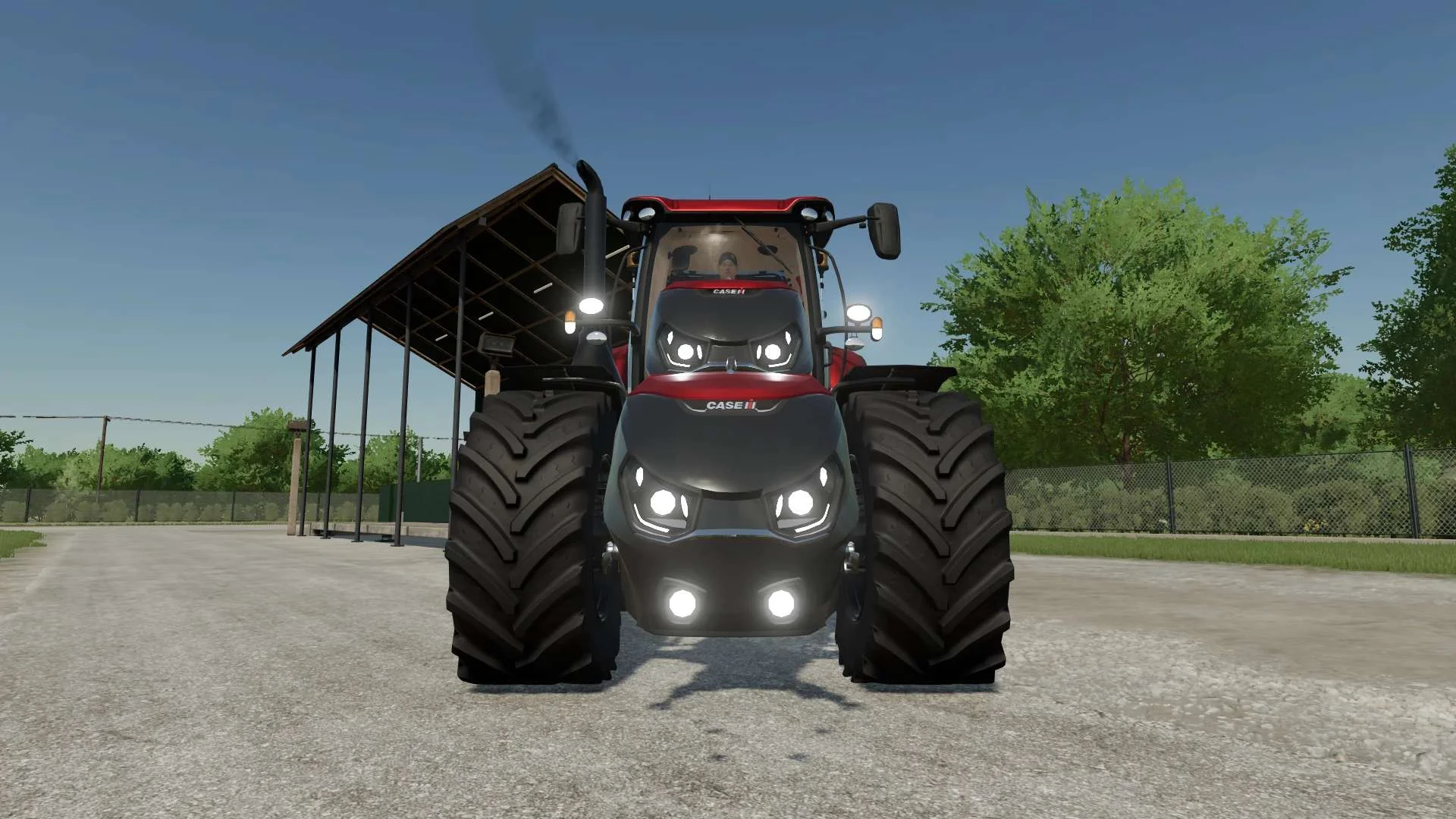
Case IH Optum Nose Weight v1.0 FS22
Front Weight for Optum Lights, color choice, 2300Kg By White_Lutin
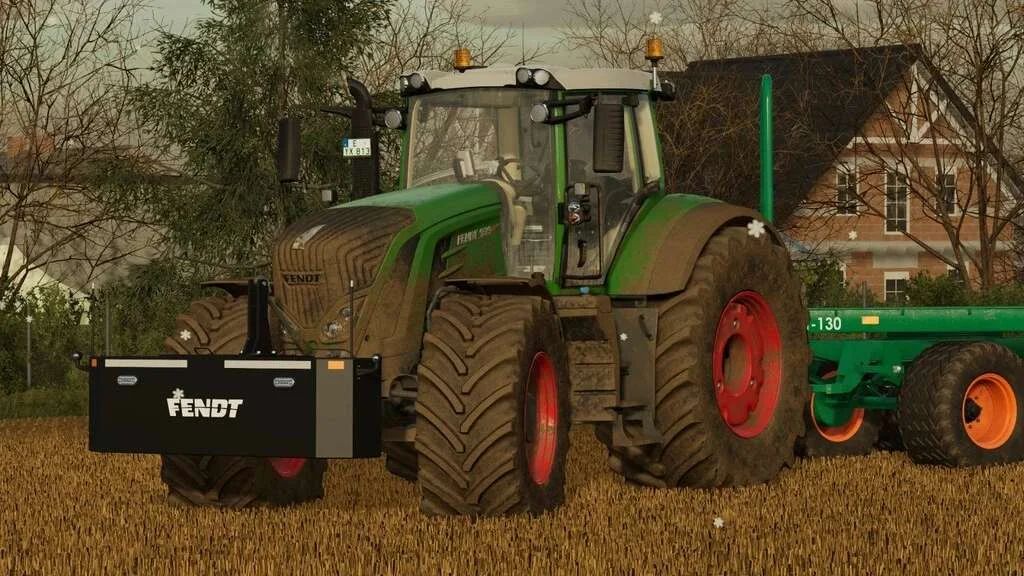
Weight 2500kg, 1800kg, 1200kg v1.0 FS22
Lizard Weight 2500kg, 1800kg, 1200kg The pack containts 3 weights with different colors, different lights and different brands. Weigth 1200kg: – Price: $1.200 Weight 1800kg: – Price: $1.800 Weight 2500kg: – Price: $2.500
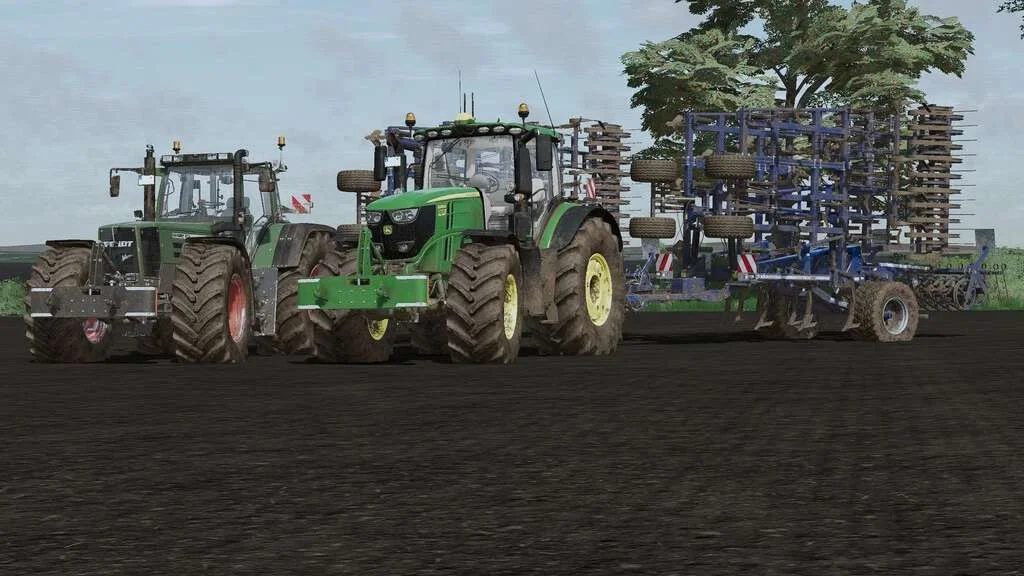
Lizard Weight v1.0 FS22
Weight: 500kg Three Point Linkage Price: 1200$ Tags: Game Farming Simulator PS5
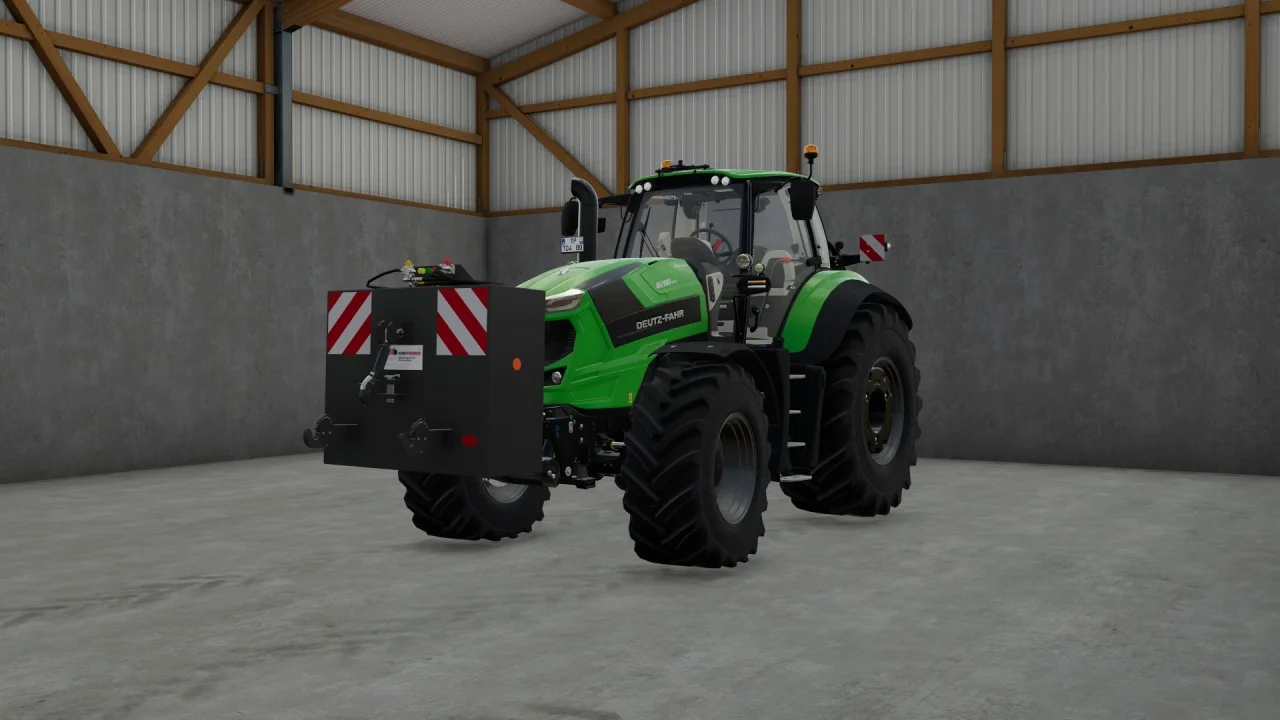
Rear mass 3000KG V1.2 FS22
Black tiger offers us here a mass of 3 tons. The guarantee of constant wheeling on a small tractor! Price: 4.500 €
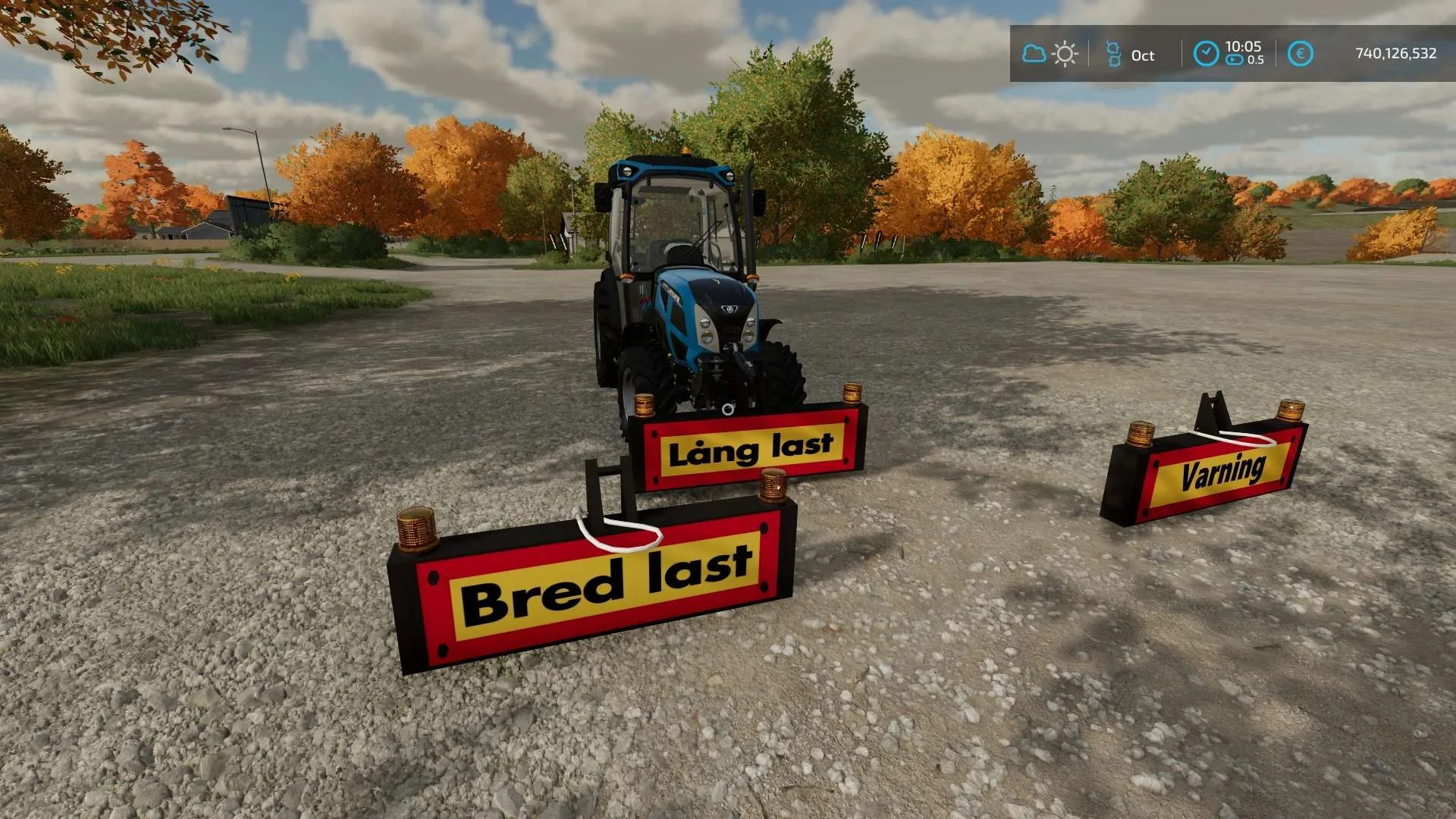
Equipment to tractor v1.0 FS22
Game: Farming simulator 22 Title: Bred/Lång/Varnings Skylt Price: 1000 Brand: LIZARD Category: weights Tags: Game Farming
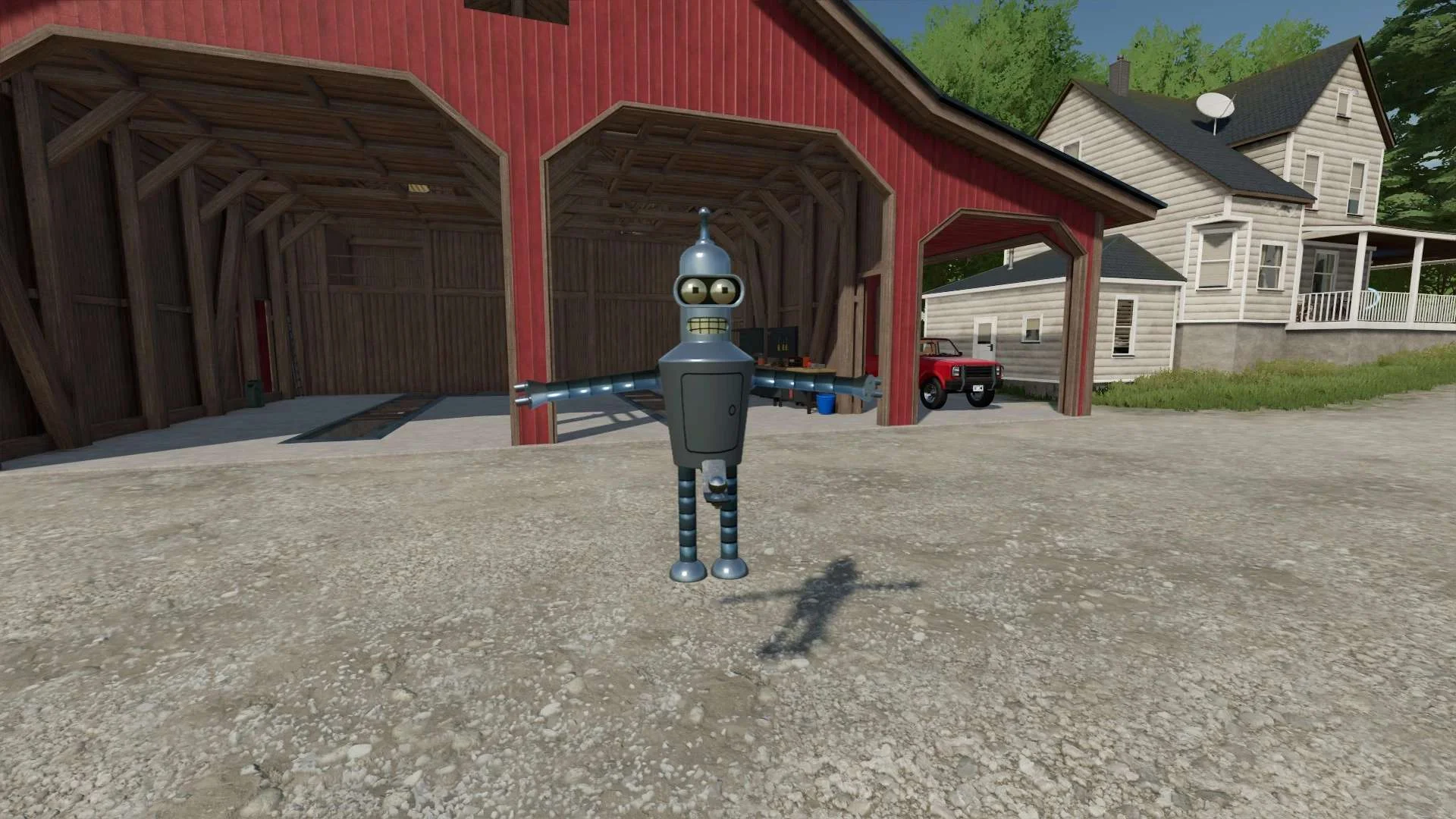
Bender Weight v1.0 FS22
8 selectable weight amounts from 420 – 4200 3 point attachment to bender Dynamic legs that disappear when attaching to Bender Front hardened steel heavy duty trailer hitch to connect trailers and low trailers Price: Varies by weight Location: Vehicle Menu > Weights Get your favorite Futurama character today! Tags: Bender Front Direct Donations Join Farming Simulator Price Varies