EnhancedVehicle v1.2.1 FS22
The EnhancedVehicle v1.2.1 FS22 is a custom FS22 mod designed for Farming Simulator enthusiasts. Downloaded over 0 times, this mod offers enhanced gameplay, clean installation, and dedicated server support for multiplayer games.
About EnhancedVehicle v1.2.1 FS22 (FS22 Mod)
Complete overview, key features, and compatibility guide for Farming Simulator.
The EnhancedVehicle v1.2.1 FS22 is an officially tested FS22 mod designed specifically for Farming Simulator players. Belonging to the Other collection, this modification delivers enhanced gameplay mechanics, realistic 3D modeling, and smooth dedicated server multiplayer integration.
Downloaded over 0 times, this addon has been community-verified for log-clean performance on Windows PC and Mac systems.
Mod Details & Release Notes
What does EnhancedVehicle do? 1.2.1.0 – added headland trigger distance sound – Added “tüdelü” sound when approaching the headland trigger (thanks to “andre020478” for the sample); – Added a configuration menu option that determines how many meters before the headland an audio signal is played; – Translation updates; – Built-in translation into Russian;
2022-01-25 – V1.2.0.0 + added a display for the remaining distance to the headland trigger + added config option to choose which lines should be displayed (all, none, tracks only, vehicle+working width only) + added config XML option to specify sfx volume * ATTENTION: Way of “how it works” changed: – Press RShift+Home to switch throught operating modes: “snap to direction” or “snap to track” – Hold RShift+Home to disable track assistant – Press RStrg+Numpad1 to (re)calculate working width * leaving a vehicle will no longer disable snap direction/track * remapped move offset line from RAlt+Numpad -/+ to RShift+RCtrl+Numpad -/+
2022-01-15 – V1.1.3.1 * translation updates * updated differential lock sound
2022-01-11 – V1.1.3.0 + added warning message if parking brake is applied when trying to move vehicle + added config XML option to move dmg/fuel HUD display in classic FS19 configuration + added config XML option to move misc (weight) HUD display + added config XML option to modify inactive/active color of some HUD elements – removed the requirement to enable/disable functionality of parking brake to be able to use the brake * small fix in “turn around” function
2022-01-04 – V1.1.2.0 + re-added the background for dmg/fuel display in classic FS19 configuration * parking brake should now work in manual transmission(+clutch) mode * renamed “Handbremse” to “Feststellbremse” * moved the global settings in configuration menu to the bottom
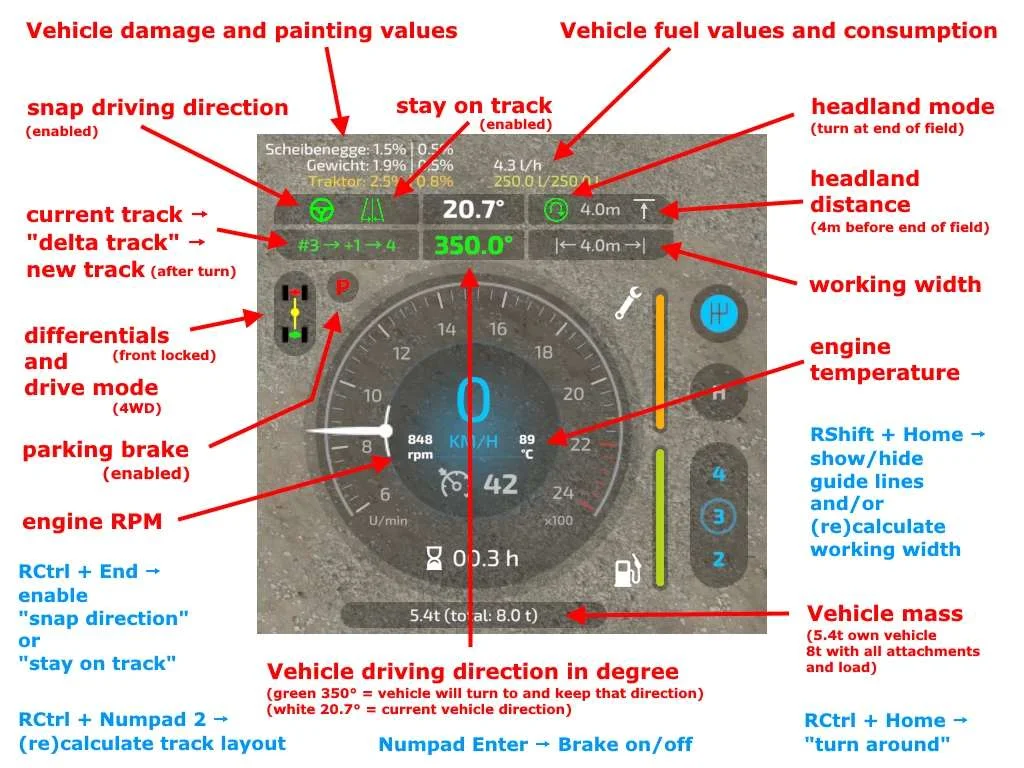
This mod adds a track assistant, a parking brake, differential locks, drive modes (all-wheel, RWD/FWD) and direct control of front/rear hydraulics and equipment to (motorized) vehicles. Additionally, the HUD gets a bit of an upgrade with a more detailed damage indicator, fuel tank level, fuel consumption, engine RPM and temperature, and weight/total weight.
Note I recommend to open the configuration menu once after each new mod version via “Ctrl + Numpad /” and reset to default settings.
What’s new in version 0.9.x? First of all: Welcome to FS22. The mod functions from the FS19 version have all been taken over – except for the shuttle shift. That feature has been removed, as the game now supports this out of the box. NEW feature: a track assistant (“GPS light”) and a simple “hold direction” mode (“snap to direction”).
How does the Track Assistant work? Drive to the field with your vehicle and an attachment and turn on the guide lines with RShift+Home. Position your vehicle parallel to the edge of the field. Turn on the track assistant with RCtrl + Numpad 2. A bunch of lines will appear representing the tracks. Above the speedometer you can see the current track number your vehicle is in, and next to it a number between -5 to +5. This number indicates how many tracks your vehicle will turn when you press the “turn” button. Example: You are in track #5 and press “turn” with a value of +1 -> your vehicle will enter track #6. Example 2: You are in track #10 and press “turn around” with a value of -3 -> your vehicle will sort into track #7. Press RCtrl + End to automatically keep the car in the current track. You don’t need to steer now – just accelerate/brake or turn on cruise control. At the end of the field, the vehicle can turn around if you press RCtrl + Home. Note: The vehicle simply tries to reach the new track. It is not very intelligent about it. It does not turn in several moves or something like that. Just try it out and see how it works. When you steer, track keeping is immediately disabled. With RCtrl + End you turn it back on. If you changed the attachment or want to realign tracks -> RCtrl + Numpad 2. Headland: In the config menu you can turn on/off the headland mode, configure what should happen when headland is reached and set the distance to the end of the field
Keyboard mapping (can be remapped in game options) / full list on Github Ctrl + Numpad / – Open configuration menu. There you can turn on/off some functions and turn on/off the HUD elements. RCtrl + End – keep vehicle in current track or snap to current direction RCtrl + Home – Turn into next track or turn direction of travel by 180° RShift + Home – Change operating mode (snap to direction / snap to track / hold one second to turn assistant off) RStrg + Numpad 1 – (Re)calculate working width RStrg + Numpad 2 – (Re)calculate track layout RStrg + Numpad 3 – Cycle through different display modes for the guide lines RCtrl + Numpad 7 – Differential Lock Front Axle On/Off RCtrl + Numpad 8 – Differential Lock Rear Axle On/Off RCtrl + Numpad 9 – Change Drive Mode (All-Wheel Drive, RWD/FWD) Numpad Enter – Activate/release parking brake LAlt + 1 to 4 – hydraulic
Key Features & Performance Highlights
/mods/ folder.Frequently Asked Questions (EnhancedVehicle v1.2.1 FS22)
Q: Is EnhancedVehicle v1.2.1 FS22 free to download?
A: Yes! All Farming Simulator mods on Farming Simulator Mods are 100% free to download without subscription requirements.
Q: Which game version does EnhancedVehicle v1.2.1 FS22 support?
A: This mod is built for FS22 (Farming Simulator 22).
Q: Is EnhancedVehicle v1.2.1 FS22 safe and virus-scanned?
A: Yes, every file undergoes automated virus and integrity checks before publishing.
Unlock Download Link
To download EnhancedVehicle v1.2.1 FS22, click the Like button below to reveal the direct download URL.
Click above to unlock the download link.
Specifications & Mod Metadata
FS22 ModHow to Install EnhancedVehicle v1.2.1 FS22 (FS22)
- Click the Like button above to reveal and copy the direct download link.
- Download the
.zipmod file to your computer. - Copy the downloaded
.zipfile (do NOT unpack unless instructed). - Paste it into your Farming Simulator mod folder:
Documents / My Games / FarmingSimulator2022 / mods / - Launch the game and activate EnhancedVehicle v1.2.1 FS22 in the mod selection menu.
Related FS22 Mods You May Like
Explore All fs22-mods →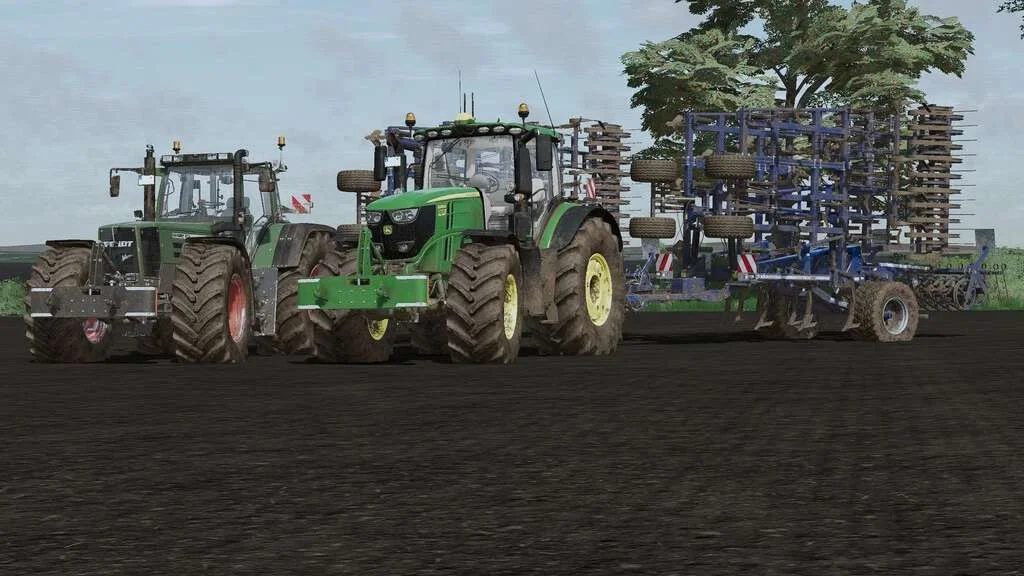
Lizard Weight v1.0 FS22
Weight: 500kg Three Point Linkage Price: 1200$ Tags: Game Farming Simulator PS5
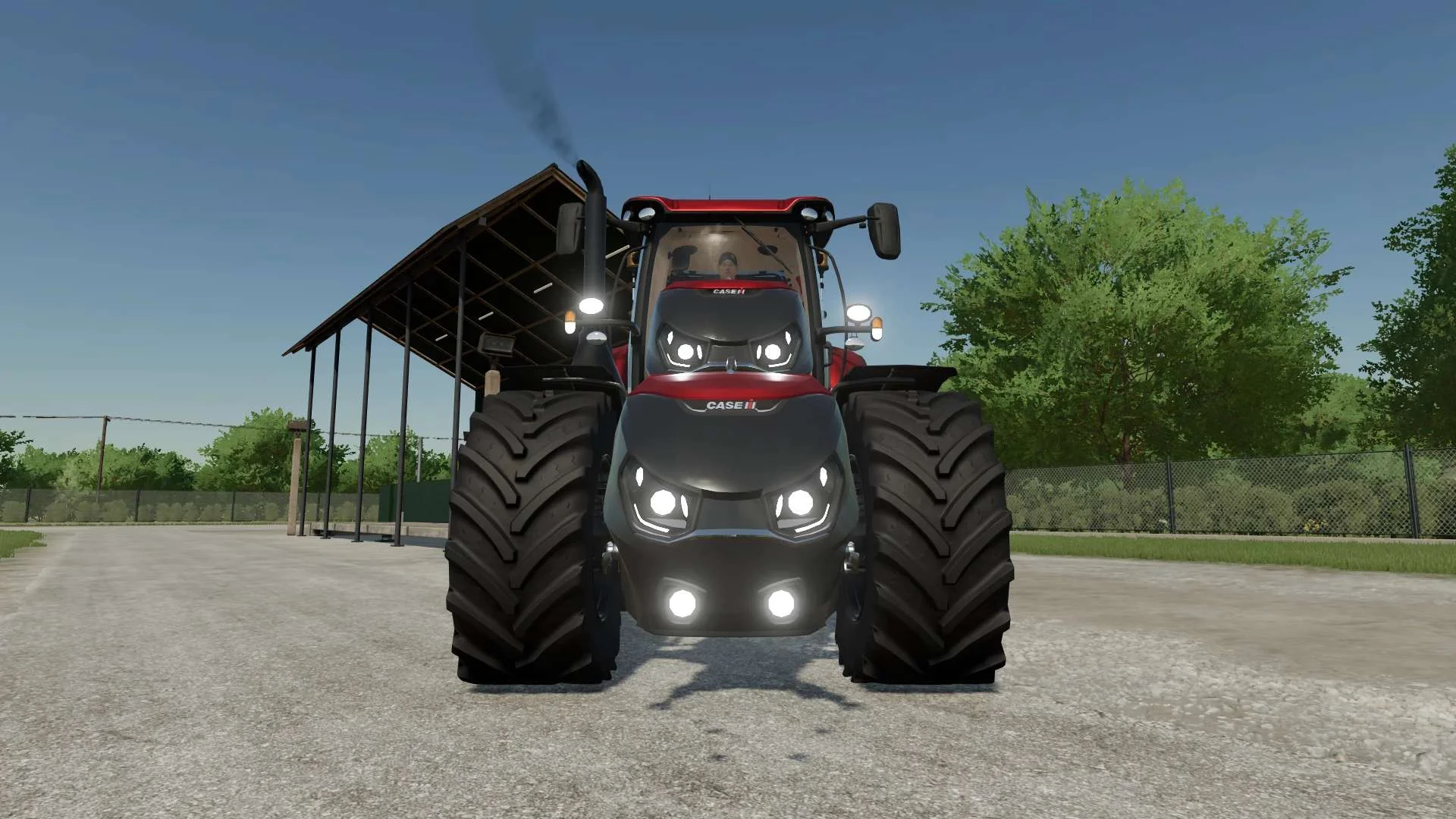
Case IH Optum Nose Weight v1.0 FS22
Front Weight for Optum Lights, color choice, 2300Kg By White_Lutin
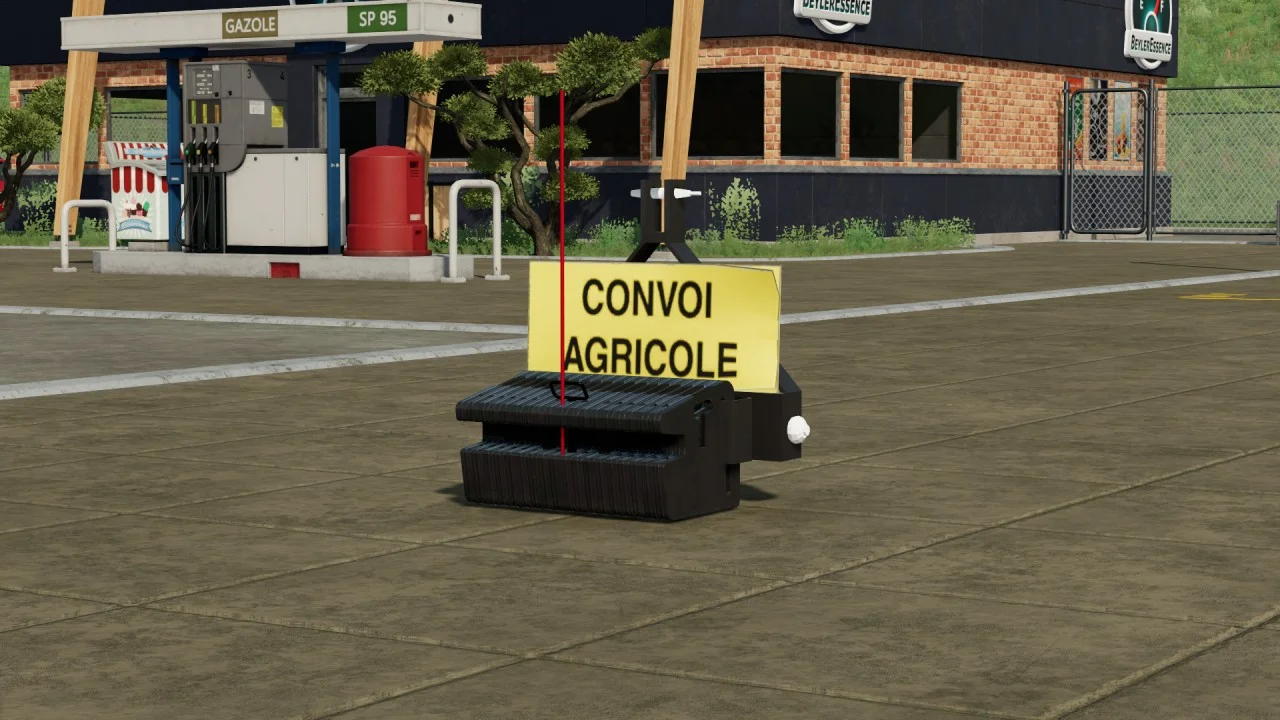
Renault weight V1.0 FS22
This is a small mass reconv from the previous opus. It costs around 700 € and weighs around 750kg
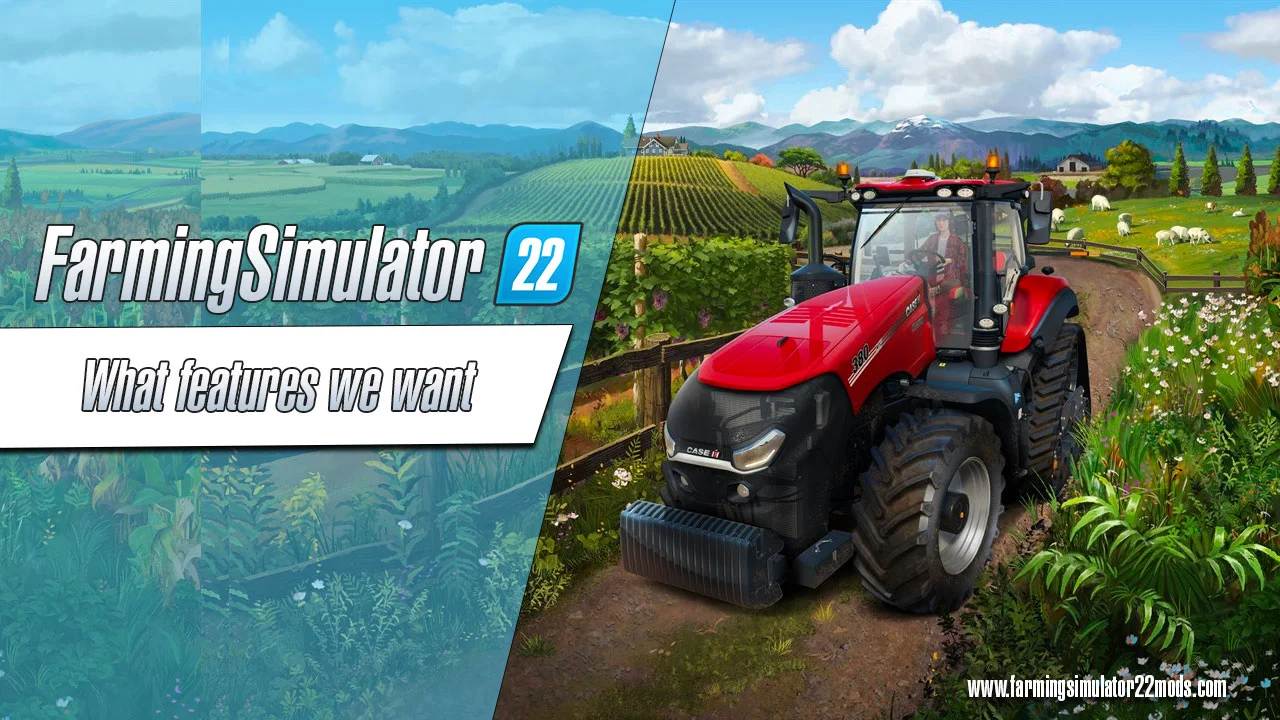
What features players want to be included in FS22?
Farming Simulator fans were asked what features they want to see added to the new FS22. Here’s what they said: At the moment, people with different devices cannot play FS together, meaning Xbox players can only play with other Xbox players and the same goes for Playstation and PC owners. Having a crossplay feature would definitely improve the overall experience of the game. There are examples showing that this kind of feature is totally possible, like Fortnite and Rocket League. Will we see this feature in the FS22? We don’t know, but it would be cool! There can never be too many improvements to the game. With FS19, a lot of new features were introduced, but there’s still a lot of things missing. A better mod menu and a search function would certainly be welcome improvements. Other than that, the players would like to be able to fasten the vehicles onto the low loader. The construction tool could also use some improving and the vehicle physics could be more realistic. The selection of placeable objects designs for the courtyard could also be expanded. These may seem like small improvements, but together they would enhance gameplay a lot. In the Farming Simulator, you have to buy your vehicles, machinery and equipment new. While there are a lot of real farmers in the world who can afford to always buy new machinery, not all of them can do that. In reality, lots of farmers buy used farming equipment. If your bank account in FS is not looking too good, you should be able to purchase used machinery. A second-hand tractor could have rust or worn seats, but it’d be cheaper and still get the job done. It would also be interesting if the Farming Simulator allowed you to change tires. It would bring a whole new experience to the game! In the FS19, if you plow and fertilize your fields according to rules and regulations, a fruitful harvest should be a guarantee. However, in reality, animals like moles often ruin the harvest. The players said that they would like to see wild boar or deer in the forest or in the field ever so often. This sort of change would not only lead to a more realistic world but also improve the overall appearance of the game. In the FS19, you can do quite a lot with trees, like plant them, sow them off, chop them. While the game is focused on agriculture, there’s a surprising amount of things you can do with wood. However, there’s still some room for improvement as not much advancements have been made since FS15 in forestry. It would be cool if you could drive your jeep on muddy roads in the forest and then mark the trees you want to cut. The vehicles in the FS19 look good and have lots of configurations, but if you compare it to real vehicles, there’s still so much to improve in the game. The players would like to see a GPS function which would allow tractors and other machinery to be driven over the field precisely. Other than that, what would also be cool is actual usable buttons, manual coupling, license plates that you can change, a passenger feature, and adjustable seat heights. Sure, not everything on this list is easy to implement, especially on consoles, but some of these features have been requested by players so much that perhaps something could be done! In the Farming Simulator so far, you’d have to drive to the sales station with the best price after your harvest. In the station, the harvest is quickly unloaded and you instantly get the money. That might seem like it’s enough, but in reality it would be more interesting if the process would be more intricate. Players would like to see a traffic jam in front of the mill, document checking, or even taking grain samples before selling the harvest. There could be improvements related to pricing as well, for example, a price change depending on supply. If the season was good and everything went smoothly, the crops would be cheaper; if the season was harsh with rain and storms leading to a smaller amount of crops, the price would increase. Imagine the new possibilities this would offer to the FS22! You would have to manage your money strategically, sign contracts for stable prices and more. No other improvement has been requested more often than more mods on consoles. The challenge of implementation definitely falls on the shoulders of GIANTS because it’s not the FS developers who are responsible for mod restrictions. In this case, Sony and Microsoft are to blame – they do not allow script modifications. Sadly, this means that console players miss out on a lot of interesting and useful mods. What console players have are mods without scripts that are released via Modhub. And even if the restrictions on the consoles are not lifted, there’s still something developers at GIANTS could do. Modders often say that it’s not easy to publish mods via Modhub. If the players manage to get this message to the GIANTS, maybe at least a few more mods will make it onto the consoles. But we wouldn’t be too optimistic about the change in script rest
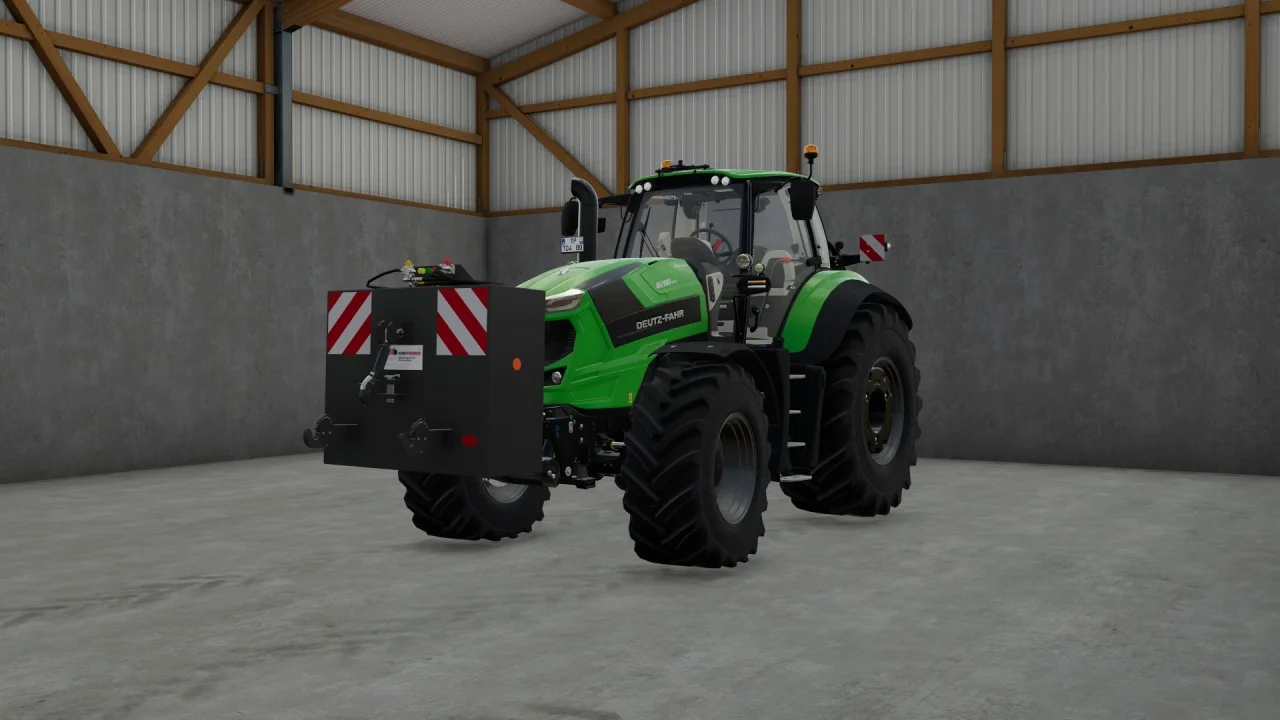
Rear mass 3000KG V1.2 FS22
Black tiger offers us here a mass of 3 tons. The guarantee of constant wheeling on a small tractor! Price: 4.500 €
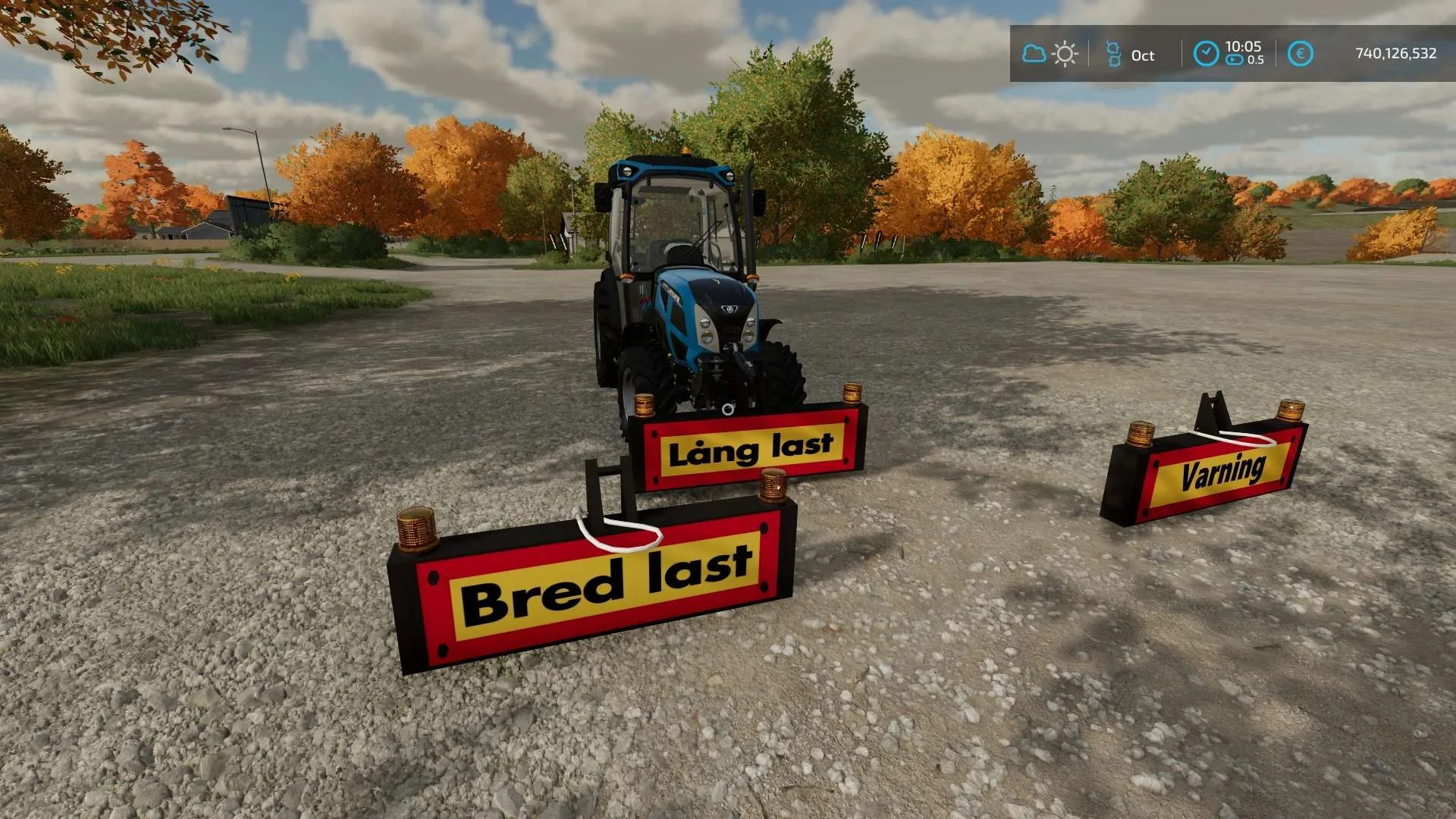
Equipment to tractor v1.0 FS22
Game: Farming simulator 22 Title: Bred/Lång/Varnings Skylt Price: 1000 Brand: LIZARD Category: weights Tags: Game Farming