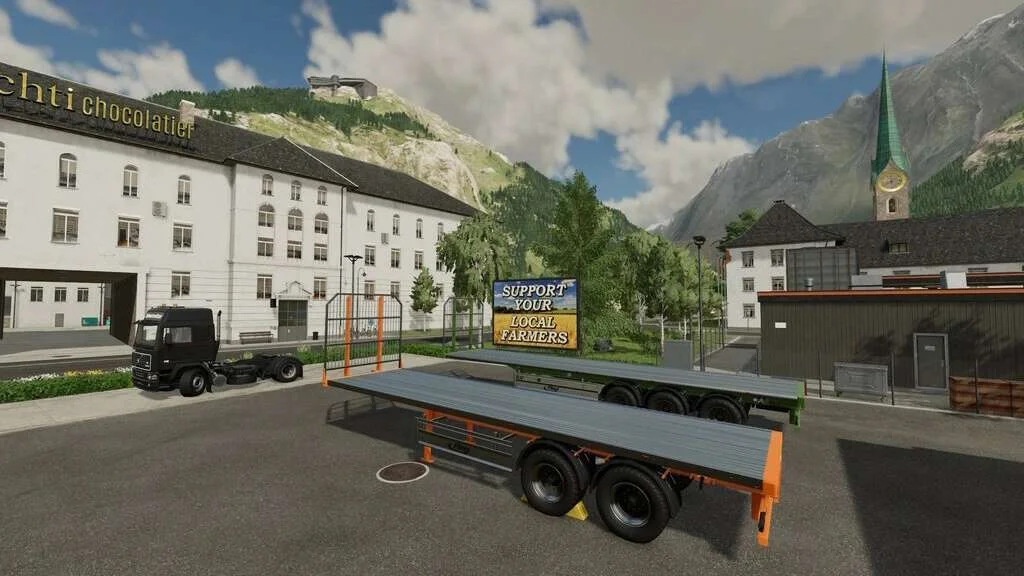
Fliegl Flatbed Semitrailer v1.0.3 FS22
The Fliegl Flatbed Semitrailer v1.0.3 FS22 is a custom FS22 mod designed for Farming Simulator enthusiasts. Downloaded over 0 times, this mod offers enhanced gameplay, clean installation, and dedicated server support for multiplayer games.
About Fliegl Flatbed Semitrailer v1.0.3 FS22 (FS22 Mod)
Complete overview, key features, and compatibility guide for Farming Simulator.
The Fliegl Flatbed Semitrailer v1.0.3 FS22 is an officially tested FS22 mod designed specifically for Farming Simulator players. Belonging to the Trailers collection, this modification delivers enhanced gameplay mechanics, realistic 3D modeling, and smooth dedicated server multiplayer integration.
Downloaded over 0 times, this addon has been community-verified for log-clean performance on Windows PC and Mac systems.
Mod Details & Release Notes
Price: 28.000 $ Category: Bale Loaders Slots: 11
V1.0.3.0: Extended support for more bale sizes from the supported mods Added Sounds when attaching and deattaching Added pallet autoload Removed dynamicMountAttacher Fixed HUD icons
V1.0.2.0: Added variant with smaller load area Added Steering axle Revised tension belt position Revised bale position and capacities Other vehicles and equipment now spawn closer to the trailer at the vehicle dealer Added autoload working mode (size of bale trigger) Number plate position is now dependent on the trailer hitch Bale capacity selection removed (is now automatically set) (*) Added support for “Selectable Bale Capacity Pack” mod Added support for “Universal Autoload” mod (PC/MAC only)
Notes: (*) Depending on the selected configuration, the trailer needs to be reconfigured once.
V1.0.1.0: Fixed display of control icons in info help window Fixed warning regarding missing setting in the configuration file fixed Fixed collision in front Fixed issue where AI traffic did not pass the trailer Added support for 120cm x 130cm Hesston bales
Features: Autoload for round (125-180cm, 22-34 bales) or square (180-240cm, 16-42 bales) bales. Autoload for pallets (3x 20,000 – 3x 30,000 Liter; all palettes that are set up by default) Ppallets autoload Platinum and Premium Expansion ready Different working modes for bale and pallet autoload Choice of colours for rims, semitrailer and flatbed Fliegl logo (rear) selectable in white, red and black Rear trailer hitch Number plate Sounds when attaching and deattaching the trailer Tyres (Continental, Trelleborg, Michelin, BKT, Vredestein) Supports Hesston Bales of the Hesston Balers mod Supports “Selectable Bale Capacity Pack” mod Supports “Universal Autoload” mod in autoload configuration “standard”(PC/MAC only)
Function: Bales: First bring the trailer into the working position, the bales can now be collected. After collecting, return the trailer to the transport position. To unload, select the unloading place via the unloading mode and unload the bales. After unloading, stop the unloading process. If the bales are unloaded onto the platform, they can then also be moved manually e.g. by a front loader. With the working mode, the autoload can be set to either collect the bales from the field or to put them onto the platform before the autoload collects them.
Pallets: There are several loading areas to load different pallets. Each loading area has its own marked loading zone. This marking can be switched on and off. The loading zone trigger can be adjusted in height to detect the different unloading triggers of the pallets. Loading starts automatically when a pallet is detected in the loading zone or loading can be started manually for each pallet individually. With the work mode, the autoload can be set whether the pallets are detected next to the trailer or have to be brought over the platform.
Notes: The bales can be unloaded to the side and to the rear and rotated in all directions. If in working or transport mode the bales are shifted on the platform, changing the mode is sufficient to correct the position. Autoload only works if this is configured in the garage. For the “Universal Autoload” mod, please select “Standard” as the autoload configuration. If the trailer is configured with bales in autoload mode, these are then “locked” for further processing. Simply unload the bales onto the trailer, configure again and the bales can be used again. The same also works if the bales get “stuck” after loading a savegame.
Tags: AI Bales First BKT Universal Autoload
Key Features & Performance Highlights
/mods/ folder.Frequently Asked Questions (Fliegl Flatbed Semitrailer v1.0.3 FS22)
Q: Is Fliegl Flatbed Semitrailer v1.0.3 FS22 free to download?
A: Yes! All Farming Simulator mods on Farming Simulator Mods are 100% free to download without subscription requirements.
Q: Which game version does Fliegl Flatbed Semitrailer v1.0.3 FS22 support?
A: This mod is built for FS22 (Farming Simulator 22).
Q: Is Fliegl Flatbed Semitrailer v1.0.3 FS22 safe and virus-scanned?
A: Yes, every file undergoes automated virus and integrity checks before publishing.
Unlock Download Link
To download Fliegl Flatbed Semitrailer v1.0.3 FS22, click the Like button below to reveal the direct download URL.
Click above to unlock the download link.
Specifications & Mod Metadata
FS22 ModHow to Install Fliegl Flatbed Semitrailer v1.0.3 FS22 (FS22)
- Click the Like button above to reveal and copy the direct download link.
- Download the
.zipmod file to your computer. - Copy the downloaded
.zipfile (do NOT unpack unless instructed). - Paste it into your Farming Simulator mod folder:
Documents / My Games / FarmingSimulator2022 / mods / - Launch the game and activate Fliegl Flatbed Semitrailer v1.0.3 FS22 in the mod selection menu.
Related FS22 Mods You May Like
Explore All fs22-mods →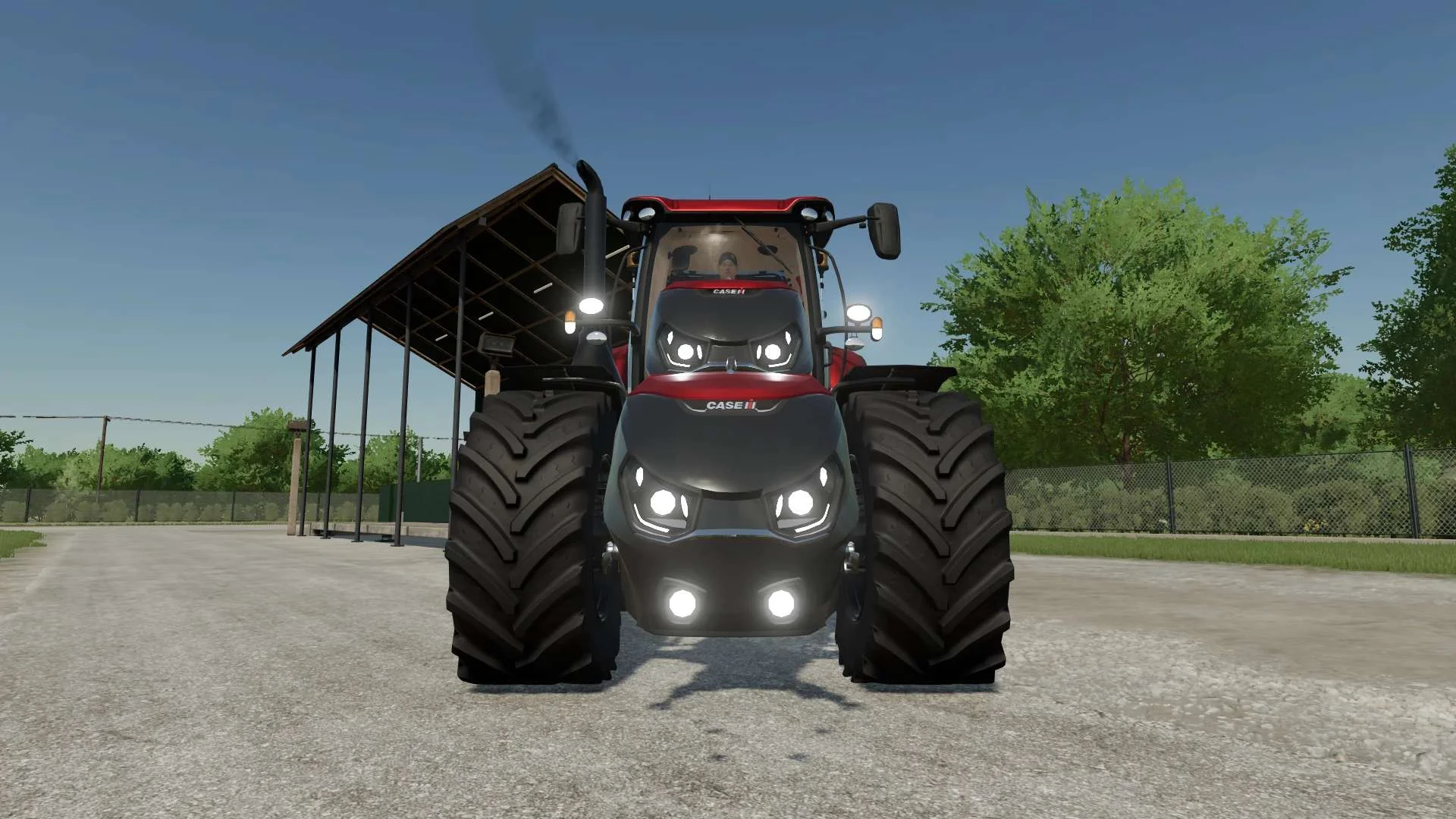
Case IH Optum Nose Weight v1.0 FS22
Front Weight for Optum Lights, color choice, 2300Kg By White_Lutin
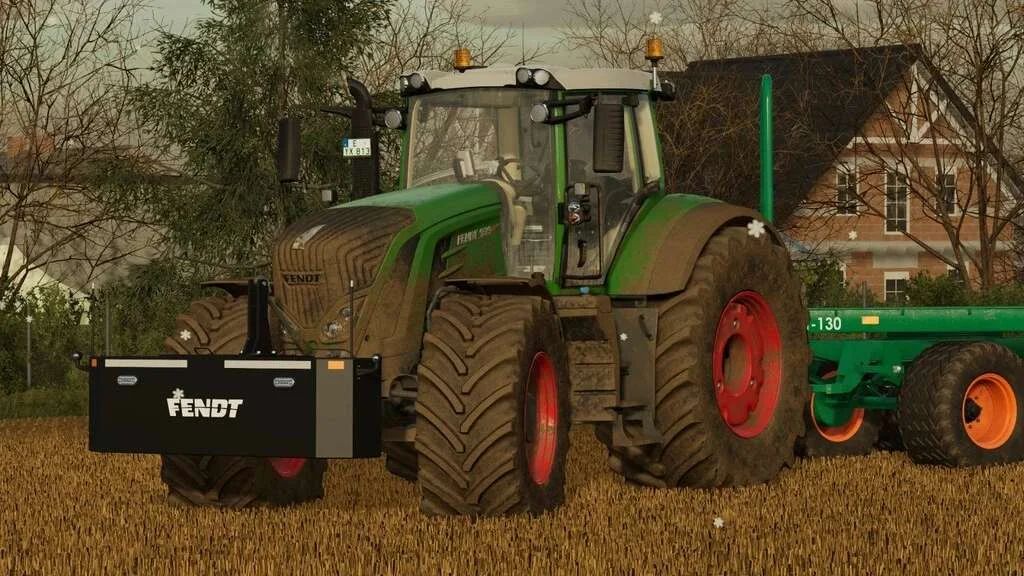
Weight 2500kg, 1800kg, 1200kg v1.0 FS22
Lizard Weight 2500kg, 1800kg, 1200kg The pack containts 3 weights with different colors, different lights and different brands. Weigth 1200kg: – Price: $1.200 Weight 1800kg: – Price: $1.800 Weight 2500kg: – Price: $2.500
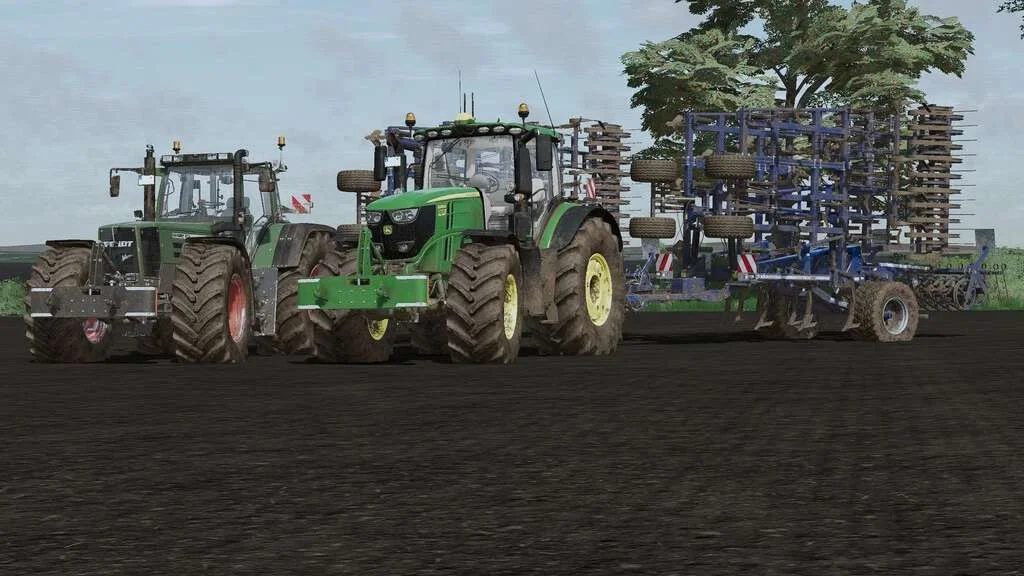
Lizard Weight v1.0 FS22
Weight: 500kg Three Point Linkage Price: 1200$ Tags: Game Farming Simulator PS5
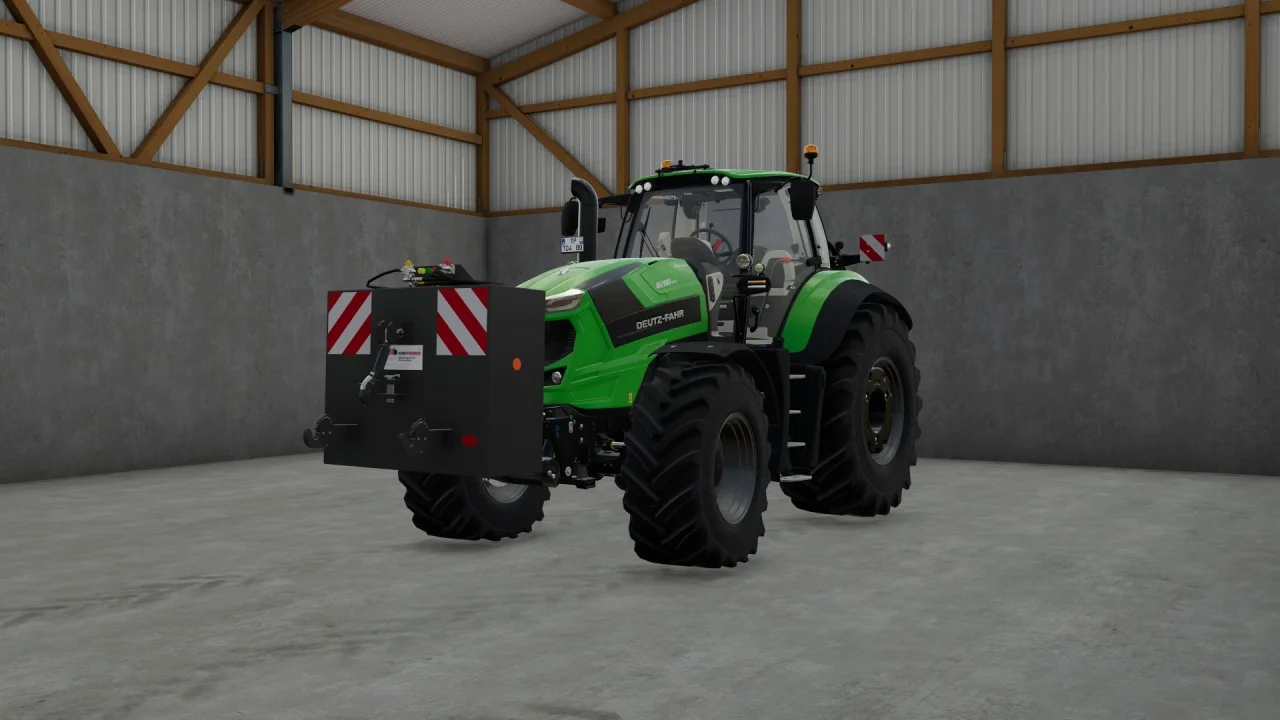
Rear mass 3000KG V1.2 FS22
Black tiger offers us here a mass of 3 tons. The guarantee of constant wheeling on a small tractor! Price: 4.500 €
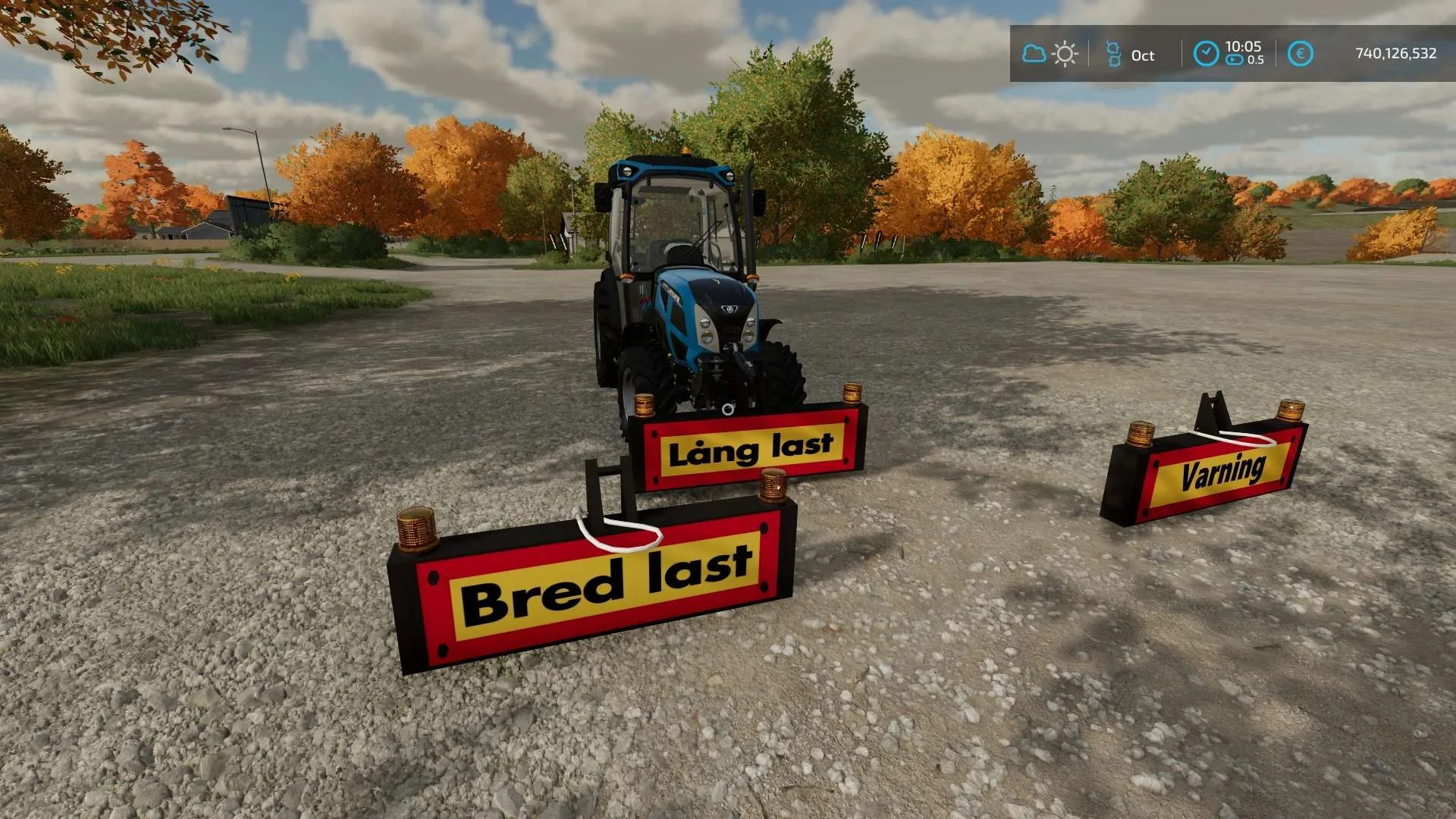
Equipment to tractor v1.0 FS22
Game: Farming simulator 22 Title: Bred/Lång/Varnings Skylt Price: 1000 Brand: LIZARD Category: weights Tags: Game Farming
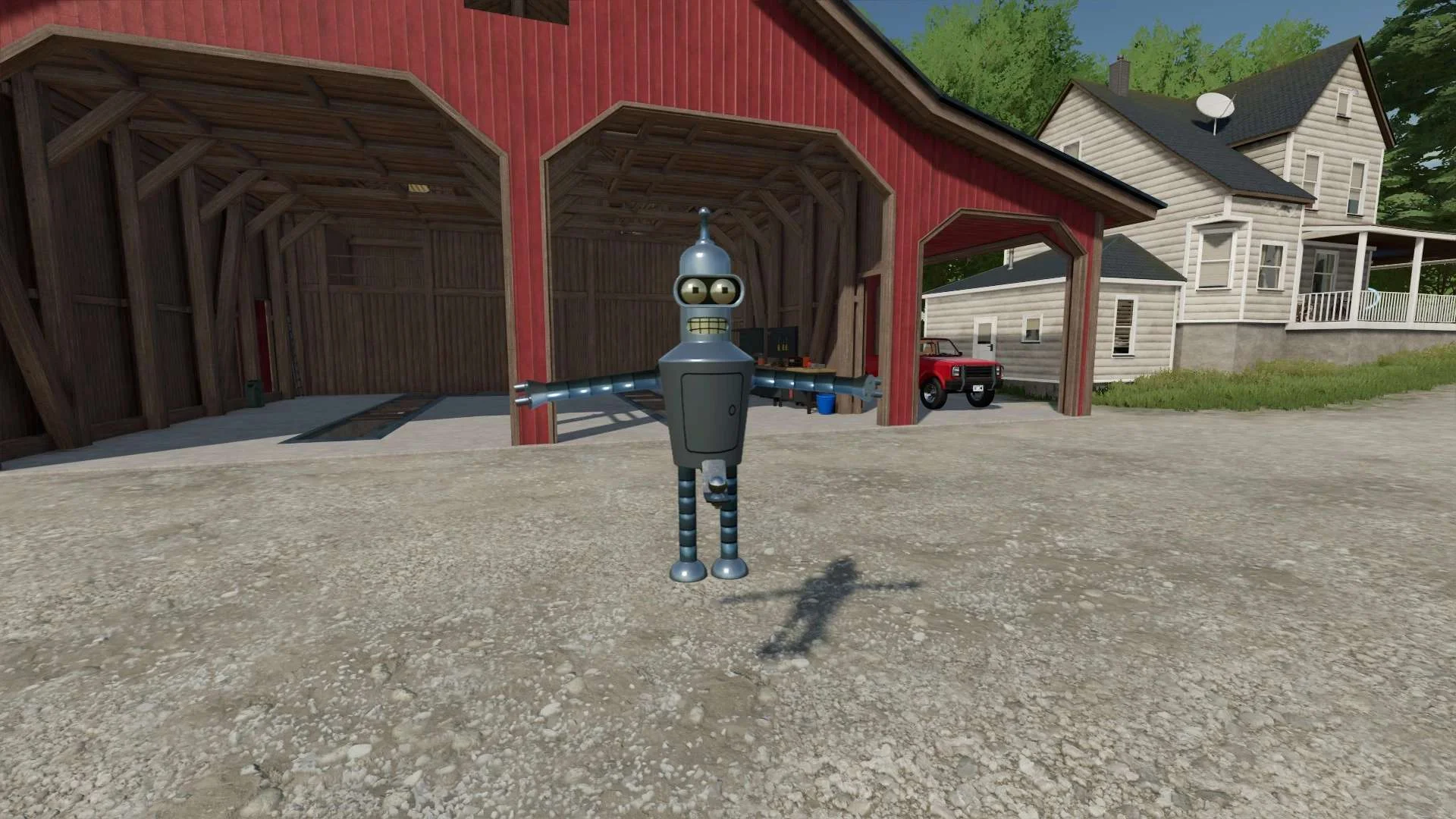
Bender Weight v1.0 FS22
8 selectable weight amounts from 420 – 4200 3 point attachment to bender Dynamic legs that disappear when attaching to Bender Front hardened steel heavy duty trailer hitch to connect trailers and low trailers Price: Varies by weight Location: Vehicle Menu > Weights Get your favorite Futurama character today! Tags: Bender Front Direct Donations Join Farming Simulator Price Varies