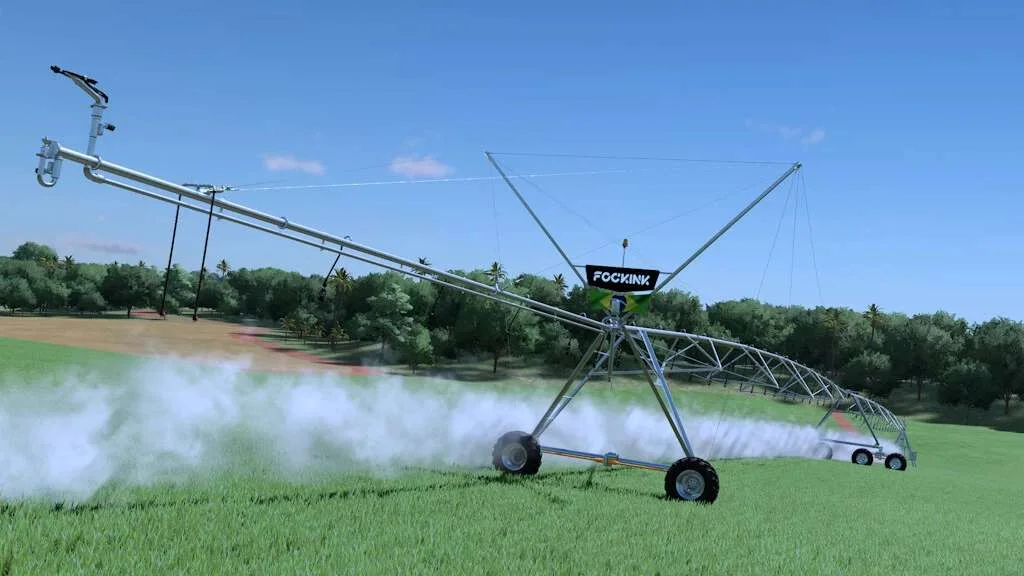
Fockink Irrigation Pivot v1.0 FS22
The Fockink Irrigation Pivot v1.0 FS22 is a custom FS22 mod designed for Farming Simulator enthusiasts. Downloaded over 0 times, this mod offers enhanced gameplay, clean installation, and dedicated server support for multiplayer games.
About Fockink Irrigation Pivot v1.0 FS22 (FS22 Mod)
Complete overview, key features, and compatibility guide for Farming Simulator.
The Fockink Irrigation Pivot v1.0 FS22 is an officially tested FS22 mod designed specifically for Farming Simulator players. Belonging to the Implements collection, this modification delivers enhanced gameplay mechanics, realistic 3D modeling, and smooth dedicated server multiplayer integration.
Downloaded over 0 times, this addon has been community-verified for log-clean performance on Windows PC and Mac systems.
Mod Details & Release Notes
With an irrigation pivot, you can increase the productivity of your crops, especially in areas and regions where rainwater is scarce. Being able to work in large areas, a Pivot can bring you profitability with high crop yields.
– ATTENTION READ ME: For the correct functioning of all the complex systems in this mod, consider reading the entire description carefully so that you fully understand how everything works and don’t have any problems while playing.
To use it and get it up and running, you will buy your Pivot disassembled in a container with a trailer, which must be transported to the area where it will be assembled in the middle of the terrain to be worked on. Make sure that the area where you are going to assemble it has enough space for this (the slope of the terrain does not influence this, as it is flexible and can follow the terrain). After arriving at the site, unhitch the truck and enter the container as if it were a vehicle. Once inside, to assemble your pivot, you must press the Open Cover function (N key on PCs, LB + < Left Arrow on Xbox, L1 + < Left Arrow on PlayStation), which will remove the container from the trailer, and then the container will disappear and you will begin to assemble the entire pivot structure. To load the fertilizer, take a pallet or fertilizer tank next to the machine room at the end of the pivot. After loading and triggering the irrigation, put it in rotation mode and even after lowering it will rotate on its own as explained below. When the container trailer is stationary or in the store, it will appear to have its wheels sunk into the ground. This is due to the sheer weight of the Pivot, but it is only a visual bug. The pivot deployment position is pointed towards the bottom of the container, in the same area as the door (there is an arrow on the side of the container indicating the direction).
PRECAUTIONARY ACTIONS AGAINST POSSIBLE PROBLEMS: – Avoid Pressing the rotation key before unfolding, if this is done it will not accept being unfolded, so unfold first, then turn on the spray and set to rotate on the key combination X On PC, LB + A on Xbox and L1 + X on PlayStation; – Avoid assembling in places with no space, as this can result in a collision conflict; – If, during assembly, your machine room is floating, is halfway into the ground or has not appeared (if you have an optional machine room), disassemble the pivot until it is in trailer mode with a container, and reassemble it again; – Leave machinery, trees or objects in the pivot rotation area; – Make sure you always position the Pivot Tower in the center of your field; – The center point of the Pivot Tower will be in the same place as the Trailer; – Because of its very high weight, not even the pivot or container trailer can be moved by bumping or pushing it; – It is necessary to smooth out the area where we are going to place the pivot and remove the soil layer, otherwise the base will vibrate. Use landscaping paint on the base and also under the machine room;
For the pivots to work, they are integrated into a vehicle with a motor, so they can work without the need to be attached to a motorized vehicle. We can also let them work without the need to be in the vehicle. To do this, we need to have the automatic start disabled in the vehicle’s options. Even then, the vehicles turn off after 3 minutes if you are more than 300 meters away. On PC, this is solved by using the “Disable Turn Off Motor” mod, which prevents the engines from turning off even if you’re more than 300 meters away. This mod doesn’t exist for consoles, so there are different configurable turn times, one of which is 3 minutes, which is very fast, but solves the shutdown problem.
Store Information:
Pivot 1 Session: – Price: $ 30.000; – Working width: 126 meters; – Rotation configuration and duration: Full turn, 3/4 turn, 1/2 turn and 1/4 turn, durations 3, 5, 10, 20 and 30 minutes.
Pivot 2 Sessions: – Price: $ 50.000; – Working width: 202 meters; – Rotation configuration and duration: Full turn, 3/4 turn, 1/2 turn and 1/4 turn, durations 3, 5, 10, 20 and 30 minutes.
Pivot 3 Sessions: – Price: $ 70.000; – Working width: 284 meters; – Rotation configuration and duration: Full turn, 3/4 turn, 1/2 turn and 1/4 turn, durations 3, 5, 10, 20 and 30 minutes.
Pivot 4 Sessions: – Price: $ 90.000; – Working width: 372 meters; – Rotation configuration and duration: Full turn, 3/4 turn, 1/2 turn and 1/4 turn, durations 3, 5, 10, 20 and 30 minutes.
HAVE A GOOD GAME!
Tags: L1 Left Arrow Open Cover Pivot Tower Store Information
Key Features & Performance Highlights
/mods/ folder.Frequently Asked Questions (Fockink Irrigation Pivot v1.0 FS22)
Q: Is Fockink Irrigation Pivot v1.0 FS22 free to download?
A: Yes! All Farming Simulator mods on Farming Simulator Mods are 100% free to download without subscription requirements.
Q: Which game version does Fockink Irrigation Pivot v1.0 FS22 support?
A: This mod is built for FS22 (Farming Simulator 22).
Q: Is Fockink Irrigation Pivot v1.0 FS22 safe and virus-scanned?
A: Yes, every file undergoes automated virus and integrity checks before publishing.
Unlock Download Link
To download Fockink Irrigation Pivot v1.0 FS22, click the Like button below to reveal the direct download URL.
Click above to unlock the download link.
Specifications & Mod Metadata
FS22 ModHow to Install Fockink Irrigation Pivot v1.0 FS22 (FS22)
- Click the Like button above to reveal and copy the direct download link.
- Download the
.zipmod file to your computer. - Copy the downloaded
.zipfile (do NOT unpack unless instructed). - Paste it into your Farming Simulator mod folder:
Documents / My Games / FarmingSimulator2022 / mods / - Launch the game and activate Fockink Irrigation Pivot v1.0 FS22 in the mod selection menu.
Related FS22 Mods You May Like
Explore All fs22-mods →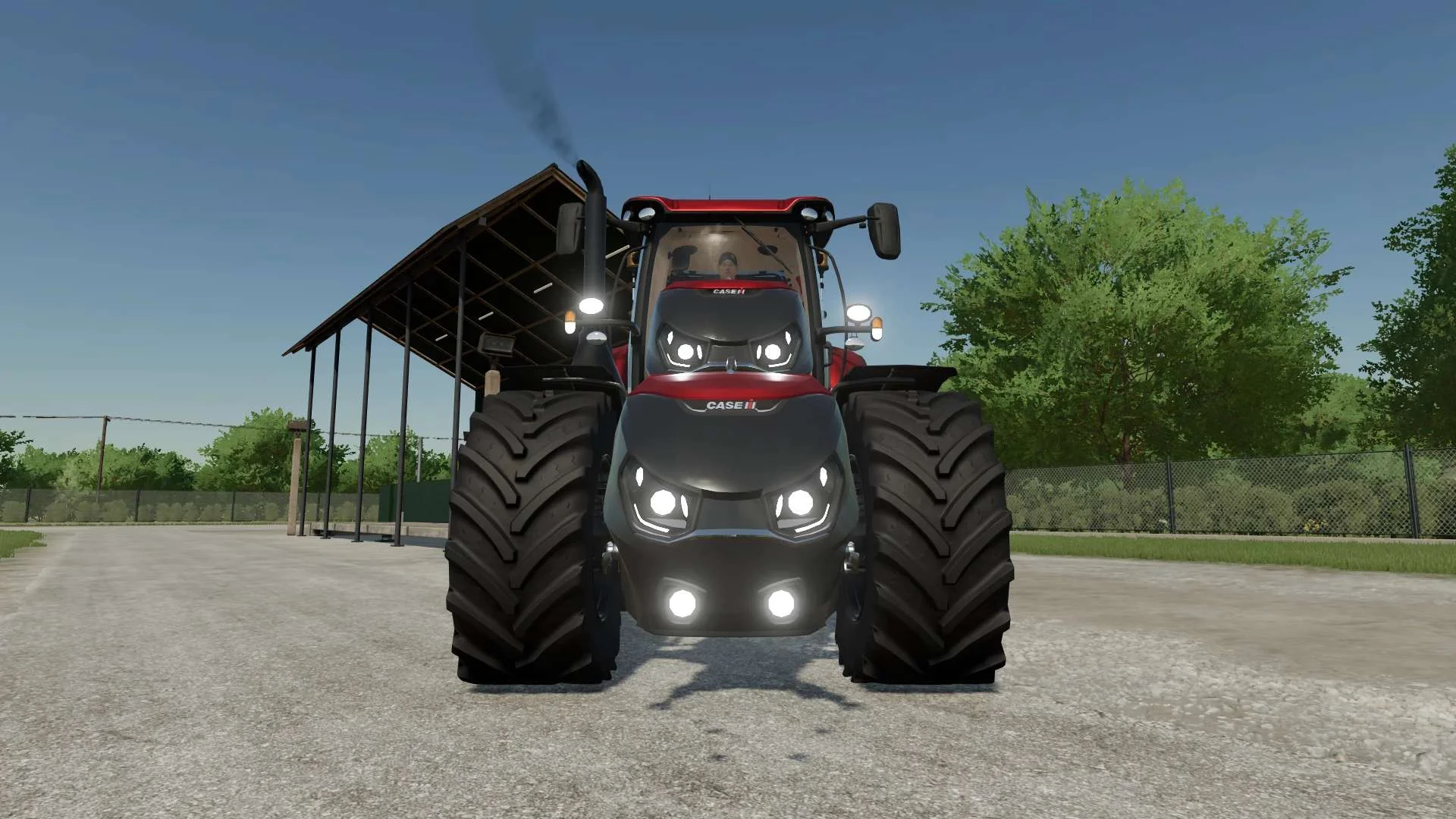
Case IH Optum Nose Weight v1.0 FS22
Front Weight for Optum Lights, color choice, 2300Kg By White_Lutin
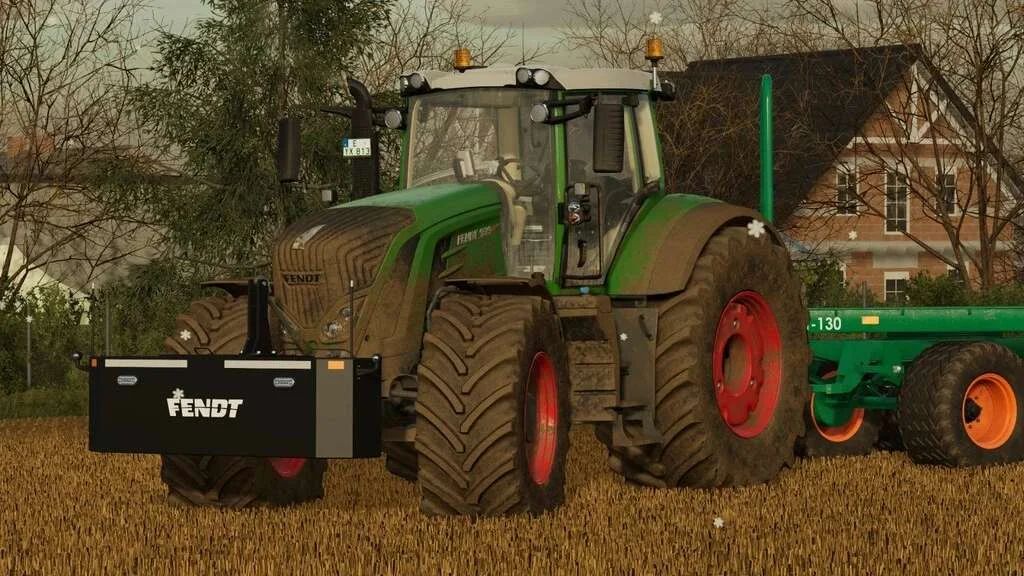
Weight 2500kg, 1800kg, 1200kg v1.0 FS22
Lizard Weight 2500kg, 1800kg, 1200kg The pack containts 3 weights with different colors, different lights and different brands. Weigth 1200kg: – Price: $1.200 Weight 1800kg: – Price: $1.800 Weight 2500kg: – Price: $2.500
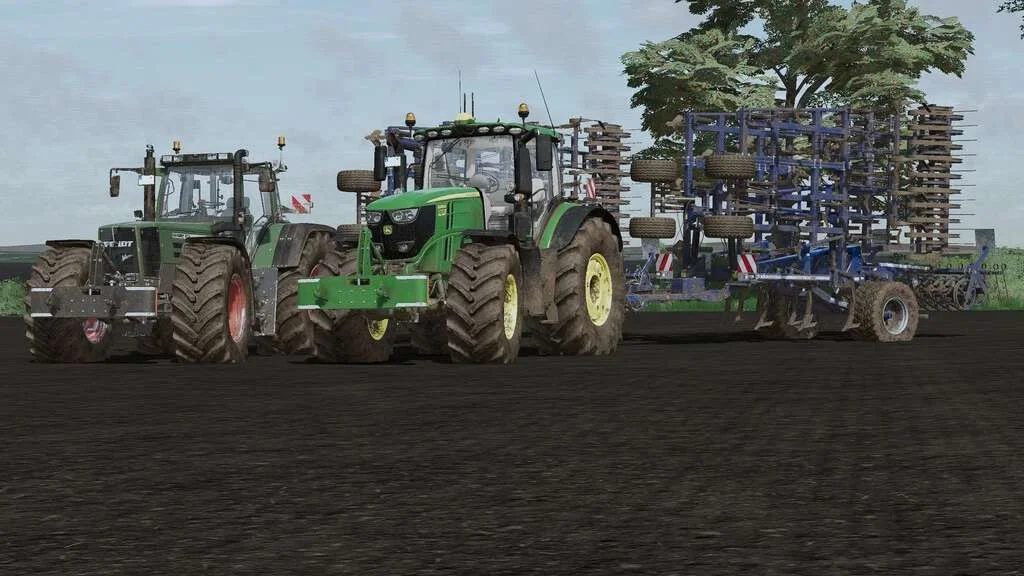
Lizard Weight v1.0 FS22
Weight: 500kg Three Point Linkage Price: 1200$ Tags: Game Farming Simulator PS5
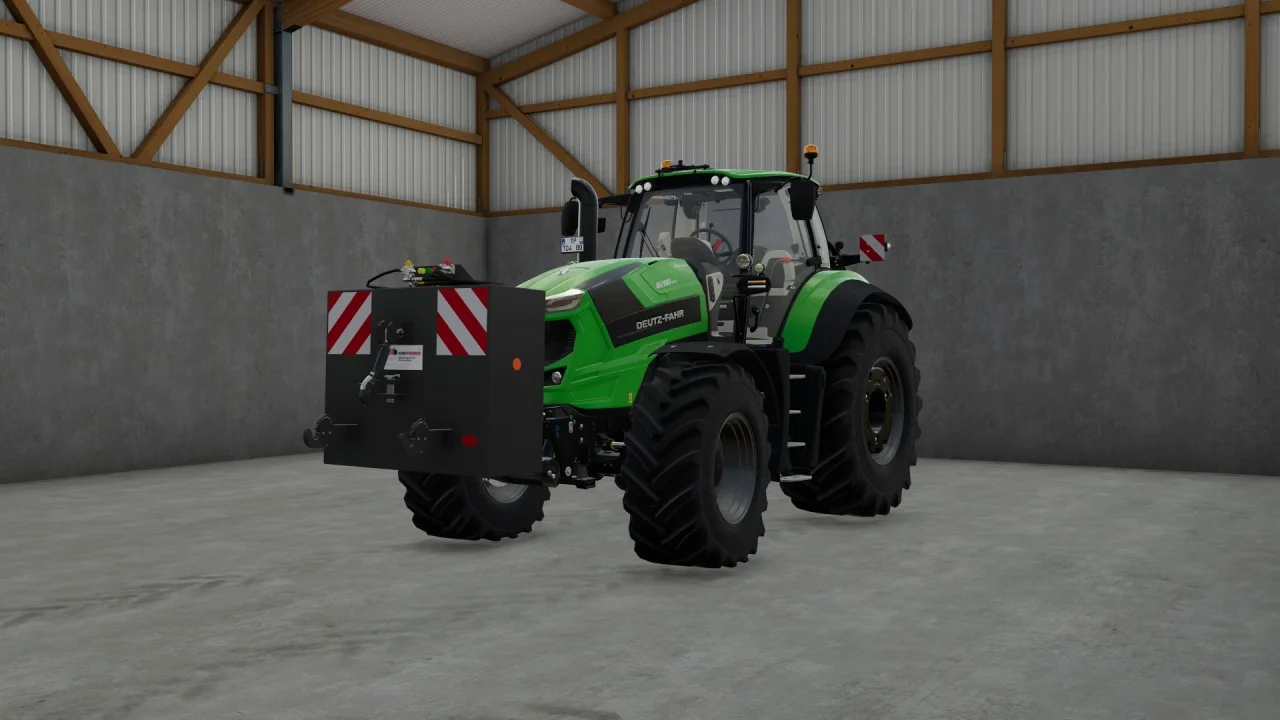
Rear mass 3000KG V1.2 FS22
Black tiger offers us here a mass of 3 tons. The guarantee of constant wheeling on a small tractor! Price: 4.500 €
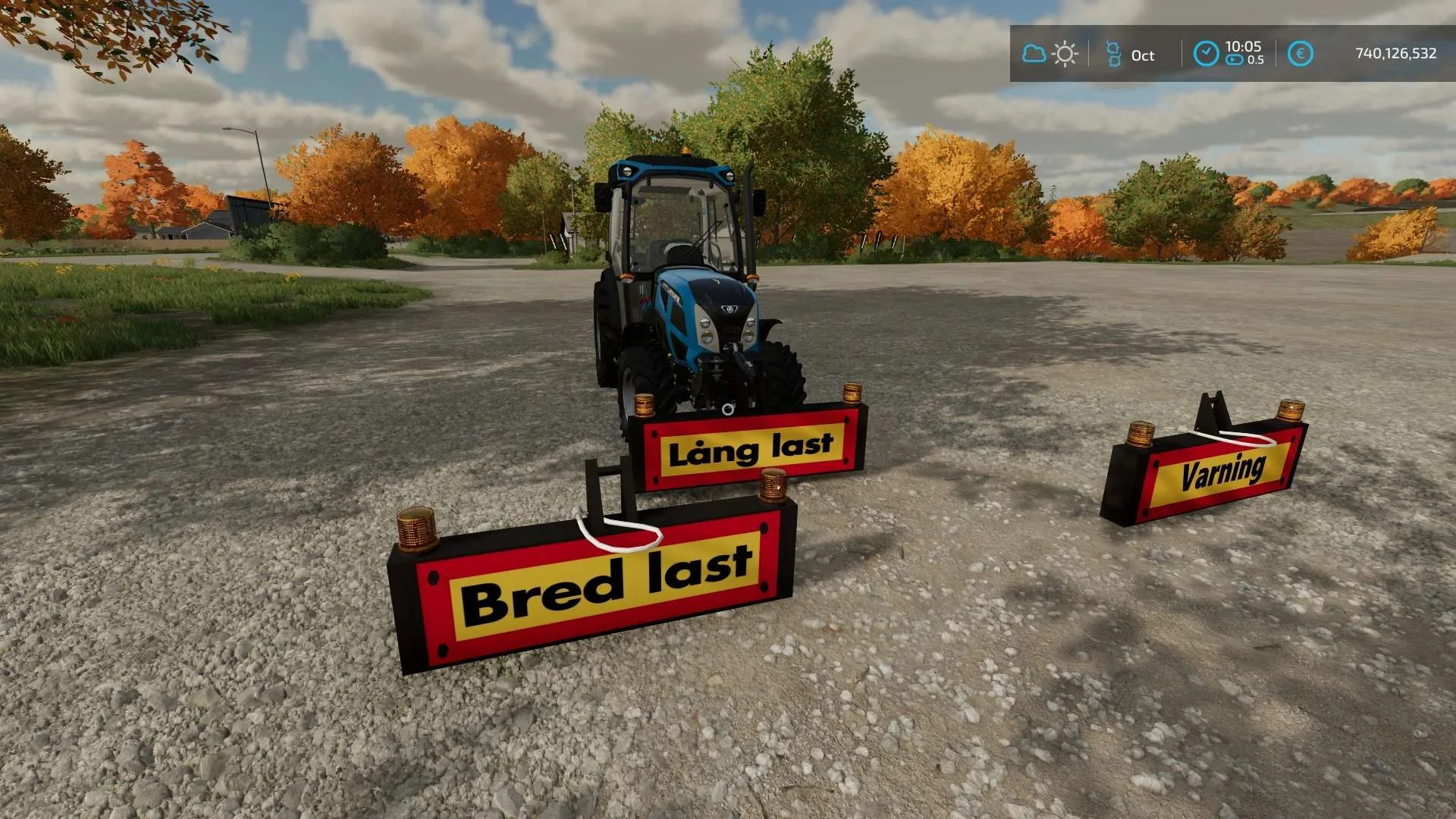
Equipment to tractor v1.0 FS22
Game: Farming simulator 22 Title: Bred/Lång/Varnings Skylt Price: 1000 Brand: LIZARD Category: weights Tags: Game Farming

Bender Weight v1.0 FS22
8 selectable weight amounts from 420 – 4200 3 point attachment to bender Dynamic legs that disappear when attaching to Bender Front hardened steel heavy duty trailer hitch to connect trailers and low trailers Price: Varies by weight Location: Vehicle Menu > Weights Get your favorite Futurama character today! Tags: Bender Front Direct Donations Join Farming Simulator Price Varies