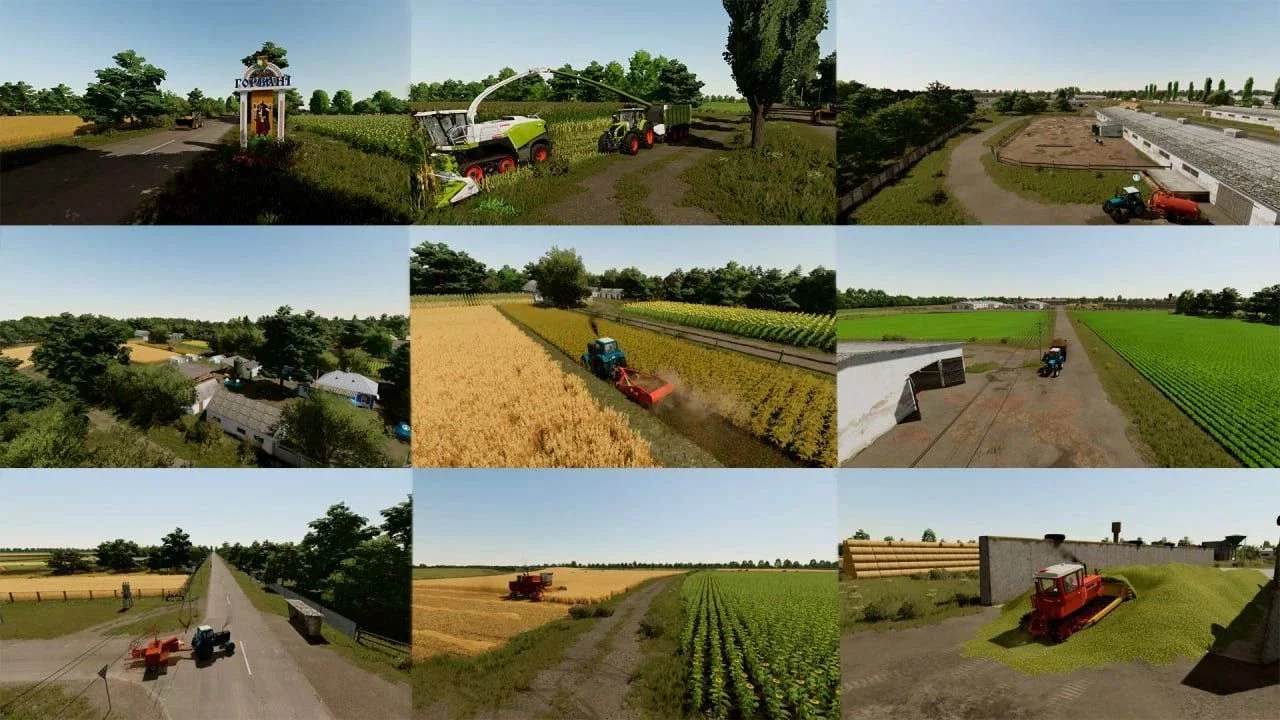
SVC Gorbany v2.0.1 FS22
The SVC Gorbany v2.0.1 FS22 is a custom FS22 mod designed for Farming Simulator enthusiasts. Downloaded over 0 times, this mod offers enhanced gameplay, clean installation, and dedicated server support for multiplayer games.
About SVC Gorbany v2.0.1 FS22 (FS22 Mod)
Complete overview, key features, and compatibility guide for Farming Simulator.
The SVC Gorbany v2.0.1 FS22 is an officially tested FS22 mod designed specifically for Farming Simulator players. Belonging to the Maps collection, this modification delivers enhanced gameplay mechanics, realistic 3D modeling, and smooth dedicated server multiplayer integration.
Downloaded over 0 times, this addon has been community-verified for log-clean performance on Windows PC and Mac systems.
Mod Details & Release Notes
Most of the buildings are located on real sites, but objects and industries have been added to add variety to the gameplay.
V2.0.1.0 – fixed missing price for oil. – fixed home sleep trigger not working – fixed lack of collision on some sections of the road – bulk materials in quarries have been changed – fixed bugs with grass in construction mode – fixed initial lighting that was too dark and nights that were too light. – edited placement of triggers on the fertilizer container. – fixed the bunker at the base of the house (did not accept grain) – fixed the bunker in Chopilki, the tarpaulin did not open – flying objects have been removed. – added support for fertilizers and herbicides by Kalderone (there were problems with the last update)
Some changes will take effect immediately, like with light and dark nights, while for others you will need to make certain manipulations so as not to start a new game.
To save your save so you can fix any bugs that were fixed in the 2.0.1.0 update, you will need to do the following steps: You need to perform all subsequent actions with two saves. Replace some 2.0.0.0 save files with 2.0.1.0 save files.
Step #1 Delete the old version of the map and download the new version 1.0.2.0 into the mods folder, this is very important, because if your map stops at 60% of the load, it means that your map is not on the standard path.
Step #2 make a save in a new slot in the game, enter the game, save the game and exit the game completely. Before this manipulation, make a backup copy of your storage!!!
Step No. 3, find the folder where your saves are located (located where the mods folder is) open the folder with the save. The name of the saves is savegame, the save number is the slot number in the game.
Step #4 Find the file densityMap_height.gdm in save 2.0.1.0, copy it and replace it, paste it into save 2.0.0.0. ATTENTION IF YOU HAVE SOMETHING SCALE ON THE SURFACE, COLLECT IT, OTHERWISE IT WILL SPIPE! We carry out this action to restore the quarry; previously there was bran in the peat quarry, and there was peat in the sand quarry.
Also to fix, sleep trigger, bunker at home, bunker at Chopilki base, and fertilizer bunker at Chopilki. You need to open the placeables.xml file in the 2.0.0.0 save and replace SOME of the terms with the terms in the 2.0.1.0 save
The placement blocks should be completely replaced for: fertilizerTank.xml silos.xml silos3.xml HouseHorbani.xml The block starts with <placeable and ends with</placeable>
I am very grateful to everyone for supporting my work. This was the last global update of the map; in the future, only updates can be released for which it will not be necessary to start a new save. Unfortunately, the map is large and some problems may still arise. For information on solving problems that may arise during the game, I recommend contacting my telegram group, where there will be instructions on how to solve them! ATTENTION! When first playing, the lighting may seem too dark at the beginning, but it’s worth buying or renting something from the store to stabilize it! If the map won’t start or stops loading, check the list of mods you’ve used. Then start connecting them gradually. The map may not support some mods or conflict with them!
The card includes the following: – Multi-layered terrain (360° soil); – Diverse terrain; – Changed textures of trees and foliage; – 40 new primer paint textures; – Changed lighting; – Lime, manure, silage purchase station; – Weighing stations; – New crops: rye, buckwheat, peas, mustard, clover, alfalfa. – 2 detailed mechanized yards for parking equipment with garages, sheds, lighting. – 143 fields from 0.1 hectares to 235 hectares with contracts for hay harvesting. – 181 plots for purchase. – 5 huge purchasable forest plots. – 2 gas stations. – 3 farms. – 11 points of sale. – Support for DLC Precision Farming. – Contracts have been changed to suit the Ukrainian economy, new prices for work and equipment rental. – New owners of fields: contracts for large fields are given to agro companies, for small fields – people. – Changed economy. Large industries: Sawmill; Mill; Creamery; Sugar factory; Bakery; Seed plant; Two grain cleanings; Sawmill; Grain dryer; Dairy; Feed mill (feed for pigs, monomix and mineral feed); Biogas. Small industries: Meadery, charcoal production, firewood production, fish farming, fish smoking, beekeeping. – Cattle dealer. – Points of sale of potatoes, beets, carrots, parsnips, red beets and forest; – Unique movement of pedestrians and cars; – A starter house that has bees, chickens, greenhouses, some sheep and a small firewood production. The house has a cellar and a grain storage bin. Sleep trigger. Everything is located modestly and cozy. Map translated into: English, Polish, German, French, Russian, Czech.
Many thanks for your help: Misha Krutiy (economic balance, crop calendar, adjusting crops to the Ukrainian climate). @Evgeniy Vitalievich (car driving courses).
HAVE A GOOD GAME
Key Features & Performance Highlights
/mods/ folder.Frequently Asked Questions (SVC Gorbany v2.0.1 FS22)
Q: Is SVC Gorbany v2.0.1 FS22 free to download?
A: Yes! All Farming Simulator mods on Farming Simulator Mods are 100% free to download without subscription requirements.
Q: Which game version does SVC Gorbany v2.0.1 FS22 support?
A: This mod is built for FS22 (Farming Simulator 22).
Q: Is SVC Gorbany v2.0.1 FS22 safe and virus-scanned?
A: Yes, every file undergoes automated virus and integrity checks before publishing.
Unlock Download Link
To download SVC Gorbany v2.0.1 FS22, click the Like button below to reveal the direct download URL.
Click above to unlock the download link.
Specifications & Mod Metadata
FS22 ModHow to Install SVC Gorbany v2.0.1 FS22 (FS22)
- Click the Like button above to reveal and copy the direct download link.
- Download the
.zipmod file to your computer. - Copy the downloaded
.zipfile (do NOT unpack unless instructed). - Paste it into your Farming Simulator mod folder:
Documents / My Games / FarmingSimulator2022 / mods / - Launch the game and activate SVC Gorbany v2.0.1 FS22 in the mod selection menu.
Related FS22 Mods You May Like
Explore All fs22-mods →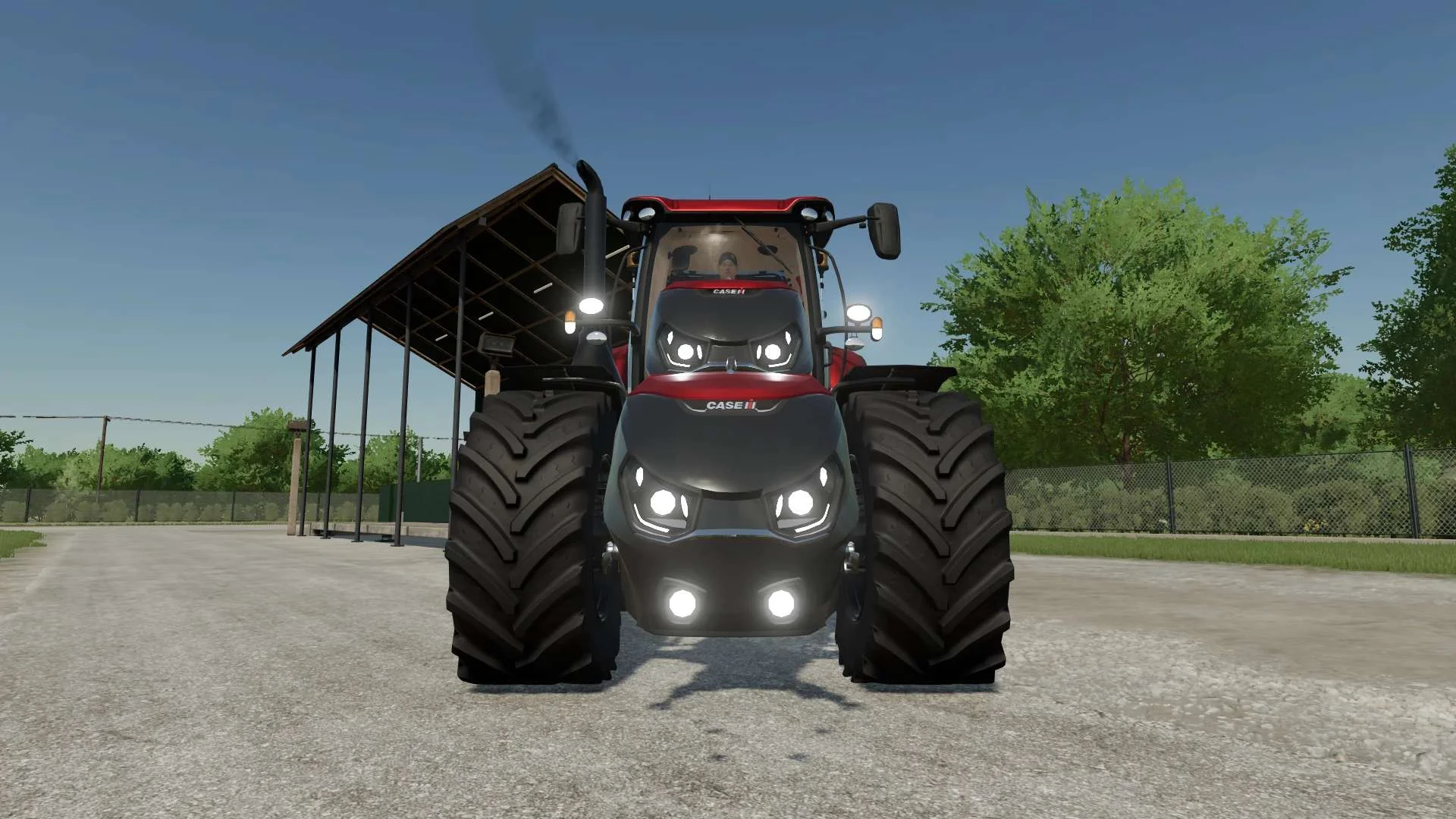
Case IH Optum Nose Weight v1.0 FS22
Front Weight for Optum Lights, color choice, 2300Kg By White_Lutin
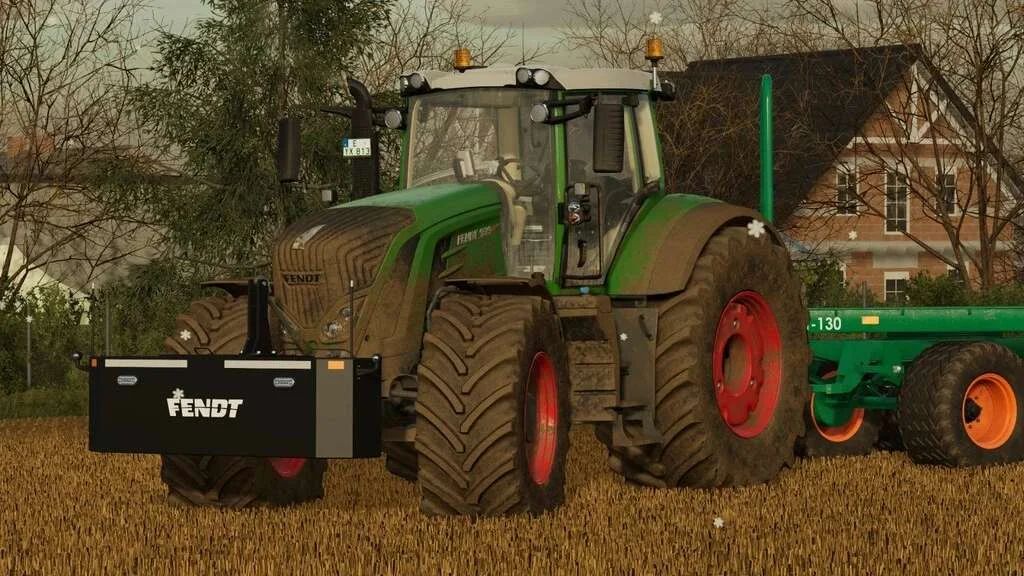
Weight 2500kg, 1800kg, 1200kg v1.0 FS22
Lizard Weight 2500kg, 1800kg, 1200kg The pack containts 3 weights with different colors, different lights and different brands. Weigth 1200kg: – Price: $1.200 Weight 1800kg: – Price: $1.800 Weight 2500kg: – Price: $2.500
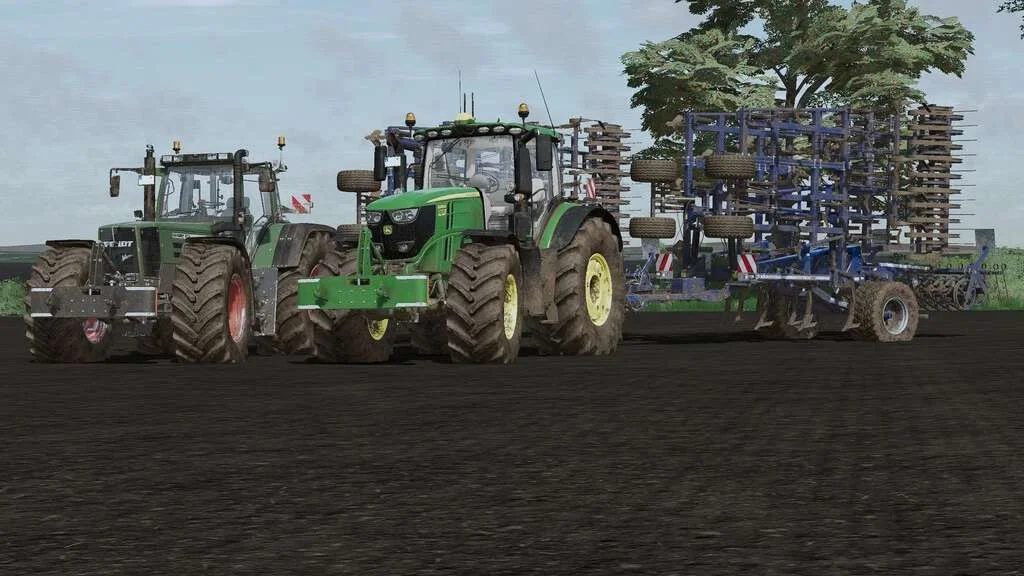
Lizard Weight v1.0 FS22
Weight: 500kg Three Point Linkage Price: 1200$ Tags: Game Farming Simulator PS5
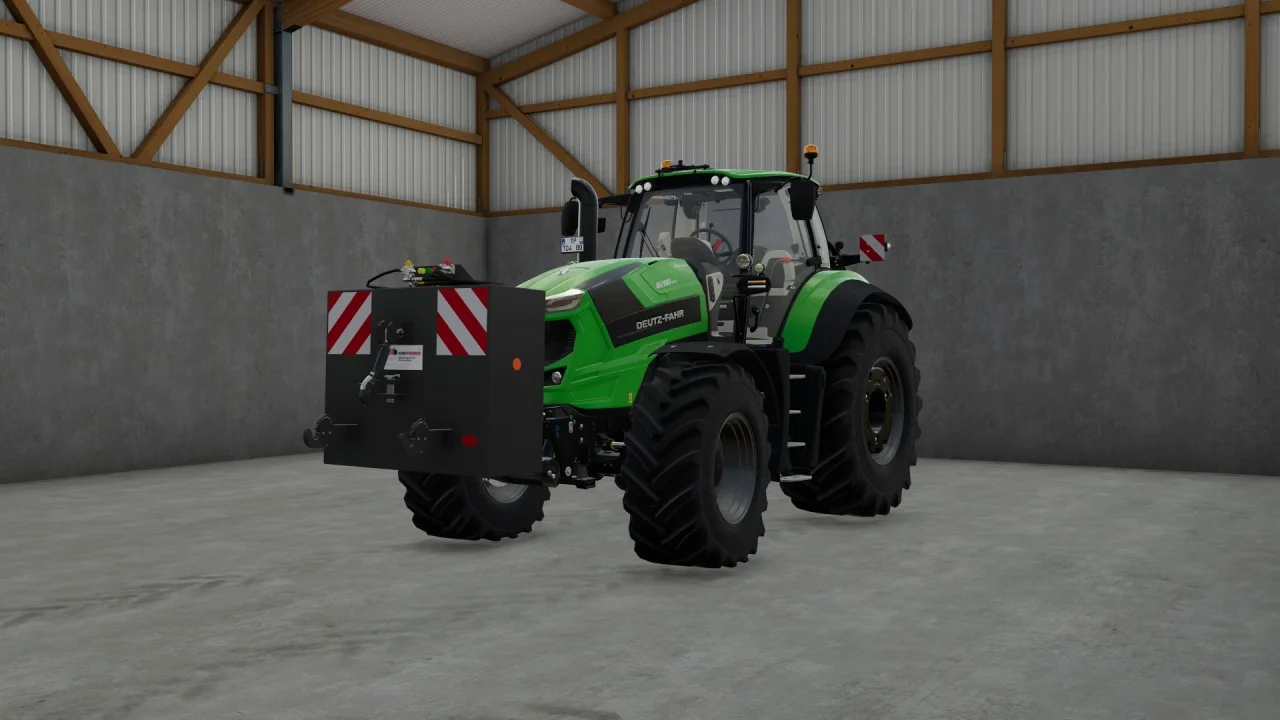
Rear mass 3000KG V1.2 FS22
Black tiger offers us here a mass of 3 tons. The guarantee of constant wheeling on a small tractor! Price: 4.500 €
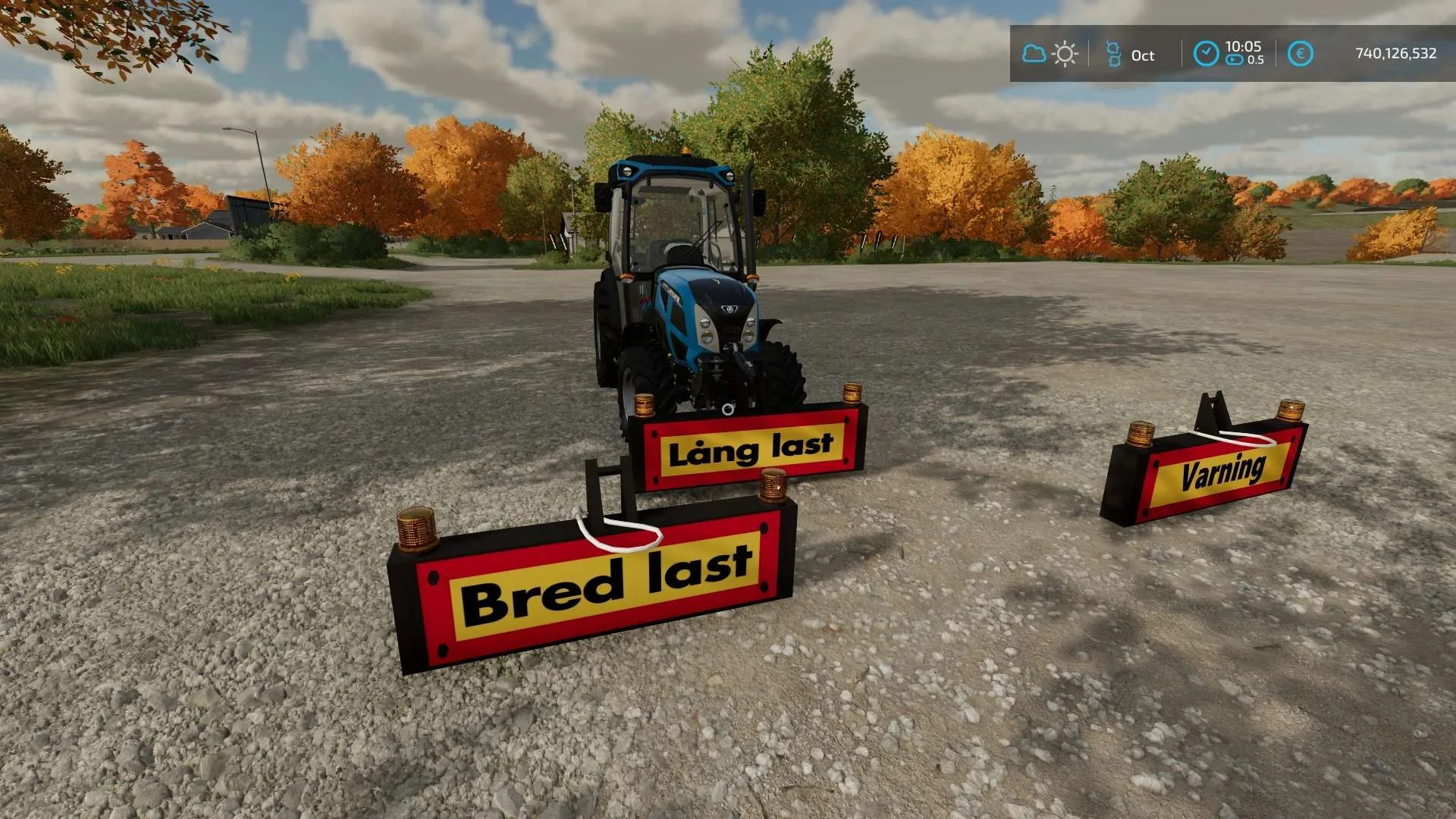
Equipment to tractor v1.0 FS22
Game: Farming simulator 22 Title: Bred/Lång/Varnings Skylt Price: 1000 Brand: LIZARD Category: weights Tags: Game Farming
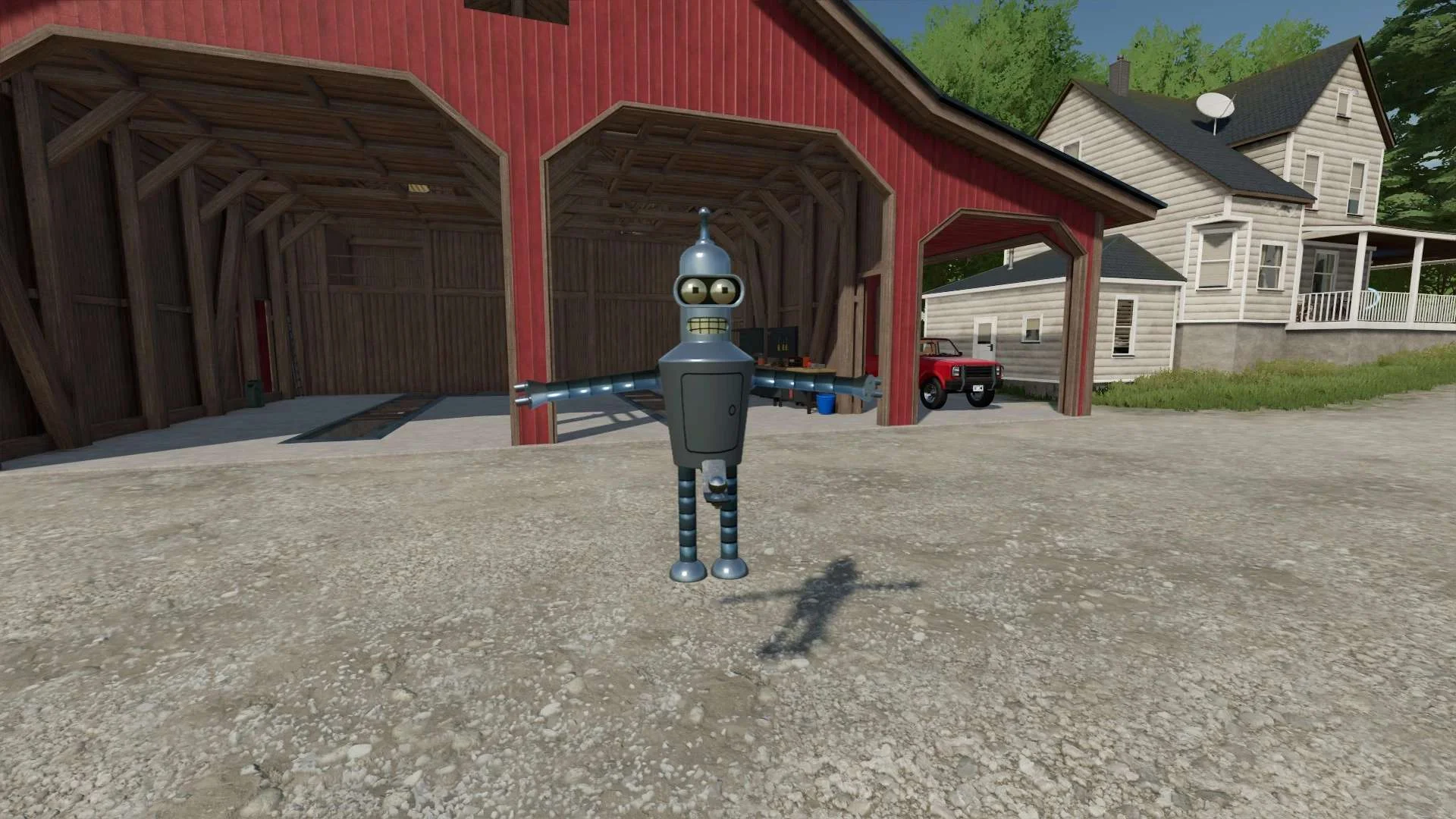
Bender Weight v1.0 FS22
8 selectable weight amounts from 420 – 4200 3 point attachment to bender Dynamic legs that disappear when attaching to Bender Front hardened steel heavy duty trailer hitch to connect trailers and low trailers Price: Varies by weight Location: Vehicle Menu > Weights Get your favorite Futurama character today! Tags: Bender Front Direct Donations Join Farming Simulator Price Varies