Vehicle Explorer V0.2.0.4 FS22
The Vehicle Explorer V0.2.0.4 FS22 is a custom FS22 mod designed for Farming Simulator enthusiasts. Downloaded over 0 times, this mod offers enhanced gameplay, clean installation, and dedicated server support for multiplayer games.
About Vehicle Explorer V0.2.0.4 FS22 (FS22 Mod)
Complete overview, key features, and compatibility guide for Farming Simulator.
The Vehicle Explorer V0.2.0.4 FS22 is an officially tested FS22 mod designed specifically for Farming Simulator players. Belonging to the Other collection, this modification delivers enhanced gameplay mechanics, realistic 3D modeling, and smooth dedicated server multiplayer integration.
Downloaded over 0 times, this addon has been community-verified for log-clean performance on Windows PC and Mac systems.
Mod Details & Release Notes
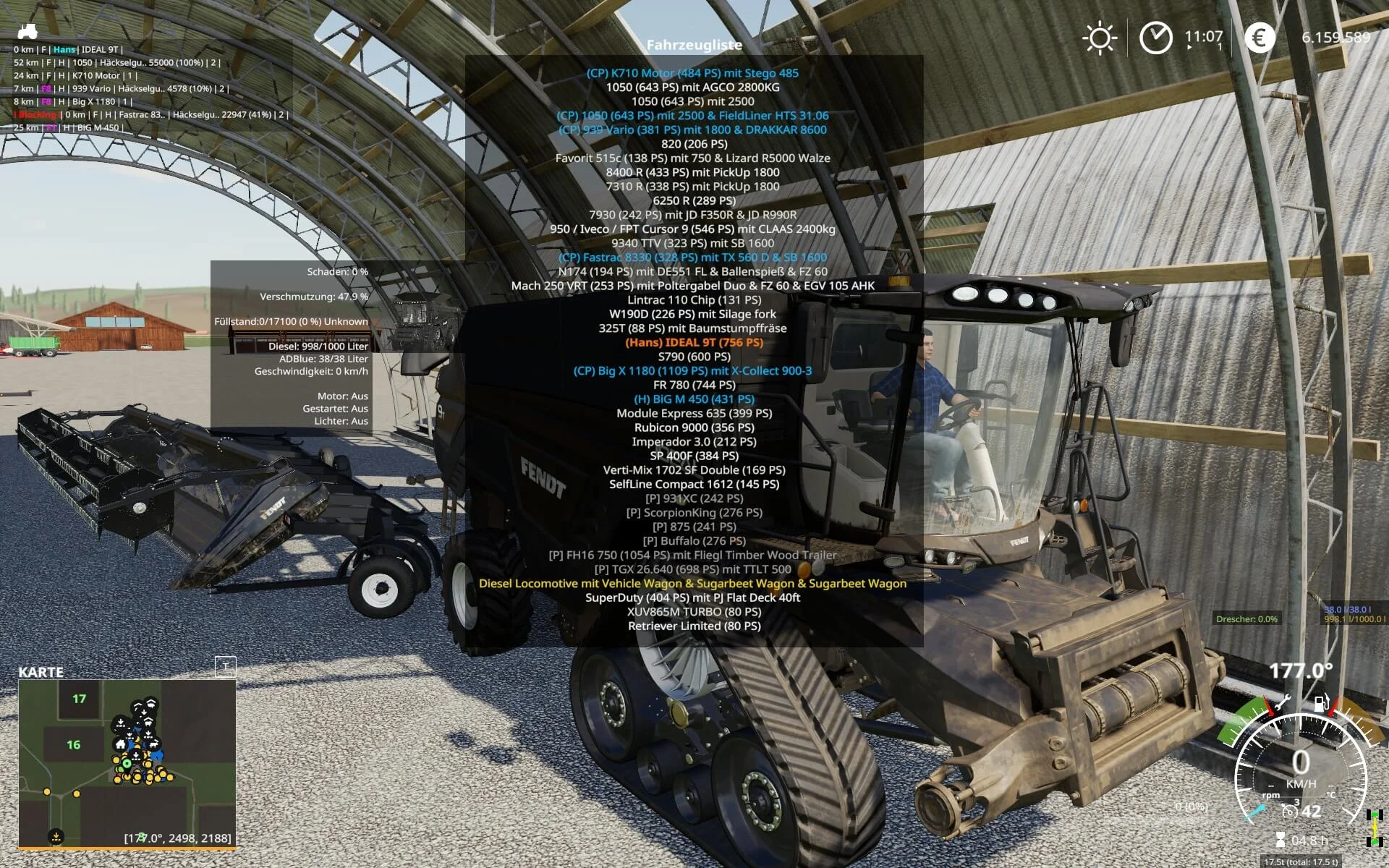
This is a revamp of the good old VehicleSort from FS17. For beginners: VehicleExplorer helps you organize your vehicles, by showing you a list which can be organized, well, sorted by you. Besides that it has a couple of additional functionality. See below.
Features List of all steerable vehicles (Specialization: Enterable) Set a customer order for your vehicles Your order is saved in the default vehicles.xml, so no additional clutter Enter your vehicles directly with a click of a (mouse) button This is meant literally, see known issues EasyTab: Switch between the last two selected vehicles Park your vehicles, so that a switch of vehicles via Tab ignores them Repair vehicles and its implements Let your vehicle and implements get cleaned on a repair from your friendly VeEx staff If Seasons is enabled, you can also let the vehicle and implements get repainted Displaying a store image next to the list Info box with additional informations Motor on/off, turned on/off (for e.g. harvester) and light status is saved and restored Different colors in the list if a vehicle is selected, or currently used by a helper/Courseplay Config Menu Config is saved per savegame within modsSettings/VehicleExplorer/savegameX Show/hide trains in the list Show/hide station cranes in the list (No idea if that actually works, would need a map with a crane to test) Show/hide steerable implements/trailers (e.g. forwarder trailer with crane) Show/hide brand names in the list Show/hide your own name when you enter a vehicle Show/hide horse power in the list Show/hide fill levels in the list Show/hide implements in the list Show/hide store images Show/hide infobox Move infobox up/down Show/hide a background for the infobox/store image Change text size Change text alignment Change list background transparency Enable/disable saving of the additional vehicle status (motor, turnedOn, lights) Show/hide keybindings in the game F1 help menu (needs a game restart to take affect) Clean vehicle & implements on a repair Tardis integration With Tardis you can teleport yourself AND your vehicles to any position on the map With VehicleExplorer & Tardis you can select a vehicle on the list, and teleport that to any location without entering it. You can also configure if you want to enter the vehicle after teleportation or just drop the vehicle to another location With Tardis Map Hotspots you can again, select a vehicle and quickly teleport that to one of those hotspots
Known issues Although you can change all the keyboard bindings, the mouse actions are hardcoded for now Left mouse click: Enter vehicle Right mouse click: Select vehicle (to e.g. move it) Right mouse click: Change value in the config menu Mouse wheel: Selection up/down in list Max of three columns. If you’ve more vehicles (which would be insane anyways, just disable the display of brand name etc
Incompatible Mods
SpeedControl Actually both work fine side by side. There is just a keybinding overlap. So you’ve to set new keybindings through the game menu for Key 1, Key 2, Key NumPad Plus, Key NumPad Minus Changed the default keybinding. So there is no overlap anymore.
Default Keybinding Key Combi Action LAlt + v Show/hide vehicle list LAlt + KeyPad Minus Show/hide config menu KeyPad Enter Enter vehicle LAlt + p Toggle parking LAlt + KeyPad 5 Select item (for moving the vehicle) or to change values in the config LAlt + KeyPad 8 Move up in the list/config LAlt + KeyPad 2 Move down in the list/config LAlt + 1 Move up fast in the list/config LAlt + 2 Move down fast in the list/config LAlt + R Repair vehicle incl. implements Tab Next vehicle; VeEx own switch vehicle implementation (necessary to tab through vehicles in your own order) Shift + Tab Previous vehicle; VeEx own switch vehicle implementation (necessary to tab through vehicles in your own order) LCtrl + Tab easyTab; Easily tab between the last two vehicles you switched through VeEx Mouse Left Enter vehicle Mouse Right Select item/change values in config Mouse Wheel List up/down
If you want to use the ‘sorted tabbing’, make sure you drop the default key binding in the game menu. I didn’t find a way to overwrite the default vehicle switching, and I think it’s better to let you, the user, this choice anyways. Meaning of colors used Color Meaning White Standard Green Current player is controlling vehicle Orange Vehicle selected Red Vehicle locked (necessary to move it up/down in the list) Grey Vehicle is parked Blue Vehicle is controlled by AI (Helper or Courseplay) Light Pink Vehicle is controlled by FollowMe (not yet available) Yellow Engine is running Note that the current version does NOT support multiplayer!
There were reports that VehicleExplorer does work in MP if you simply change the moddesc.xml. Although I assume not everything works then. Anyways, I decided to work on a MP version. Just have no idea yet till when it will be available.
Tags: Color Meaning Green Current Incompatible Mods Mouse Wheel List
Key Features & Performance Highlights
/mods/ folder.Frequently Asked Questions (Vehicle Explorer V0.2.0.4 FS22)
Q: Is Vehicle Explorer V0.2.0.4 FS22 free to download?
A: Yes! All Farming Simulator mods on Farming Simulator Mods are 100% free to download without subscription requirements.
Q: Which game version does Vehicle Explorer V0.2.0.4 FS22 support?
A: This mod is built for FS22 (Farming Simulator 22).
Q: Is Vehicle Explorer V0.2.0.4 FS22 safe and virus-scanned?
A: Yes, every file undergoes automated virus and integrity checks before publishing.
Unlock Download Link
To download Vehicle Explorer V0.2.0.4 FS22, click the Like button below to reveal the direct download URL.
Click above to unlock the download link.
Specifications & Mod Metadata
FS22 ModHow to Install Vehicle Explorer V0.2.0.4 FS22 (FS22)
- Click the Like button above to reveal and copy the direct download link.
- Download the
.zipmod file to your computer. - Copy the downloaded
.zipfile (do NOT unpack unless instructed). - Paste it into your Farming Simulator mod folder:
Documents / My Games / FarmingSimulator2022 / mods / - Launch the game and activate Vehicle Explorer V0.2.0.4 FS22 in the mod selection menu.
Mod Specifications
Related FS22 Mods You May Like
Explore All fs22-mods →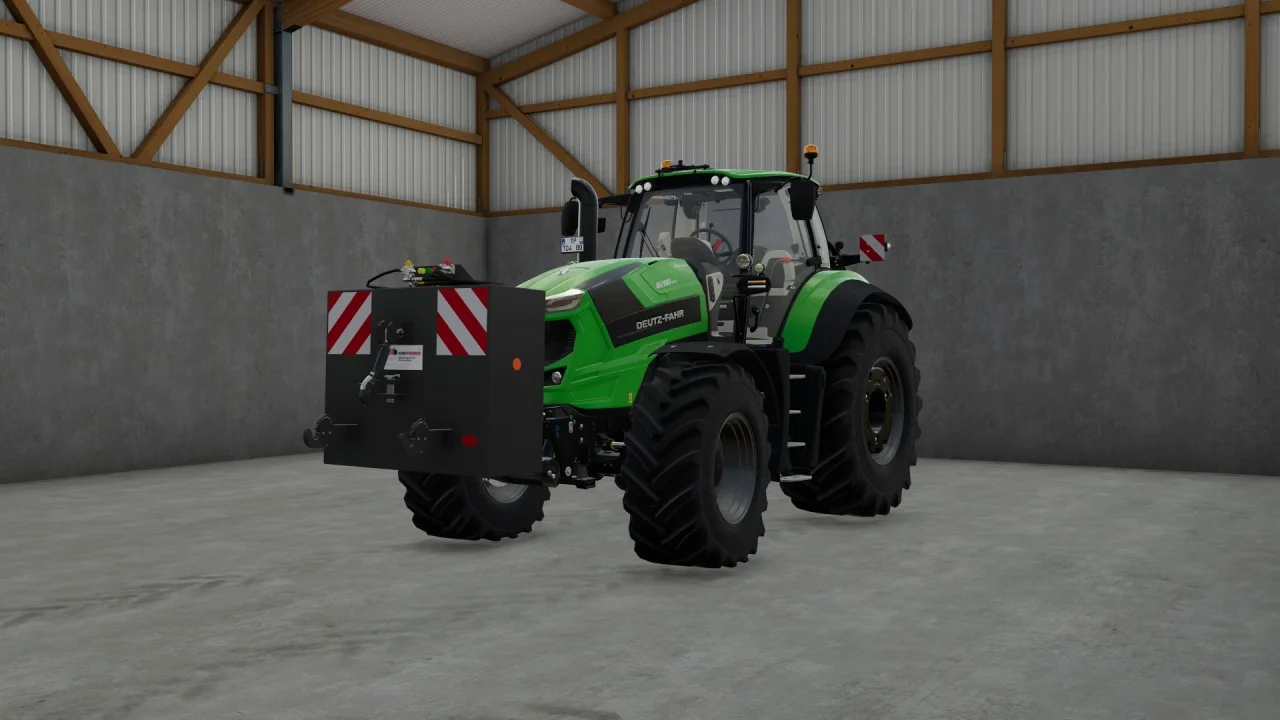
Rear mass 3000KG V1.2 FS22
Black tiger offers us here a mass of 3 tons. The guarantee of constant wheeling on a small tractor! Price: 4.500 €
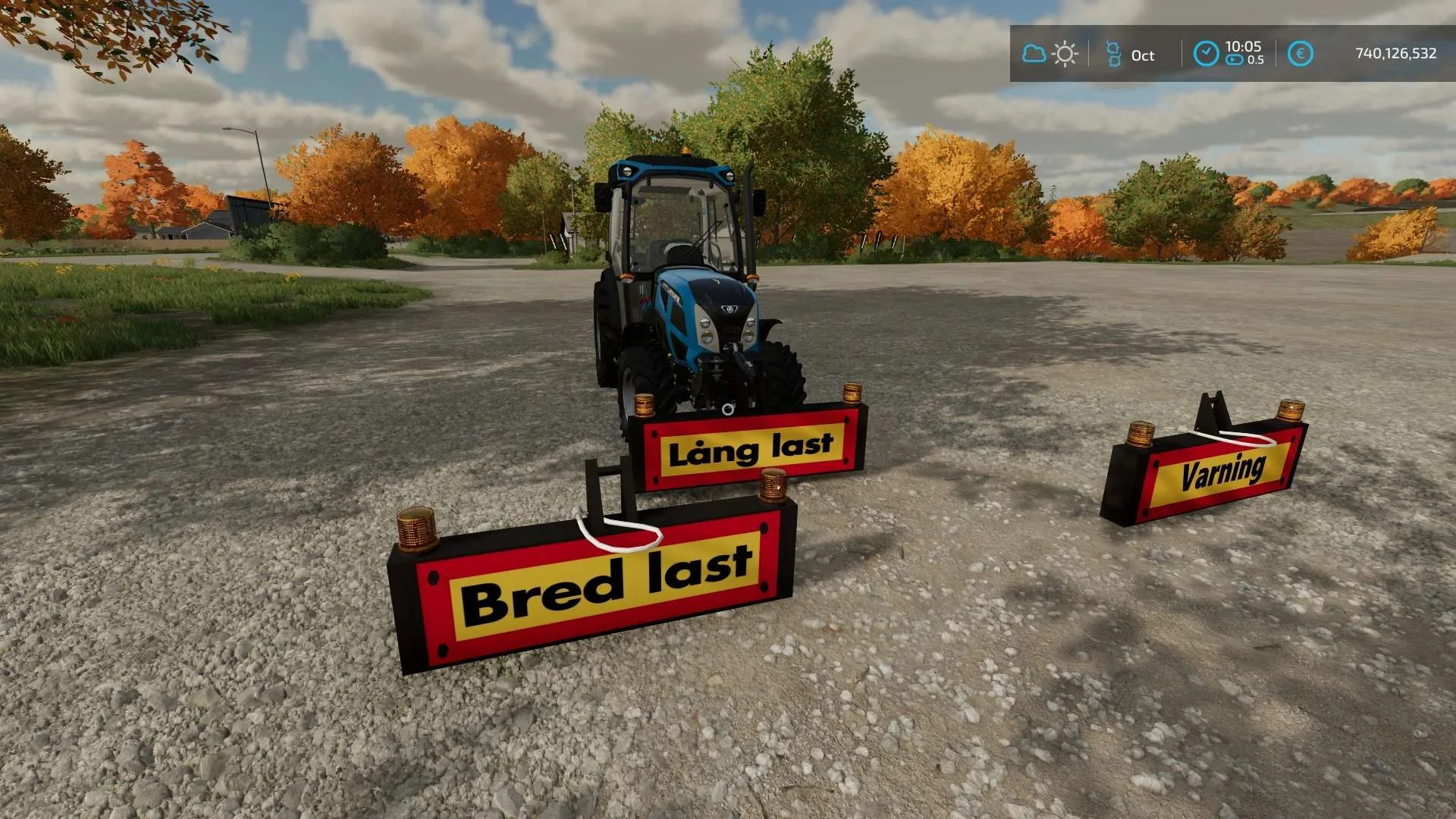
Equipment to tractor v1.0 FS22
Game: Farming simulator 22 Title: Bred/Lång/Varnings Skylt Price: 1000 Brand: LIZARD Category: weights Tags: Game Farming
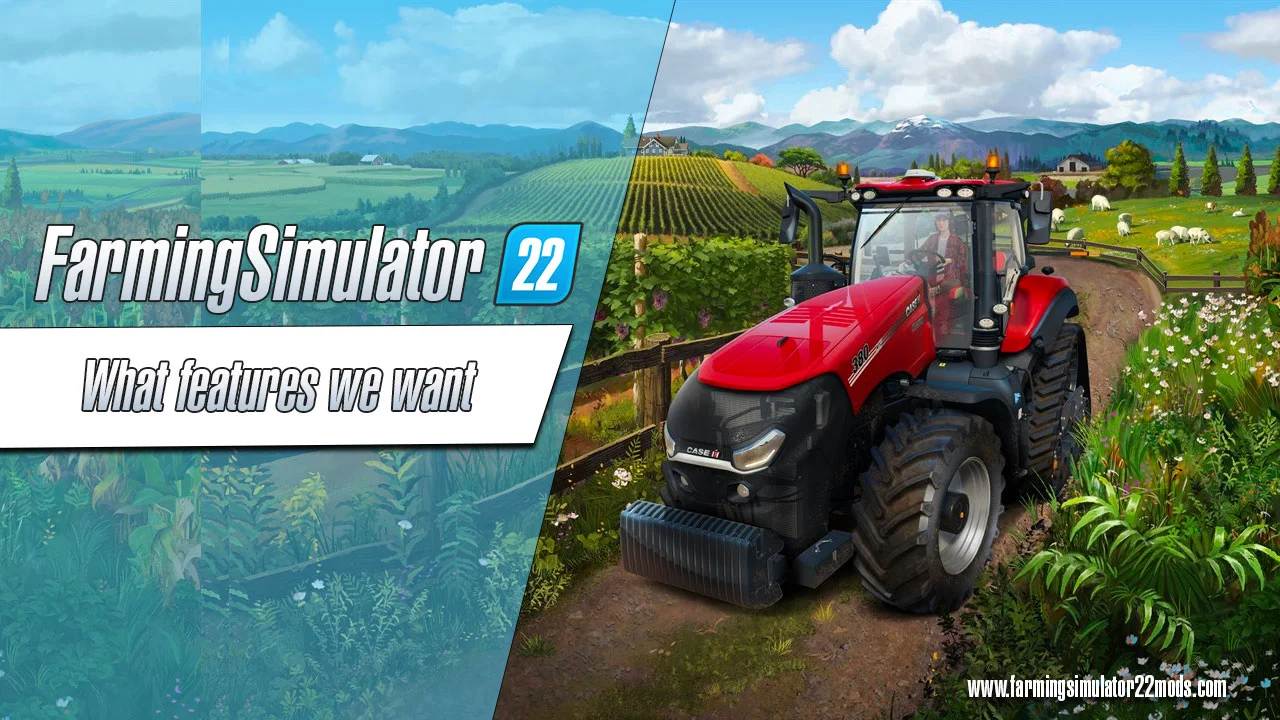
What features players want to be included in FS22?
Farming Simulator fans were asked what features they want to see added to the new FS22. Here’s what they said: At the moment, people with different devices cannot play FS together, meaning Xbox players can only play with other Xbox players and the same goes for Playstation and PC owners. Having a crossplay feature would definitely improve the overall experience of the game. There are examples showing that this kind of feature is totally possible, like Fortnite and Rocket League. Will we see this feature in the FS22? We don’t know, but it would be cool! There can never be too many improvements to the game. With FS19, a lot of new features were introduced, but there’s still a lot of things missing. A better mod menu and a search function would certainly be welcome improvements. Other than that, the players would like to be able to fasten the vehicles onto the low loader. The construction tool could also use some improving and the vehicle physics could be more realistic. The selection of placeable objects designs for the courtyard could also be expanded. These may seem like small improvements, but together they would enhance gameplay a lot. In the Farming Simulator, you have to buy your vehicles, machinery and equipment new. While there are a lot of real farmers in the world who can afford to always buy new machinery, not all of them can do that. In reality, lots of farmers buy used farming equipment. If your bank account in FS is not looking too good, you should be able to purchase used machinery. A second-hand tractor could have rust or worn seats, but it’d be cheaper and still get the job done. It would also be interesting if the Farming Simulator allowed you to change tires. It would bring a whole new experience to the game! In the FS19, if you plow and fertilize your fields according to rules and regulations, a fruitful harvest should be a guarantee. However, in reality, animals like moles often ruin the harvest. The players said that they would like to see wild boar or deer in the forest or in the field ever so often. This sort of change would not only lead to a more realistic world but also improve the overall appearance of the game. In the FS19, you can do quite a lot with trees, like plant them, sow them off, chop them. While the game is focused on agriculture, there’s a surprising amount of things you can do with wood. However, there’s still some room for improvement as not much advancements have been made since FS15 in forestry. It would be cool if you could drive your jeep on muddy roads in the forest and then mark the trees you want to cut. The vehicles in the FS19 look good and have lots of configurations, but if you compare it to real vehicles, there’s still so much to improve in the game. The players would like to see a GPS function which would allow tractors and other machinery to be driven over the field precisely. Other than that, what would also be cool is actual usable buttons, manual coupling, license plates that you can change, a passenger feature, and adjustable seat heights. Sure, not everything on this list is easy to implement, especially on consoles, but some of these features have been requested by players so much that perhaps something could be done! In the Farming Simulator so far, you’d have to drive to the sales station with the best price after your harvest. In the station, the harvest is quickly unloaded and you instantly get the money. That might seem like it’s enough, but in reality it would be more interesting if the process would be more intricate. Players would like to see a traffic jam in front of the mill, document checking, or even taking grain samples before selling the harvest. There could be improvements related to pricing as well, for example, a price change depending on supply. If the season was good and everything went smoothly, the crops would be cheaper; if the season was harsh with rain and storms leading to a smaller amount of crops, the price would increase. Imagine the new possibilities this would offer to the FS22! You would have to manage your money strategically, sign contracts for stable prices and more. No other improvement has been requested more often than more mods on consoles. The challenge of implementation definitely falls on the shoulders of GIANTS because it’s not the FS developers who are responsible for mod restrictions. In this case, Sony and Microsoft are to blame – they do not allow script modifications. Sadly, this means that console players miss out on a lot of interesting and useful mods. What console players have are mods without scripts that are released via Modhub. And even if the restrictions on the consoles are not lifted, there’s still something developers at GIANTS could do. Modders often say that it’s not easy to publish mods via Modhub. If the players manage to get this message to the GIANTS, maybe at least a few more mods will make it onto the consoles. But we wouldn’t be too optimistic about the change in script rest
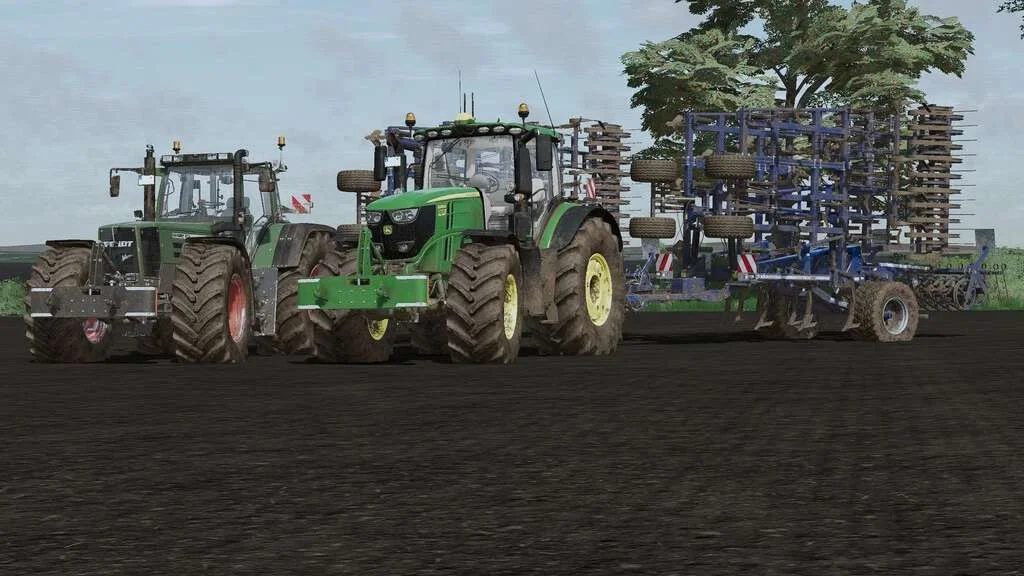
Lizard Weight v1.0 FS22
Weight: 500kg Three Point Linkage Price: 1200$ Tags: Game Farming Simulator PS5
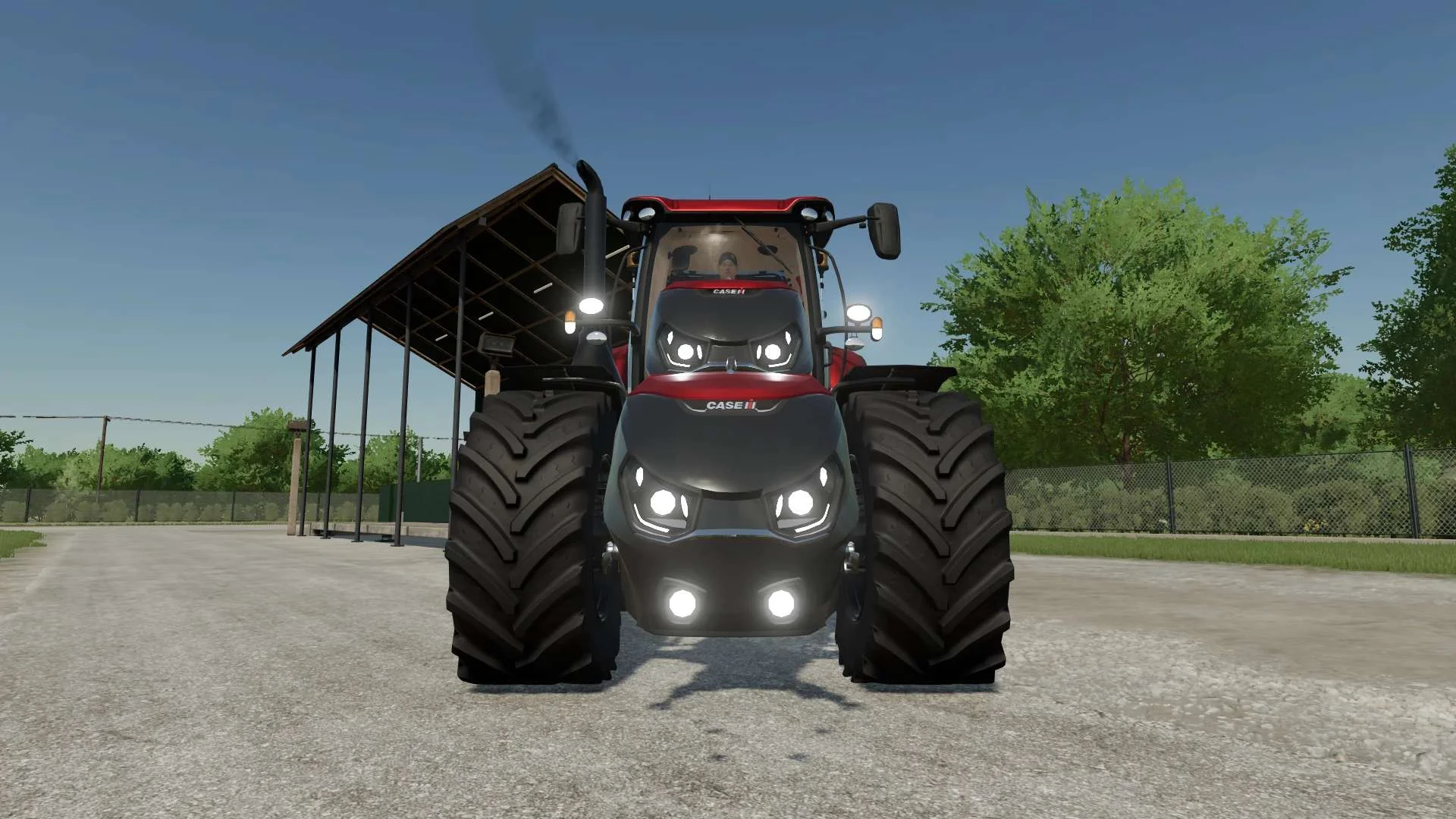
Case IH Optum Nose Weight v1.0 FS22
Front Weight for Optum Lights, color choice, 2300Kg By White_Lutin
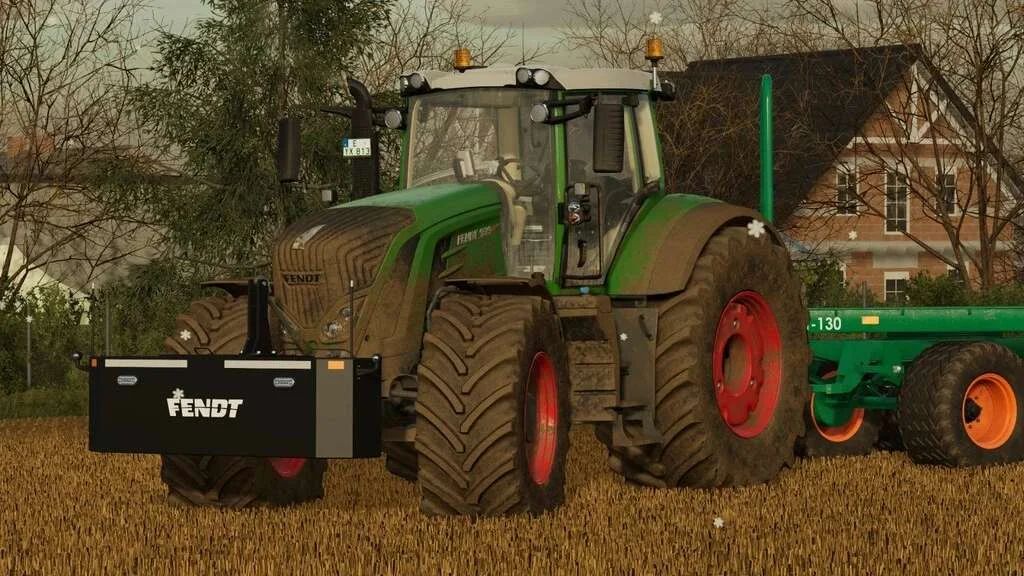
Weight 2500kg, 1800kg, 1200kg v1.0 FS22
Lizard Weight 2500kg, 1800kg, 1200kg The pack containts 3 weights with different colors, different lights and different brands. Weigth 1200kg: – Price: $1.200 Weight 1800kg: – Price: $1.800 Weight 2500kg: – Price: $2.500