Work Camera v1.1.1 FS22
The Work Camera v1.1.1 FS22 is a custom FS22 mod designed for Farming Simulator enthusiasts. Downloaded over 0 times, this mod offers enhanced gameplay, clean installation, and dedicated server support for multiplayer games.
About Work Camera v1.1.1 FS22 (FS22 Mod)
Complete overview, key features, and compatibility guide for Farming Simulator.
The Work Camera v1.1.1 FS22 is an officially tested FS22 mod designed specifically for Farming Simulator players. Belonging to the Other collection, this modification delivers enhanced gameplay mechanics, realistic 3D modeling, and smooth dedicated server multiplayer integration.
Downloaded over 0 times, this addon has been community-verified for log-clean performance on Windows PC and Mac systems.
Mod Details & Release Notes
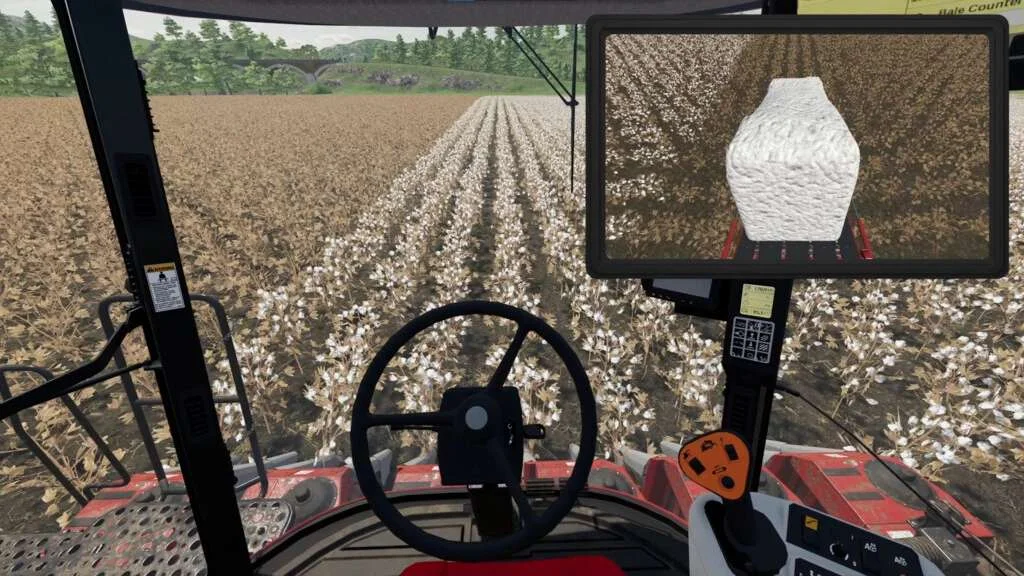
Reverse cameras, pipe cameras, grain tank cameras, belt system cameras, front loader cameras and more!
Changelog: v1.0.1.0 – Fixed camera loading from modded vehicles / implements xml – Minor fixes in Giants Editor Script – Added wcCustomCamerasReload console command to reload the CustomWorkCameras.xml file without reloading the game v1.1.0.0 – Added option to flip the camera view horizontally – Improved render quality – Fixed user settings loading – Fixed error when the vehicle don’t have AttacherJoints spec (for example when riding a horse) – Fixed sky not rendering when using “FS22_AdditionalGameSettigns” Custom Lighting – Fixed Horsch Maestro 24.50 SV cameras v1.1.1.0 – Fixed game crash caused by patch 1.13.1.1. – Added russian ingame translations
This is a global mod that adds work cameras to almost every vehicle and implement in the game. It includes more than 1500 work cameras that works right out of the box. You can easily add more cameras to existing equipment and also to your own mods.
The mod includes a detailed documentation and even a Giants Editor Script to make the process easier and faster.
It has a menu where you can: – Change the position of the camera on the screen – Change the size of the camera on the screen – Change fov, far clip and near clip of the selected camera
Key bindings: – left shift + C: Turn on / off the work cameras of the selected vehicle / equipment – left ctrl + C: Change to the next work camera – unset: Change to the previous camera – left alt + C: Open the menu
Special thanks to [NMC]T-Bone
Tags: example Giants Editor Script Work Camera
Key Features & Performance Highlights
/mods/ folder.Frequently Asked Questions (Work Camera v1.1.1 FS22)
Q: Is Work Camera v1.1.1 FS22 free to download?
A: Yes! All Farming Simulator mods on Farming Simulator Mods are 100% free to download without subscription requirements.
Q: Which game version does Work Camera v1.1.1 FS22 support?
A: This mod is built for FS22 (Farming Simulator 22).
Q: Is Work Camera v1.1.1 FS22 safe and virus-scanned?
A: Yes, every file undergoes automated virus and integrity checks before publishing.
Unlock Download Link
To download Work Camera v1.1.1 FS22, click the Like button below to reveal the direct download URL.
Click above to unlock the download link.
Specifications & Mod Metadata
FS22 ModHow to Install Work Camera v1.1.1 FS22 (FS22)
- Click the Like button above to reveal and copy the direct download link.
- Download the
.zipmod file to your computer. - Copy the downloaded
.zipfile (do NOT unpack unless instructed). - Paste it into your Farming Simulator mod folder:
Documents / My Games / FarmingSimulator2022 / mods / - Launch the game and activate Work Camera v1.1.1 FS22 in the mod selection menu.
Related FS22 Mods You May Like
Explore All fs22-mods →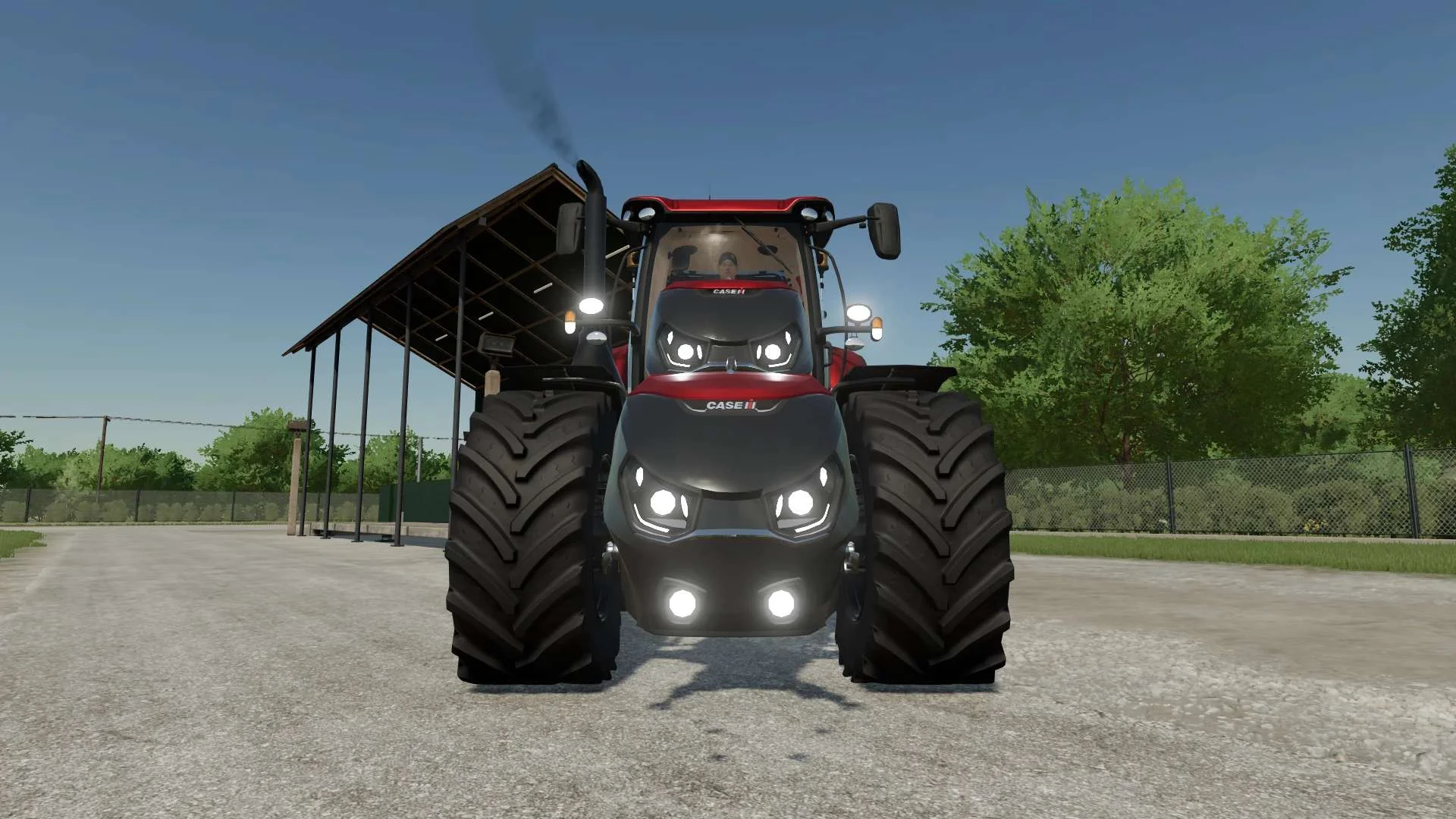
Case IH Optum Nose Weight v1.0 FS22
Front Weight for Optum Lights, color choice, 2300Kg By White_Lutin
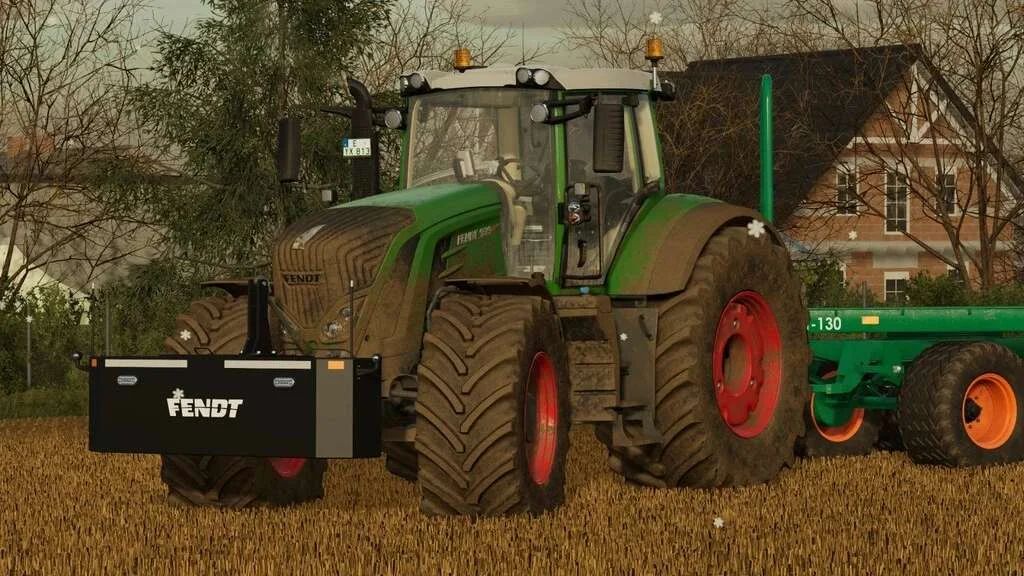
Weight 2500kg, 1800kg, 1200kg v1.0 FS22
Lizard Weight 2500kg, 1800kg, 1200kg The pack containts 3 weights with different colors, different lights and different brands. Weigth 1200kg: – Price: $1.200 Weight 1800kg: – Price: $1.800 Weight 2500kg: – Price: $2.500
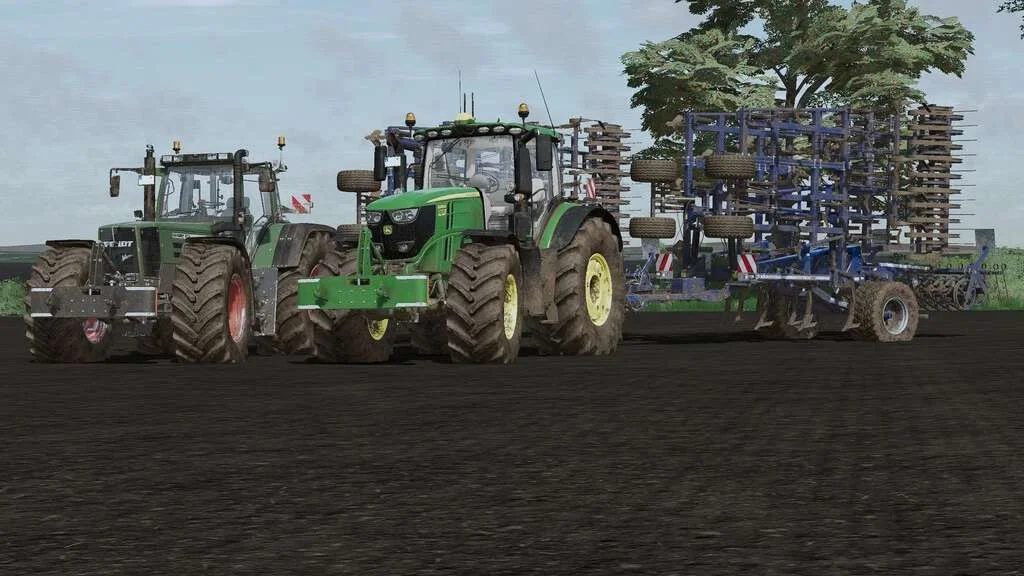
Lizard Weight v1.0 FS22
Weight: 500kg Three Point Linkage Price: 1200$ Tags: Game Farming Simulator PS5
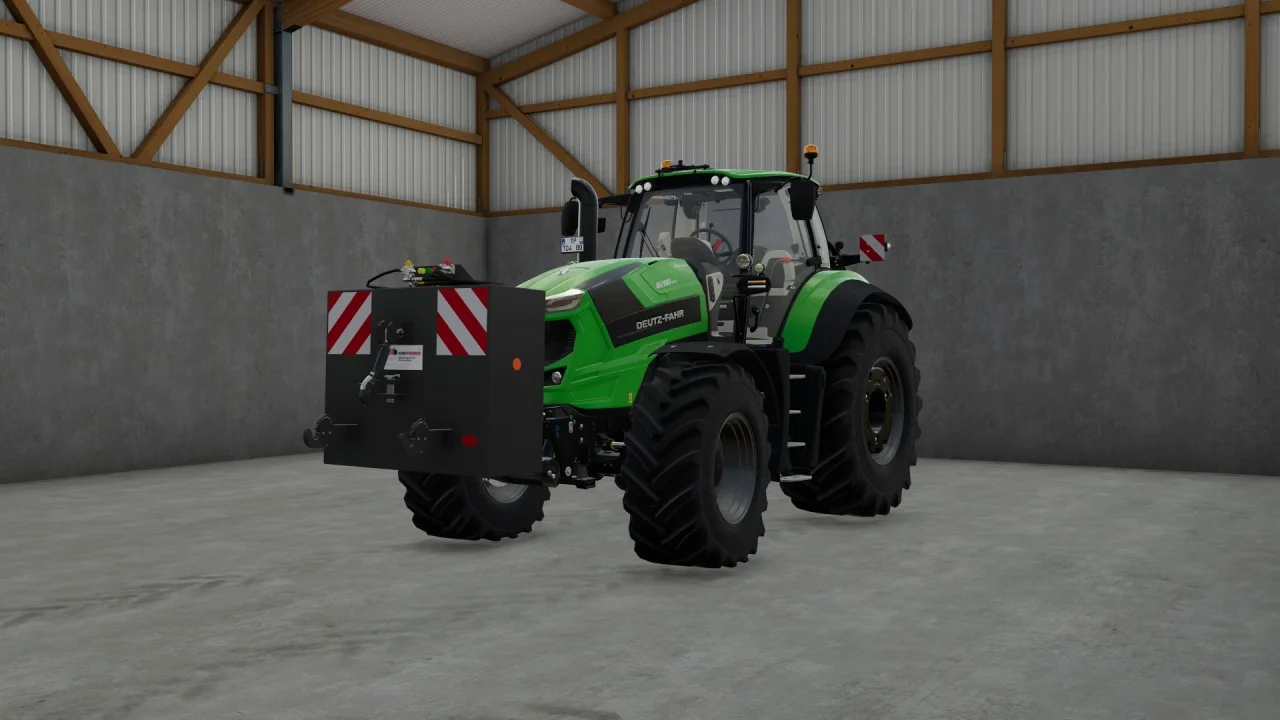
Rear mass 3000KG V1.2 FS22
Black tiger offers us here a mass of 3 tons. The guarantee of constant wheeling on a small tractor! Price: 4.500 €
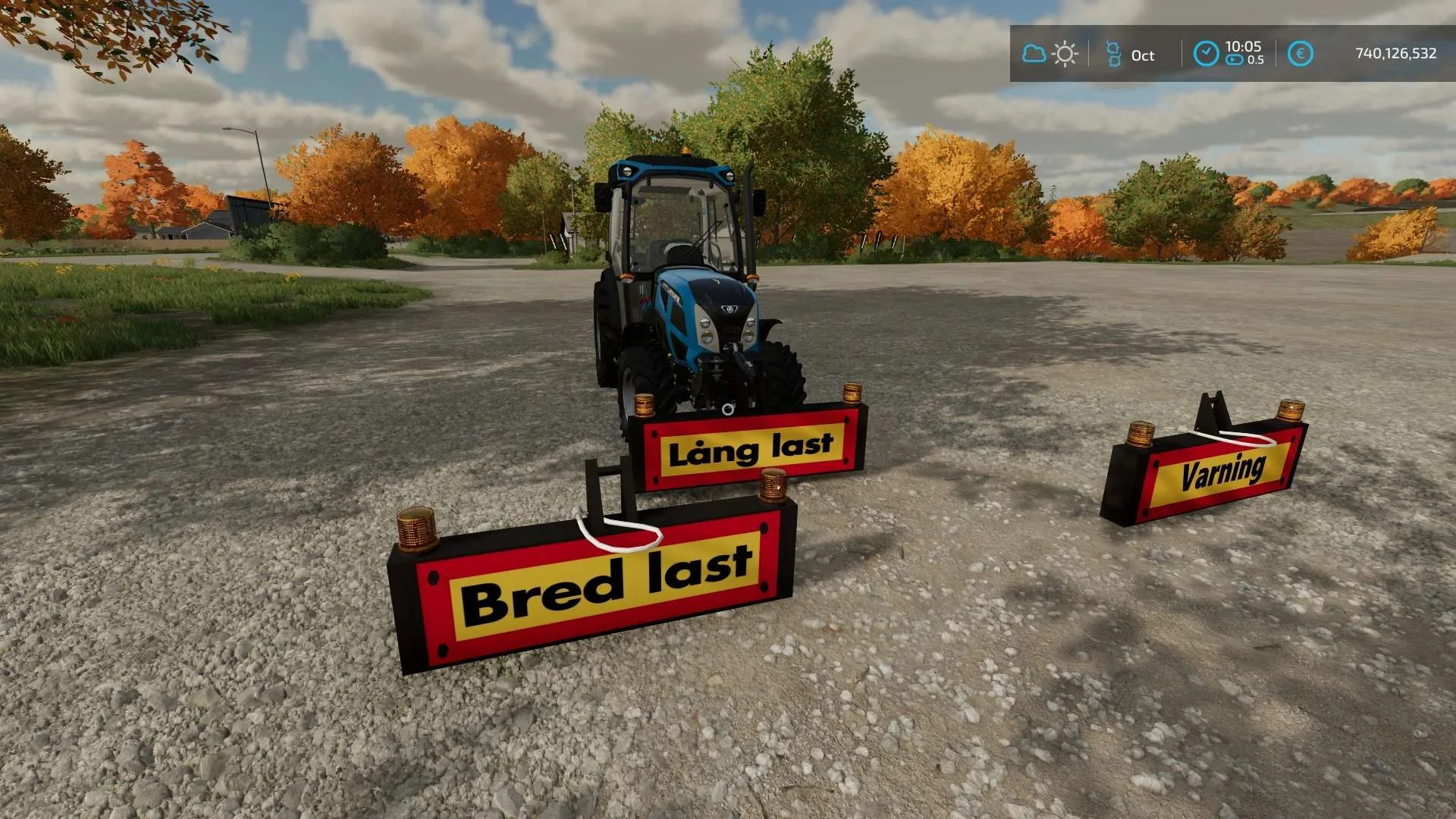
Equipment to tractor v1.0 FS22
Game: Farming simulator 22 Title: Bred/Lång/Varnings Skylt Price: 1000 Brand: LIZARD Category: weights Tags: Game Farming
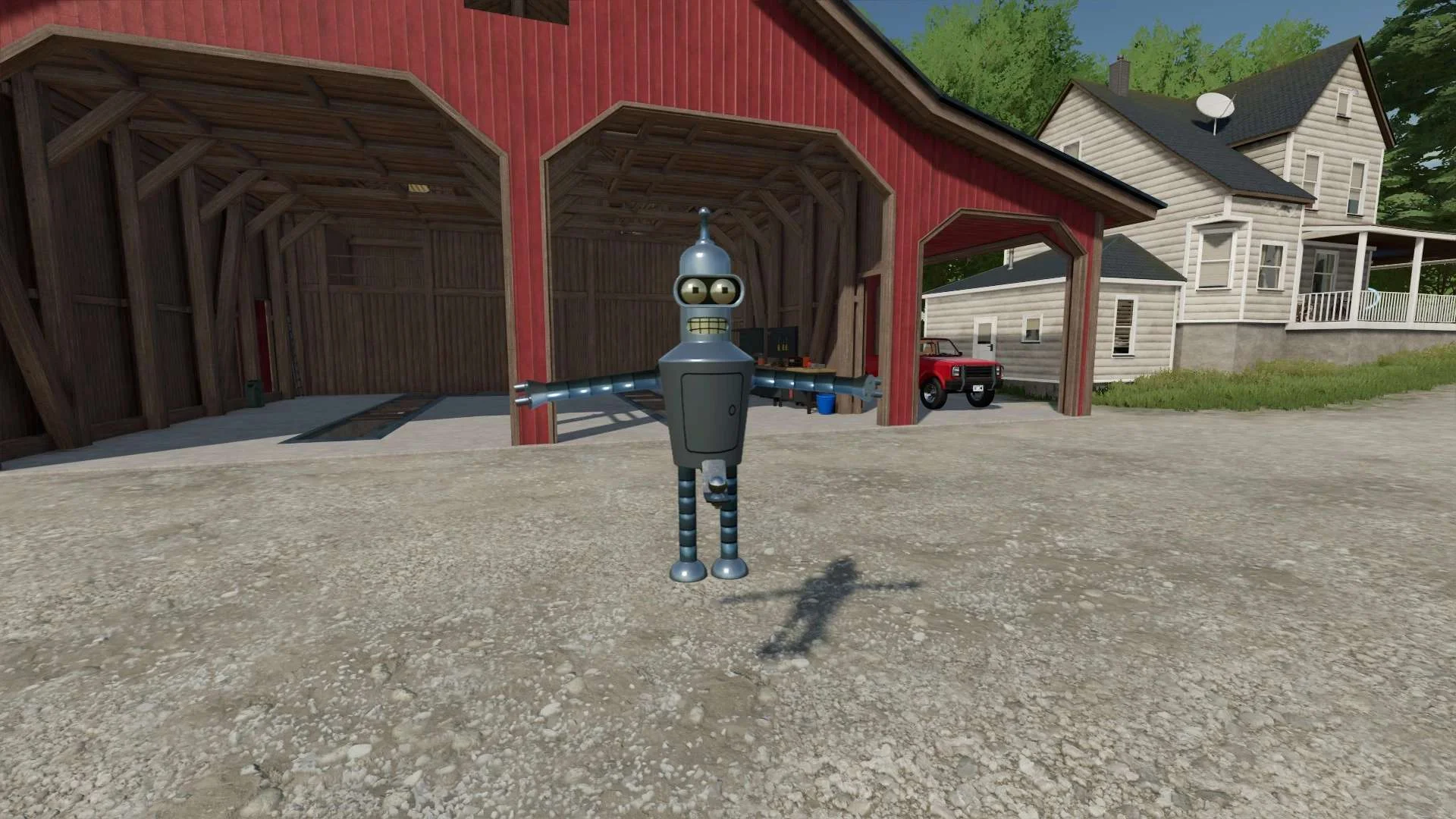
Bender Weight v1.0 FS22
8 selectable weight amounts from 420 – 4200 3 point attachment to bender Dynamic legs that disappear when attaching to Bender Front hardened steel heavy duty trailer hitch to connect trailers and low trailers Price: Varies by weight Location: Vehicle Menu > Weights Get your favorite Futurama character today! Tags: Bender Front Direct Donations Join Farming Simulator Price Varies