
Seasons on the FS 23 farm, AI workers and transport of movable goods
About Seasons on the FS 23 farm, AI workers and transport of movable goods (FS23 Mod)
Complete overview, key features, and compatibility guide for Farming Simulator.
The Seasons on the FS 23 farm, AI workers and transport of movable goods is an officially tested FS23 mod designed specifically for Farming Simulator players. Belonging to the Hints And Tips collection, this modification delivers enhanced gameplay mechanics, realistic 3D modeling, and smooth dedicated server multiplayer integration.
Downloaded over 0 times, this addon has been community-verified for log-clean performance on Windows PC and Mac systems.
Mod Details & Release Notes
Mobile Farm 23 has adopted all the potential and innovations from Farming Simulator 2022. Well, almost all of it! The same changing days, and especially the seasons in the place with which the weather changes. They also influence the farmer’s environment and his plans.
Additional crops that include grapes and olives to grow. Special equipment, and all modern brands and technologies.
That is, today the mobile farm FS 23 is the best entertaining simulator for farming. Unlike previous versions, this one has animals and enterprises with production facilities.
Seasons have appeared in the mobile Farm Simulator, which added realism to the game. It’s like the seasons change in life, and there’s also a time for everything to harvest and plant seeds. Despite the fact that olives and grapes are harvested only in the autumn.
As the seasons progress, the game will change visually. Leaves will appear on the trees, they will turn yellow in the fall, and in winter there will be no leaves left at all.
The weather forecast will affect your farming plans. It will vary throughout the season.
You can harvest in the rain, but then you will only harvest half. But not everyone, grains are generally prohibited from being collected during rain, and wet ones are not recommended.
The weather forecast icon is in the upper right corner. If two weather icons are displayed at the same time, the one on the right represents the next six hours.
The farm is always full of things to do, and you can hire workers to help you. To do this, while sitting in your car, click on the assistant icon and the “Active Worker” window will open.
In this window, you can come up with a task, and then click the “give work” button. In the menu that opens, you can select what type of task to issue.
There are several tasks in the FS 23 game: “Go”, “Load and Deliver”, “Deliver” and “Work in the Field”. The AI worker will complete all these tasks without any problems.
The "Deliver" and "Load and Deliver" tasks can only be taken if the vehicle has a trailer or its own tank. You need to prepare all this.
By selecting a vehicle and tasks, you can specify a goal. Click on the map to show the employee where to go, and when the car gets there and parks, you can correct its location.
“Go” tasks are the simplest: they send a worker to a specific point on the map.
“Field work” sends a worker to harvest or cultivate a field. Remember that the right tools must be attached to do this.
On the “Deliver” task, you need to take the loaded products to the unloading station. The appropriate station must be selected from the menu. Such a task can be looped, and then the worker will carry the load until he can no longer do it.
The “Load and Deliver” task consists of several parts: first, the worker fills the car with the desired products at the selected loading station, then you can select the unloading station where to take the cargo. And finally, the task can be looped, and then the employee will do it until the selected product runs out.
If tasks cannot be completed, then there will be a red exclamation mark and messages next to it. When you've set everything up, click the "Get Started" button. And then your hired employee will complete the prepared task without any problems.
In the task you can see the list of workers who are doing it and what exactly they are doing at the moment.
Transportation of movable loads always involves securing them with fastening belts. And when transporting grain, be sure to cover the body with an awning; it will protect from rain and snow, as well as road dust.
The pallets can be taken to a point of sale or to a pallet warehouse on the farm. For transportation, you need a telescopic or forklift, and to make the task easier, you can use auto-loading.
It is recommended to transport bales using a bale loader; this is an almost automatic operation. He loads the bales onto the platform himself, without any forklift.
To transport and sell the harvested crop, you need a tractor and trailer. Most trailers can transport any bulk products. The store will indicate whether the trailer is suitable for transporting certain products.
To transport equipment and tools to the farm, buy a truck with a low loader (like a trailer). Be sure to secure the equipment being transported with seat belts.
AI assistant technologies will perform any given work in your pocket farm. FS 23 is the best mobile game today.
Key Features & Performance Highlights
/mods/ folder.Frequently Asked Questions (Seasons on the FS 23 farm, AI workers and transport of movable goods)
Q: Is Seasons on the FS 23 farm, AI workers and transport of movable goods free to download?
A: Yes! All Farming Simulator 23 Mobile mods on Farming Simulator Mods are 100% free to download without subscription requirements.
Q: Which game does Seasons on the FS 23 farm, AI workers and transport of movable goods support?
A: This mod is built and verified for Farming Simulator 23 Mobile.
Q: Is Seasons on the FS 23 farm, AI workers and transport of movable goods safe and virus-scanned?
A: Every uploaded file is verified to ensure zero malware, clean XML configurations, and safe execution in multiplayer servers.
Unlock Download Link
To download Seasons on the FS 23 farm, AI workers and transport of movable goods, click the Like button below to reveal the direct download URL.
Click above to unlock the download links.
Specifications & Mod Metadata
Farming Simulator 23 Mobile ModHow to Install Seasons on the FS 23 farm, AI workers and transport of movable goods (Farming Simulator 23 Mobile)
- Click the Like button above to reveal and copy the direct download link.
- Download the
.zipmod file to your computer. - Copy the downloaded
.zipfile (do NOT unpack unless instructed). - Paste it into your Farming Simulator 23 Mobile mod folder:
Documents / My Games / FarmingSimulator2023 / mods / - Launch the game and activate Seasons on the FS 23 farm, AI workers and transport of movable goods in the mod selection menu.
Related Farming Simulator 23 Mobile Mods
Explore All FS23 Mods →
What to do on the FS 23 farm and where to start farming?
If you don’t know what to do when starting your mobile farm, then first you need to determine what you want to do on the farm. You can choose one of three types of activities. In agriculture, you will have to grow grain crops and fodder. In addition to this, livestock farming is essential, which is indispensable in agriculture and vice versa. Because agriculture grows animal feed in the fields. And forestry in the game FS 23 is a separate topic! You can simply cut down the forest and send it for sale, or you can make all sorts of products from it that will be useful on the farm. But you also need to plant tree seedlings over time so that they grow into larger ones. Classic farming is the basis of Farm Simulator 23. In the beginning, you will have some equipment to begin cultivating the land. Every day on the farm is busy, and growing different crops only adds to the work. At the beginning of the game, there are chickens on all maps, but don't worry: if you ignore them, they will only stop producing anything. That is, planting eggs, and this is their basis in the chicken coop. You can also buy barns for cows, sheep, pigs and horses. Logging is profitable, although not as varied as farming, and operating logging equipment requires special skills and a lot of money. Farm Simulator 23 Mobile has a completely open world with no set goals, so you can start from anywhere. If you have already chosen what to do on the farm, then start with this. Your goal: earn money, buy big equipment and build your dream farm. — If you are looking for classic farming, look at the price menu: which crops cost more, and what time of year is best to sell them. — If you want to breed animals, read about them in the help section. — If you like forestry, then there is a section for that too. You can repair agricultural equipment in the workshop, and buy new ones in the store. The Farming Simulator 23 store offers a small fleet of machines and tractors from which you can choose your favorite and suitable equipment. Fortunately, there are all kinds of mods from users that can be downloaded for free and installed into the game without much effort. The FS 23 Mobile store has everything for farming, and the range is divided into two sets of tabs. The "Brands" tab shows all the brands of vehicles in the game. There are several categories on the "Techniques and Tools" tab. All your purchases appear in front of your local store. You will see two glowing icons: one is a store, the second is a workshop. If you park the car in the right place near the workshop, it can be sold directly at a higher price. For a successful agricultural career you need the following machines: — A tractor, but remember that each tool, for example a plow, requires its own power. It will be difficult to use the tool on an insufficiently powerful tractor. — Cultivator for preparing the field for sowing. — Seeder and seeds to fill it. — Herbicide sprayer to remove weeds. — Fertilizer distributor for fertilizing the soil in the field. — A combine harvester with a corresponding header. It is recommended to start with grain because it is suitable for many crops. — Trailer for transporting crops to points of sale. It is advisable to take a grain truck. Over time, you will succeed in developing your mobile career in 2023. Compared to the previous Farming Simulator, this one has seasons and a wide choice in starting a farming career. This also includes forestry and animal husbandry, and the most basic is the cultivation of crops in agriculture (grains and feed).

Quickly find an abandoned M3 E46 Razor in Need for Speed Payback
In Need for Speed, the M3 E46 model has long been a tradition of moving from one series to a new one. This blue and gray BMW E46 style looks so cool in street racing from NFS Most Wanted 2005. Even years later, the BMW M3 E46 is still popular in Need for Speed. This one was provided as thrown on a Payback card. But now you don’t have to look for it, but you can just pick it up for free at the NFS Payback car dealership. This is facilitated by a tool called FrostyModManager (it is included). To use your luck for NFS Payback, you need to run the FrostyModManager.exe tool and select the RazorBMW.fbmod car mod and check the box against it. Just check it against him! Then, after a conditional purchase of his BMW M3 E46 car in a car dealership, which is described as abandoned. Feel free to exit the game and uncheck the box. It will already be saved in your Payback.

ChickenEggTent and PioneersTent
Download two objects for the mobile farm FS 23. This is a mod for the purchased ChickenEggTent and PioneersTent, now there will be eggs on the map. Mod Eggs for mobile Farming Simulator 23. Installed in the usual way, for which there are lines in the file to write.

UMZ-6KL Tex – Mod Farming Simulator 20 Android (0.0.63-75)
A model of a green tractor for a Soviet farmer, a little white and a little red in addition. It does not have a driven front axle, but has a simple one with turning wheels. In this version UMZ-6KL Tex v2: - Corrected the main xml file; - Changed the viewing camera; - Reduced the overall weight of the archive. The Soviet model of a green tractor was created for Farming Simulator 2020 Mobile.

Bizon Rekord Z-058 – Mod Farming Simulator 20 Android (0.0.63-75)
My first harvester in farming. It has a hopper capacity of 3650 liters of grain crops. Made grain harvester Bizon Rekord Z-058 for mobile FS 20 Android.

MTZ Top UA
The mod gives the game four Belarusian tractors, blue Soviet-era. Two different models, each in two configurations. The usual installation of the "MTZ Top UA" mod in the game FS 23. This is a mobile version of Farming Simulator.
Popular Trending Mods on Platform
Browse All Mods →
Get your Season Pass for FS22!
10 downloads
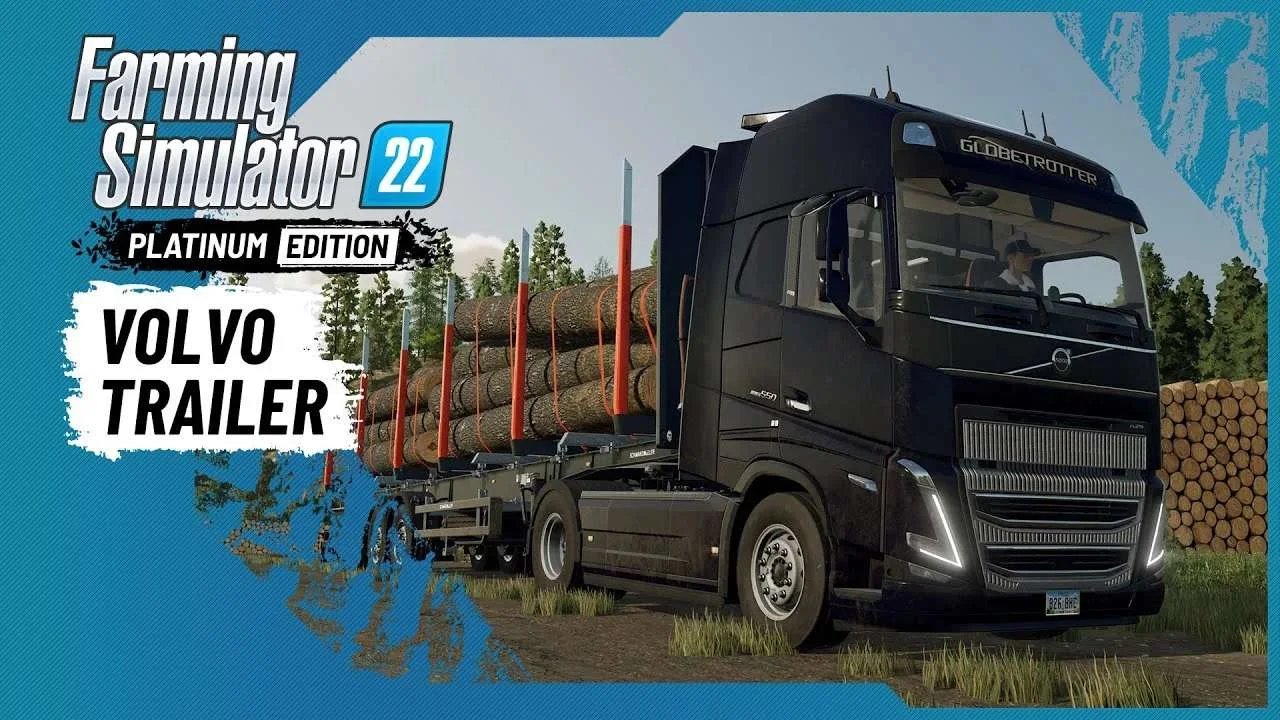
Volvo A Journey Through Time Trailer
9 downloads
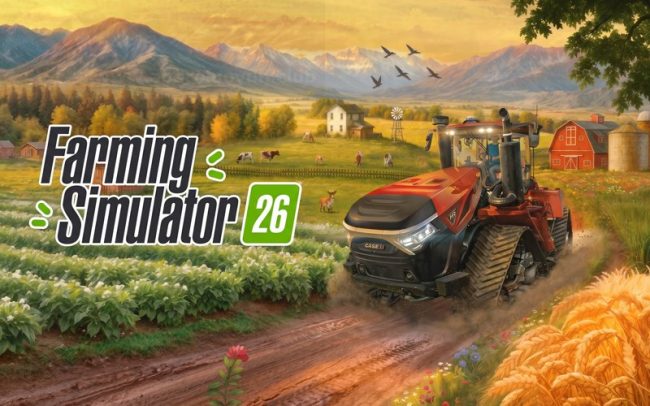
Farming Simulator 26 Mobile v0.0.0.34 MOD APK Download – Unlimited Money & New Machines
2 downloads

Farming Simulator 19 – Device List Update # 8
2 downloads

KamAZ 43253 Crane version 1.0 for Farming Simulator 20 (v0.0.0.49+)
1 downloads

Fendt 1000 Vario Black Beauty Tractor
1 downloads