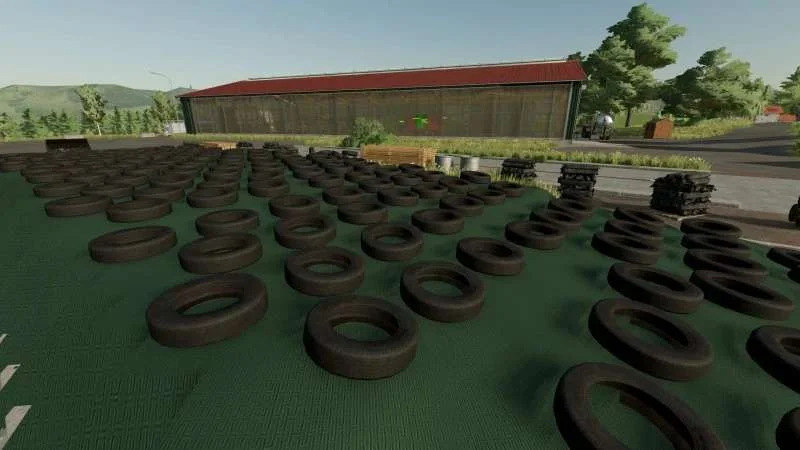
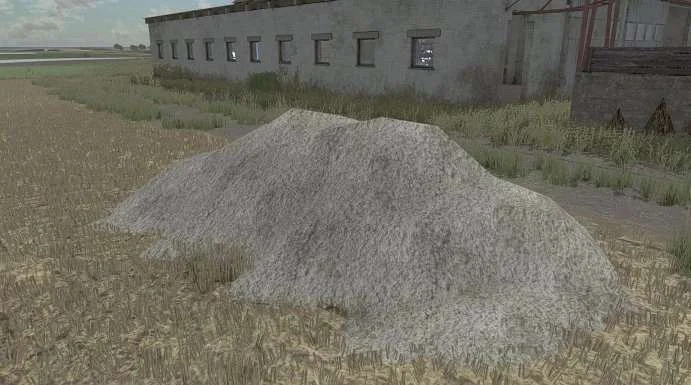
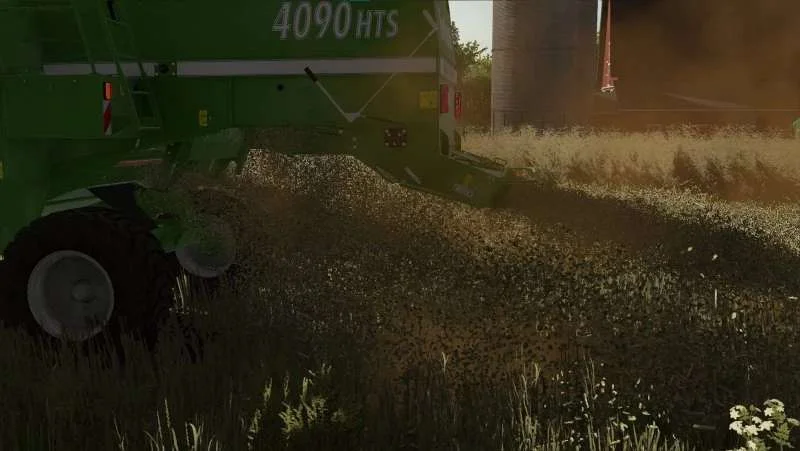
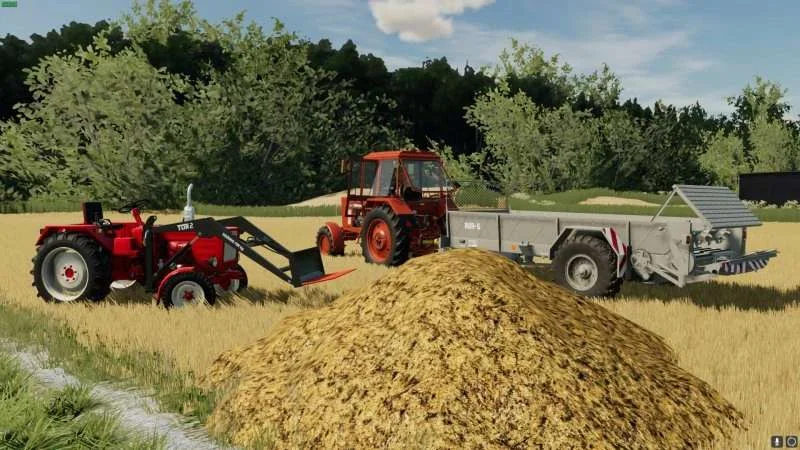
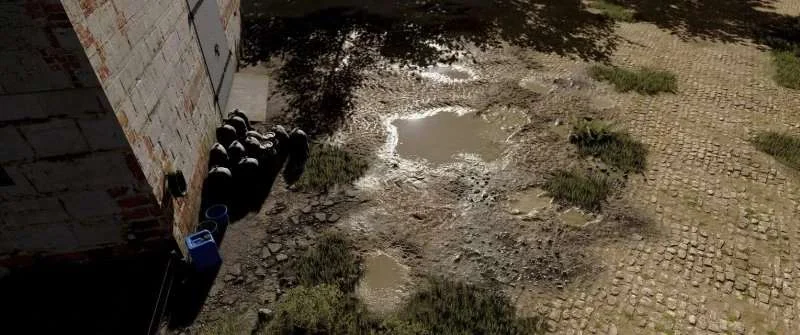
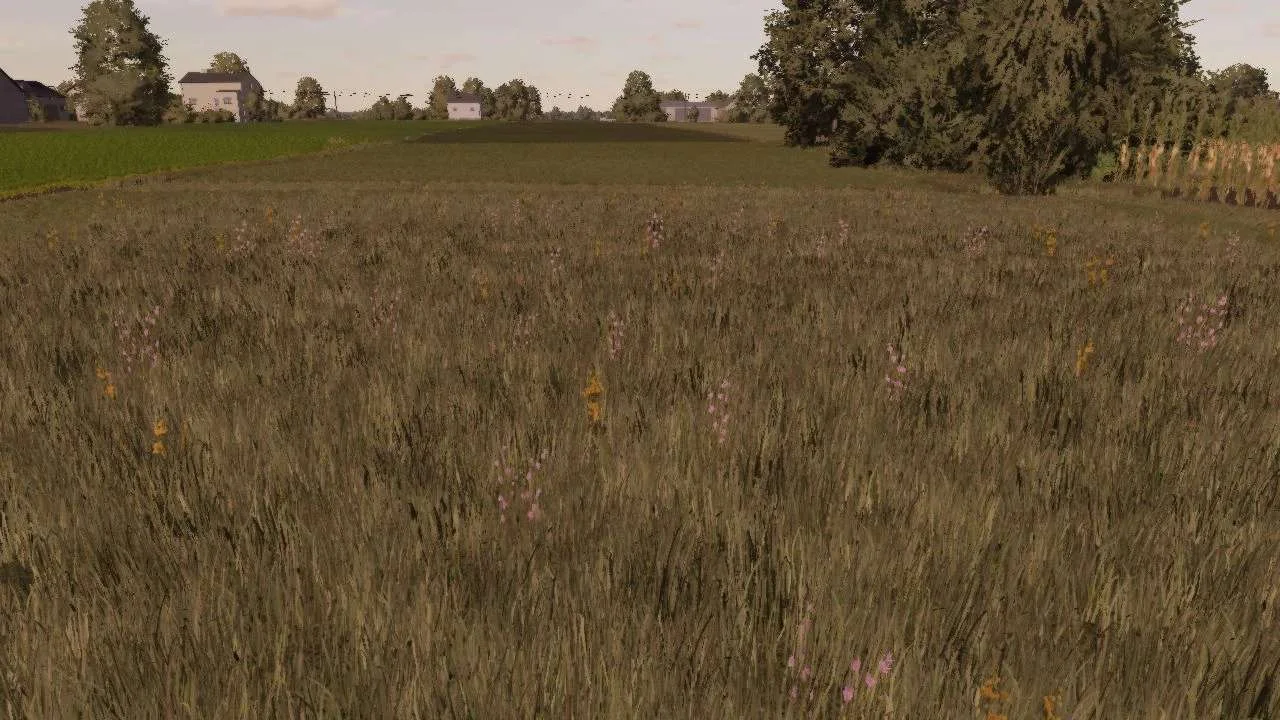
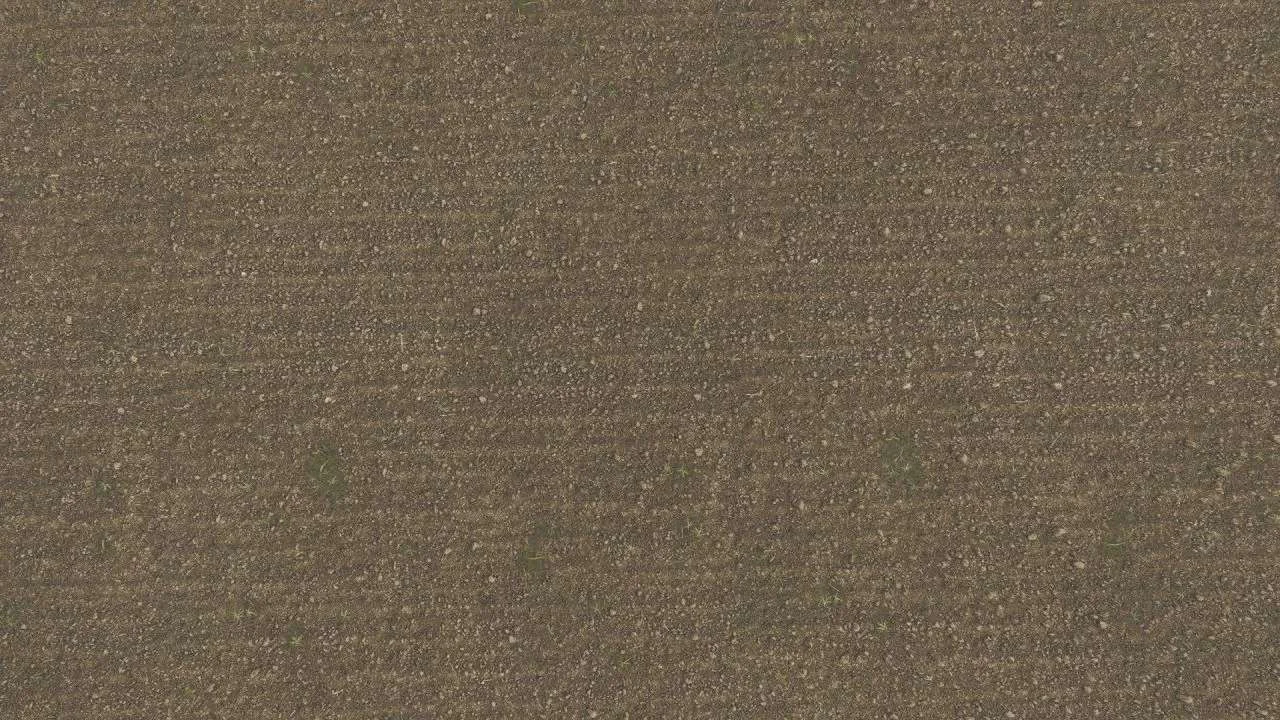
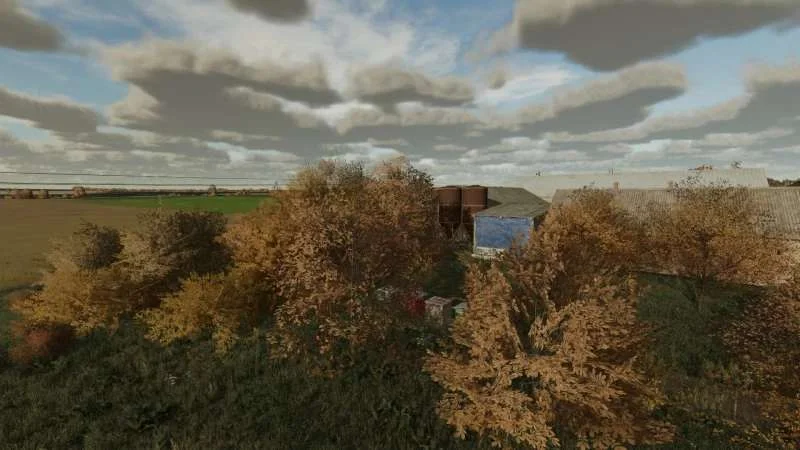
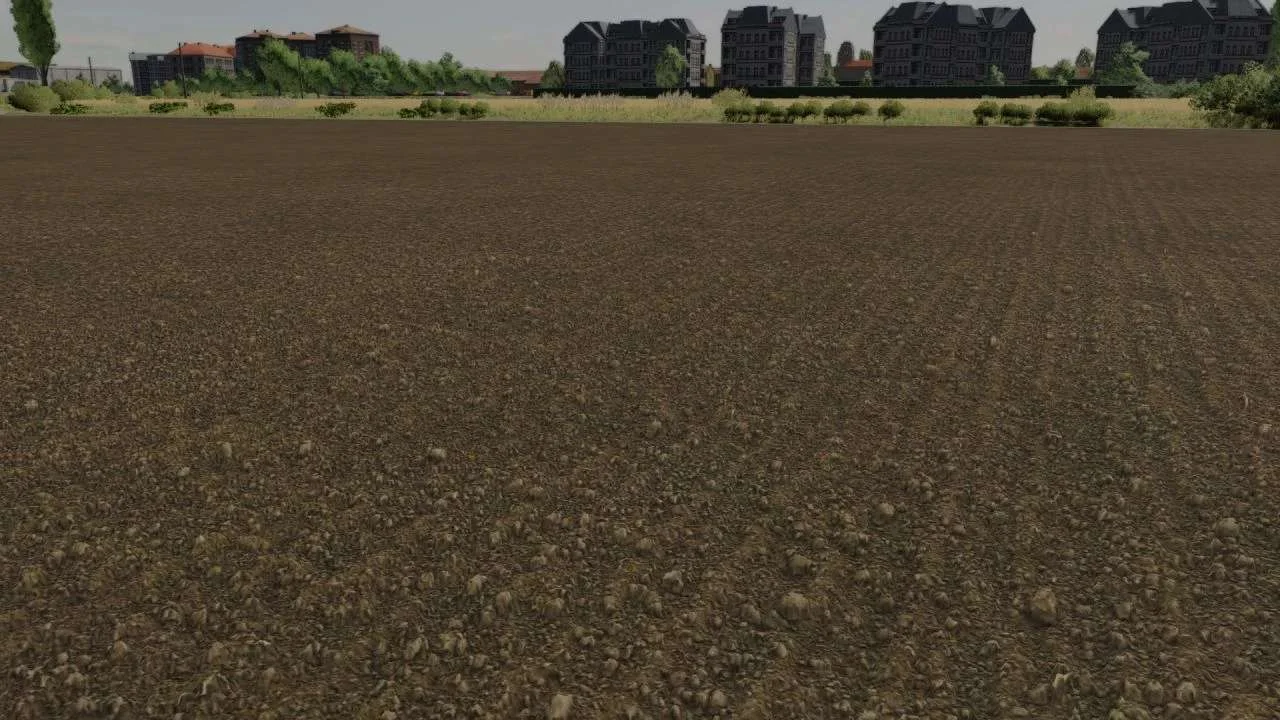
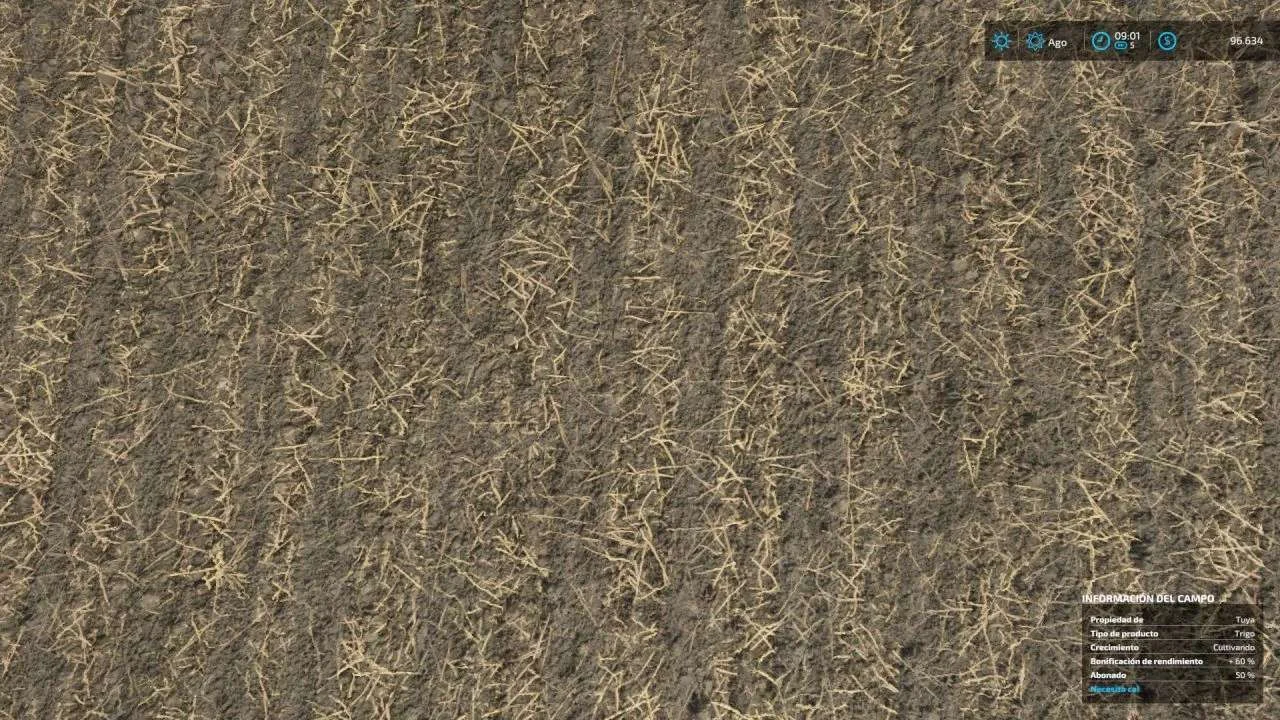
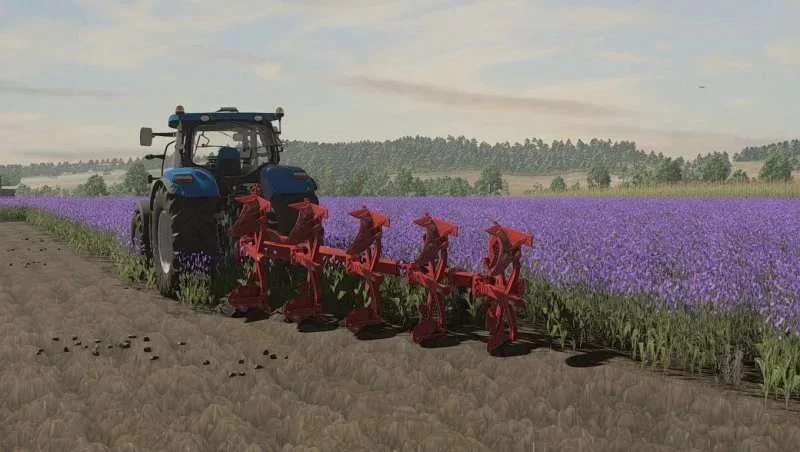
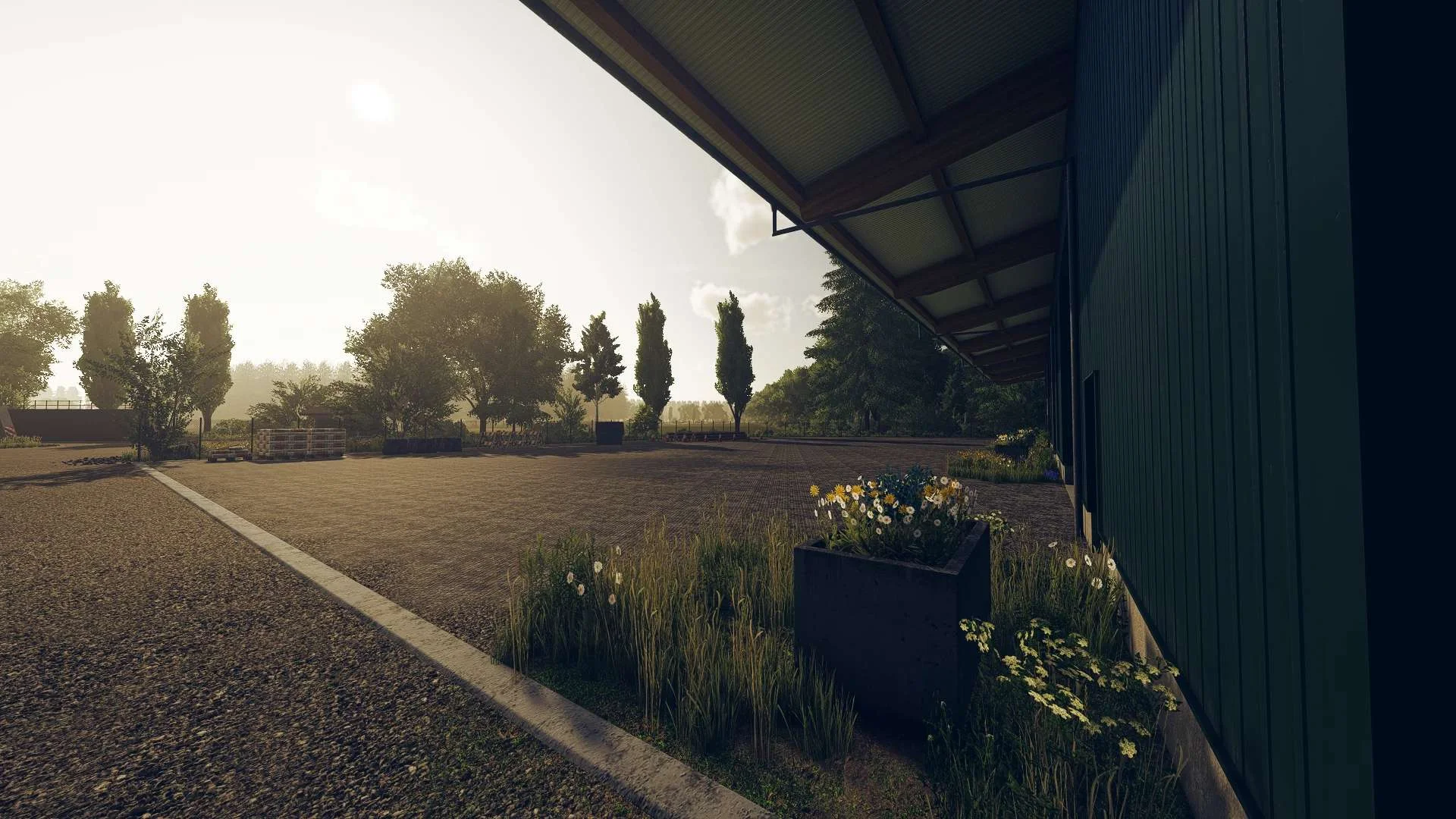
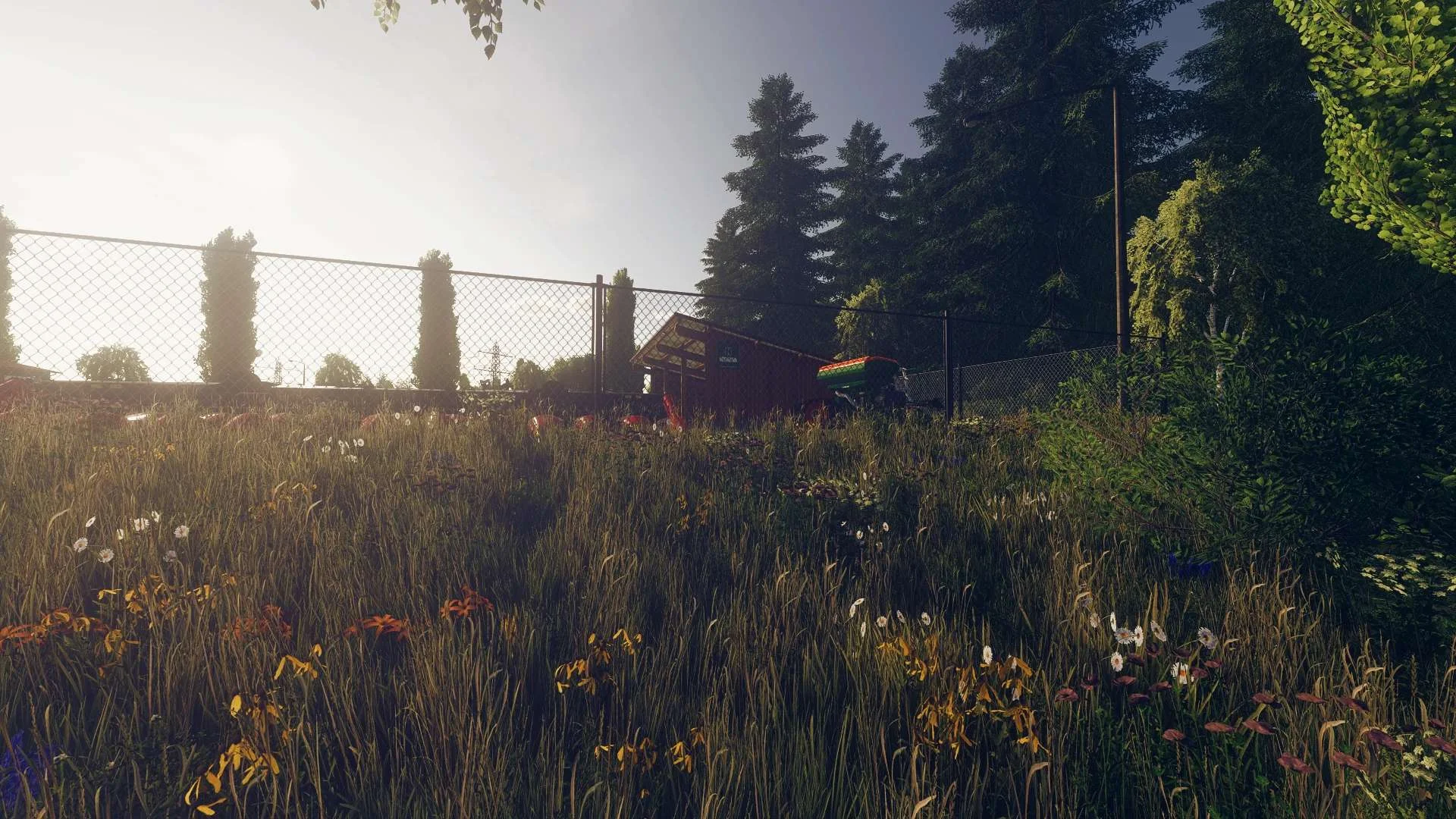
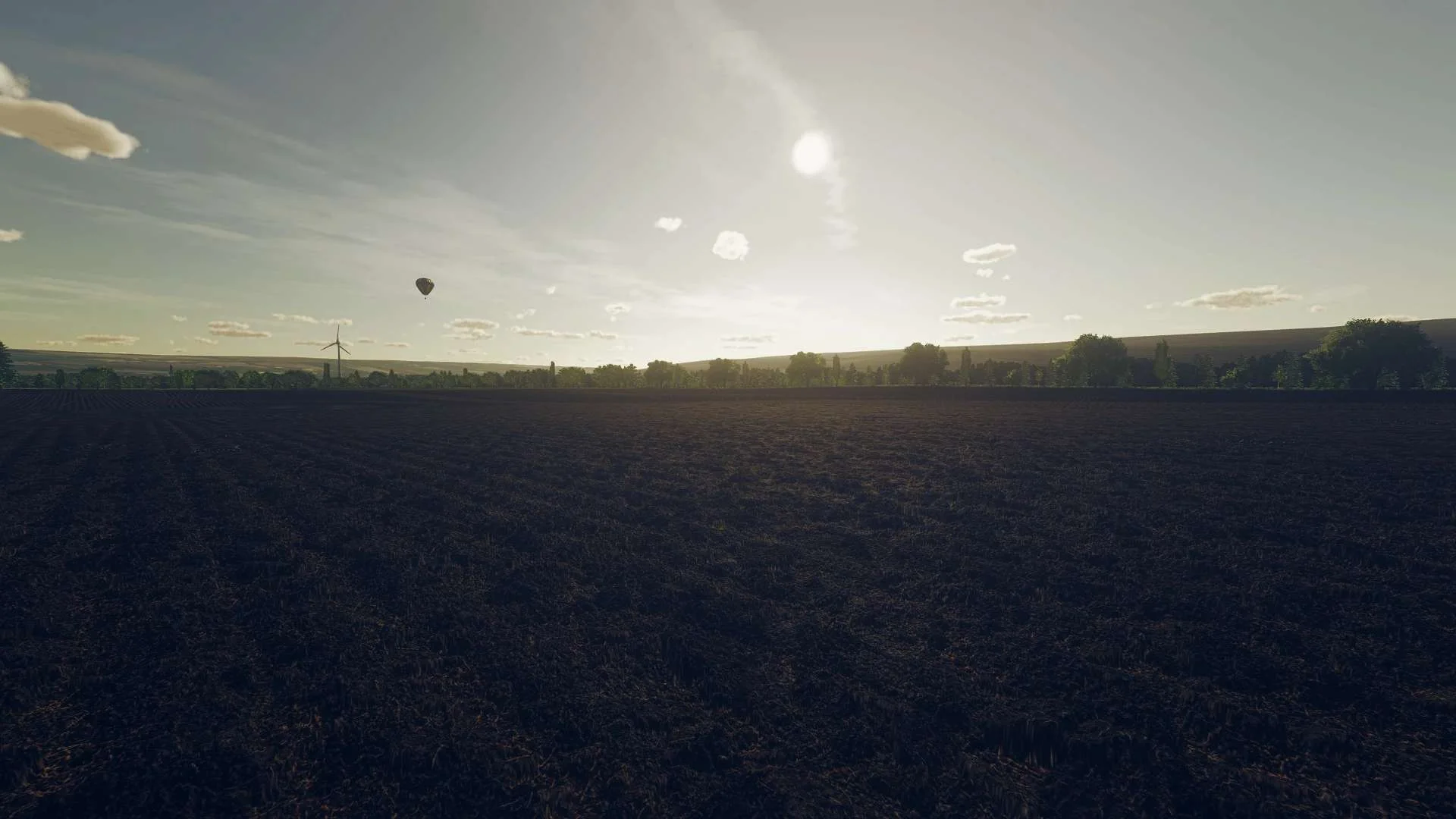
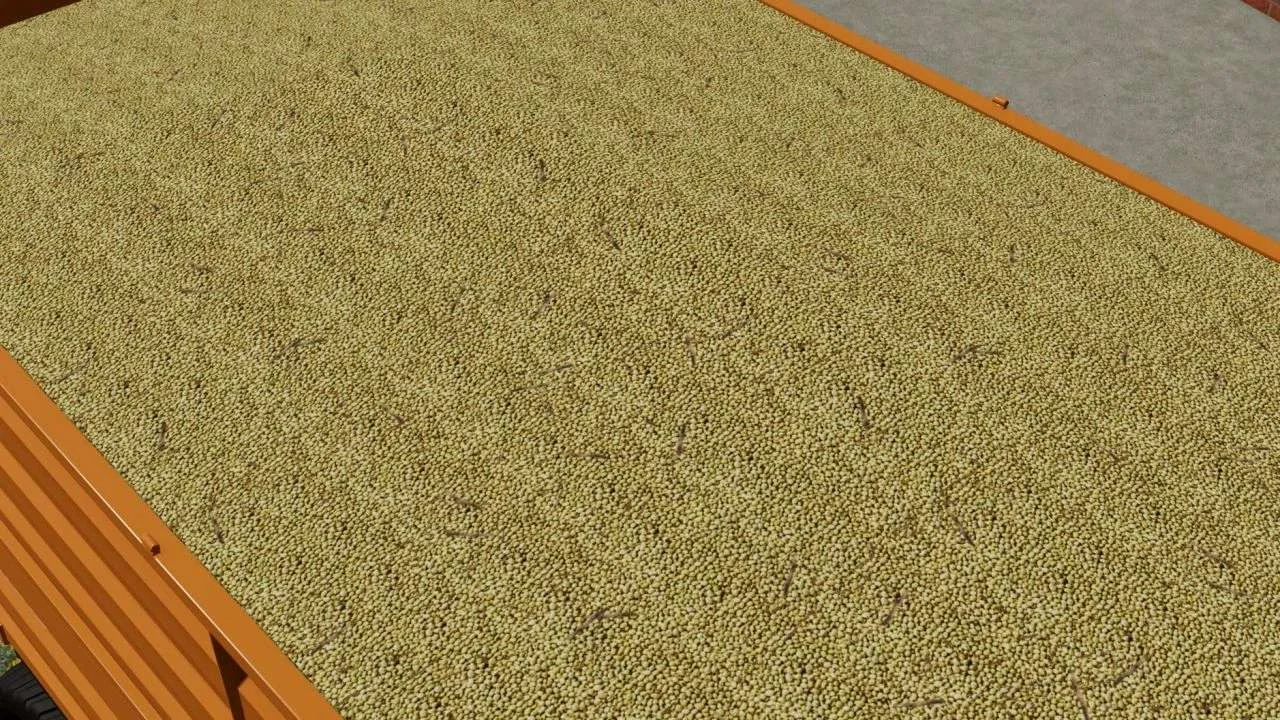
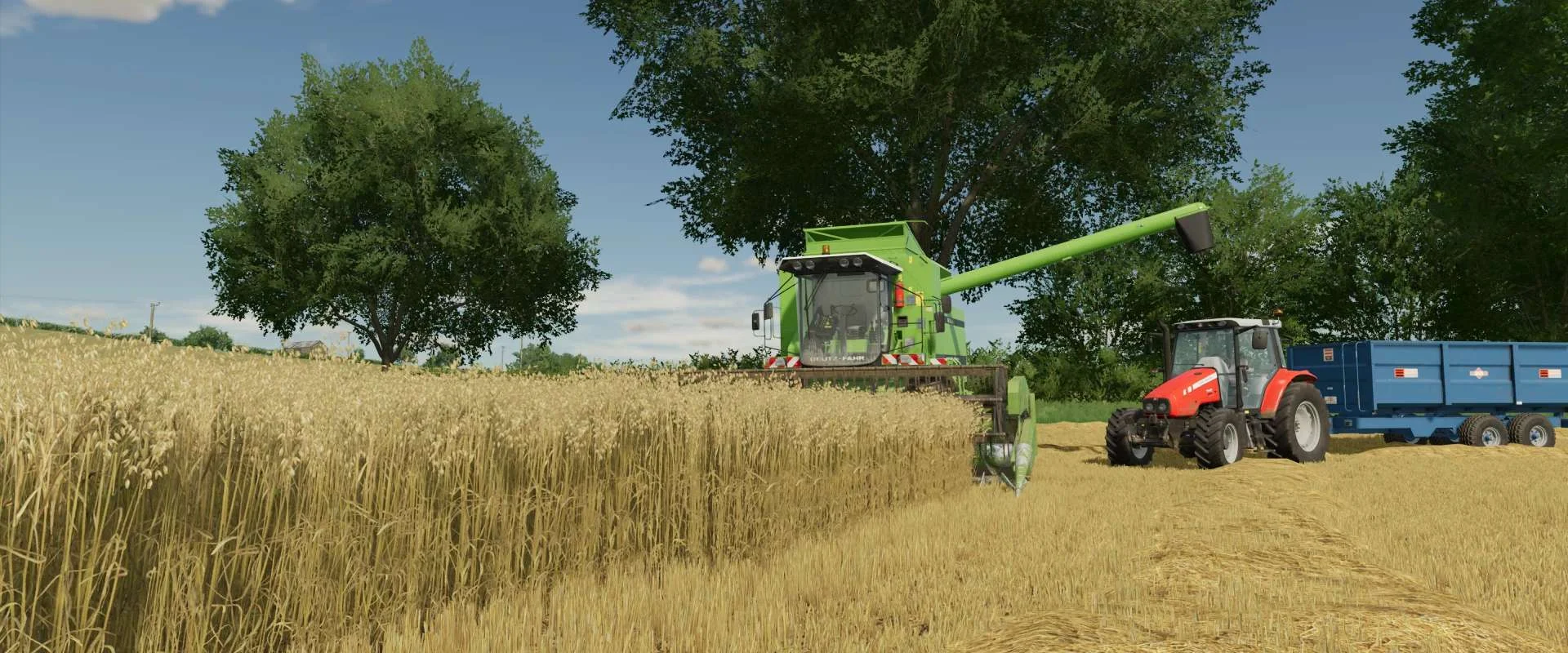
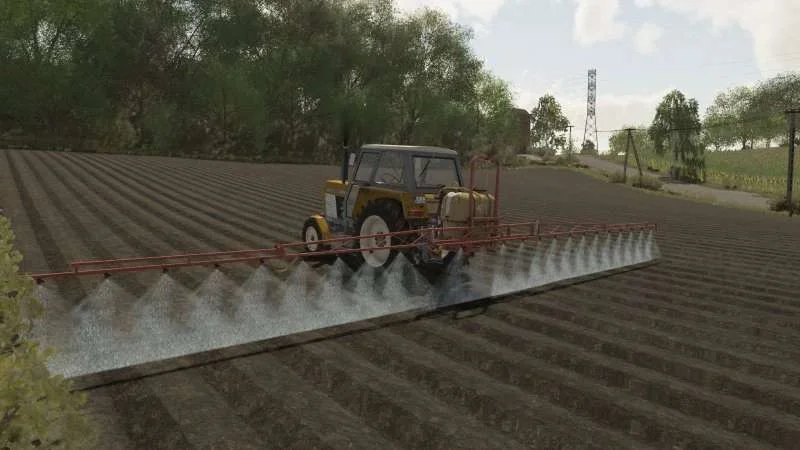
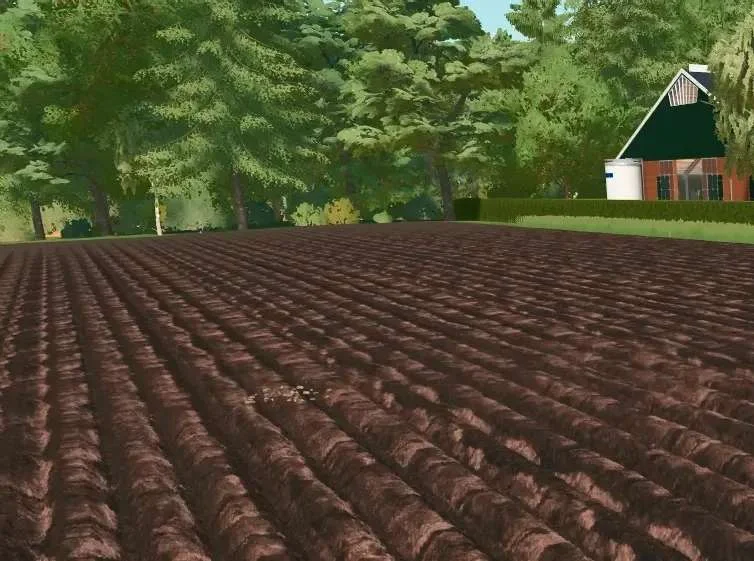
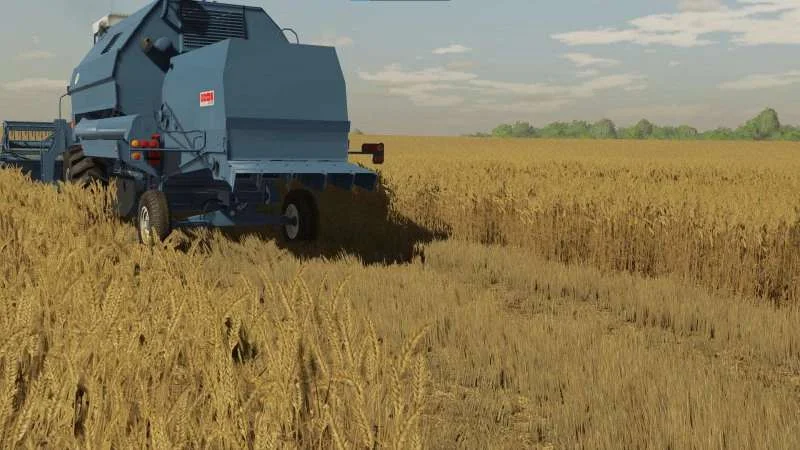
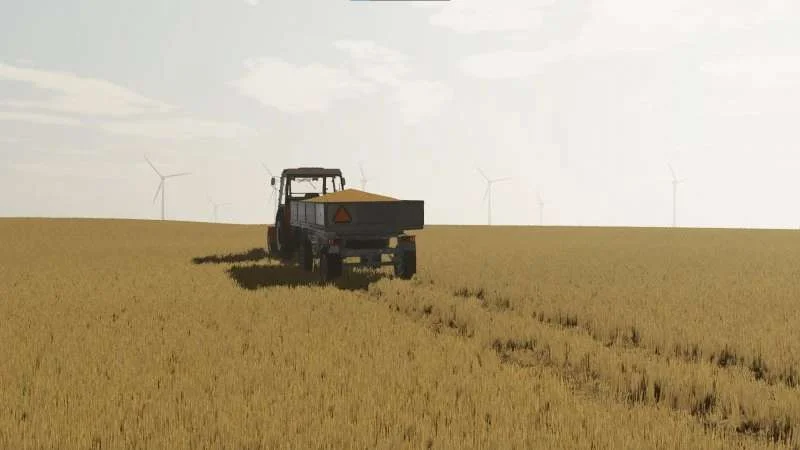
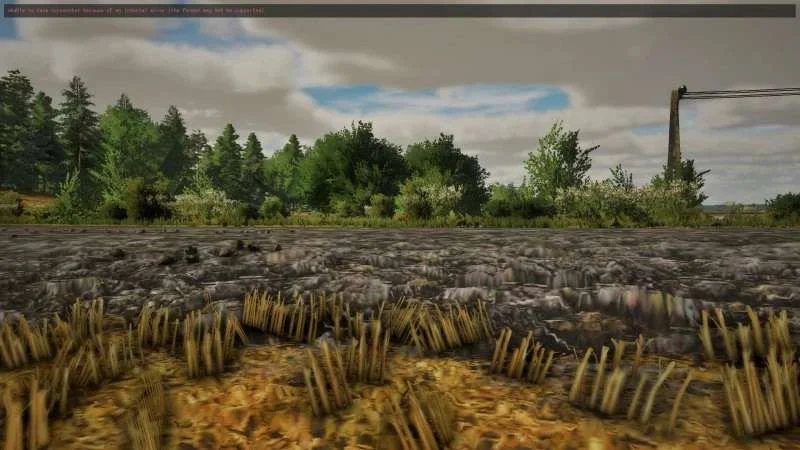
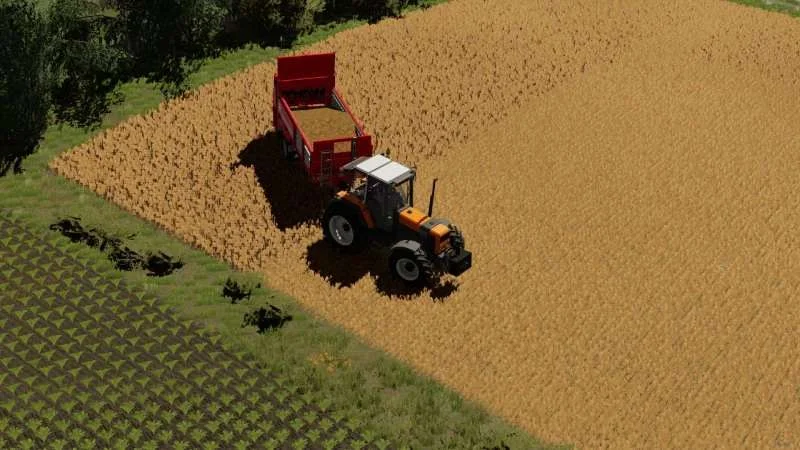
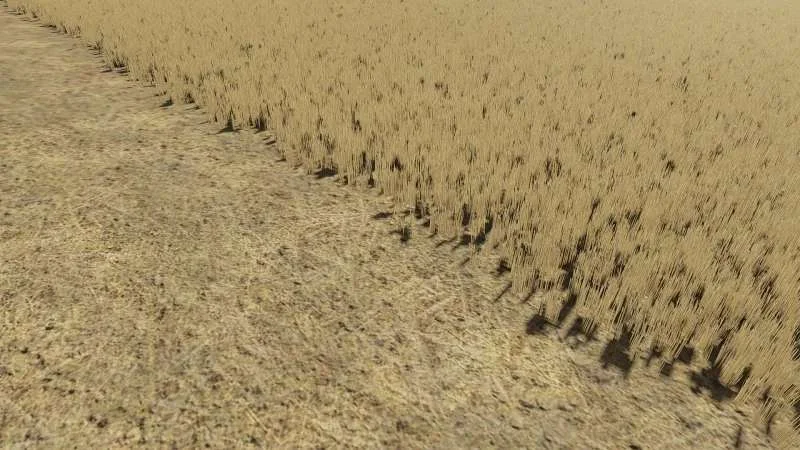
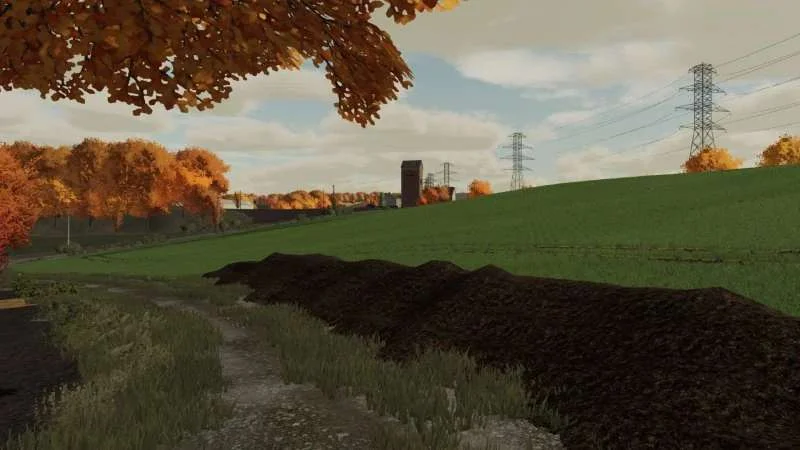
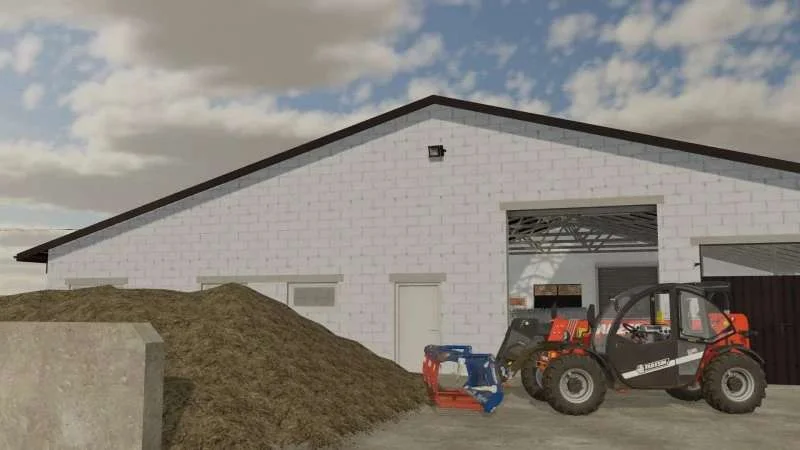
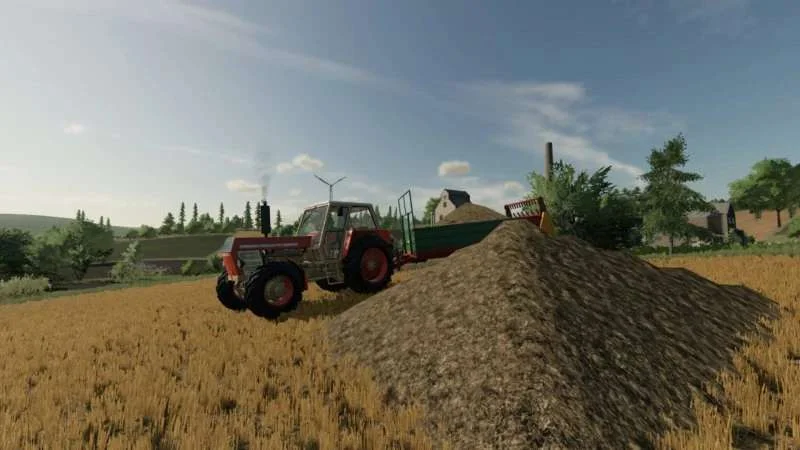
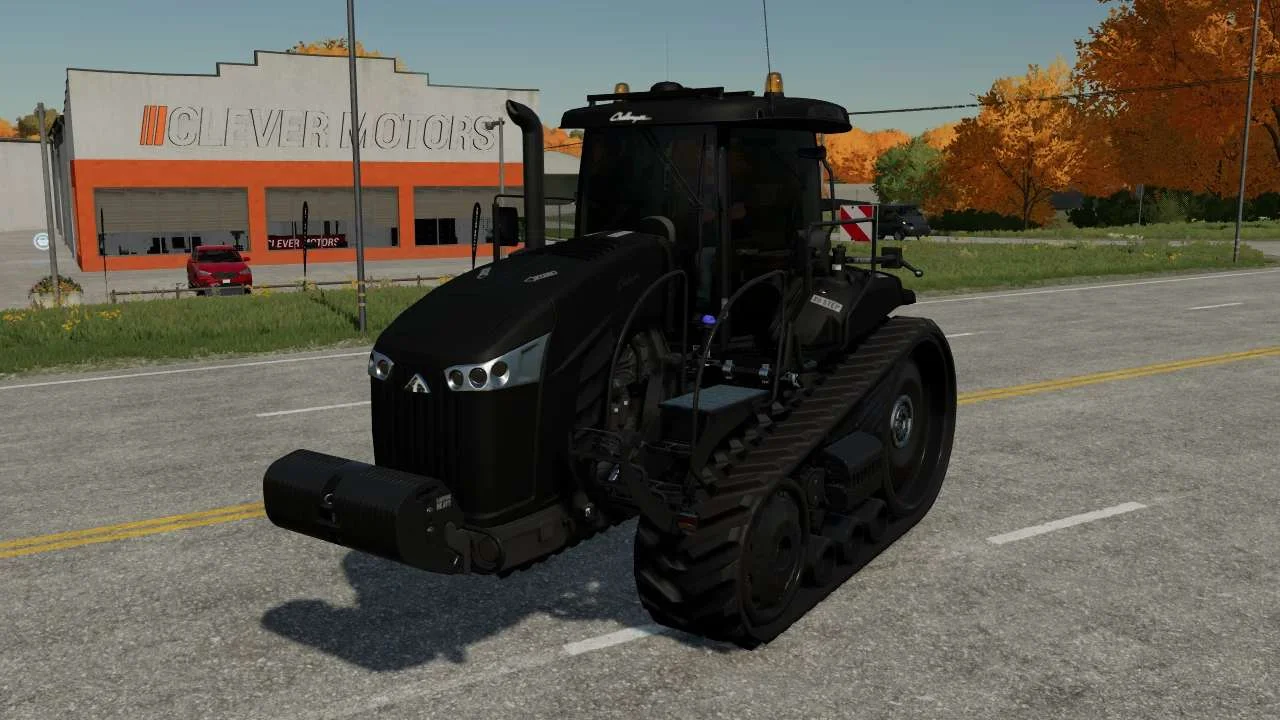
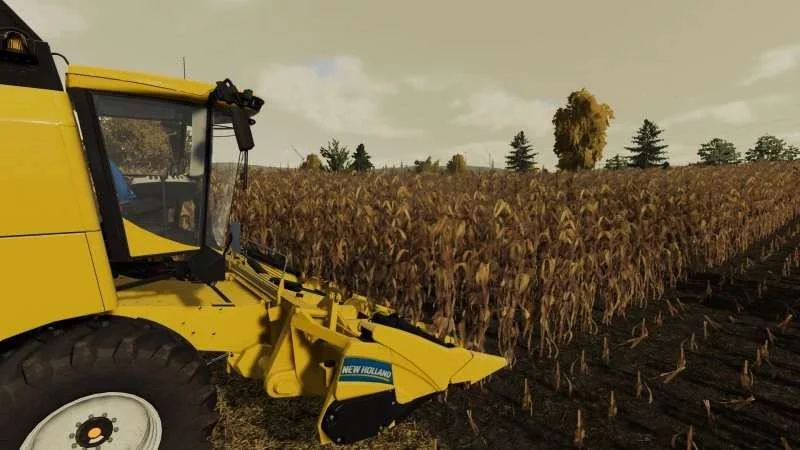
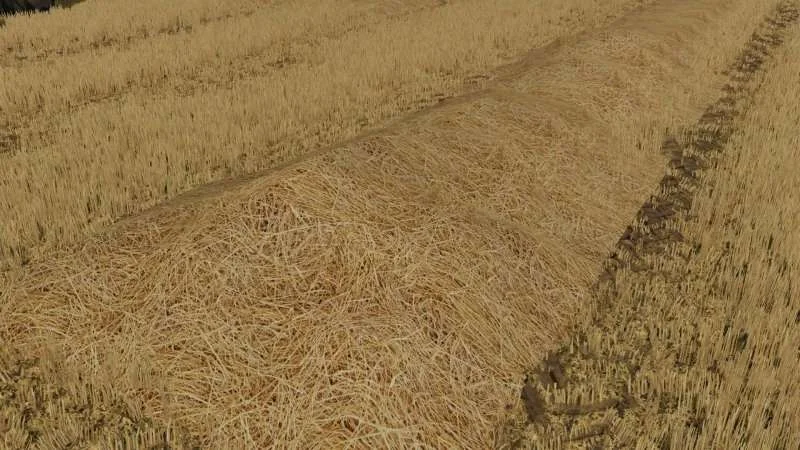
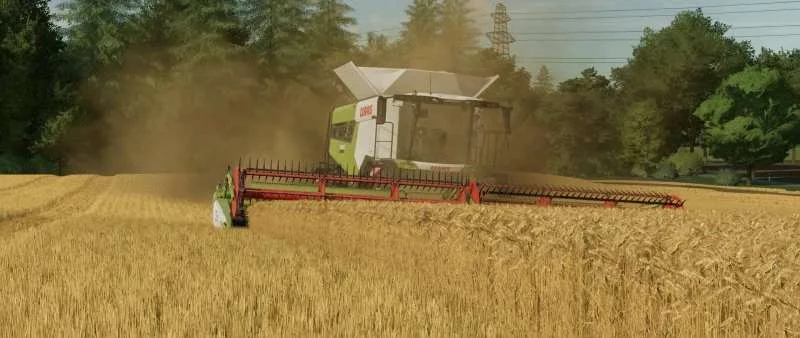
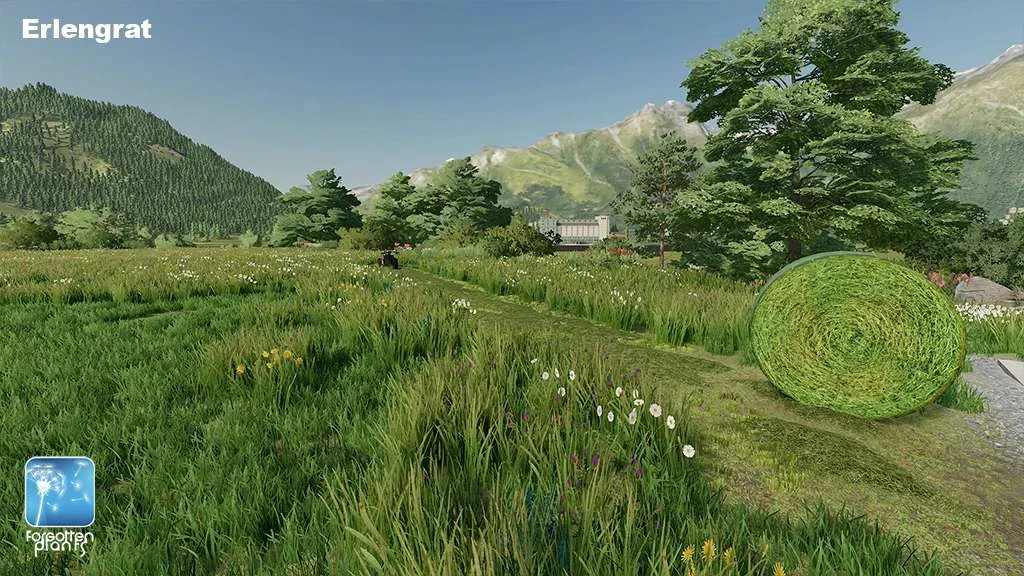
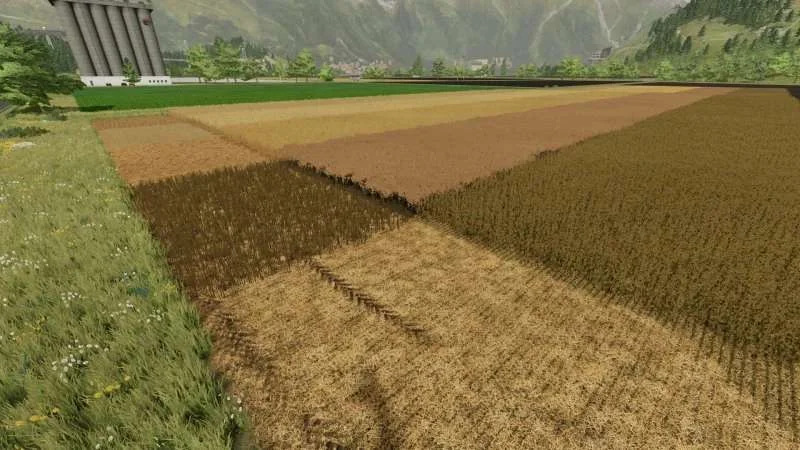
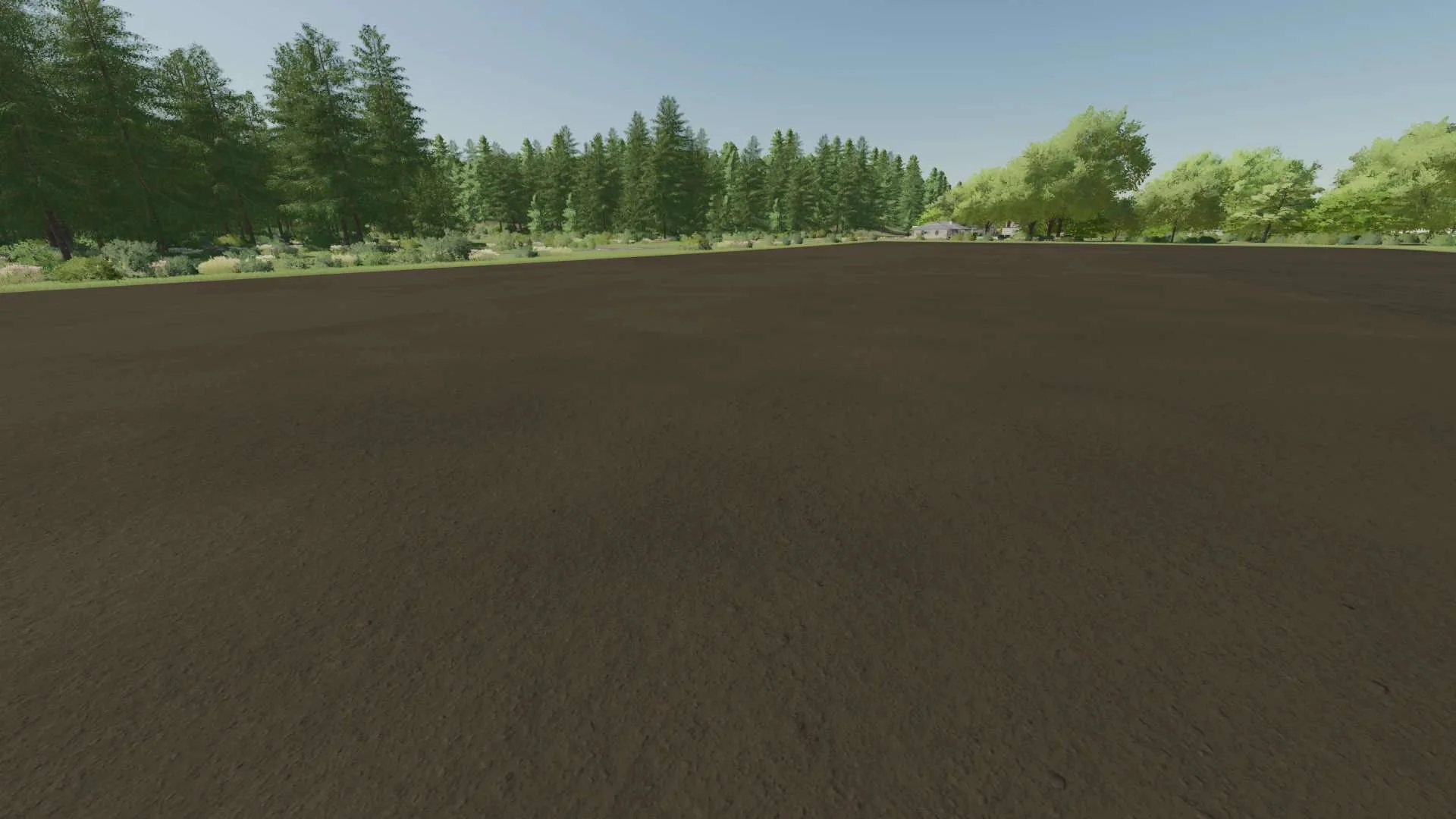
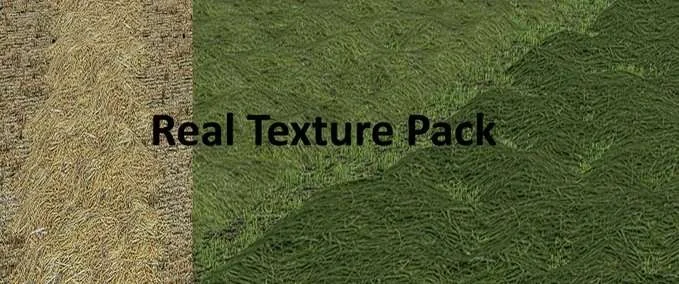
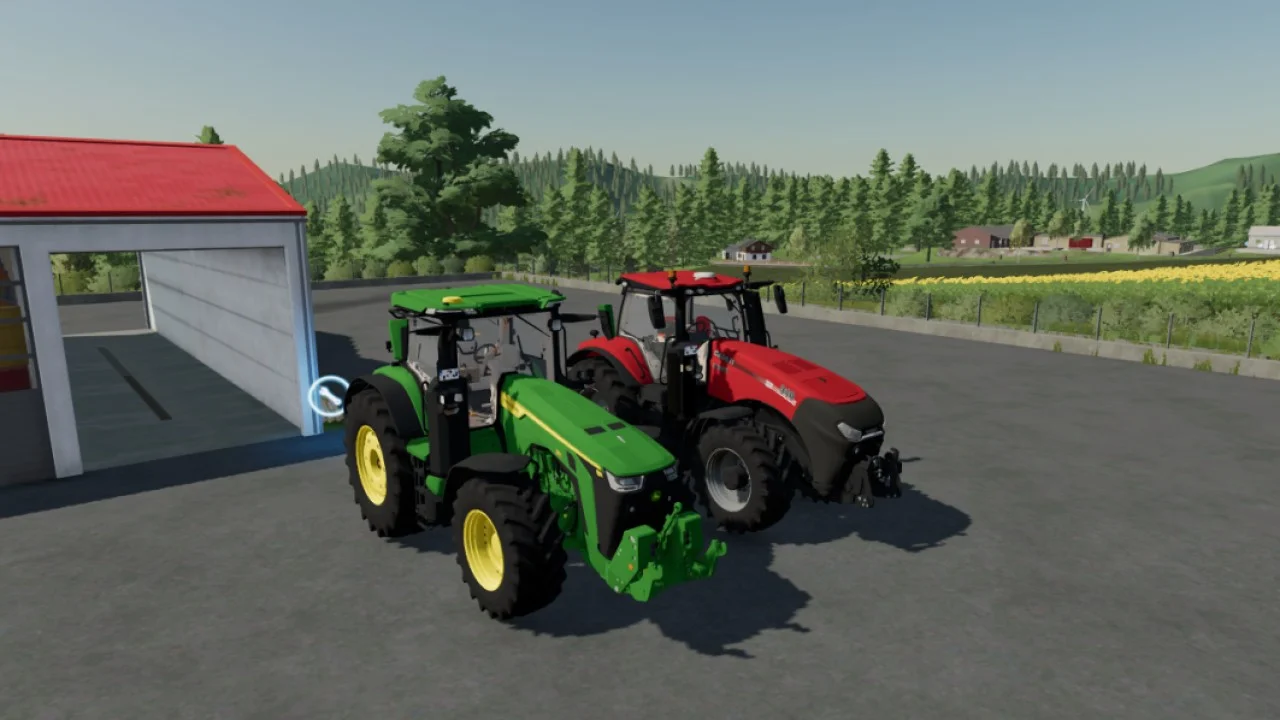
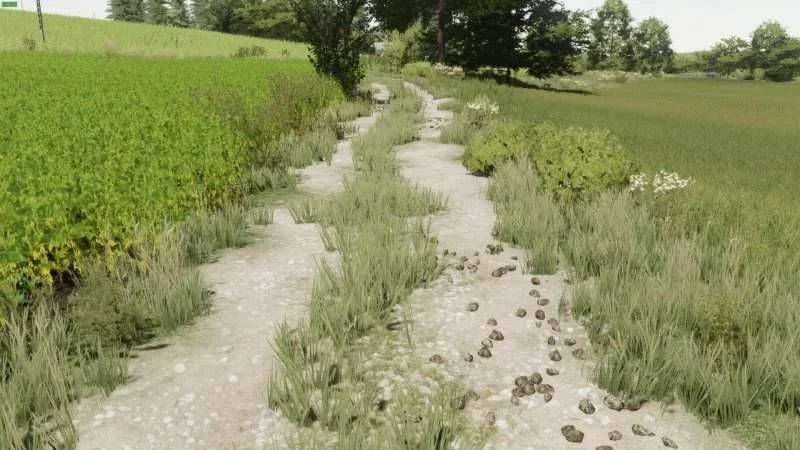
In Farming Simulator 22, surfaces will appear more realistic and natural. Thanks to Parallax Occlusion Mapping we implemented in the GIANTS Engine 9. Parallax Occlusion will make the terrain and other surfaces in the game look more detailed and dynamic if the feature is turned on in the settings. Let’s take a look and see what’s actually happening. We’ll try to explain it as simple as possible: Parallax Occlusion Mapping is a technique that basically boosts the details of a textured surface to give it depth. Like the tire tracks on your field, trenching in the ground. They’re deeper now, and here’s why: In the first step, Parallax Occlusion Mapping reduces a geometric complexity of a 3D model. Like the gravel on a road or even bricks in a wall, for example. The reduced surface details are transformed into a flat texture. When the model is rendered in the game, the surface details are put in a so-called “height map”. That’s what it looks like: The height-map basically adds a depth to the otherwise flat surface. Imagine the height map as a geographical map with hills and valleys. Different colors mean different depths. As you can see in the height-map above – the darker the surface, the deeper it is. Based on this info stored in the image, the surface is then reconstructed in the game, appearing three-dimensional and realistic. There are a couple of reasons to use Parallax Occlusion Mapping in video games like Farming Simulator 22 to achieve this effect. First of all, the result looks very realistic and certainly adds a depth to the surfaces in the game. Doesn’t it look neat? Just take a loot at these visualizations of surfaces gaining depth. Then, of course, it’s performance-friendly. The degree of Parallax Occlusion Mapping is determined by your hardware and graphical settings. This way, we can improve Farming Simulator further while still keeping it hardware-friendly for every gamer out there. If your system can handle it, crank up the settings, and you’ll get the best possible result. If not, don’t worry – you can still play Farming Simulator 22 with lowered settings and Parallax Occlusion turned off. Roads, fields, walls and buildings: You’ll notice the improved surfaces everywhere when walking around in Elmcreek, Erlengrat and… well, the third one we’ll show you soon. We’re still working on Parallax Occlusion Mapping, but with those first comparisons, you should get a good sense for what to expect. Please take in mind that the effect may not be properly reflected in still images compared to live gameplay when Farming Simulator 22 with finalized Parallax Occlusion Mapping is released and running on your system. To wrap this up for now, take a closer look at the ground. Doesn’t it seem like you’d feel more alive walking on this rocky path barefoot? Yeah, nice right? Farming Simulator 22 will be available for PC, Mac, PlayStation 5, Xbox Series X/S, PlayStation 4, Xbox One and Stadia on November 22nd. Pre-order now to receive the CLAAS XERION SADDLE TRAC Pack for free! Tags: Farming Simulator 22 Parallax Occlusion Mapping PC txzar mapping Xbox One
Added that the 2nd growth level at the top is no longer cut off. Background adjusted so that the 2nd growth level is no longer dark and visible from a distance. Brightness and saturation adjusted again.
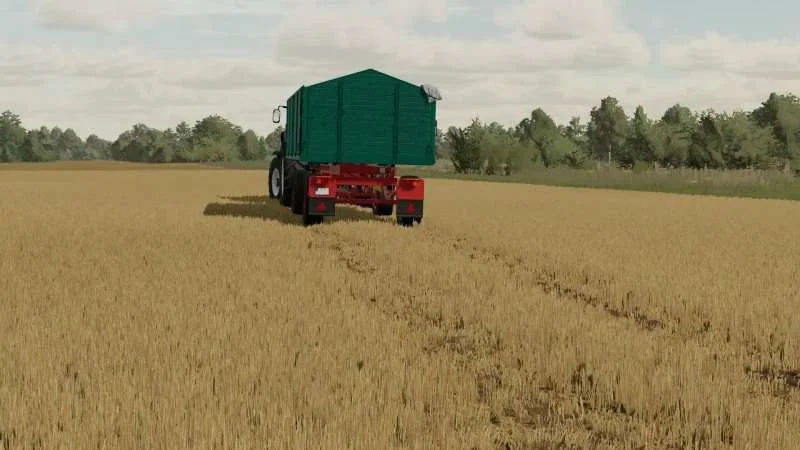
I added the basegame texture colour to the tarp. Installation: Replace the following texture: Farming Simulator 2022\data\fillPlanes\tarp_diffuse.dds. ATTENTION. The file contains only the texture. The tyres are not included! Tags: ATTENTION Farming Simulator 2022 Installation Replace
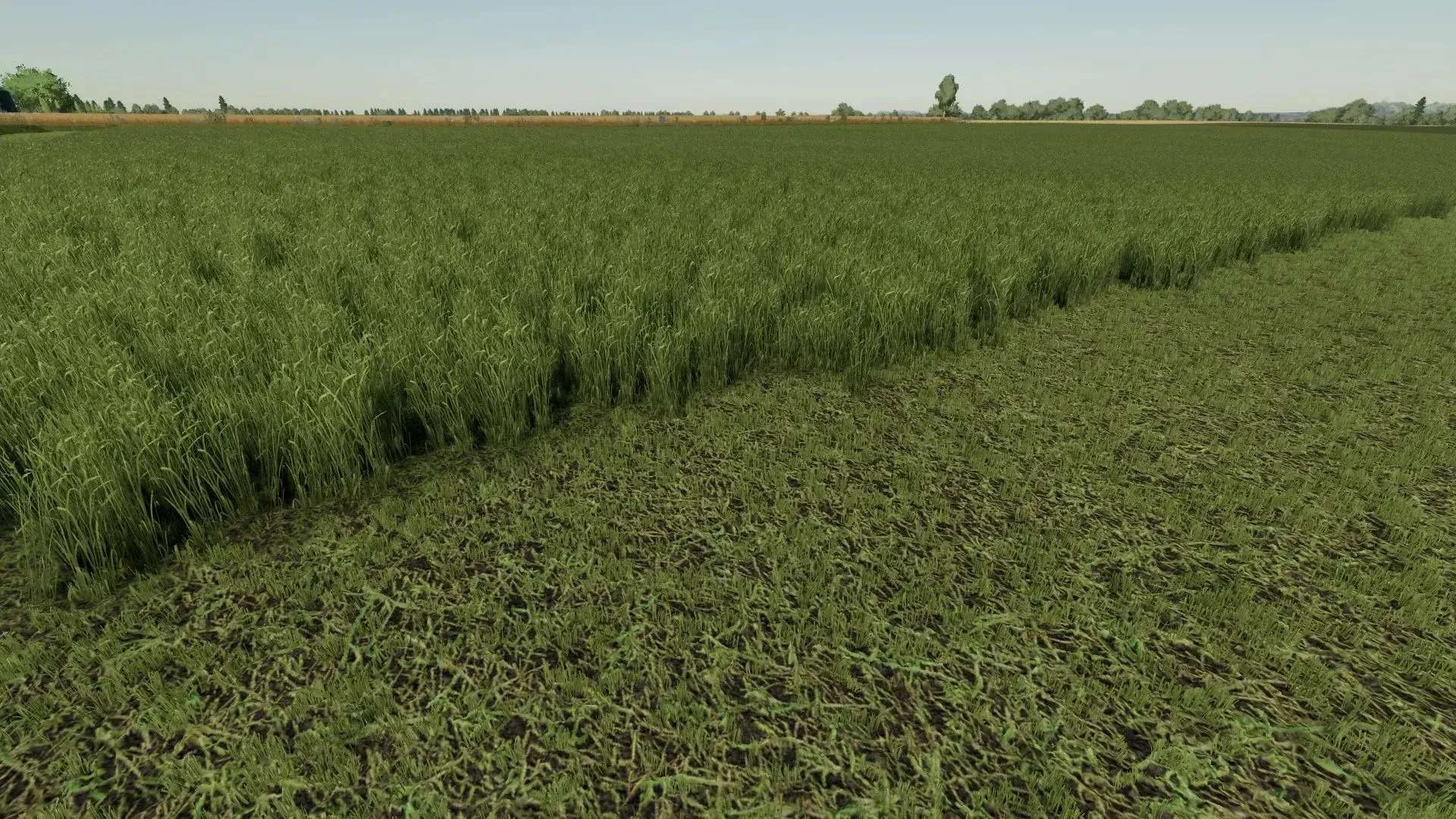
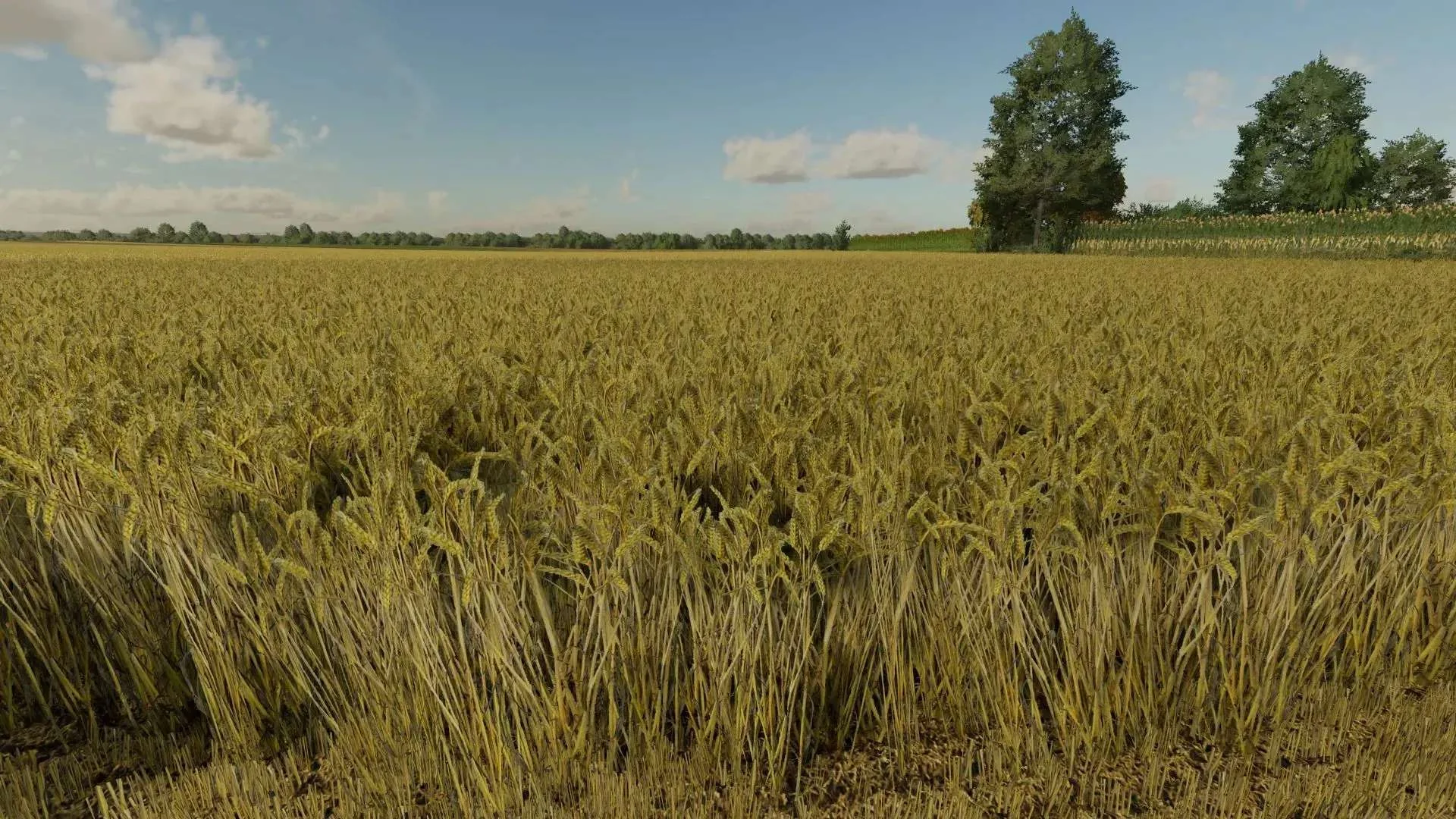
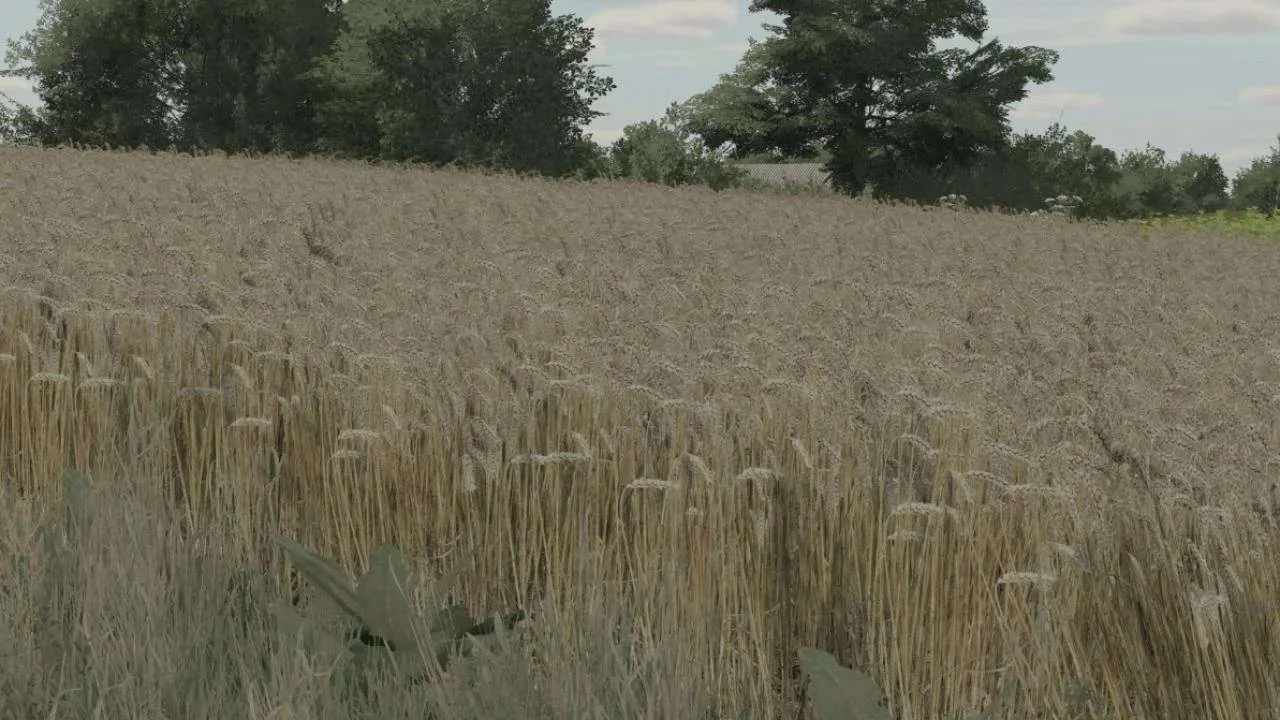
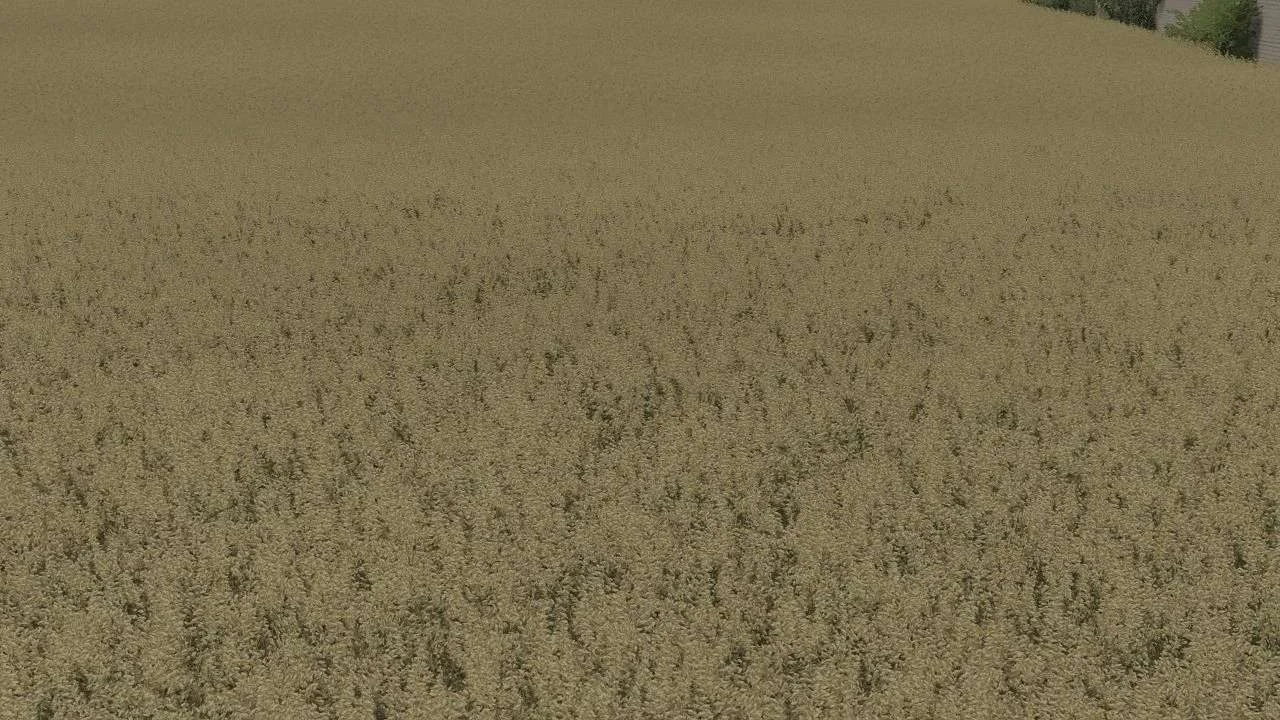
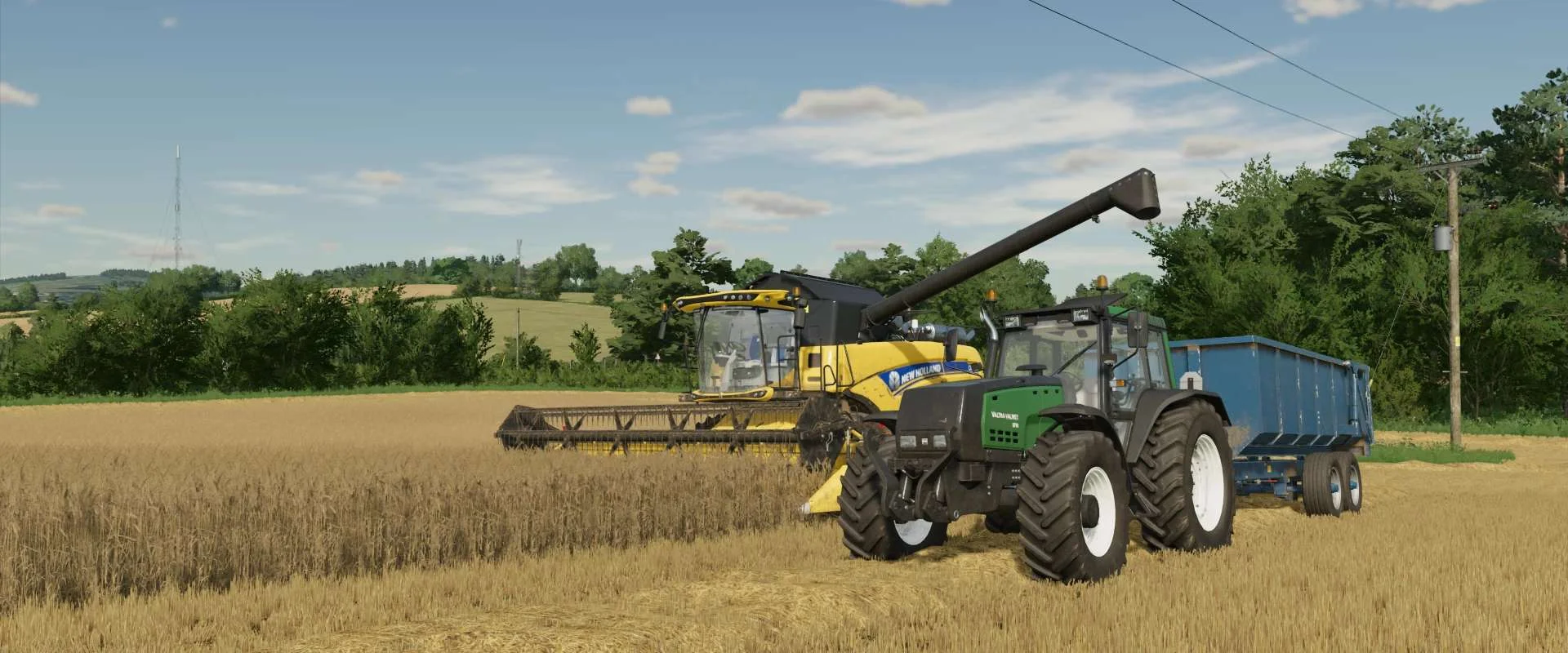
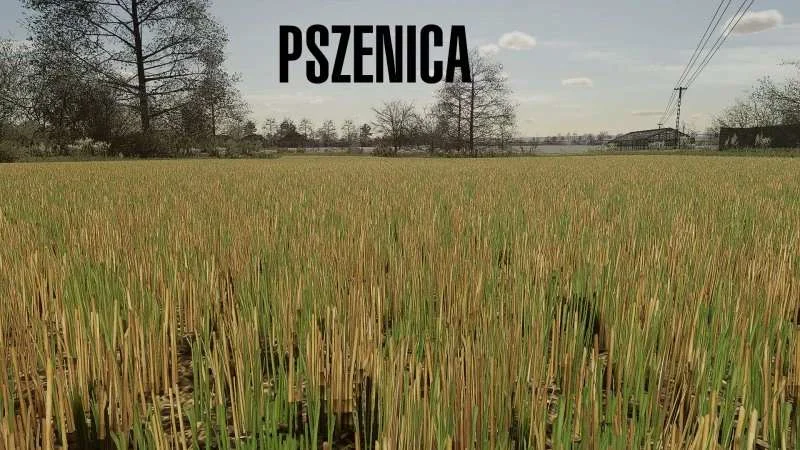
Real wheat texture. I once built a real wheat texture from my own pictures. I hope it will be well received here 🙂 Added bending stubble. Adjusted density and height. v1.0.0.1 Here is my wheat texture. Adjusted saturation and color. Remade normal texture so that the texture is no longer too dark in the distance and when turning. Added new green texture in growth just before ripening. Reworked withered level. Have fun 🙂 Tags: Wheat Texture
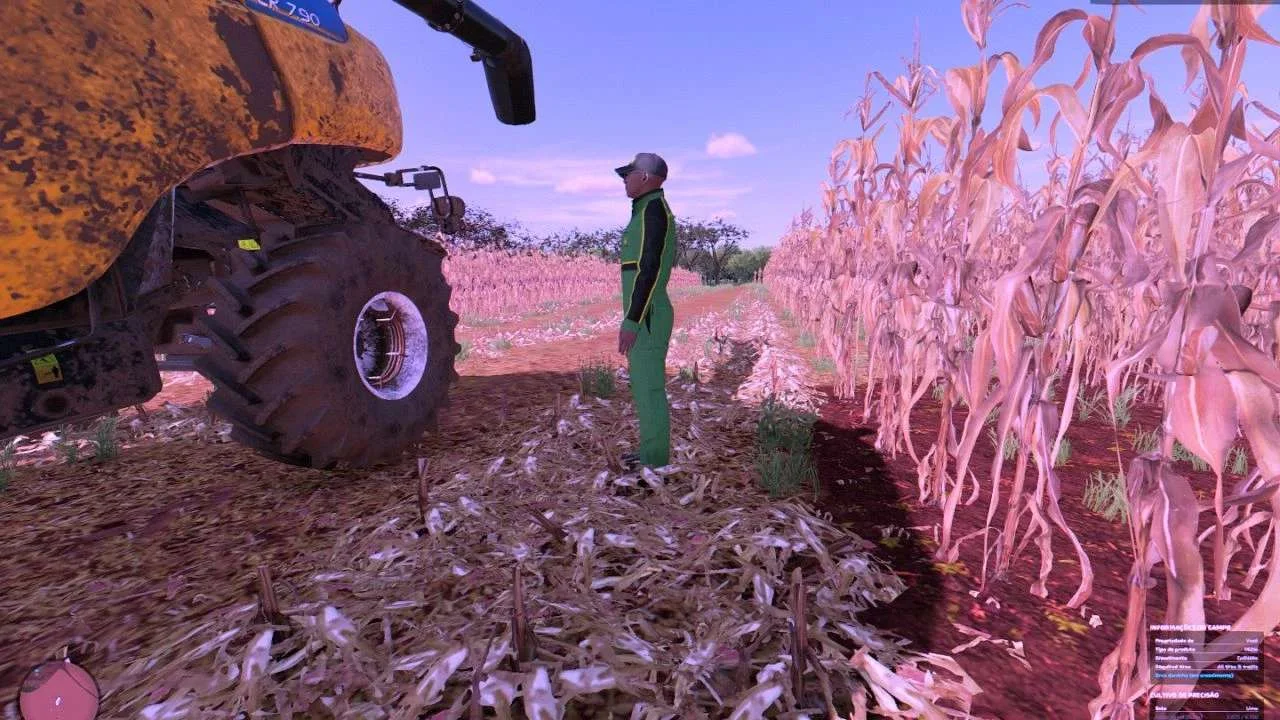
Hello, I present to you a corn texture that I made a long time ago and I want to share with you You put it in the data/foljage/majze folder that’s it, best regards.
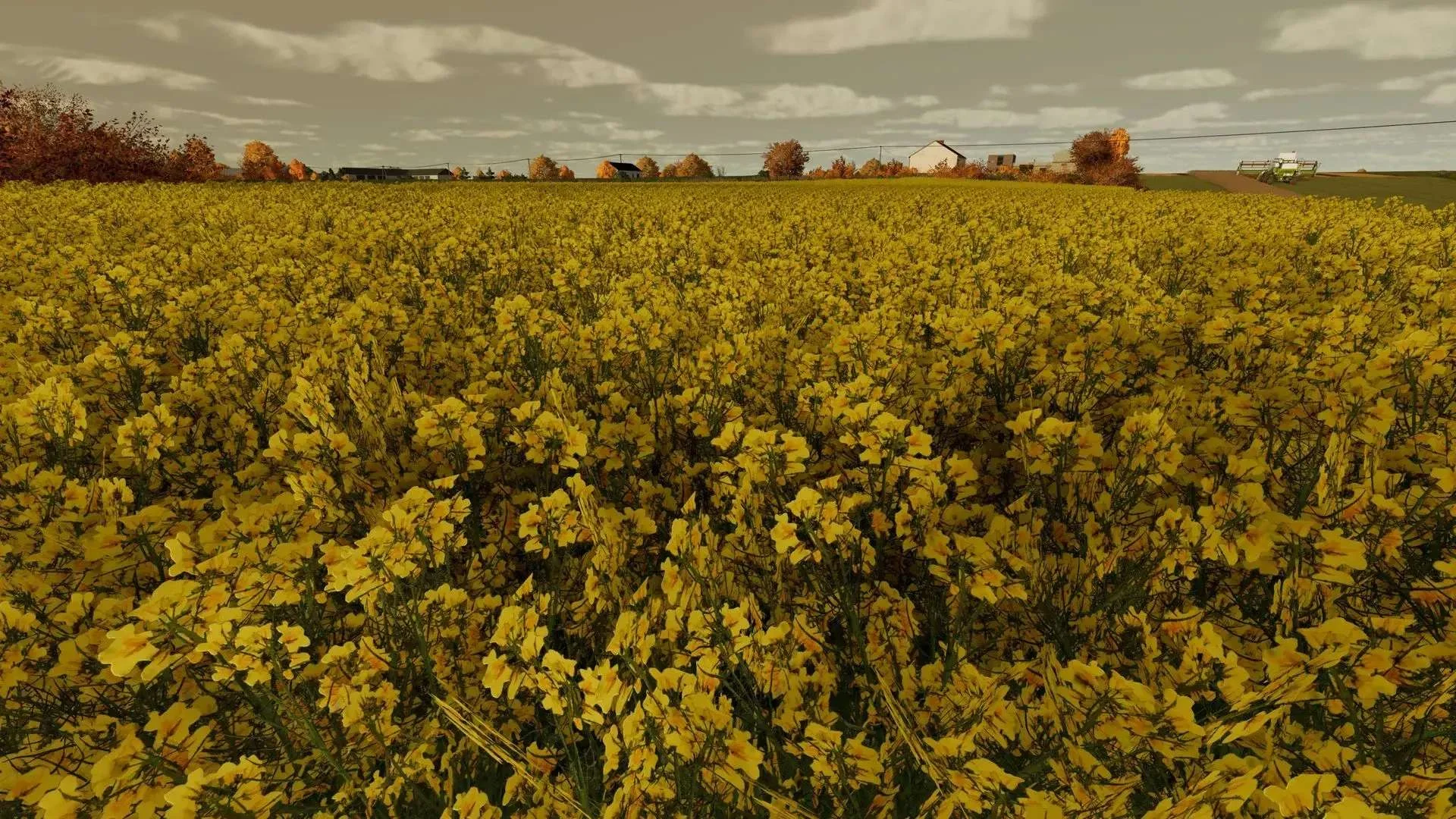
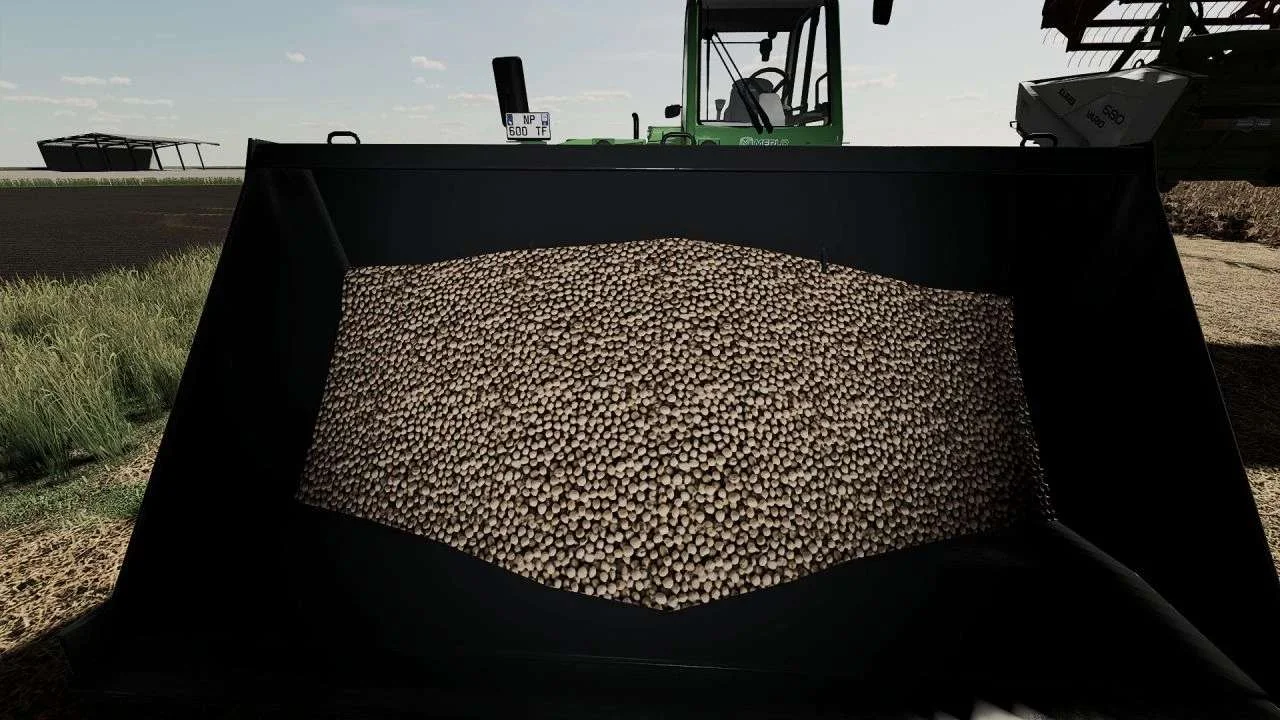
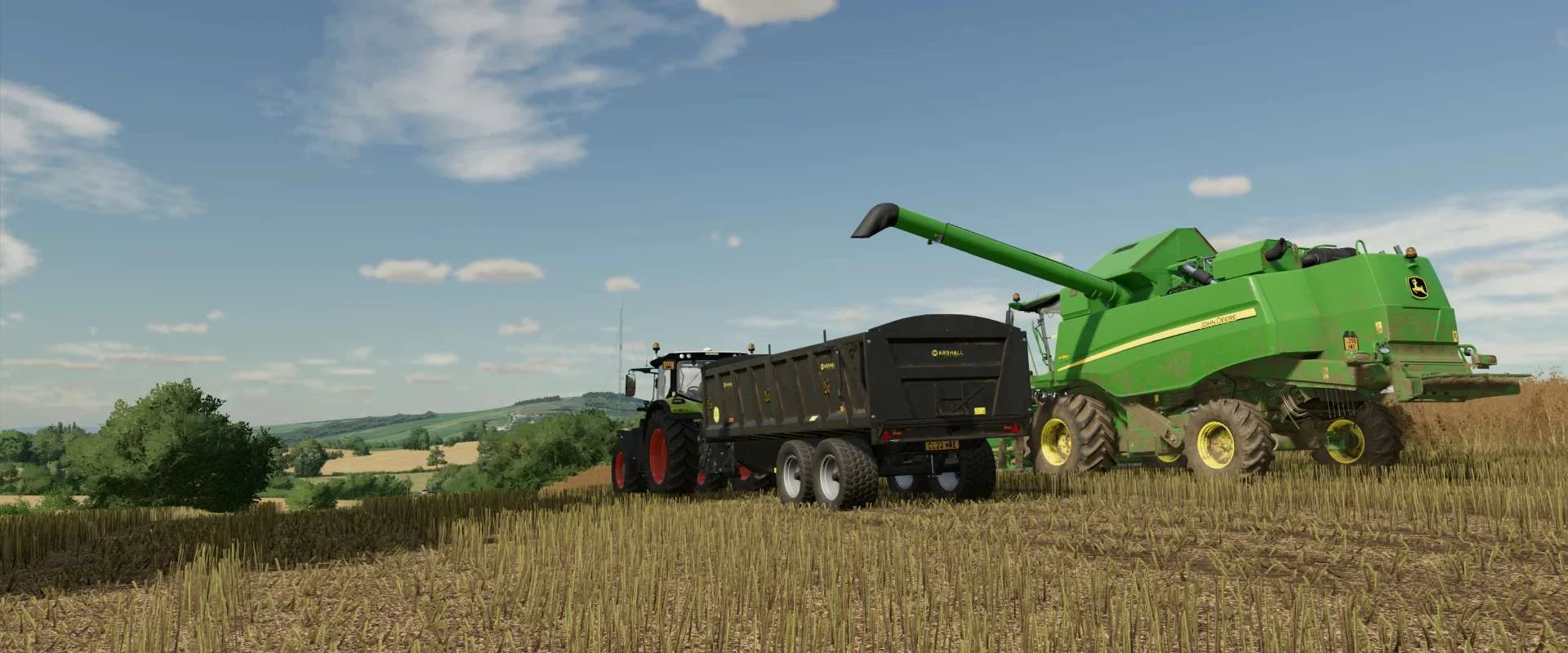
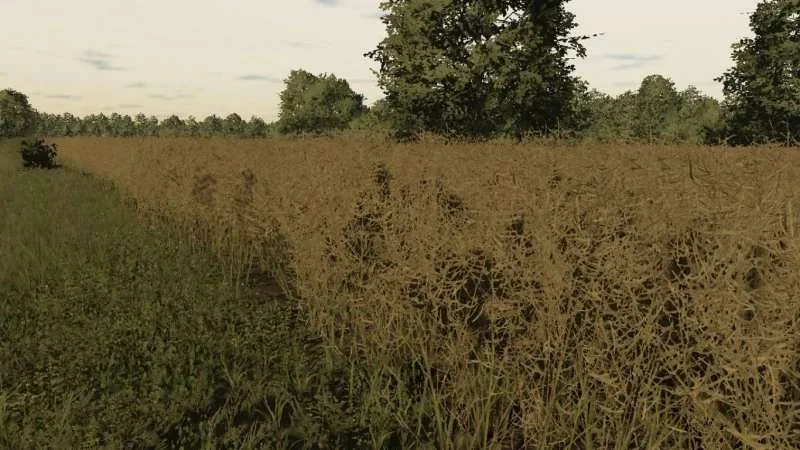
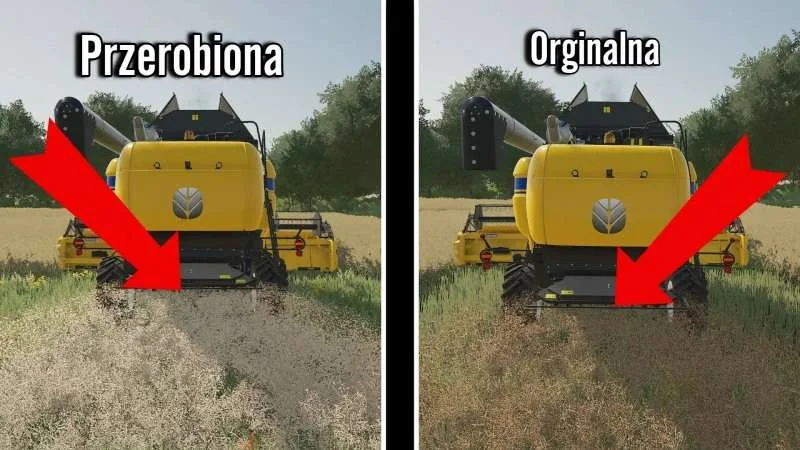
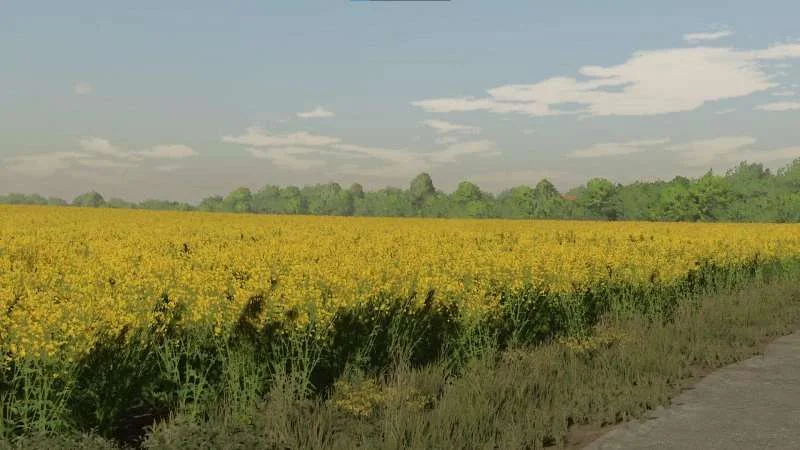
Realistic rapeseed texture I once built a realistic rapeseed texture and wanted to share it with you. The plants in bloom were created entirely by me from photos and are very high resolution. I adjusted the color and saturation of the others. Then I added a fill tarpaulin that you can use for the threshed rapeseed in the tipper or grain trailer. Built in. Bent stubble. Density, height and stubble adjusted realistically. PS: By the way, if you want to tinker with it yourself, you are welcome to do so. Have fun Tags: PS
Real wheat texture. I have created a real wheat texture from my own pictures. I hope it will be well received here 🙂 . Added broken stubble. Adjusted density and height. Tags: Wheat Texture
V1.2.0.0 Texture coloring New plowing texture In this package you can find the modification file for each type of terrain in farming. To install the mod, just extract the contents of the .zip file and copy and paste it into: C:\Program Files (x86)\Steam\steamapps\common\ Farming Simulator 22\data\maps\textures\terrain\ground and replace the file. Enjoy 🙂 Update: Fixed some coloring + added plowing texture. Tags: Farming Simulator 22 Update Fixed
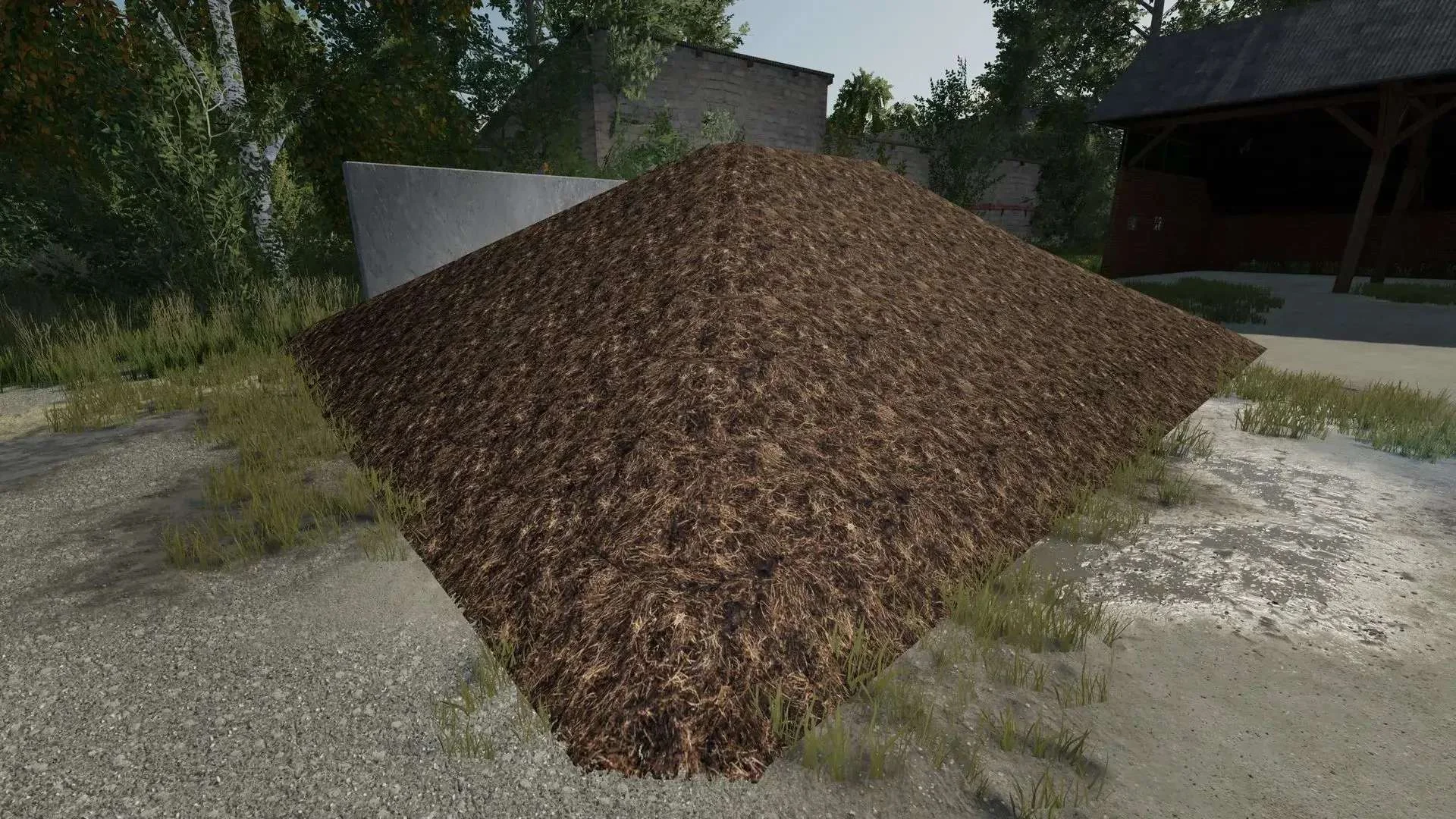
Ground textures of threshed corn, manure and liquid manure for LS22. v1.0.1.0: Density of chopped corn straw ground improved and grain straw ground added. I thought I would share my newly built ground textures for corn, manure and liquid manure here. The originals just weren’t realistic enough for me. The textures are inserted in Farming Simulator22/data/maps/textures/terrain/ground. I would make a copy of the originals beforehand. Have fun with them, I hope they go down well Tags: Farming Simulator22
I created a liquid manure and a dung texture from pictures. Simply insert the textures into the standard directory of LS 22. So Programs (x86)/Farming Simulator/data/FillPlanes. I recommend making a copy of the entire Ortner FillPlanes beforehand so that nothing goes wrong. I did that anyway. Tags: Farming Simulator LS So Programs
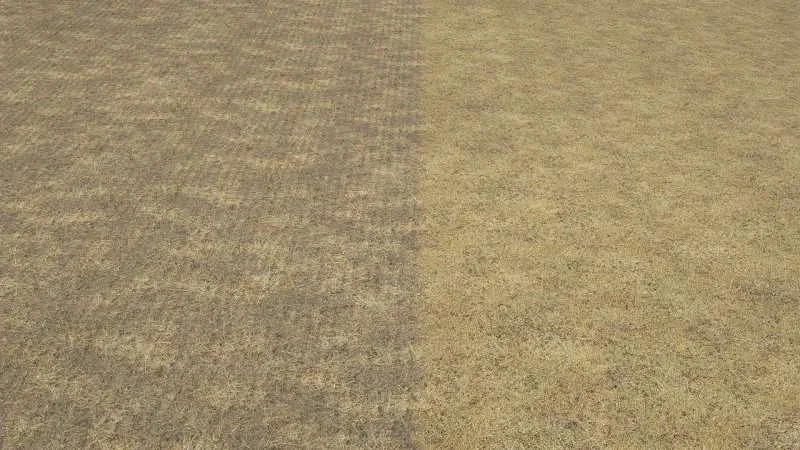
Here I have some terrain textures for grass The yellow stuff looked pretty green Will be packed into the main directory, always make a copy of the original.
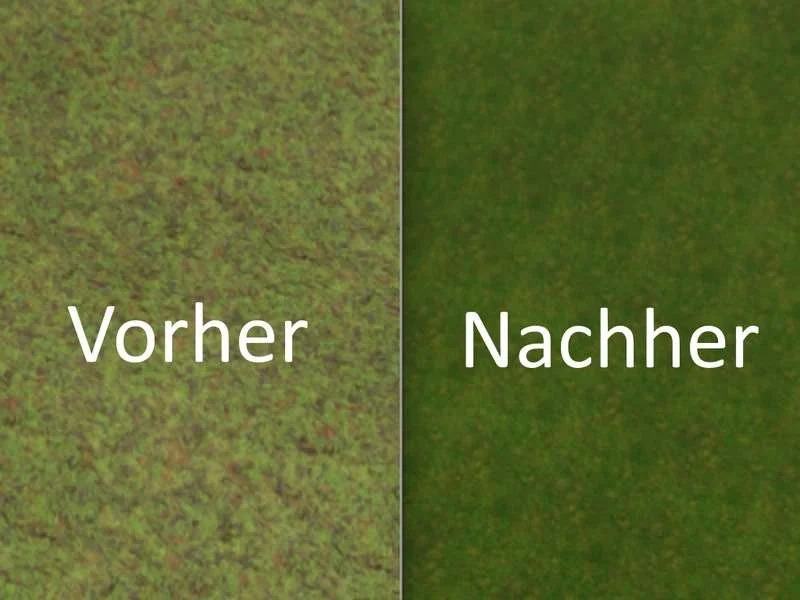
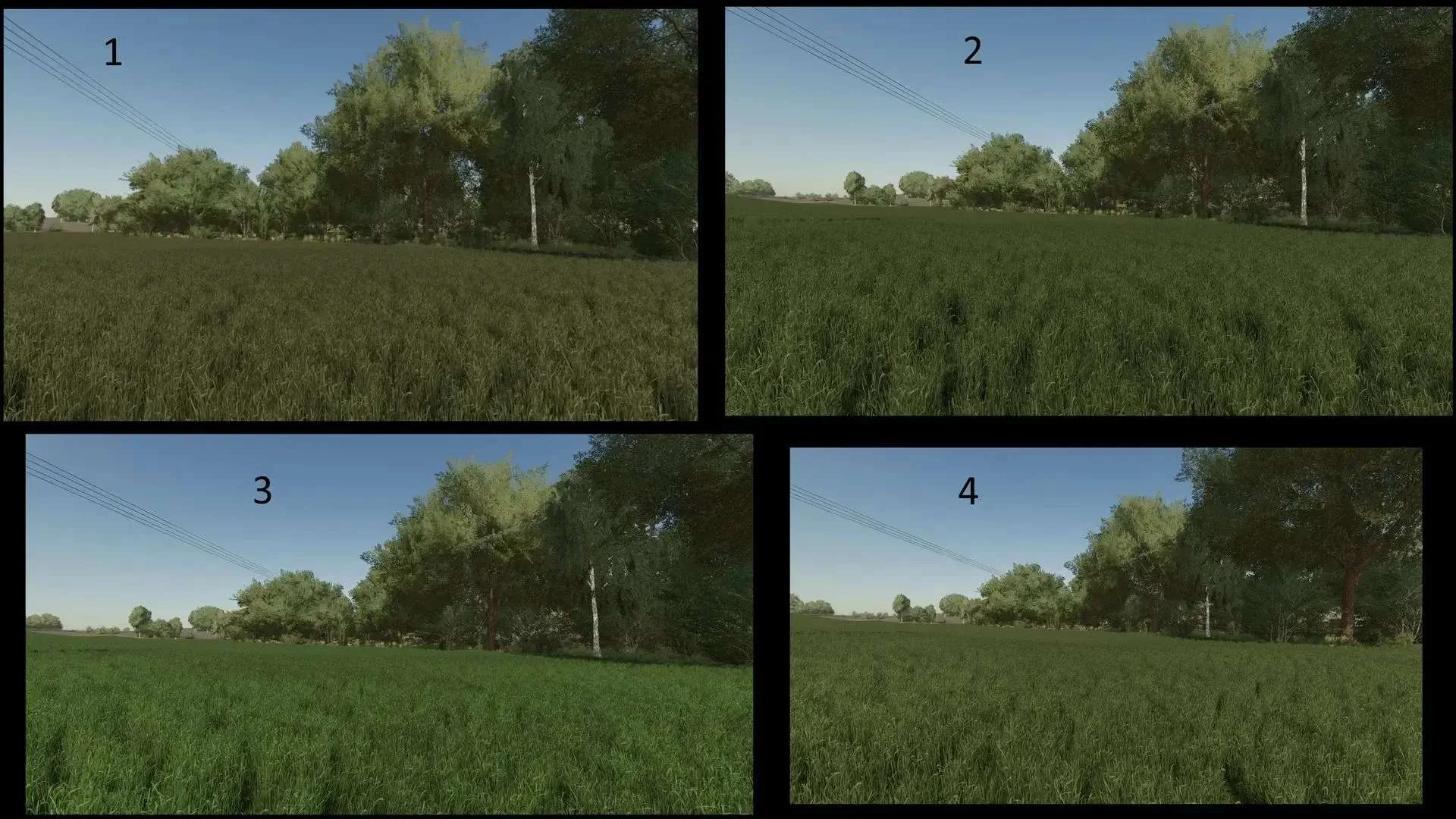
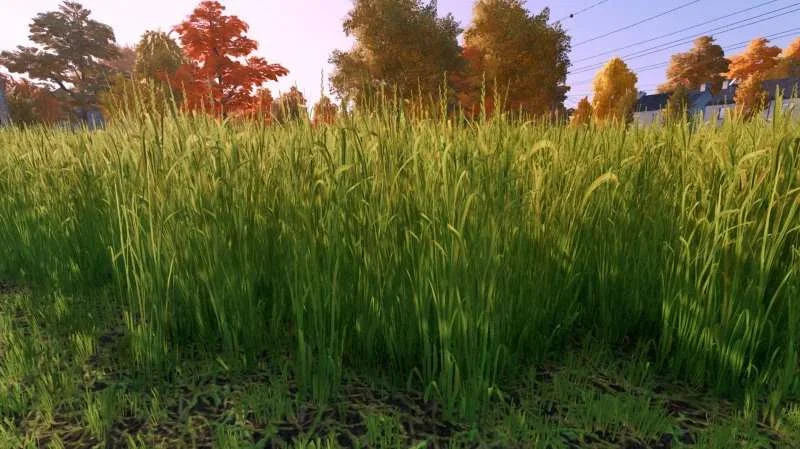
Original grass texture edited and adjusted Version 1.0.1 So sorry for the wrong zip this morning. Here is the V1 of the grass texture. It contains several versions, so there should be something for everyone. I edited the original grass texture a bit. Adjusted the height, density, exposure and saturation. I hope some of you like it and you can do something with it.
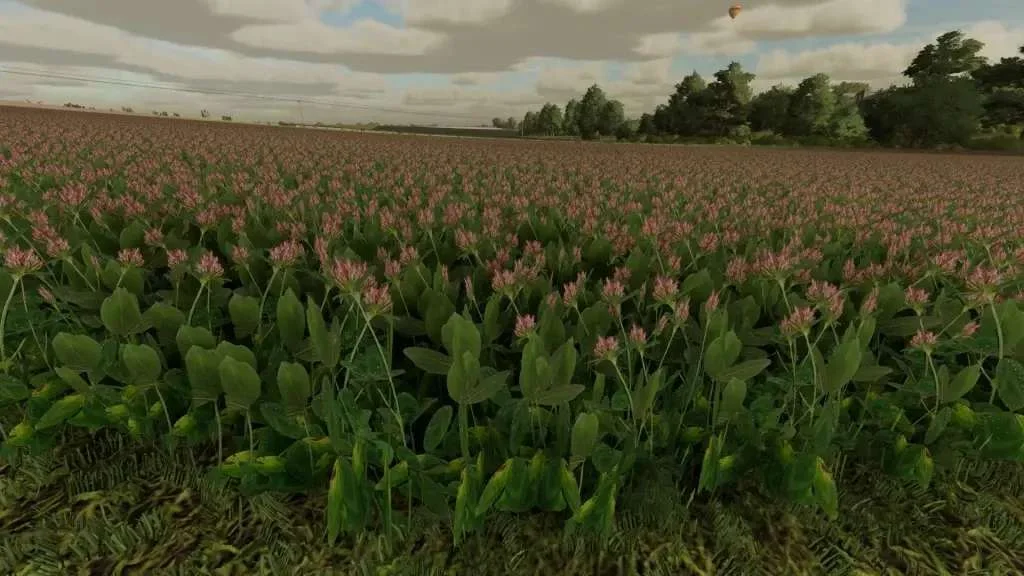
This is the clover and alfalfa texture. Created from pictures of mine. Version 1.0.0.1 Added that the 2nd growth level at the top is no longer cut off. Adjusted the background so that the 2nd growth level is no longer dark and visible from a distance. Adjusted the brightness and saturation again. So I am making my first clover and alfalfa texture available for LS 22. The Ortner contains a short description. It does not contain any swaths. I created the texture based on pictures that I took myself to make it as realistic as possible. It is my first texture for LS 22 so please respect the work. If there are any problems, however, you can write to me personally or in the comments. I hope you have fun and I hope you like it. Tags: LS
Original grass texture edited and adjusted I edited the original grass texture a bit. It was adjusted the height, density, exposure, and saturation. I hope some people like it, and you can do something with it.
This is the clover and alfalfa texture. Created from pictures by me. So I am making my first clover and alfalfa texture available for Ls 22. The Ortner contains a short description. It does not contain any swaths. I created the texture based on pictures that I took myself to make it as realistic as possible. It is my first texture for Ls 22 so please respect the work. However, if there are any problems you can write to me personally or via the comments. I hope you have fun and I hope you like it.
In this pack you can find the modification file for every type of terrain in farming to install the mod just extract the content for the .zip file and copy and paste in: C:/Program Files (x86)/Steam/steamapps/common/Farming Simulator 22/data/maps/textures/terrain/ground and replace the file. Enjoy 🙂 Tags: Farming Simulator 22
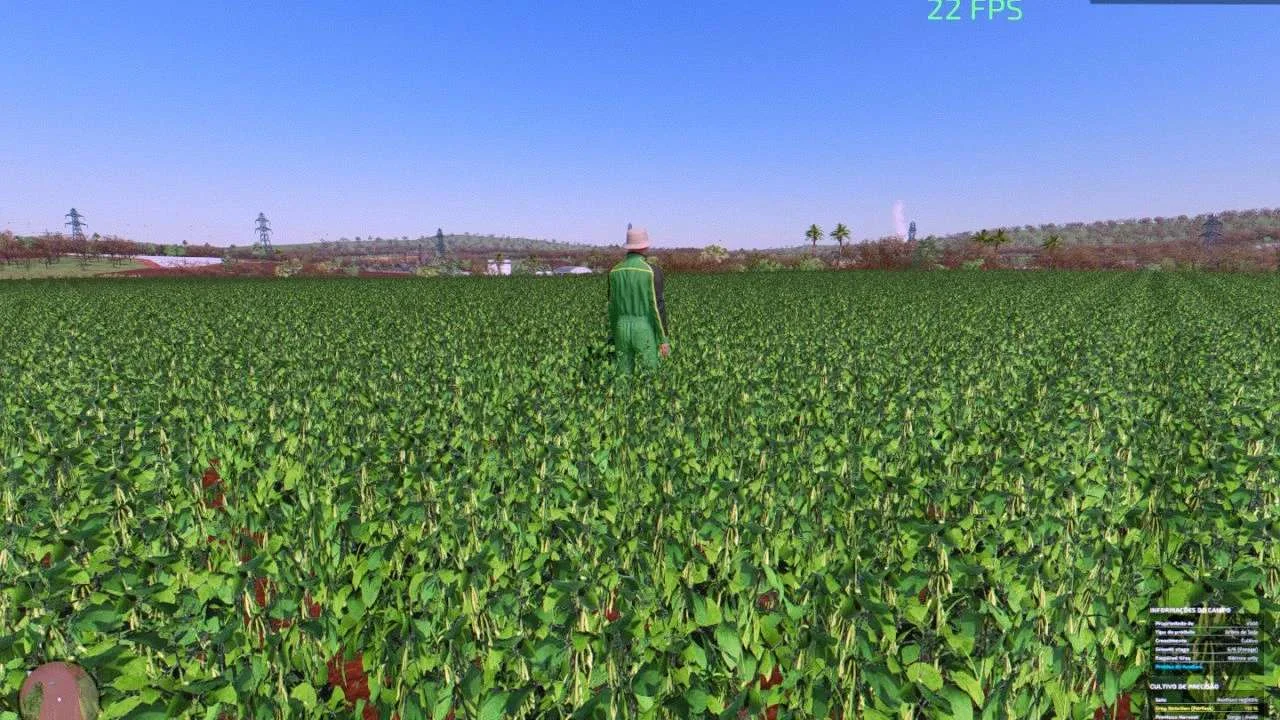
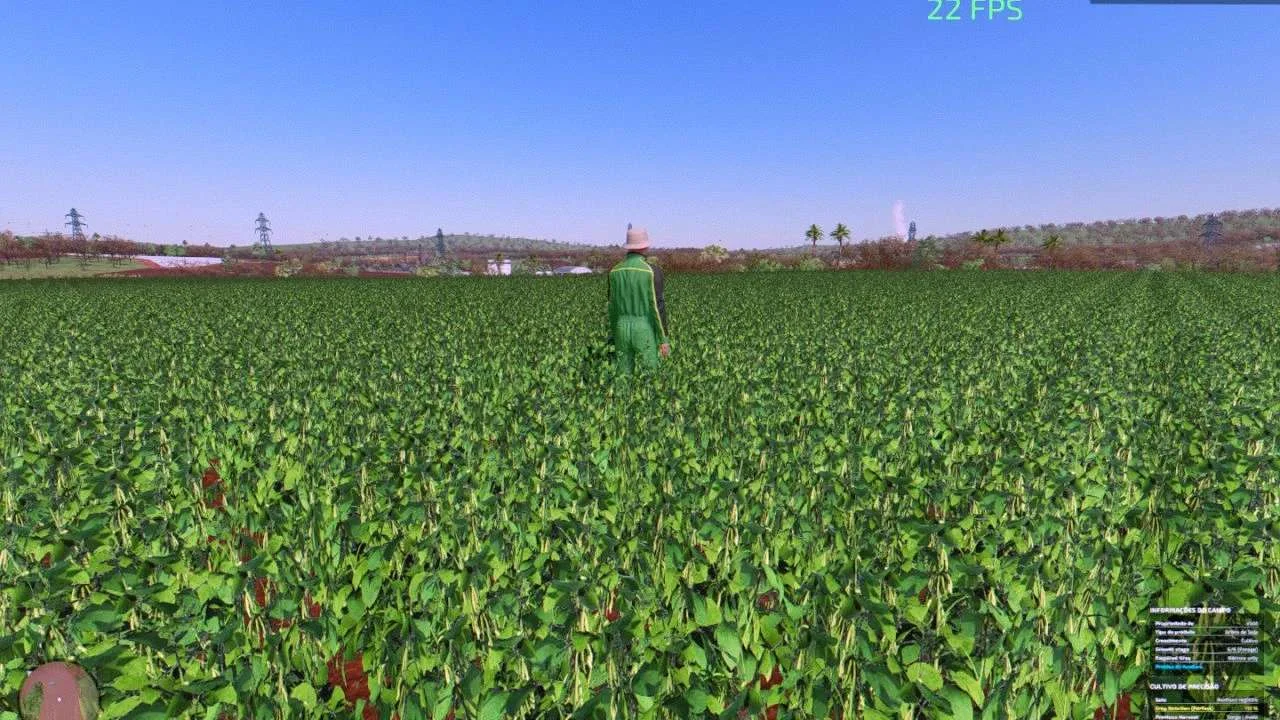
Installation tutorial V1.1.0.0 updated mods with cutting effect in the platform effects folder Open the foliage folder and copy the files to your game’s foliage folder. and replace existing files. And if it’s a mods map, paste the files in the soybean folder inside the foliage folder good game…
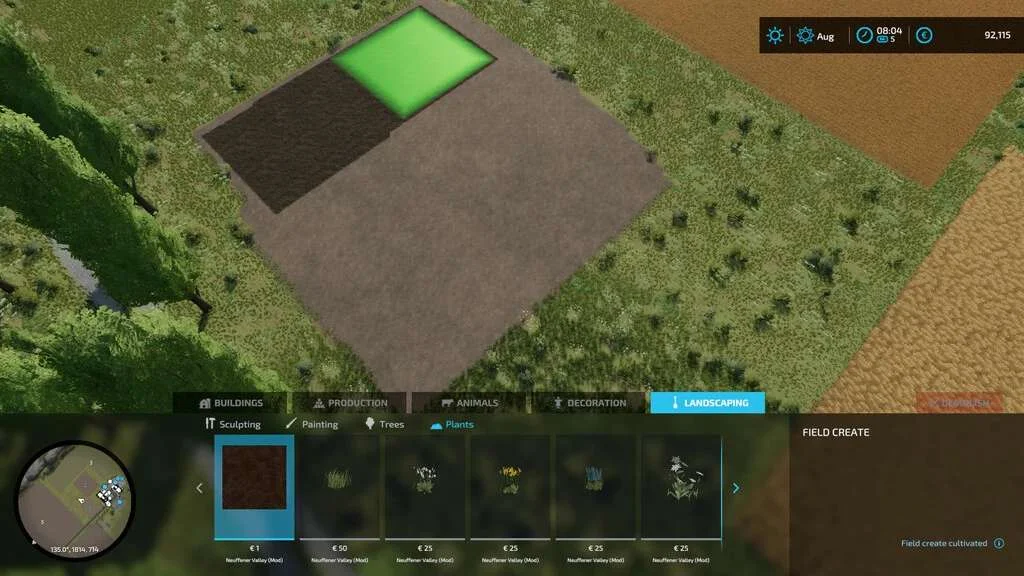
With this prefab, you can paint fields directly in the construction menu after installation on the map. Installation instructions can be found in the readme.md. Changelog 1.2.0.0 Complete code rewrite: The entire code has been completely rewritten to improve performance and readability. Addition of field creation features: – Added the ability to create cultivated fields. – Added the ability to create plowed fields. – Added the ability to create ridged fields. – Addition of German, English, French translation: Texts have been translated into English, German, and French for better accessibility. Instructions 1. Make sure to modify the `map.xml` file as indicated. 2. Add the new entries in `modDesc.xml`. 3. Copy the new files into your map’s directory. 4. Recompress the map as a zip file. Changelog 1.1.0.0 – Added textures for fields. Thank you for using the PaintableField Mod. Enjoy the new features! Tags: Codes Der Sie Felder Viel Spa Vielen Dank
My more realistic looking game shader, Additional Game Settings Question on how to install hit me up on discord > shippes Tags: Additional Game Settings
It is a mixed texture of grass and alfalfa. This is just a visual effect and we still get grass and hay from it. Add the files to the folder with the installed game data/foliage/grass
Adds an improved grass texture, it may be somewhere on the web but it is easily accessible to everyone. The height and density have been changed to make it look better. The texture is optimized and does not take away FPS. Tags: FPS
Custom tree texture for the giants spruce trees with handmade mipmaps. Manufacturer MoosAgrar Category Prefab Prefab Category Nature Size 7.82 MB Version 1.0.0.0 Released 30.01.2024 Platform PC/MAC Tags: Category Prefab Game Farming Simulator Prefab Category Nature
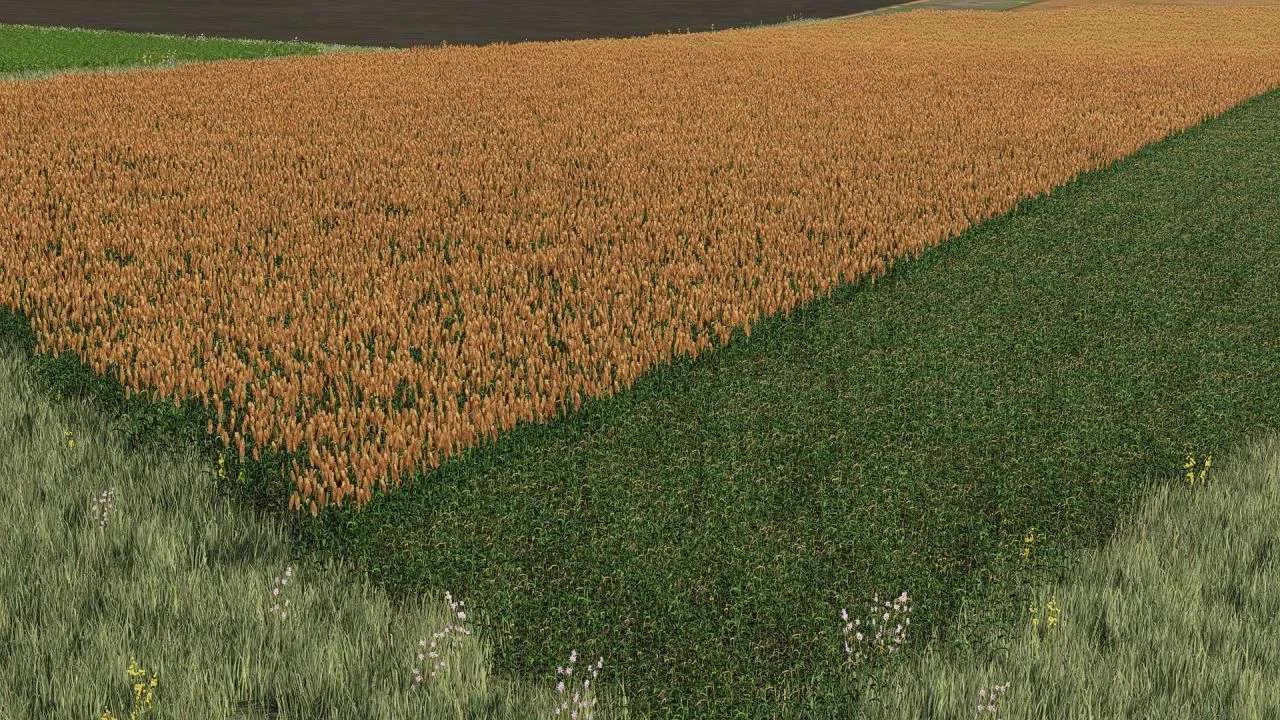
Attention, this file must be extracted and replaced with the sorghum folder in the original foliage game files I leave you a new texture similar to the real one regarding the sorghum ready to harvest! green with yellow spike enjoy yourselves.
Adding crops to a map has never been easier for Mapping beginners Here is a Tutorial for adding polka dots to your map the peas are taken from the Hoville map (if the creator does not want the culture to be changed as soon as possible, he will also be credited if you want other Tutorials for other crops tell me (except alfalfa and clover see MA7 server) See you soon for a next Tutorial.
A lot of people asked where this texture was from, so I decided to release it. Installation path: C:\Program Files (x86)\Farming Simulator 2022\data\shaders Installation path for Steam version: C:\SteamApps\Common\Farming Simulator 2022\data\shaders Tags: Farming Simulator 2022
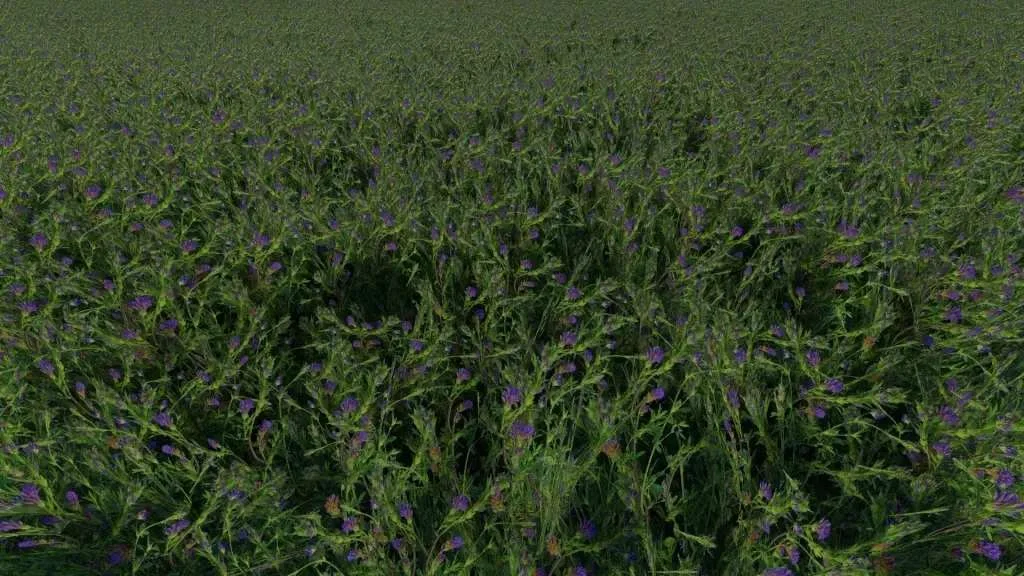
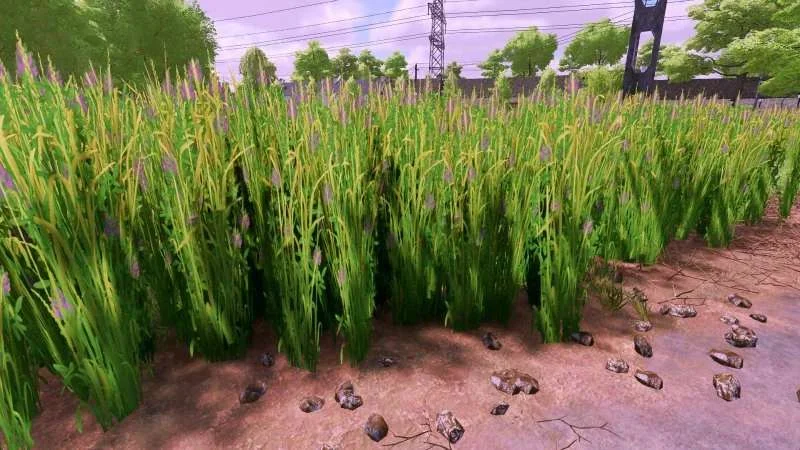
Hi! I am creating a texture of phacelia that replaces oil radish in Farming Simulator 22. In areas where many farmers live, they sow phacelia as cover crops. The texture is not made from scratch, the base was a texture created by dawideq and DawidLS. (I found this information) It was thickened and slightly enlarged, I added purple flowers imitating phacelia. We replace the entire “oilseedRadish” folder located in the game files, for example: D:\SteamLibrary\steamapps\common\Farming Simulator 22\data\foliage !!!Make a backup before replacing files!!! Please report any comments or possible errors in the comments. Greetings and Merry Christmas! Tags: Farming Simulator 22
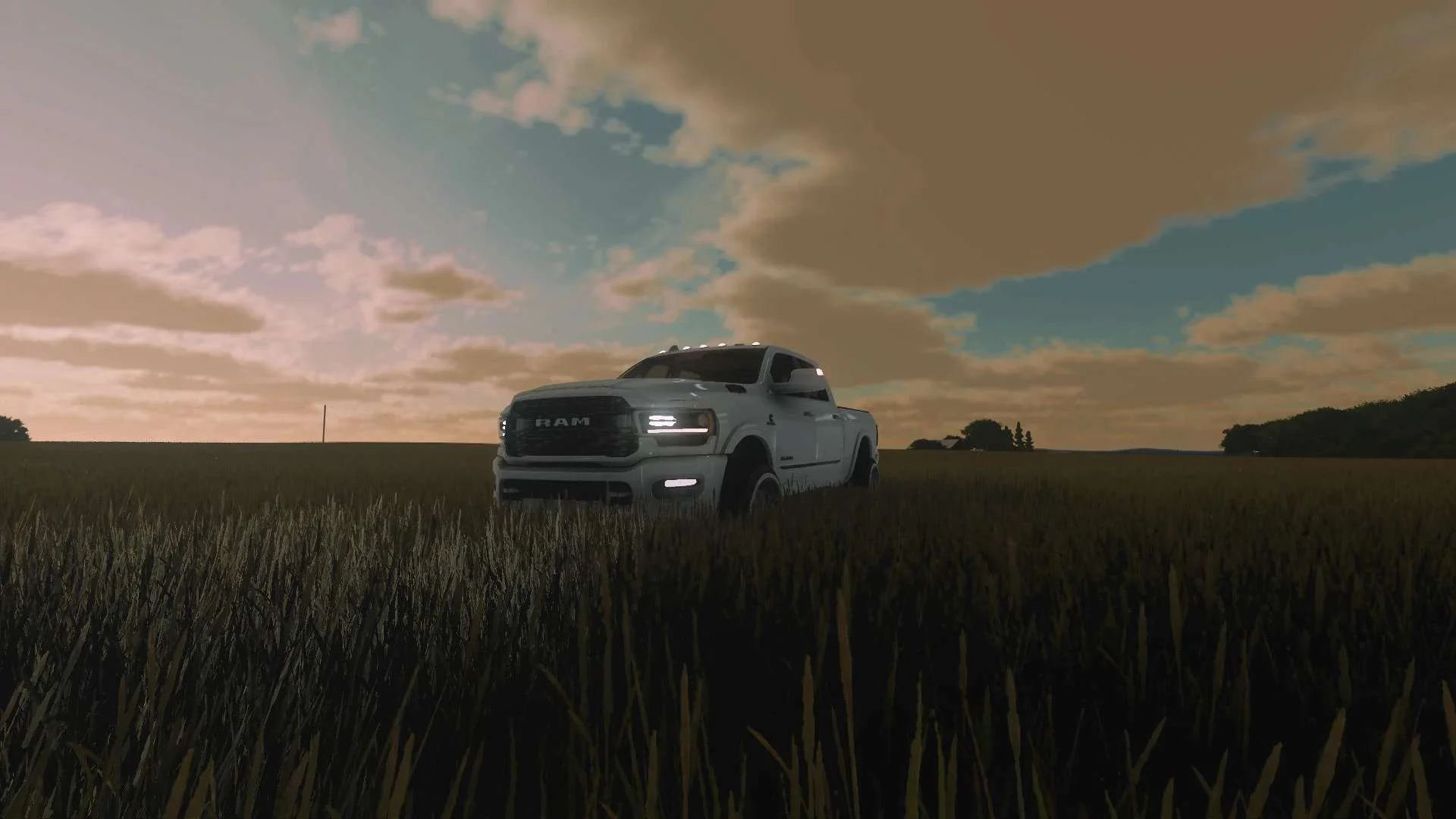
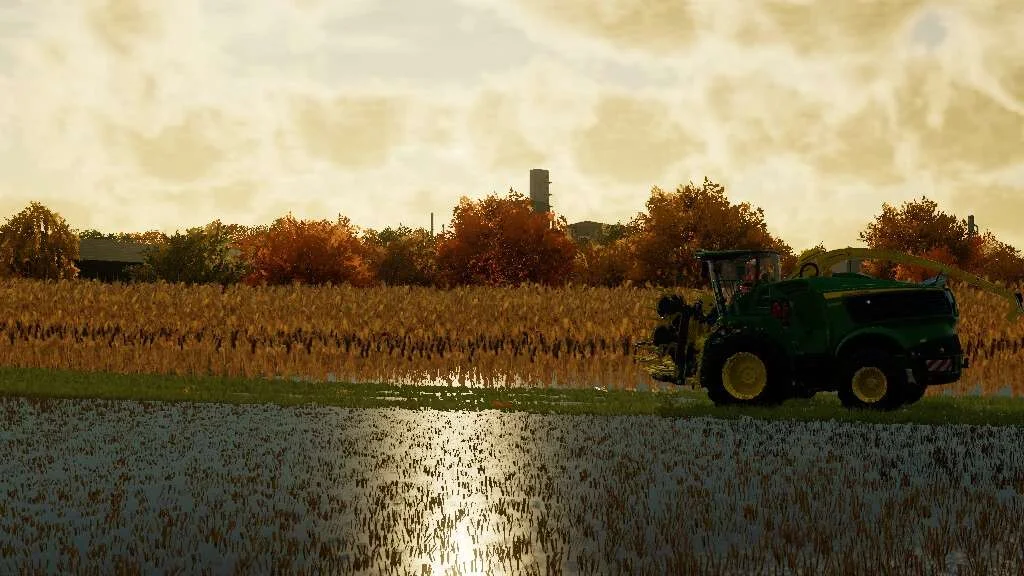
Reality Reshade is a preset I made for Reshade in FS22. It concentrates on many elements to bring it as close to a reality-blurring experience as possible. Many Colour, tone, and lighting corrections/adjustments. Sharpening in a few different areas with smooth lines kept in balance. HDR without blinding bloom FX. Major contrast adjustments, building custom depth buffers. GPU performance budgeting has been kept in mind. Your displays will now pop at night, sunsets will bring the wow factor, and night lights are epic. No adjustments are needed for any environment. I would recommend a reinstall of Reshade if you are already using it to ensure all plugins are loaded. Fresh install reshade 5.9.2 Version 1.0.0.1 – CMAA adjustments for better performance. Hints of banding were observed under certain lighting conditions. This has been corrected without losing fidelity. Version 1.1.0.0 – CMAA removed, HDR FX Removed. Zero to 1-2% impact on GPU. Smoother sky transitions and bloom has been dialed back. More color corrections. Version 2.0.0.0 – HDR is back baby!!! We are going full cinematic. The sun does not give white rays, we are getting the spectrum right. Low on GPU usage, welcome to reality reshade! Including my shader files just in case, I’m new to this 😛 Tags: Farming Simulator 22 FS22 GPU Reality Reshade
Reality Reshade is a preset I made for Reshade in FS22. It concentrates on many elements to bring as close to a reality blurring experience as possible. Many Colour, tone, and lighting corrections/adjustments. Sharpening in a few different areas with smooth lines kept in balance. HDR without blinding bloom FX. Major contrast adjustments, building custom depth buffers. GPU performance budgeting has been kept in mind. Your displays will now pop at night, sunsets will bring the wow factor, and night lights are epic. No adjustments needed for any environment. I would recommend a reinstall of reshade if you are already using it to ensure all pluggins are loaded. Fresh install reshade 5.9.2 into your Farming Simulator 22/x64 folder and select my preset when installing. Version 1.0.0.1 – CMAA adjustments for better performance. Hints of banding observed under certain lighting conditions. This has been corrected without losing fidelity. Version 1.1.0.0 – CMAA removed, HDR FX Removed. Zero to 1-2% impact on GPU. Smoother sky transitions, bloom has been dialed back. More colour corrections. Tags: Farming Simulator 22 FS22 FX GPU
V1.0.0.0 Little corrections Stubble has been added Add to the folder Steam\steamapps\common\Farming Simulator 22\data\foliage\oat (for Steam users) Note: backup base game files before proceeding! Tags: Farming Simulator 22
Reality Reshade is a preset I made for Reshade in FS22. It concentrates on many elements to bring as close to a reality blurring experience as possible. Many Colour, tone, and lighting corrections/adjustments. Sharpening in a few different areas with smooth lines kept in balance. HDR without blinding bloom FX. Major contrast adjustments, building custom depth buffers. GPU performance budgeting has been kept in mind. Your displays will now pop at night, sunsets will bring the wow factor, and night lights are epic. No adjustments needed for any environment. I would recommend a reinstall of reshade if you are already using it to ensure all pluggins are loaded. Fresh install reshade 5.9.2 into your Farming Simulator 22/x64 folder and select my preset when installing. Version 1.0.0.1 – CMAA adjustments for better performance. Hints of banding observed under certain lighting conditions. This has been corrected without losing fidelity. Tags: Farming Simulator 22 FS22 FX GPU
A reshade preset with reality in mind. HDR without blinding bloom, sharpness with smoothness kept in mind. A pile of colour, and tone balancing. GPU performance budget has been kept in mind. Tags: GPU HDR
These Oat crop textures can be used to replace any existing ones contained either on a mod map, or the default game files. PLEASE NOTE: This is NOT a mod to be placed in your mods folder. It is a texture replacement pack. The entire crop foliage has been re-coded and along with the new textures brings the crop far closer to real life Oats. The distance textures have all been edited so the detail to LOD to distance textures blend as seamlessly as possible. Contained in the coding is the ability to have “tire tracks” crushed stubble when using crop destruction. This really adds an extra level of immersion when working on the field. The texture pack comes with a txt file with full installation instructions for how to add it to a mod map. If the mod map uses all default textures, you will need to create a “foliage” folder, and then just copy the entire Oat folder into that. You will then need to edit the mod maps map.i3d file with notepad++, and rename the “oat.xml” filepath to the same location you have placed the custom crop. For most maps this would be: “foliage/oat/oat.xml” PLEASE NOTE: Before making any adjustments ALWAYS make a backup just in case. Tags: ALWAYS LOD
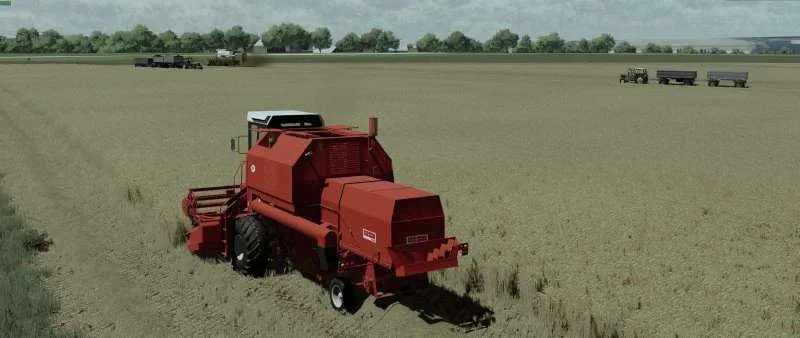
UPDATE v1.1 Changelog: Updated textures to improve blending between detail, LOD, and distance textures. These Wheat crop textures can be used to replace any existing ones contained either on a mod map, or the default game files. PLEASE NOTE: This is NOT a mod to be placed in your mods folder. It is a texture replacement pack. The entire crop foliage has been re-coded and along with the new textures brings the crop far closer to real life Wheat. The distance textures have all been edited so the detail to LOD to distance textures blend as seamlessly as possible. Contained in the coding is the ability to have “tire tracks” crushed stubble when using crop destruction. This really adds an extra level of immersion when working on the field. The texture pack comes with a txt file with full installation instructions for both how to add it to a mod map, or to replace the default game files. PLEASE NOTE: Before making any adjustments ALWAYS make a backup just in case. Tags: ALWAYS Changelog Updated LOD
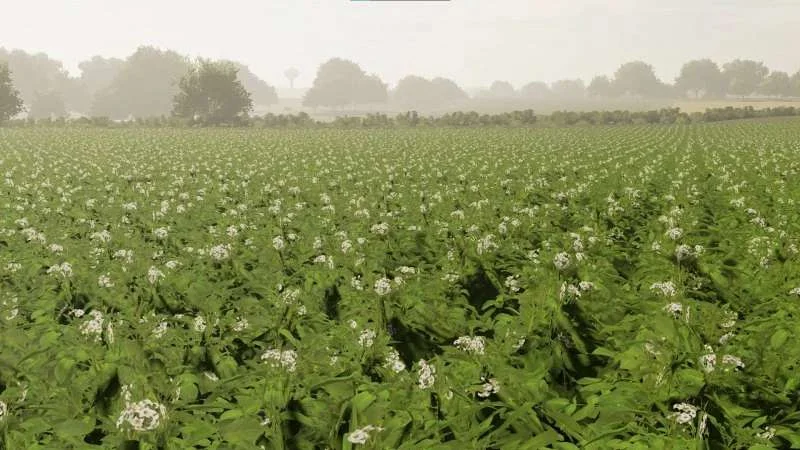
Hello! I decided to release a new texture for planted potatoes. The texture may not be of the highest quality but I tried my best Instruction: We enter (depending on where you have FS installed, in my case it is): C:\Pliki Programów (x86)\Farming Simulator 2022\data\maps\textures\terrain\ground (we replace files). If you have the PREMIUM DLC, you will have basic ridges (this only works for potatoes) Tags: Farming Simulator 2022
These OSR/Canola crop textures can be used to replace any existing ones contained either on a mod map, or the default game files. PLEASE NOTE: This is NOT a mod to be placed in your mods folder. It is a texture replacement pack. The entire crop foliage has been re-coded and along with the new textures brings the crop far closer to real life OSR/Canola. The distance textures have all been edited so the detail to LOD to distance textures blend as seamlessly as possible. Contained in the coding is the ability to have “tire tracks” crushed stubble when using crop destruction. This really adds an extra level of immersion when working on the field. The texture pack comes with a txt file with full installation instructions for both how to add it to a mod map, or to replace the default game files. PLEASE NOTE: Before making any adjustments ALWAYS make a backup just in case. Tags: ALWAYS LOD
Add to the folder Steam\steamapps\common\Farming Simulator 22\data\foliage\wheat (for Steam users) Note: backup base game files before proceeding Have Fun Tags: Farming Simulator 22
The goal of this mod is to make the game feel more realistic. The goal is to make the mod universal. This mod supports multiplayer and dedicated servers. This mod creates puddles in low places where water will fill up if ground is wet. Changelog 1.1.0.0: Water does not use ground wetness to set water level. Rain now increase level. Cloudy and sunny weathers lowers water level, lower temperatures decrease speed. Water level is saved to avoid restart of water level after loading of game. Water puddle texture is deleted from mod file and the mod now uses the on in the game folder.
I hereby provide a plow texture. Installation: Installation Disk / Programs x86 / Agriculture Simulator 2022 / data / maps / texture / ground and there you add the 2 files. Tags: Agriculture Simulator Installation Disk Programs plow
I’m giving you new stubble and direct sowing textures! You should put it in the folder: SteamLibrary\steamapps\common\Farming Simulator 22\data\maps\textures\terrain\ground If you have any problems, write to discord: Purcelixx Have a nice game! Tags: Farming Simulator 22
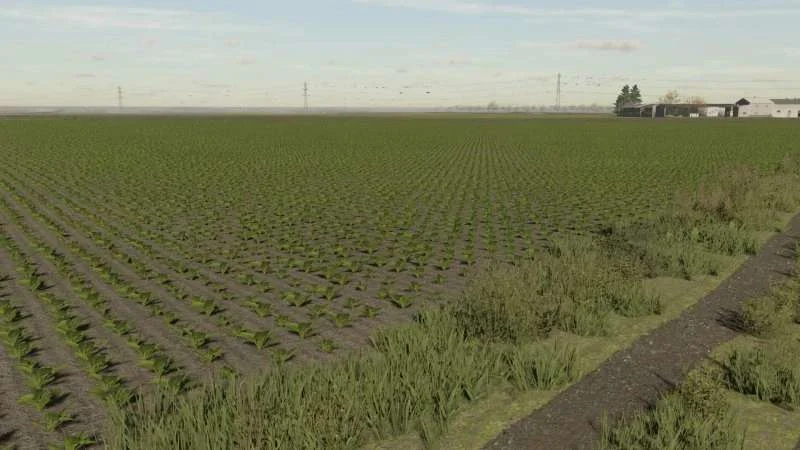
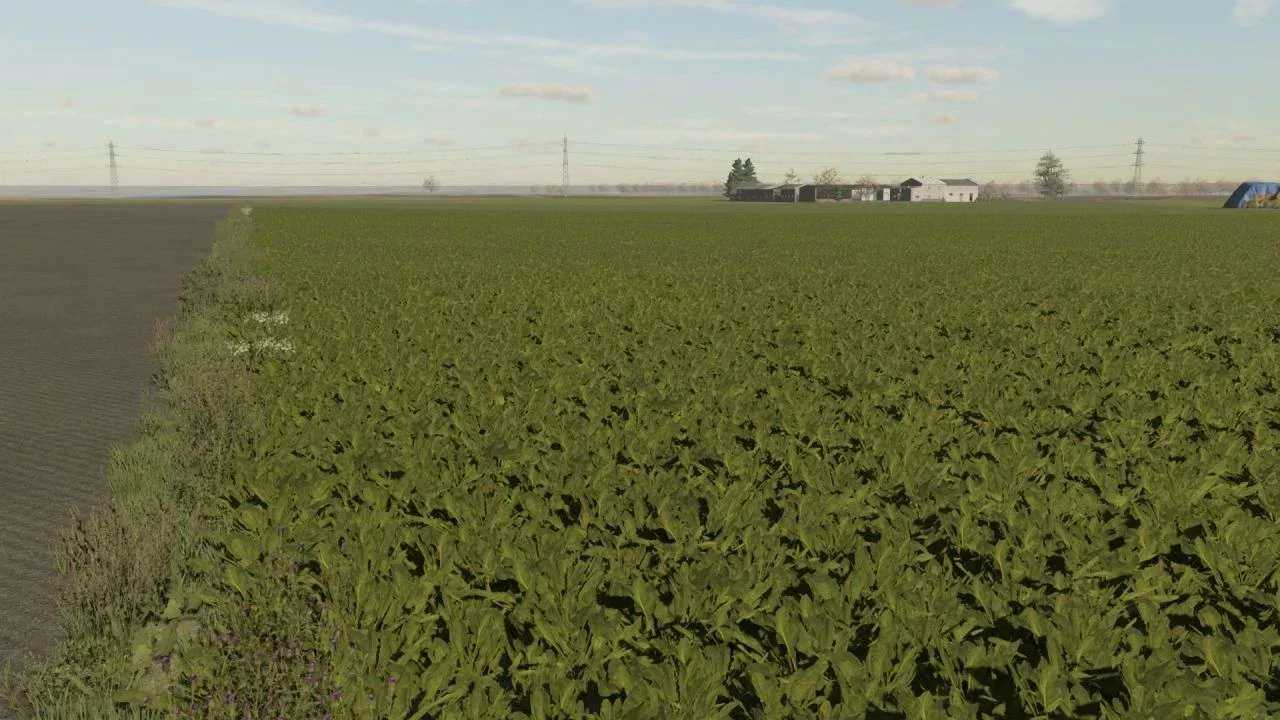
Sugar Beet textures which look more realistic. Place file in C:\Program Files (x86)\Steam\steamapps\common\Farming Simulator 22\data\foliage\sugarbeet Tags: Farming Simulator 22
Installation tutorial Open the foliage folder and copy the files to your game’s foliage folder. and replace existing files. And if it’s a mods map, paste the files in the soybean folder inside the foliage folder good game…
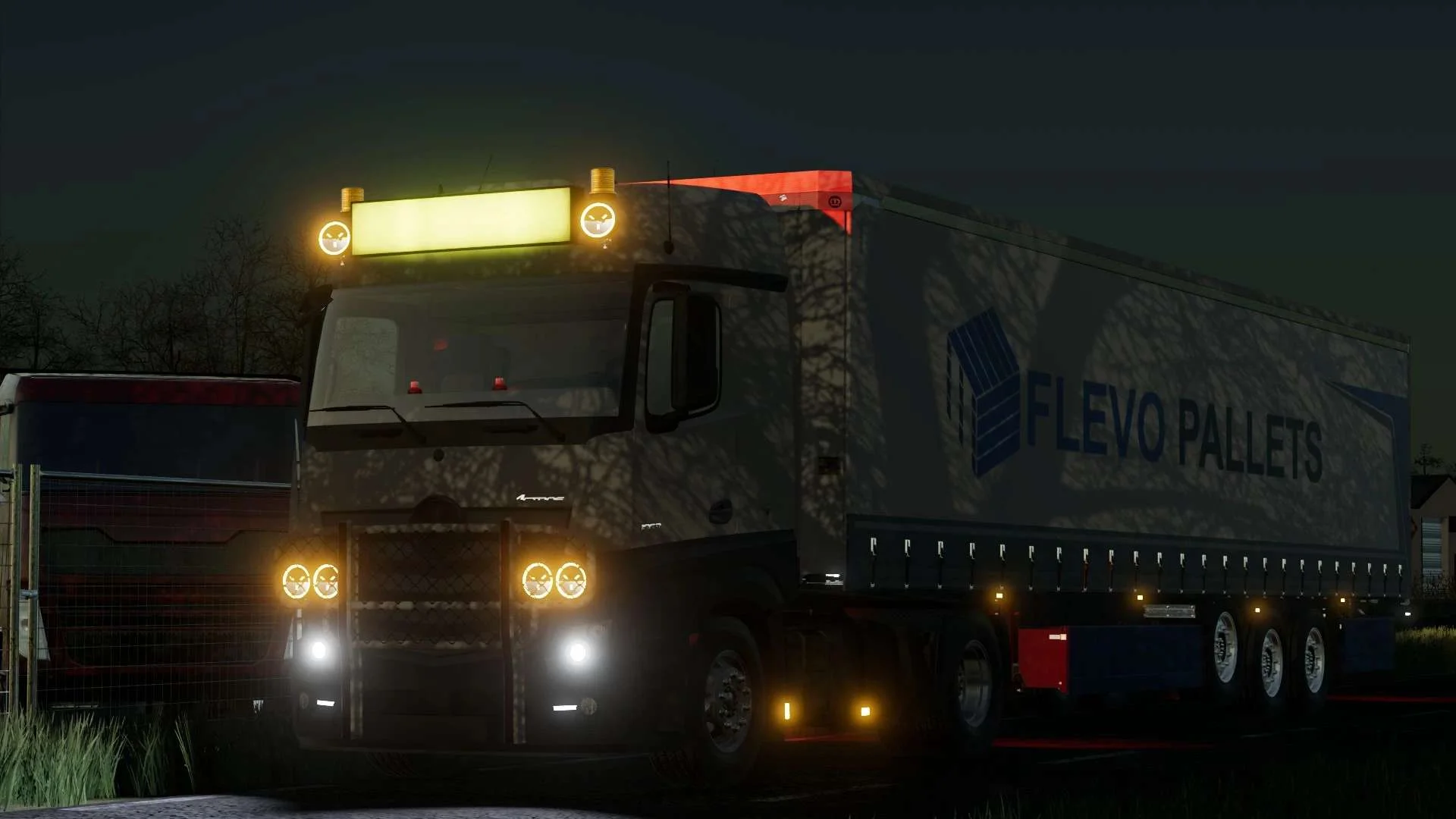
A skin of a real company based in holland now allso in farming! You get a zip file with 3 textures: Left Side Right Side Back Doors We are allowed to share this Flevo Pallets Skin You need to replace the orginal skin with this flevo skin This skin can be placed on the bdm reworked Profilner: https://farmingsimulator22mods.com/reworked-profi-liner-v1-7-fs22/ On The BDM Swap Bodies: https://farmingsimulator22mods.com/krone-swap-bodies-pack-v1-7-fs22/ On The Krone Trailer pack from BDM https://farmingsimulator22mods.com/krone-anhanger-pack-v1-0-fs22/ and on all the bdm trucks! MAN TGX 2020 DAF XG MERCEDES MP4 enjoy! Tags: BDM Flevo Pallets Skin Left Side Right Side
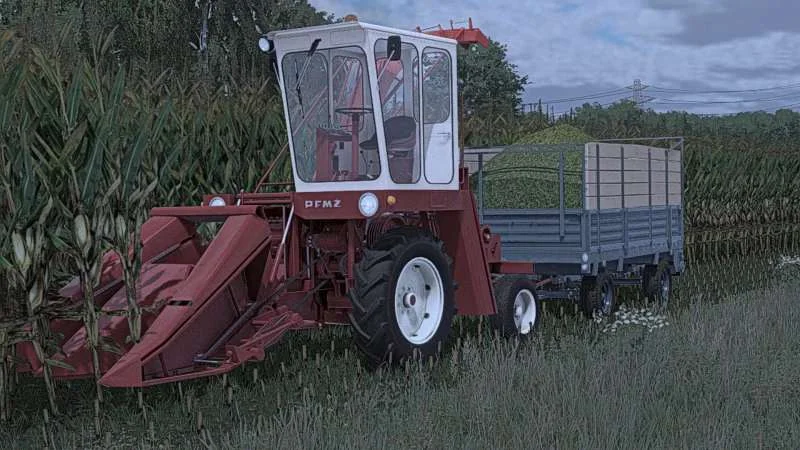
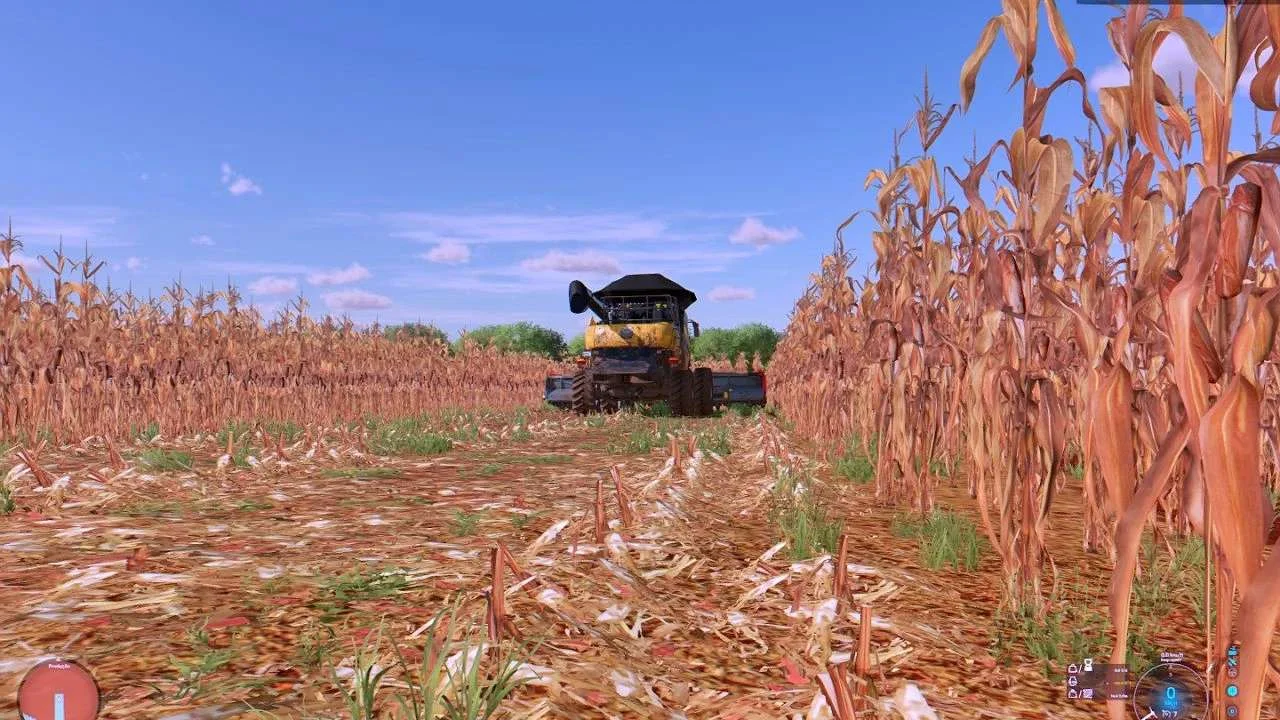
Installation tutorial. Open Games folder your game directory Farming Simulator 22 Data folder and then paste the effects folder and good game And texture of corn in the foliage paste. This mods has more real animation in corn harvesting. Rexture and balance of the most real corn stalks. Tags: Farming Simulator 22
FS22 Textures of canola 2 Hi it’s me again giving you my Rapeseed Textures in XML is TireTrack so it’s kneading. Attention! replace the entire Canola folder. Tags: Rapeseed Textures XML
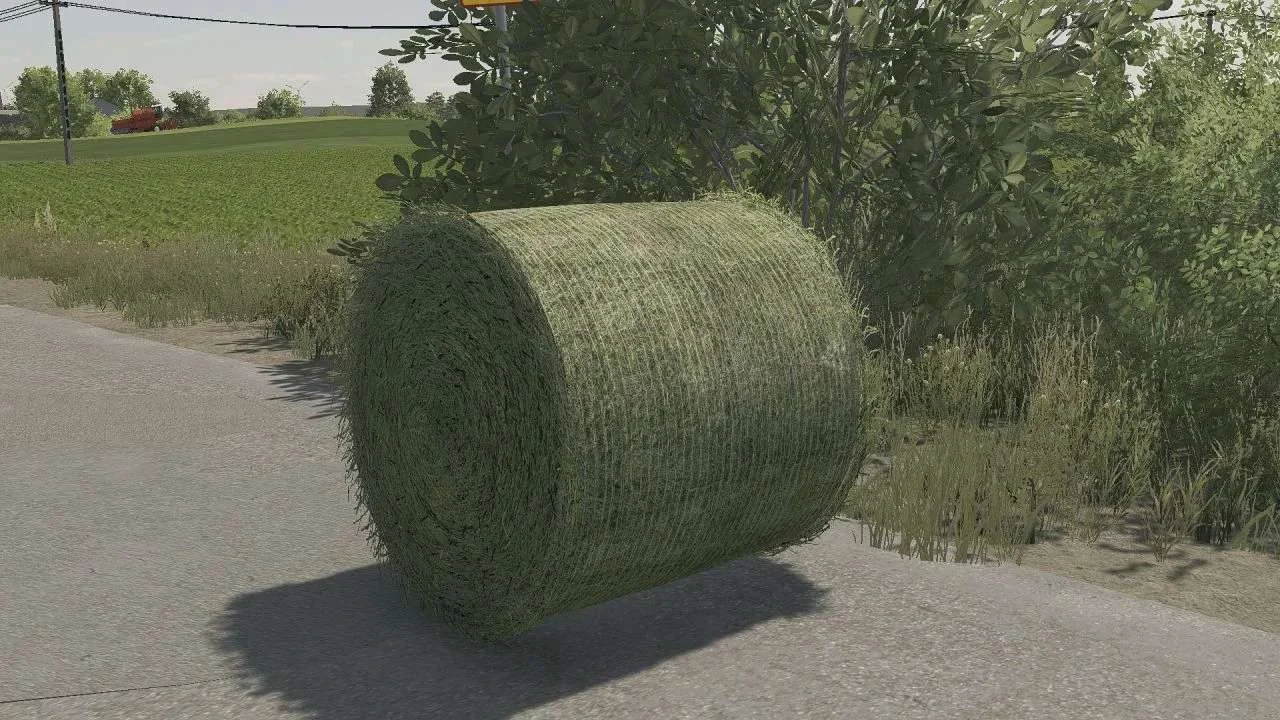
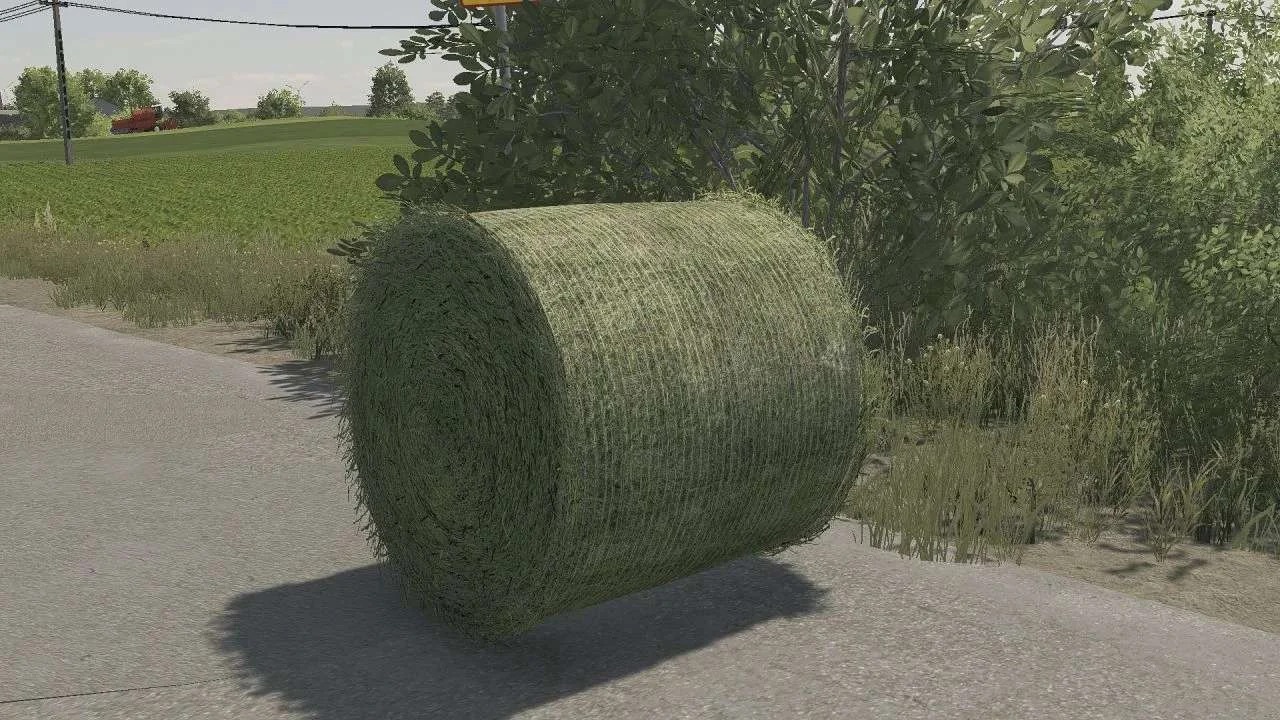
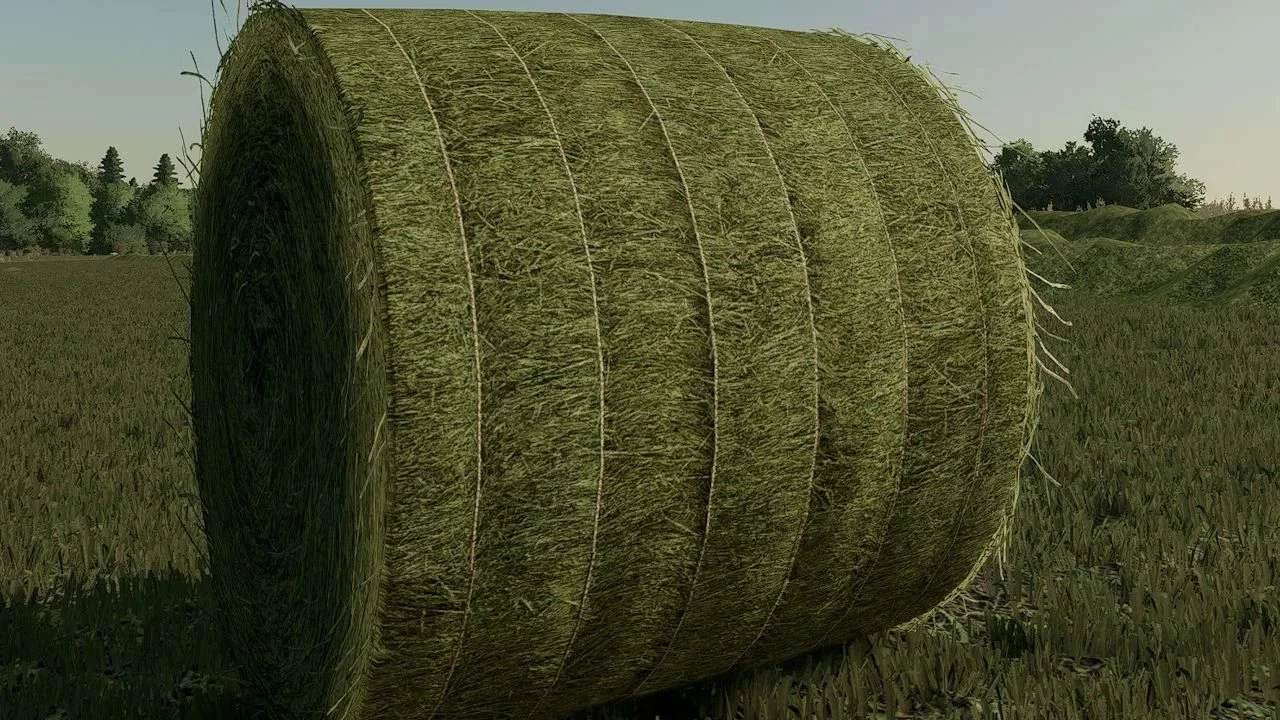
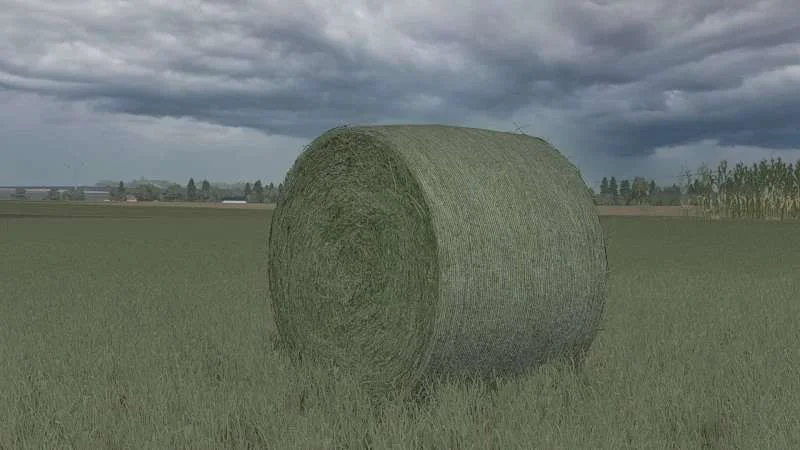
FS22 Bales to change the texture of the bales, go to the folder where you have the game installed and: data -> objects -> roundbales -> roundbale150 works only on 150 because the rest I did not want to greet
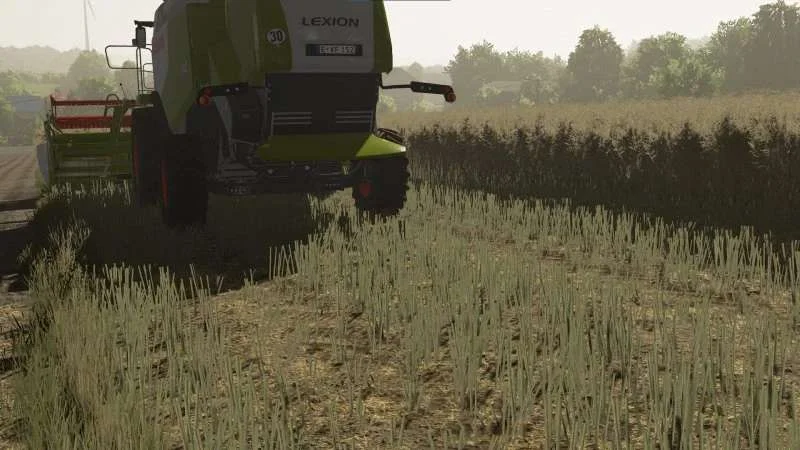
Hi! I give you my wheat and barley stubble textures. For a better look, I recommend installing the Realische Pflanzententextures mod from Bumsnudel93. The path to paste v1 Steam: (Steam drive)/Steam/steamapps/common/Farming Simulator 22/data/foliage and paste the barley and wheat folders v2 Steam: (Drive on which steam is)/Steam/steamapps/common/Farming Simulator 22 and paste the data folder v1 disc: (Disk with farming)/Farming Simulator 22/data/foliage and paste the barley and wheat folders v2 disc: (Disk with farming)/Farming Simulator 22 and paste the data folder Epic games: I don’t know how it is on epic. Have a nice game on the textures :3 If you have a problem with textures, write to faonek’s discord. Tags: Farming Simulator 22 Realische Pflanzententextures Steam Drive Steam Steam
Instructions for adding textures: 1. Download and extract the “Rzepak” file 2. Go to the game files (This computer, the drive where you farming ProgramFiles(x86) \Steam\steamapps\common\Farming Simulator 22\data\effects\chopper\canola) (This is the path for farming on steam’ ie)(It’s similar on the disc but the destination folder is /data/effects/chopper/canola) 3. Swap these 2 textures 4. Close everything and start playing 😀 Tags: Farming Simulator 22
FS22 High wheat stubble with compaction When there will be 100 downloads, I’m doing a stubble of barley oats soybean Attention! maps_fruitTypes file put in maps folder in data!
Hello! I would like to present to you my orca texture the file should be uploaded to data\maps\textures\terrain\ground and put there, I recommend making a backup of the original orca file, if something breaks, the rar folder should be extracted.
FS22 Rapeseed texture Hey, it seems to you rapeseed texture For the texture to work properly, extract it and add it to the folder: Data>foliage>canola I wish you all a nice game
FS22 visible manure texture on stubble The texture is visible on high stubble unlike other textures For the texture to work, you need to replace it in the data/maps/textures/terrain/ground folder Tags: Visible Manure
Hello! I come to you with changed textures: – Pickles – Soil after disking – Scattered manure – Spilled manure After unpacking the Texture Pack.zip file, both folders contained in the mentioned file should be pasted into the “data” folder in the game location! Many thanks and respect to JMZ for showing how to create such beautiful (in my opinion) textures! Just what to write on dc (purcelixx). Tags: JMZ Pickles Soil Texture Pack
FS22 Manure texture on stubble Gives you a manure texture visible on stubble and the texture of the manure itself replace the spray_manure_diffuse texture in Farming Simulator 22\data\maps\textures\terrain\ground replace the manure_diffuse texture in Farming Simulator 22\data\fillPlanes Tags: Farming Simulator 22
It gives you the visible texture of manure spread all over the stubble. Paste the texture into the Farming Simulator 22\data\maps\textures\terrain\ground folder. The texture may not be perfect, but it’s definitely better than the original Whoever likes it, I invite you to download it. Tags: Farming Simulator 22
With these files, the grain corn is lower than the original. The mod needs to be unpacked. Paste the “effects” and “foliage” files into the “data” folder in the game files. Detailed installation information in a text file. Happy harvesting corn 🙂
Today is the day! I present you my realistic plant textures! After many months of photographing and scaling the plants, I’m finally done and very excited to share them with you! Everything you need to know and how to install the textures is in the description.
Texture pack for standard ratchet straps Miscellaneous Installation instructions are included in the zip. Permissions and important information: Editing and uploading the mod to other sites is NOT allowed!!! Texture: BD_Modding, Giants
I hereby provide a plow texture Installation: Installation Disk / Programs x86 / Agriculture Simulator 2022 / data / maps / texture / ground. And there you add the 2 files. Tags: Agriculture Simulator Installation Disk Programs plow
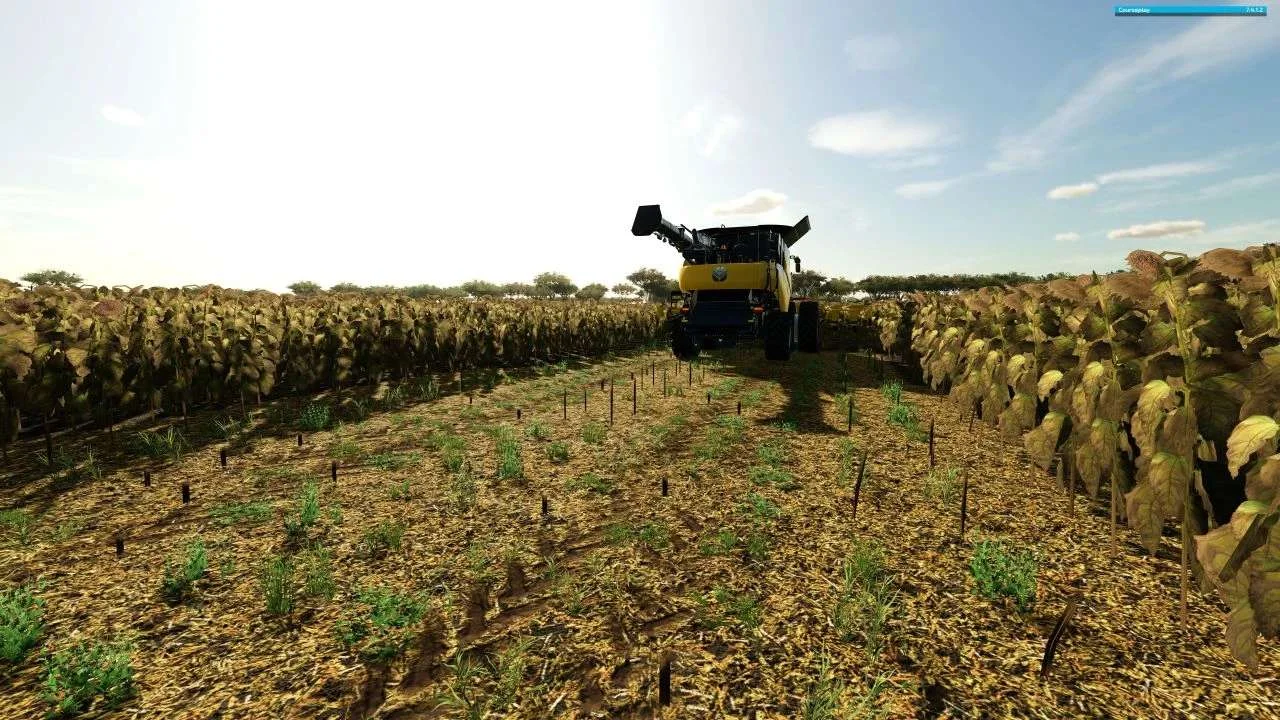
Textures for meadows / grass / sunflowers / cotton / cuboids & round bales Hi, after a long time something from me again. New textures for: Meadow – Foliage and LOD textures DLC / FR (color kept a little more realistic) Grass – Foliage and LOD textures (color kept a bit more realistic and size of the meadow adjusted) Cotton – Foliage and LOD textures (color kept a bit more realistic and size and width adjusted) Sunflowers – Foliage and LOD textures (color kept a bit more realistic) Square bales and round bales (textures for all common sizes) MP capable The folder structure is already specified in the zip. Path: Farming Simulator 22\ data……… ATTENTION: make a backup copy of the original files! Tags: ATTENTION LOD MP Path Farming Simulator
Compact stubble texture for: – Wheat – Barley – Oats – Rapeseed – Soi Unpack the mod and paste it into the “foliage” folder. Detailed mod installation instructions are included in the package.
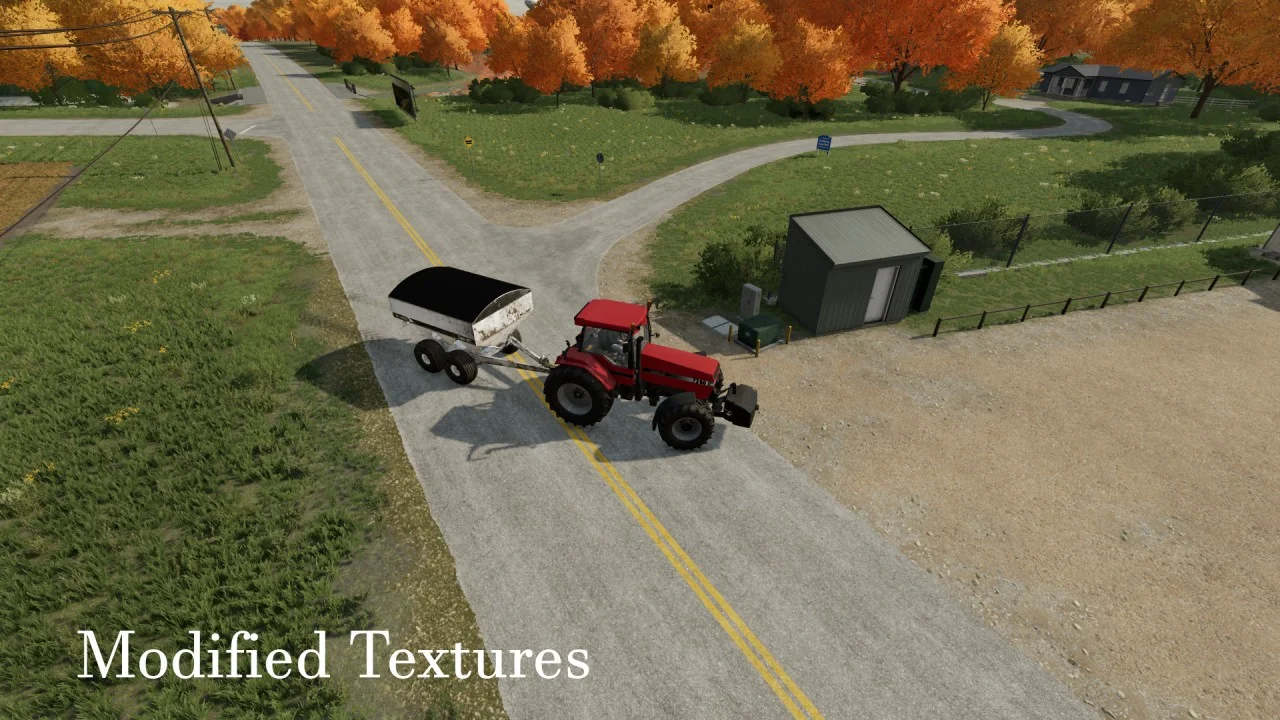
Tired of seeing those lines in after you use a roller that in reality, should flatten the ground that is being rolled? With this texture you can now make it look like the ground has been rolled by a roller used in North America. Instructions are included on how to add them to a map you’re playing on. Tags: North America
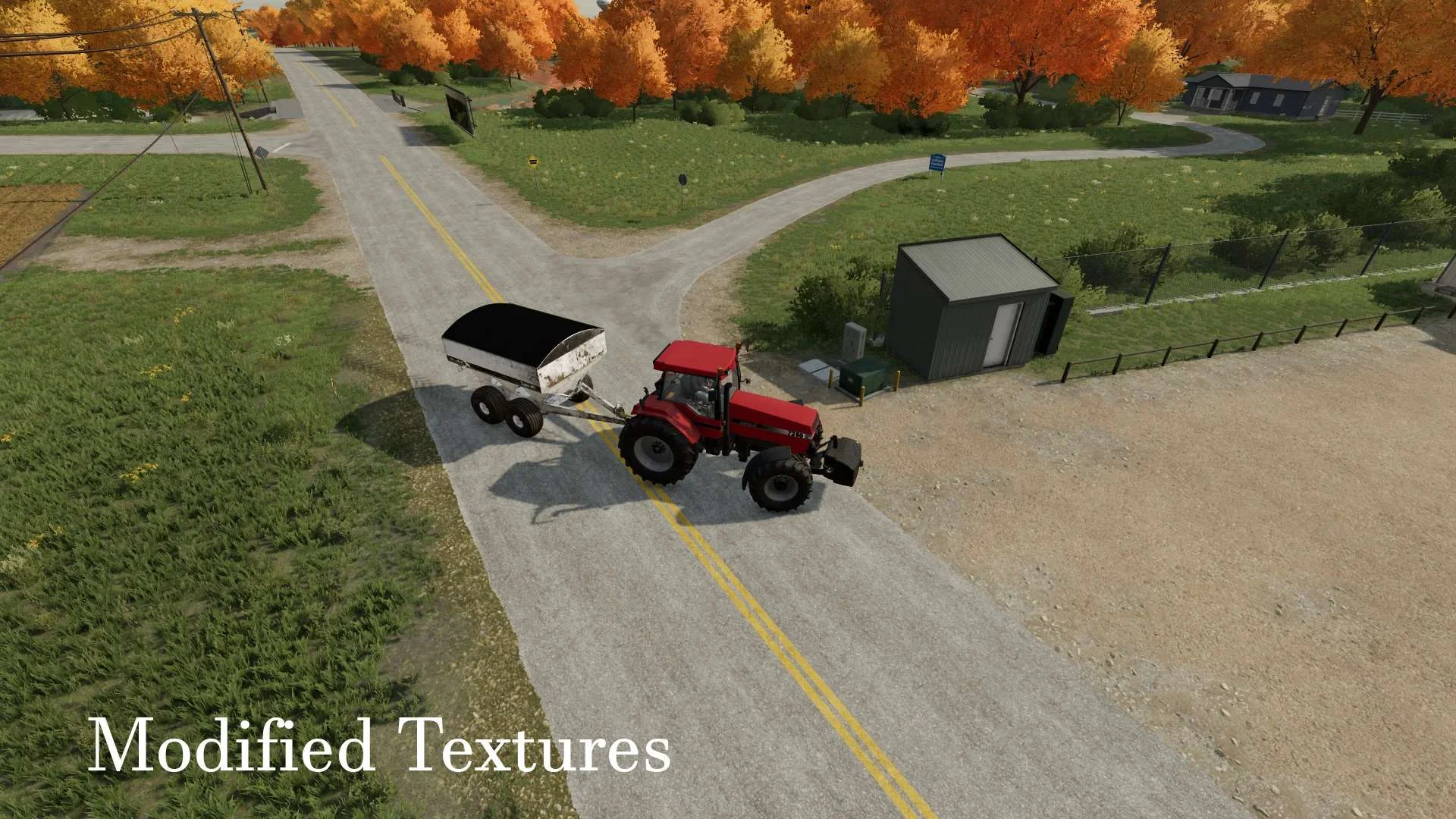
Here is a set of gravel and dirt textures more akin to what’s found in Iowa, USA. This is mainly meant for map makers as a base to use with the creation of maps. This can, however, be used to replace base game textures. This method is NOT RECOMMENDED. If you should chose to continue this path, however, create backups of the original files, overriding the base files with these. The structure of the .zip is such that it should just drop into your FS22 data folder. If you don’t know where that is, you probably shouldn’t be messing with this mod. Tags: FS22 usa
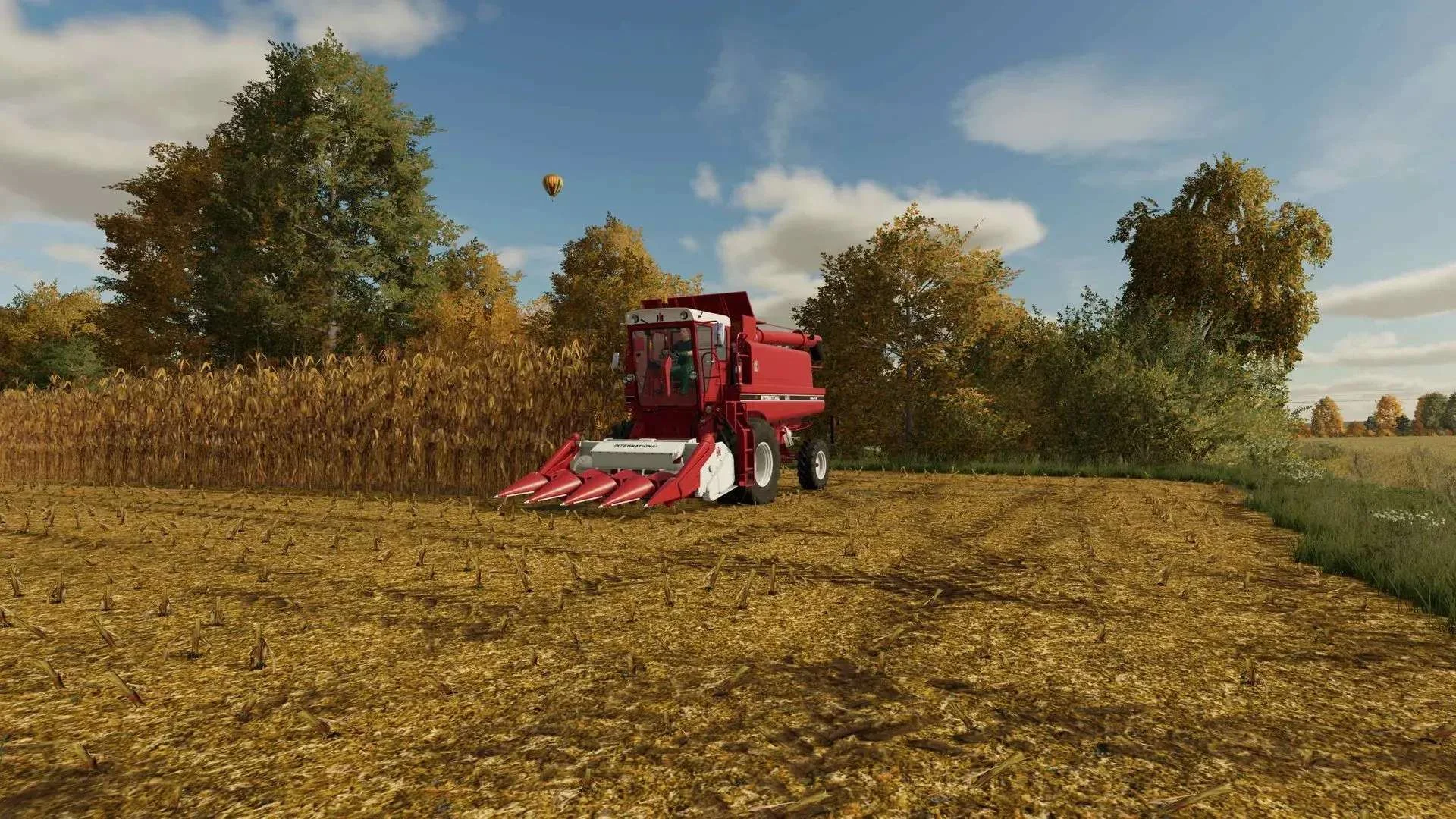
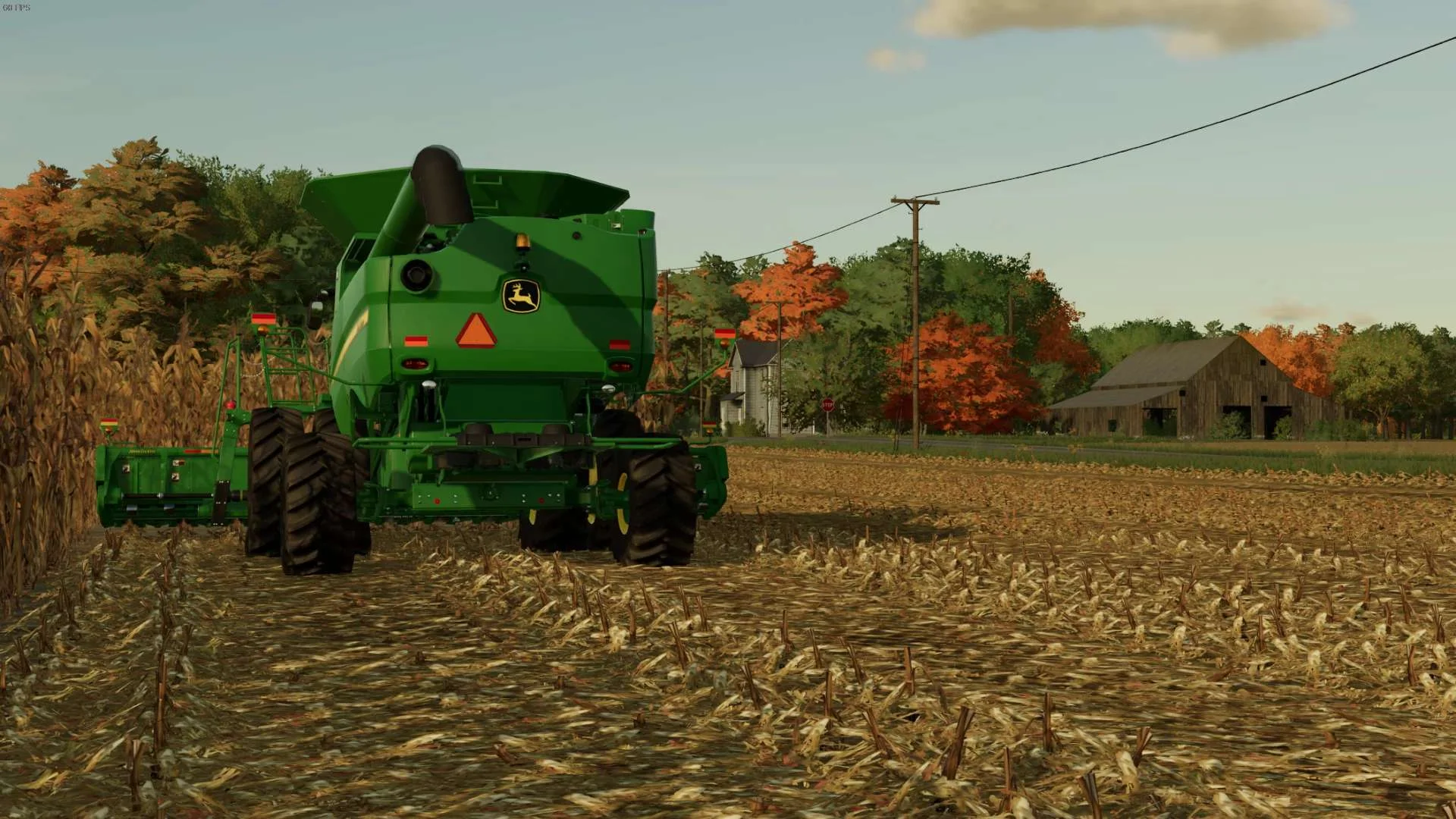
Corn trash textures for Farming Simulator 22 Thank you for downloading my textures! INSTALLING THE TEXTURES 1. Go to \steamapps\common\Farming Simulator 22\data\foliage\maize 2. Make a backup of your maize folder !!!MAKE A BACKUP BEFORE REPLACING ANYTHING!!! I am not responsible for any damage you do to your game. 3. Copy everything in the “maize” folder in the downloaded ZIP and paste it onto the maize folder that is in your data folder. Replace when prompted. 4. Now your done, go ingame and enjoy your textures! ADDING STUBBLE DESTRUCTION 1. Go to \steamapps\common\Farming Simulator 22\data\foliage\maize 2. Make a backup of your maize.xml file !!!MAKE A BACKUP BEFORE REPLACING ANYTHING!!! I am not responsible for any damage you do to your game. 3. Copy the maize.xml provided in the ZIP and paste it in the maize folder that is in your data folder. Replace when prompted. 4. Now go to \steamapps\common\Farming Simulator 22\data\maps 5. Make a backup of maps_fruitTypes.xml !!!MAKE A BACKUP BEFORE REPLACING ANYTHING!!! I am not responsible for any damage you do to your game. 6. Copy the maps_fruitTypes.xml provided in the ZIP and paste it in the maps folder that is in your data folder. Replace when prompted. 7. Now your done, go ingame and enjoy your textures! Tags: Farming Simulator 22 ZIP
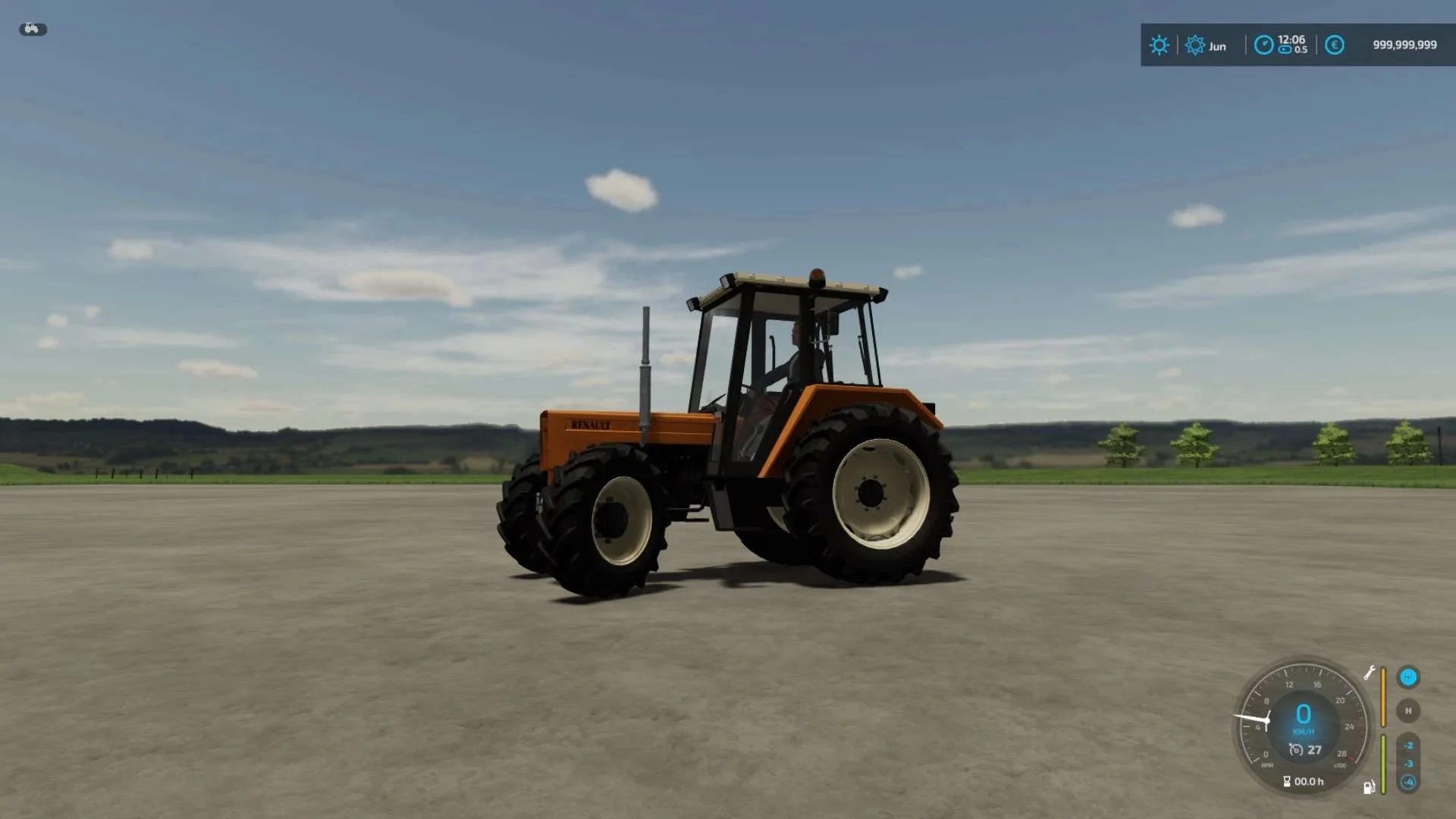
Small tractors from the 1985s. – Price: €14,900 – 2WD and 4WD version – Power: from 75hp to 78hp – Max speed: 27Km/h – Wheel configuration – Interior color configuration – Configuration of mirrors – Beacon configuration – Mass (500kg) – Simple IC ready
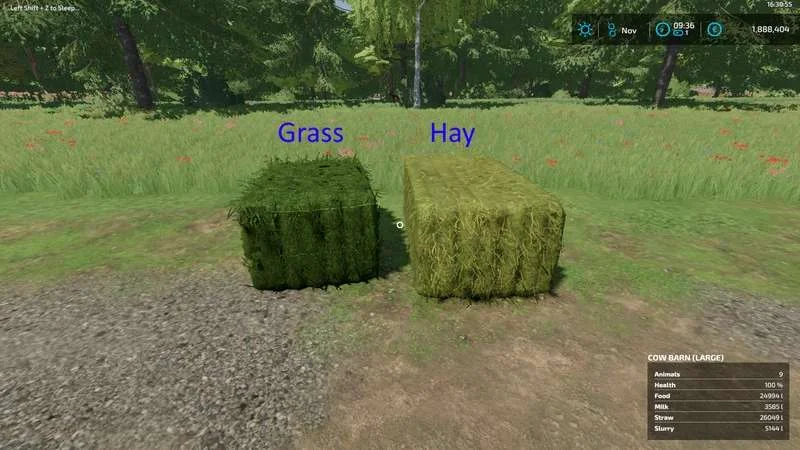
Because I was not happy with default textures for Straw Hay and Gras, I created a few new, based on real pictures. Install: Copy the dds files to farmingsimutar22/data/fill types and override the old files. Don’t forget to make a backup from the original files Enjoy Tags: Install Copy
Here is the Vehicle Shader for update 1.3, this file is to be placed in C:\Program Files (x86)\Farming Simulator 2022\data\shaders, it will allow you to lose the shine effect on the vehicles, noted that this version is for update 1.3, with each update the file will be reset by Giant, I will update the mods with each new update of the game. This file is to be replaced by your current shader, it does not affect multiplayer or server play, it even saves FPS on small PC configs. Tags: Farming Simulator 2022 FPS PC Vehicle Shader
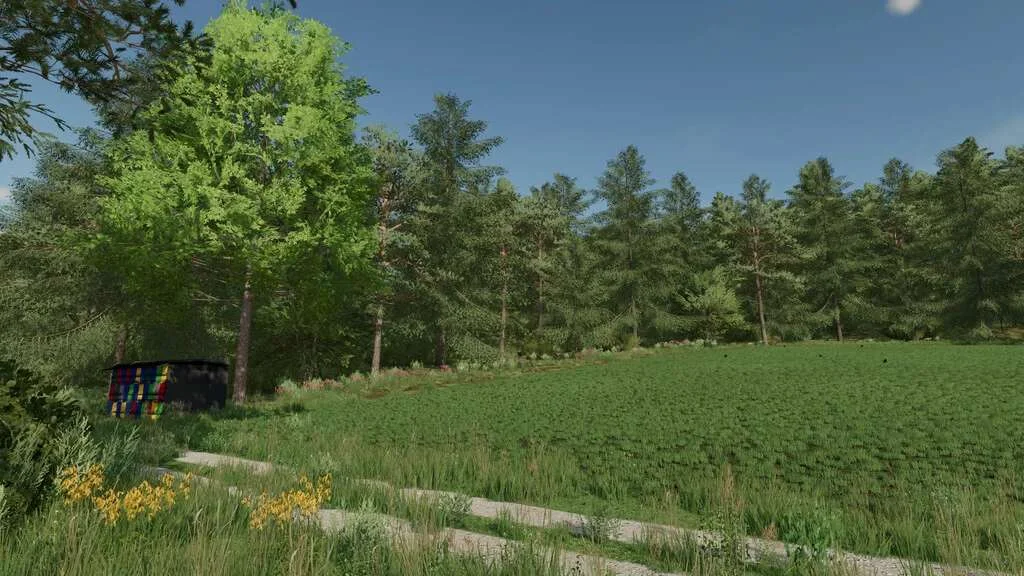
As I promised, I am throwing you a darker, changed meadow. Yellow flowers etc. have been removed and plants that look more like “weeds” have been added. Everything is dimmed with LOD (distance textures). The files should be put on your map and the lines should be changed in i3d maps or to the original game files. When the game is on steam it is, for example: c: / steam / steamapps / common / Farming Simulator 22 / data / foliage / meadow. But then it will only work on the American map, alpina has its meadow :). Have a nice game. Tags: example Farming Simulator 22 LOD
Here is a set of gravel and dirt textures more akin to what’s found in Iowa, USA. This is mainly meant for map makers as a base to use with the creation of maps. This can, however, be used to replace base game textures. This method is NOT RECOMMENDED. If you should chose to continue this path, however, create backups of the original files, overriding the base files with these. The structure of the .zip is such that it should just drop into your FS22 data folder. If you don’t know where that is, you probably shouldn’t be messing with this mod. Tags: FS22 usa
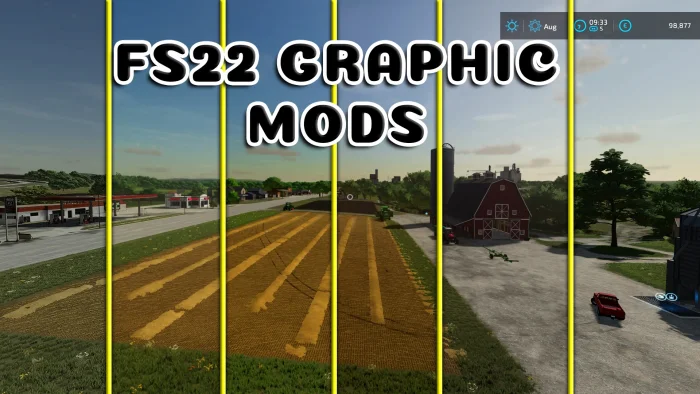
How to install 1 Open the downloaded file, open the “Graphic Mods File” folder, and then copy all the files in it. 2 Come to the place where the game is installed. example: D:\Farming Simulator 22 3 When you come to the place where the game is installed, you will see the “x64” folder. 4 Open the x64 folder, paste the files you copied into the x64 folder. 5 That’s it for the transaction. but reshade needs to be installed. Let me tell you how to set up reshade. How to install reshade? 1 Download reshade. 2 exe you downloaded. run the file. 3 Then find the game, press the “browse” button, go to the files where the game is installed, then open the “x64” folder. Select FarmingSimulator2022Game.exe. 4 then choose “Direct3D 10/11/12”. 5 Press the “Uncheck all” button on the lower left side of the screen. Then press the “check all” button again. then press the “ok” button. 6 installation is in progress. When the installation is finished, press the edit reshade settings button. 7 Click on the preset at the top of the screen that appears. and select the “Graphic Mod.ini” file. 8 You can close it by clicking the ok button. installation is complete. Wie installiert man 1 Öffnen Sie die heruntergeladene Datei, öffnen Sie den Ordner “Graphic Mods File” und kopieren Sie alle darin enthaltenen Dateien. 2 Kommen Sie an den Ort, an dem das Spiel installiert ist. Beispiel: D:\Landwirtschaftssimulator 22 3 Wenn Sie an den Ort gelangen, an dem das Spiel installiert ist, sehen Sie den Ordner “x64”. 4 Öffnen Sie den x64-Ordner, fügen Sie die kopierten Dateien in den x64-Ordner ein. 5 Das war’s für die Transaktion. aber reshade muss installiert werden. Lassen Sie mich Ihnen sagen, wie Sie Reshade einrichten. Wie installiere ich Reshade? 1 Laden Sie Reshade 2 exe heruntergeladen. die Datei ausführen. 3 Suchen Sie dann das Spiel, drücken Sie die Schaltfläche “Durchsuchen”, gehen Sie zu den Dateien, in denen das Spiel installiert ist, und öffnen Sie dann den Ordner “x64”. Wählen Sie FarmingSimulator2022Game.exe. 4 wählen Sie dann “Direct3D 10/11/12”. 5 Drücken Sie auf die Schaltfläche “Alles deaktivieren” auf der unteren linken Seite des Bildschirms. Drücken Sie dann erneut auf die Schaltfläche “Alle prüfen”. drücken Sie dann die “ok”-Taste. 6 Installation läuft. Wenn die Installation abgeschlossen ist, klicken Sie auf die Schaltfläche Einstellungen für die Neuschattierung bearbeiten. 7 Klicken Sie oben im angezeigten Bildschirm auf die Voreinstellung. und wählen Sie die Datei “Graphic Mod.ini” aus. 8 Sie können es schließen, indem Sie auf die Schaltfläche OK klicken. die Installation ist abgeschlossen. Tags: Kommen Sie Laden Sie Reshade OK Wenn Sie
Farming Simulator 22 will feature Parallax Occlusion Mapping, making surfaces like the ground appear more realistic. FarmCon is right around the corner. And, we have a new Community Manager. So, there’s a lot to talk about in this episode. Content of Episode 9 Tags: Community Manager Farming Simulator Parallax Occlusion Mapping