Vehicle Info v1.0.0.1 FS22
The Vehicle Info v1.0.0.1 FS22 is a custom FS22 mod designed for Farming Simulator enthusiasts. Downloaded over 0 times, this mod offers enhanced gameplay, clean installation, and dedicated server support for multiplayer games.
About Vehicle Info v1.0.0.1 FS22 (FS22 Mod)
Complete overview, key features, and compatibility guide for Farming Simulator.
The Vehicle Info v1.0.0.1 FS22 is an officially tested FS22 mod designed specifically for Farming Simulator players. Belonging to the Scripts collection, this modification delivers enhanced gameplay mechanics, realistic 3D modeling, and smooth dedicated server multiplayer integration.
Downloaded over 0 times, this addon has been community-verified for log-clean performance on Windows PC and Mac systems.
Mod Details & Release Notes
Vehicle Info shows information about your vehicles and attachments, active/helper/player/parked, fillLevels.
Click on the text (vehicle) to switch to it. Modify the order of appearance, to personalise the “Tab order”. Show / Hide inactive and/or parked vehicles. Skip inactive and/or parked vehicles, to personalise the “Tab order”. See realtime information about the current status of your vehicles, attachments and fill levels.
How to use: Press ‘right mouse button’ to (de)activate the mouse cursor. Press ‘left ALT + m’ key to open the settings menu (close it with selecting ‘[X]close’). Change menu settings by clicking on the text. Click on the text to switch to the vehicle. Press ‘Tab’ key to switch to the next vehicle in the list, press ‘left shift + Tab’ to switch to the previous one. Press ‘left ALT’ key and ‘left mouse button’ to select a vehicle, select another vehicle with ‘left ALT key’ and ‘left mouse button’ to switch the order. Press ‘left ALT + q’ key to mark the vehicle as ‘[P]’ parked, press again to remove parking or just start driving. Click on the [Vi] icon (if enabled) to toggle the quick show function, blue (off): only vehicles according to settigs are shown. Green (on): all vehicles are shown.
This mod is made by me from scratch with snippets/looks from some other mods. It was only meant for personal use, but upon request I share this with you. Created only for single player. I got my inspiration from several mods, credits to: HappyLooser (VehicleInspector), sperrgebiet (VehicleExplorer), CoursePlay Dev team (CoursePlay), AutoDrive Dev team (AutoDrive).
If you have any issues with the mod or anything related, please contact me on https://github.com/Bobster82/FS22_VehicleInfo
Tags: ALT Press Tab Show Hide Vehicle Info
Key Features & Performance Highlights
/mods/ folder.Frequently Asked Questions (Vehicle Info v1.0.0.1 FS22)
Q: Is Vehicle Info v1.0.0.1 FS22 free to download?
A: Yes! All Farming Simulator mods on Farming Simulator Mods are 100% free to download without subscription requirements.
Q: Which game version does Vehicle Info v1.0.0.1 FS22 support?
A: This mod is built for FS22 (Farming Simulator 22).
Q: Is Vehicle Info v1.0.0.1 FS22 safe and virus-scanned?
A: Yes, every file undergoes automated virus and integrity checks before publishing.
Unlock Download Link
To download Vehicle Info v1.0.0.1 FS22, click the Like button below to reveal the direct download URL.
Click above to unlock the download link.
Specifications & Mod Metadata
FS22 ModHow to Install Vehicle Info v1.0.0.1 FS22 (FS22)
- Click the Like button above to reveal and copy the direct download link.
- Download the
.zipmod file to your computer. - Copy the downloaded
.zipfile (do NOT unpack unless instructed). - Paste it into your Farming Simulator mod folder:
Documents / My Games / FarmingSimulator2022 / mods / - Launch the game and activate Vehicle Info v1.0.0.1 FS22 in the mod selection menu.
Related FS22 Mods You May Like
Explore All fs22-mods →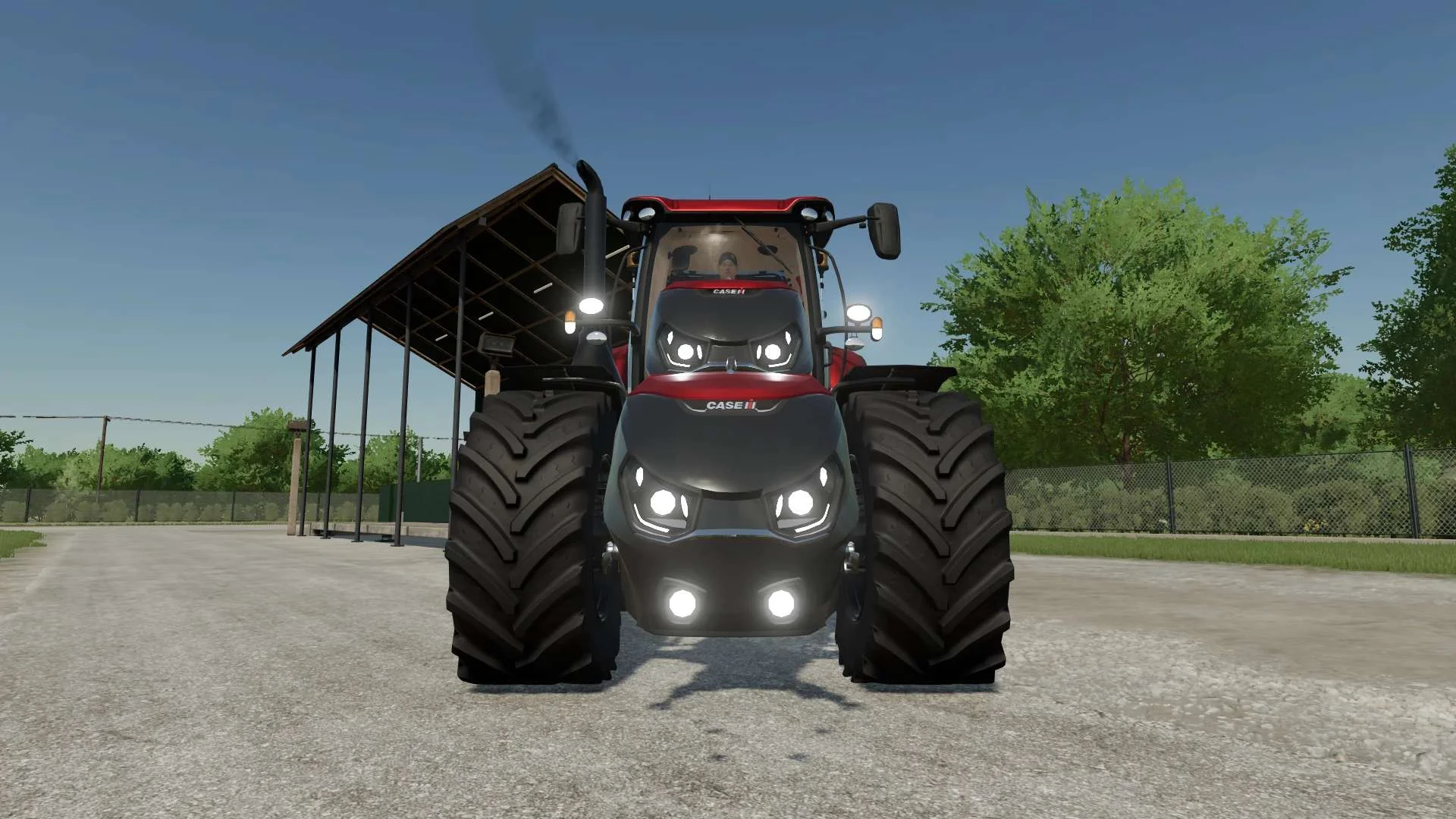
Case IH Optum Nose Weight v1.0 FS22
Front Weight for Optum Lights, color choice, 2300Kg By White_Lutin
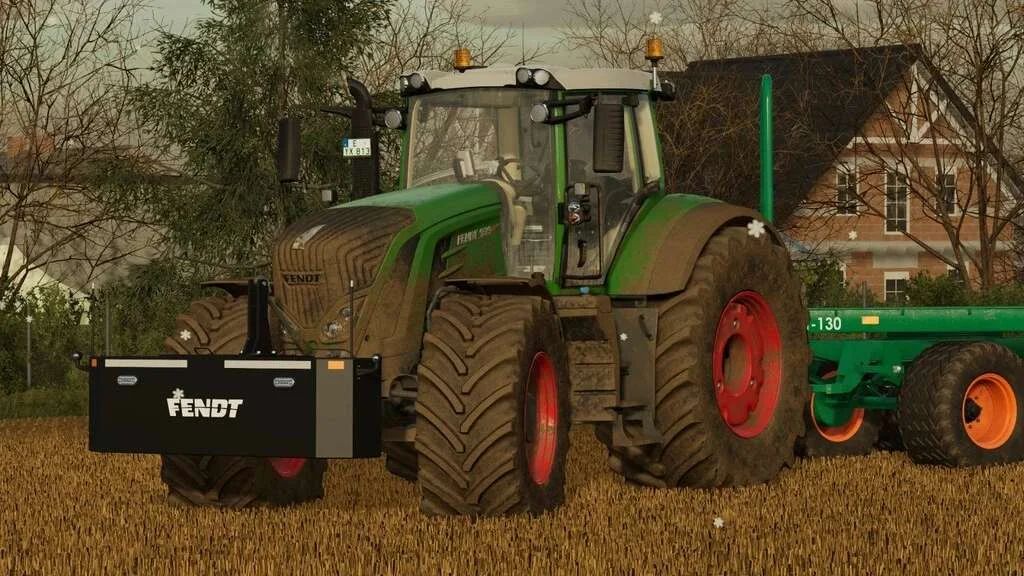
Weight 2500kg, 1800kg, 1200kg v1.0 FS22
Lizard Weight 2500kg, 1800kg, 1200kg The pack containts 3 weights with different colors, different lights and different brands. Weigth 1200kg: – Price: $1.200 Weight 1800kg: – Price: $1.800 Weight 2500kg: – Price: $2.500
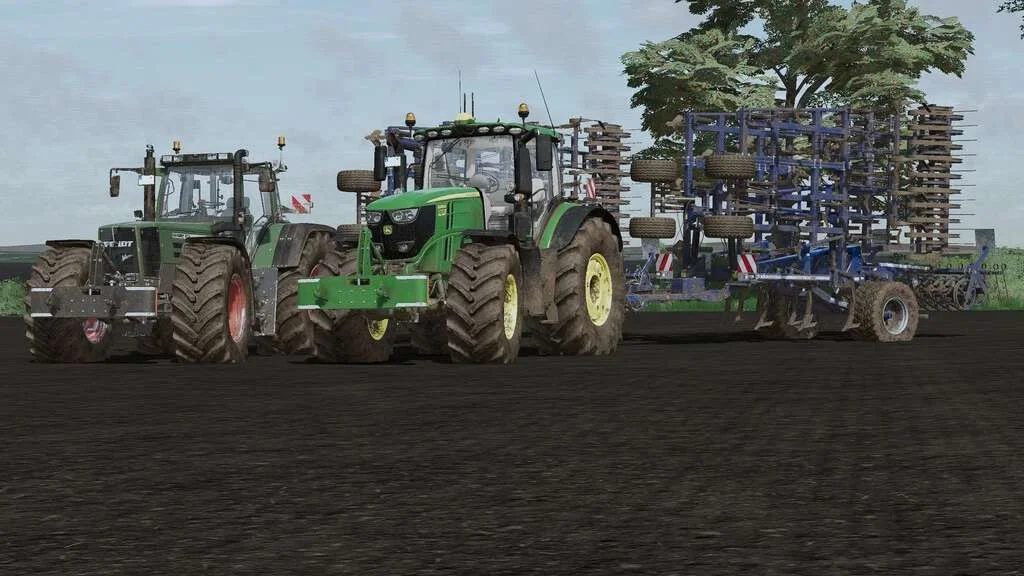
Lizard Weight v1.0 FS22
Weight: 500kg Three Point Linkage Price: 1200$ Tags: Game Farming Simulator PS5
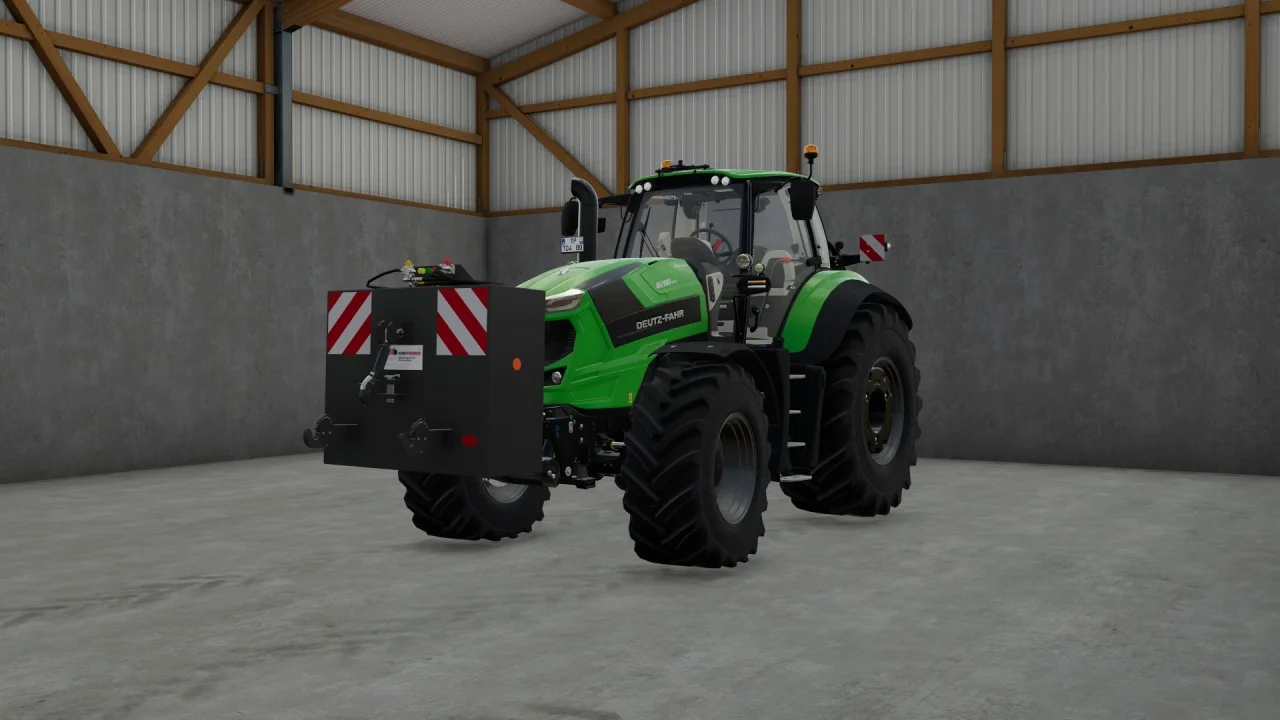
Rear mass 3000KG V1.2 FS22
Black tiger offers us here a mass of 3 tons. The guarantee of constant wheeling on a small tractor! Price: 4.500 €
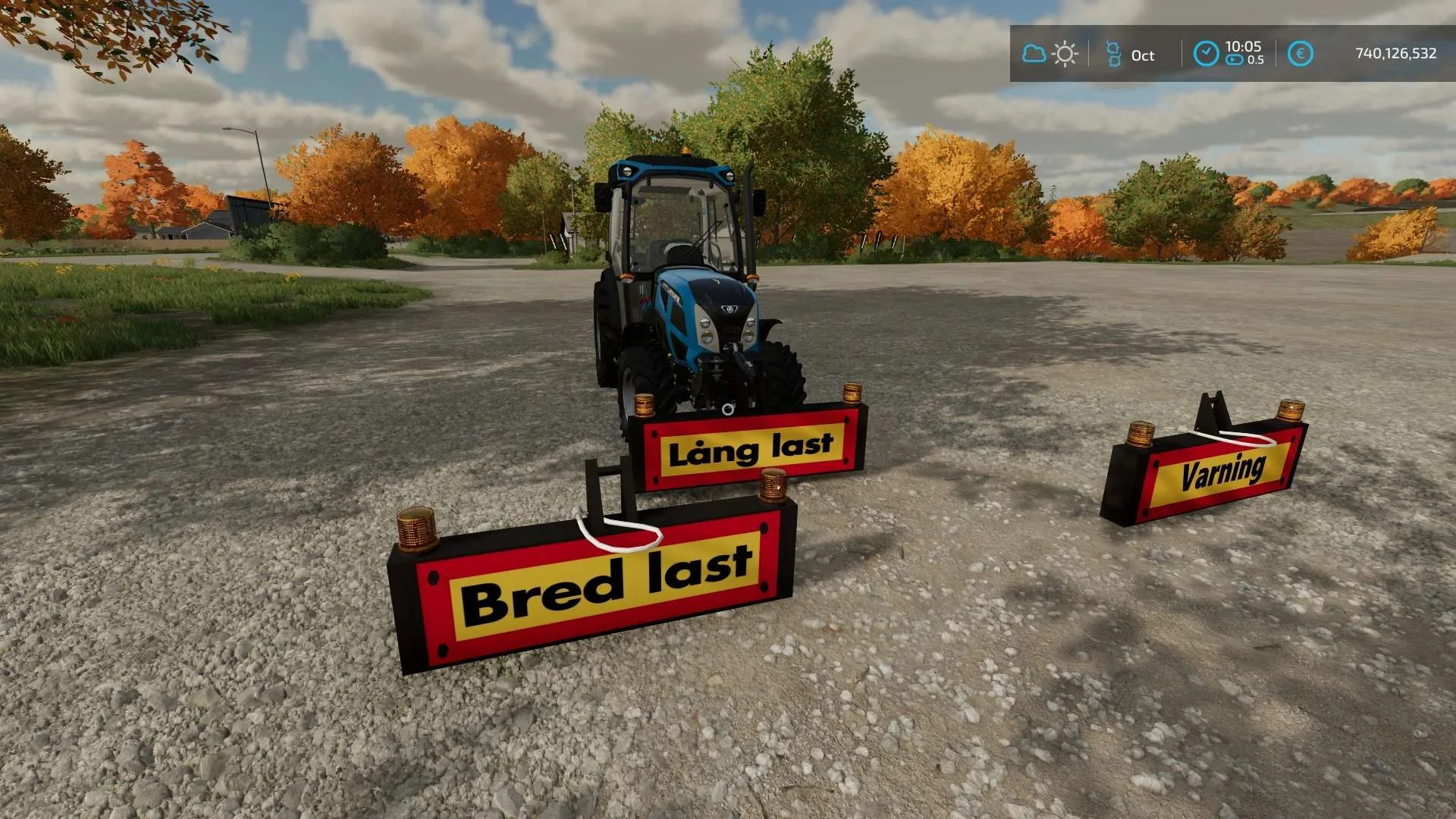
Equipment to tractor v1.0 FS22
Game: Farming simulator 22 Title: Bred/Lång/Varnings Skylt Price: 1000 Brand: LIZARD Category: weights Tags: Game Farming

Bender Weight v1.0 FS22
8 selectable weight amounts from 420 – 4200 3 point attachment to bender Dynamic legs that disappear when attaching to Bender Front hardened steel heavy duty trailer hitch to connect trailers and low trailers Price: Varies by weight Location: Vehicle Menu > Weights Get your favorite Futurama character today! Tags: Bender Front Direct Donations Join Farming Simulator Price Varies