This script balances the prices for field orders so that jobs that take more time also bring more money than fertilizer jobs Tags: Mission Balance money
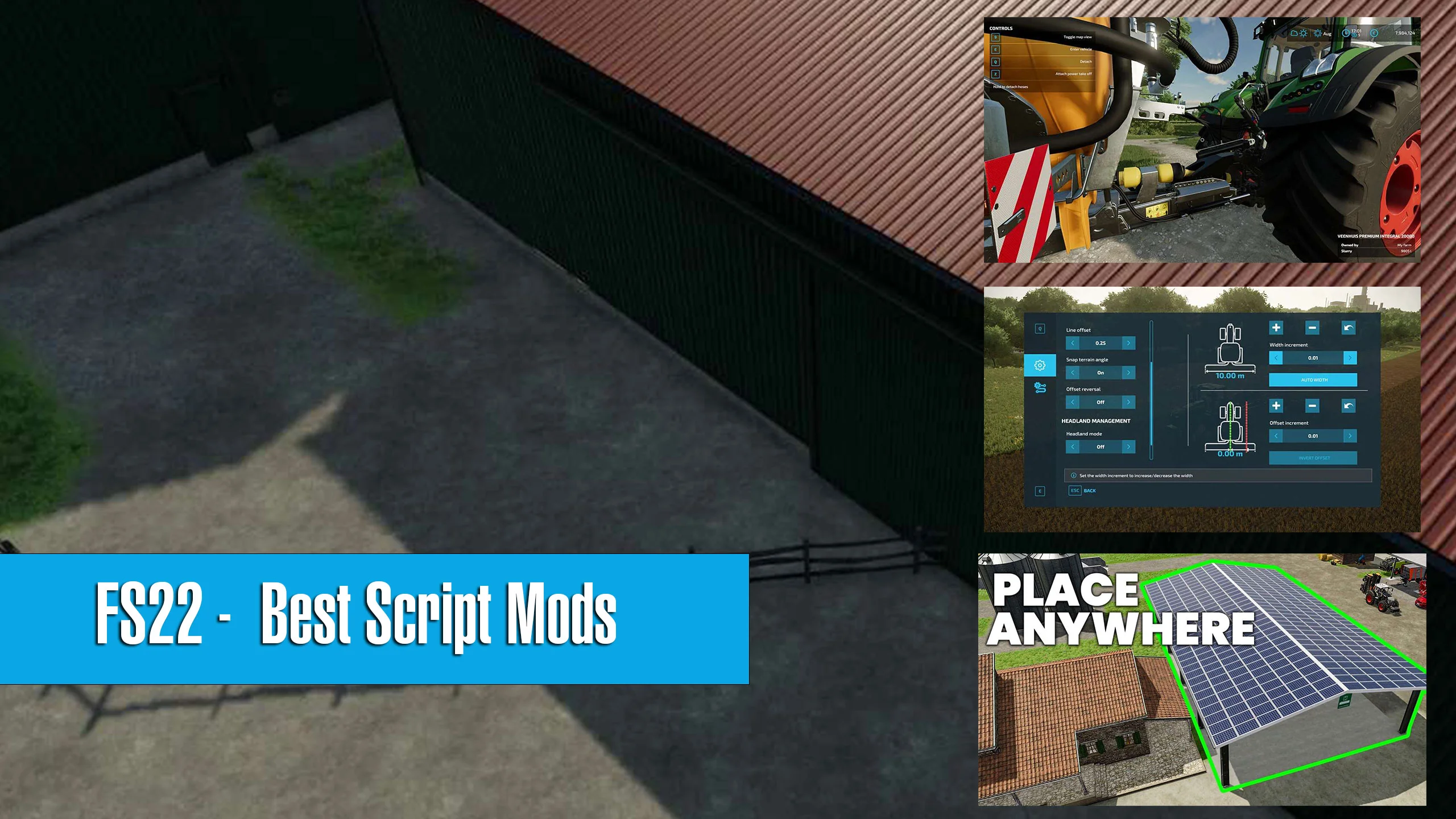
Playing Farming Simulator 22 on PC or Mac? Good news – it means that you can take advantage of script mods, adding a whole new dimension to this excellent game. Script mods can do massive changes to the base gameplay, making it more complete, interesting, or simply more fun to play. These right here are our FS22 script mods: Functionality: Gives you free money Category: Generator Modder: Realismus Modding Platforms: PC/Mac Government Subsidy is as close as Farming Simulator 22 can go to a money cheat. Well – sort of. Real farmers in the real world also get government subsidies that can help them grow and improve their farms. But of course, the script mod can help you get much more financial help than any actual farm. You get to choose from two types of subsidies: local and government. Local gives you a manageable $100,000 a year, coming in small increments. A massive government subsidy will give you $100MM a year – letting you immediately join the big leagues, and buy some serious equipment. Functionality: Better object placement Category: Gameplay Modder: KR-Softwares Platforms: PC/Mac Farming Simulator 22 offers great gameplay. But it is in no way perfect. For example, placing objects on the grid can be a little troubling. This is where PlaceableExtended comes to help. This Farming Simulator 22 script eases the tough rules of the game, letting you change the game’s physics and place the items much closer to one another. You can even put one object inside another, going completely against the original rules of the game’s system. This mod is readily available in the game’s own modhub. Functionality: Better object placement Category: Gameplay Modder: Ifko Platforms: PC/Mac Place Anywhere is a yet another option allowing for much more free object placement all around the game map. It works in pretty much the same way as the previous PlaceableExtended mod. While these mods do nearly the same thing – and do it remarkably well – there are still a few differences there or there. Similar mod options on FS19 were only limited to adding things anywhere you wanted to on the ground. On the latest version of the game, FS22, Place Anywhere extends its possibilities and includes the function to add various objects even in buildings with floors. This is also a feature now found on PlaceableExtended. PlaceAnywhere is not available on the main game’s modhub – but you can still download and easily add it to the game. Functionality: Vehicle control, GPS Category: Gameplay Modder: Mogli12 Platforms: PC/Mac Vehicle Control Addon is a fantastic FS22 mod, making the overall gameplay a lot more enjoyable. With this mod, you can get a lot of extra features on the game, including multiple selectable cruise control speeds, and inching. Modern throttle-by-joystick controls, found on many recent tractors, are available as well. There are even options for camera and overall vehicle steering. But that’s not even the most exciting thing here. The mod includes full GPS functionality to FS22, meaning that you can finally take advantage of GPS-controlled steering, which you can find on many modern cutting-edge tractors. This is a pretty extensive mod – and it’s very much worth mastering everything that it offers. Functionality: Auto steering Category: Gameplay Modder: Wopster Platforms: PC/Mac Guidance Steering, a mod created by Wopster, is returning to Farming Simulator 22. It easily adds GPS steering in the game, making complicated fieldwork as simple as it can get. And more fun, too! Similar to automated GPS driving systems, found on many modern farm vehicles, this system can be activated by purchasing a GPS module in the shop. Then, you simply create the AB points, and get to work! However, this mod won’t let you record headland routes, as well as won’t do any automatic turns. Here’s hoping this feature finds its way here with the later updates. Functionality: More realistic handling Category: Gameplay Modder: Wopster Platforms: PC/Mac If FS22 is not realistic enough for you, mods like Manual Attach can help. How so? Well – in real life, vehicles and equipment don’t really connect with a click of one simple button. There’s usually a lot more work involved. Here’s an example. In order to connect a trailer to a tractor, you need to do it manually, and this mod enforces exactly that. Instead of just driving up to the trailer and pressing a button, you’ll have to leave your vehicle, and then connect the trailer, Power Take-off and all the required hoses manually. It’s a fun little mod that brings the game just an inch closer to real life. Functionality: Cheats Category: Random Modder: w33zl Platforms: PC/Mac What is a good FS22 script mod list without a good cheat mod, right? Enter the Power Tools mod, letting you add some seriously good cheats to the game without messing up that game’s code. Instead, it uses all the readily available functionality the developers added to the game via it’s developer mode. By
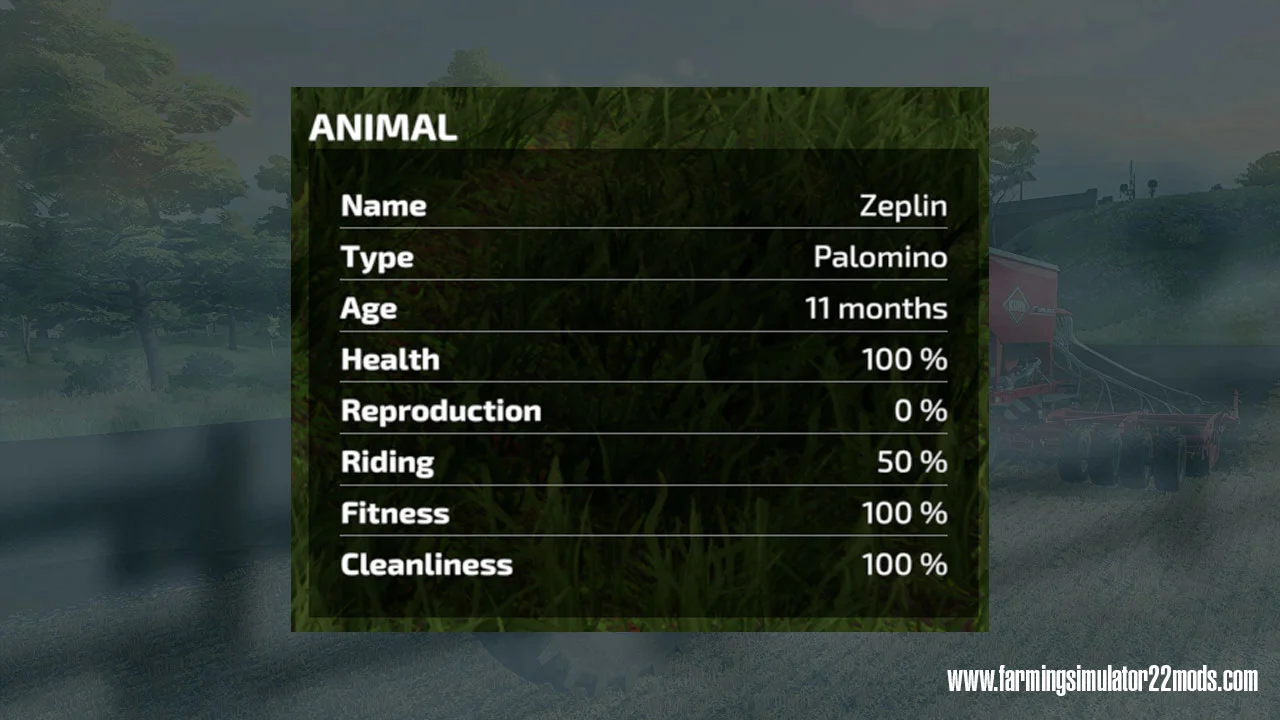
Who said horses can’t exercise themselves? Yes, yes, they’re trapped in a tiny stable with a tiny field, but let’s pretend they’re not and can run themselves silly like any real horse would. You can ride them beyond 50% to get gains on fitness, but this will at least keep them from losing fitness over time just because you want to fast forward to harvest season.
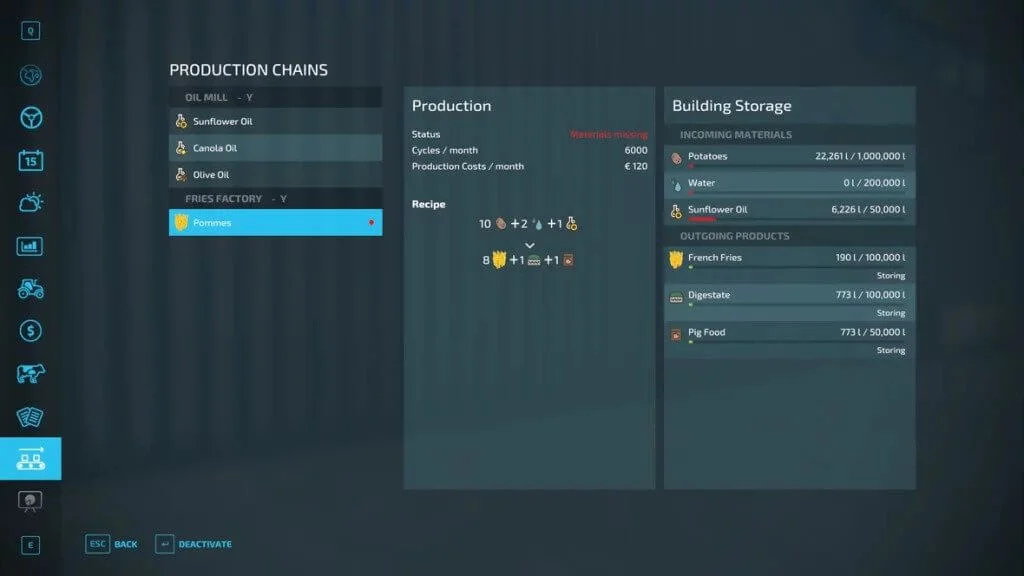
The first version of the productions Info Hud, known from the FS 19. Since the FS19 version was built on Global Company dialogues and methods, this first version now comes without setting options. The first version has the following, non-customizable properties: Display of the active productions with their remaining time A production is only displayed if It has less than 72 hours remaining It has less than 50% fill level The display is sorted according to the remaining time, whichever runs empty or is empty first is shown at the top Only 5 productions are shown Tags: Info Hud LS modhoster PN
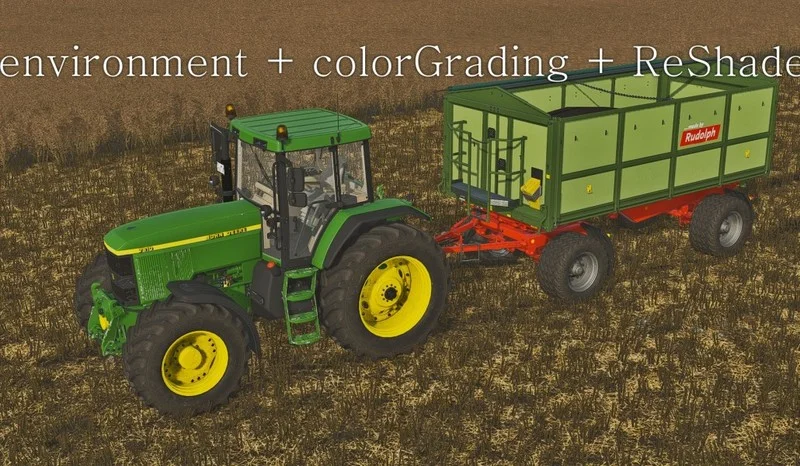
Unzip the file to a folder. 1. An example of lighting location for a French map: X:\Steam\steamapps\common\Farming Simulator 22\data\maps\mapFR In this folder you should have a file called environment.xml, open it and search for the lines you want to change: autoExposure primaryExtraterrestrialColor Copy the lines from the text file “environment” to environment.xml, where your map is. See above. 2. Copy the contents of the “colorGrading” folder to the same location: X:\Steam\steamapps\common\Farming Simulator 22\data\maps\mapFR (When copying, replace old files) 3. You do the same for the rest of the original maps. Tags: example Farming Simulator 22
Vehicle Info shows information about your vehicles and attachments, active/helper/player/parked, fillLevels. Click on the text (vehicle) to switch to it. Modify the order of appearance, to personalise the “Tab order”. Show / Hide inactive and/or parked vehicles. Skip inactive and/or parked vehicles, to personalise the “Tab order”. See realtime information about the current status of your vehicles, attachments and fill levels. How to use: Press ‘right mouse button’ to (de)activate the mouse cursor. Press ‘left ALT + m’ key to open the settings menu (close it with selecting ‘close’). Change menu settings by clicking on the text. Click on the text to switch to the vehicle. Press ‘Tab’ key to switch to the next vehicle in the list, press ‘left shift + Tab’ to switch to the previous one. Press ‘left ALT’ key and ‘left mouse button’ to select a vehicle, select another vehicle with ‘left ALT key’ and ‘left mouse button’ to switch the order. Press ‘left ALT + q’ key to mark the vehicle as ‘’ parked, press again to remove parking or just start driving. Click on the icon (if enabled) to toggle the quick show function, blue (off): only vehicles according to settigs are shown. Green (on): all vehicles are shown. This mod is made by me from scratch with snippets/looks from some other mods. It was only meant for personal use, but upon request I share this with you. Created only for single player. I got my inspiration from several mods, credits to: HappyLooser (VehicleInspector), sperrgebiet (VehicleExplorer), CoursePlay Dev team (CoursePlay), AutoDrive Dev team (AutoDrive). If you have any issues with the mod or anything related, please contact me on https://github.com/Bobster82/FS22_VehicleInfo Tags: ALT Press Tab Show Hide Vehicle Info
This is a revamp of the good old VehicleSort from FS17. For beginners: VehicleExplorer helps you organize your vehicles, by showing you a list that can be organized, well, sorted by you. List of all steerable vehicles (Specialization: Enterable) Set a customer order for your vehicles Your order is saved in the default vehicles.xml, so no additional clutter Enter your vehicles directly with a click of a (mouse) button This is meant literally, see known issues EasyTab: Switch between the last two selected vehicles Park your vehicles, so that a switch of vehicles via Tab ignores them Repair vehicles and its implements Let your vehicle and implements get cleaned on a repair from your friendly VeEx staff If Seasons is enabled, you can also let the vehicle and implements get repainted Displaying a store image next to the list Info box with additional informations Motor on/off, turned on/off (for e.g. harvester) and light status is saved and restored Different colors in the list if a vehicle is selected, or currently used by a helper/Courseplay Config is saved per savegame within modsSettings/VehicleExplorer/savegameX Show/hide trains in the list Show/hide station cranes in the list (No idea if that actually works, would need a map with a crane to test) Show/hide steerable implements/trailers (e.g. forwarder trailer with crane) Show/hide brand names in the list Show/hide your own name when you enter a vehicle Show/hide horse power in the list Show/hide fill levels in the list Show/hide implements in the list Show/hide store images Show/hide infobox Move infobox up/down Show/hide a background for the infobox/store image Change text size Change text alignment Change list background transparency Enable/disable saving of the additional vehicle status (motor, turnedOn, lights) Show/hide keybindings in the game F1 help menu (needs a game restart to take affect) Clean vehicle & implements on a repair With Tardis you can teleport yourself AND your vehicles to any position on the map With VehicleExplorer & Tardis you can select a vehicle on the list, and teleport that to any location without entering it. You can also configure if you want to enter the vehicle after teleportation or just drop the vehicle to another location With Tardis Map Hotspots you can again, select a vehicle and quickly teleport that to one of those hotspots If you want to use the ‘sorted tabbing’, make sure you drop the default key binding in the game menu. I didn’t find a way to overwrite the default vehicle switching, and I think it’s better to let you, the user, this choice anyways. Note that the current version does NOT support multiplayer! Tags: Default Keybinding Mouse Left Mouse Right Shift Tab
This script extends the time scale up to a maximum of “9000”. The additional values can be switched by pressing “leftctrl + KeyPad_plus” and “leftctrl + KeyPad_minus”. Press the key “7” or “8” to reset the time scale to “1” or “120”. The time scale can only be changed by an admin.
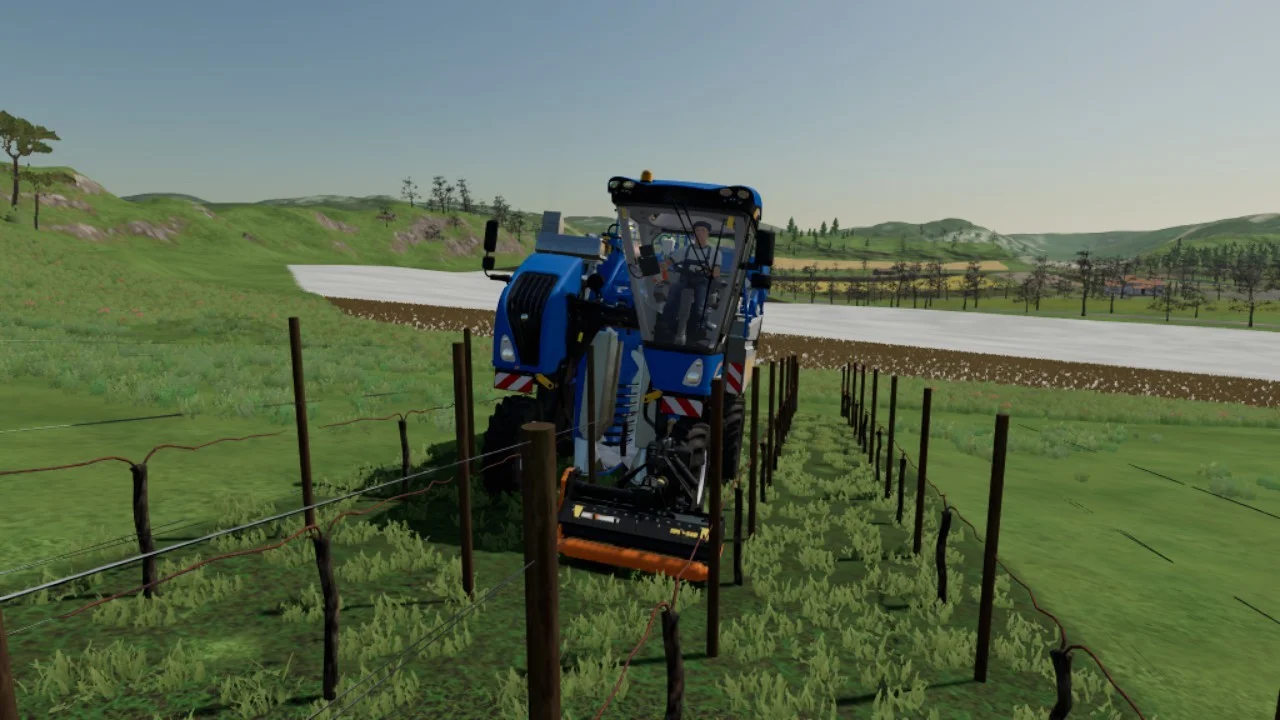
ATTENTION: It is not a mod to be placed in the “mods” file This mod allows you to plant vines with a smaller inter-row (I have adjusted it for the 1.5m tools in the game is fine) So you only have one pass of the crusher or decompactor to go through to make the entire row. Tags: ATTENTION
Crossplay is coming to Farming Simulator 22! Missed our crossplay announcement? Go, catch up! There’s an FAQ included. Also, if you’d like to know more about what that means for your future multiplayer experience, listen to the new episode of our podcast! As a special guest, we welcome Marcel Bößendörfer to the podcast, CEO of Nitrado – the world’s leading provider of dedicated game servers, including servers for the Farming Simulator series. Find out more about Nitrado below! Nitrado is the world’s leading game server hoster, offering high-quality game servers at a low price for a variety of games, including Farming Simulator 19, and soon Farming Simulator 22. Nitrado servers allow you to host a persistent multiplayer session for you and your friends to drop in and out anytime, and have full control. Even via App, allowing you to manage your Farming Simulator server anywhere and as easily as possible. Using the latest technologies, Nitrado strives to provide its customers with the best possible gaming experience. That includes safe servers, secured by DDoS protection, and a 24/7 customer support. Just in time for the new era of crossplay, Nitrado is once again our trusted partner for Farming Simulator 22 servers. “Crossplay is fantastic news, and finally allows console players to enjoy dedicated servers, too. Gamers waited a long time for this. We’re very glad and proud to be involved right at launch to support this new way to experience the game”, comments Marcel Bößendörfer, CEO at Nitrado. Find out more about Nitrado servers over at Nitrado.net! Tags: FAQ Farming Simulator 22 FS22 FS22 mods ps4 FS22 xbox one